
Our Approach / Design
Start your product design here. Finish it in the ISS portal, with an account manager who works through every file with you.
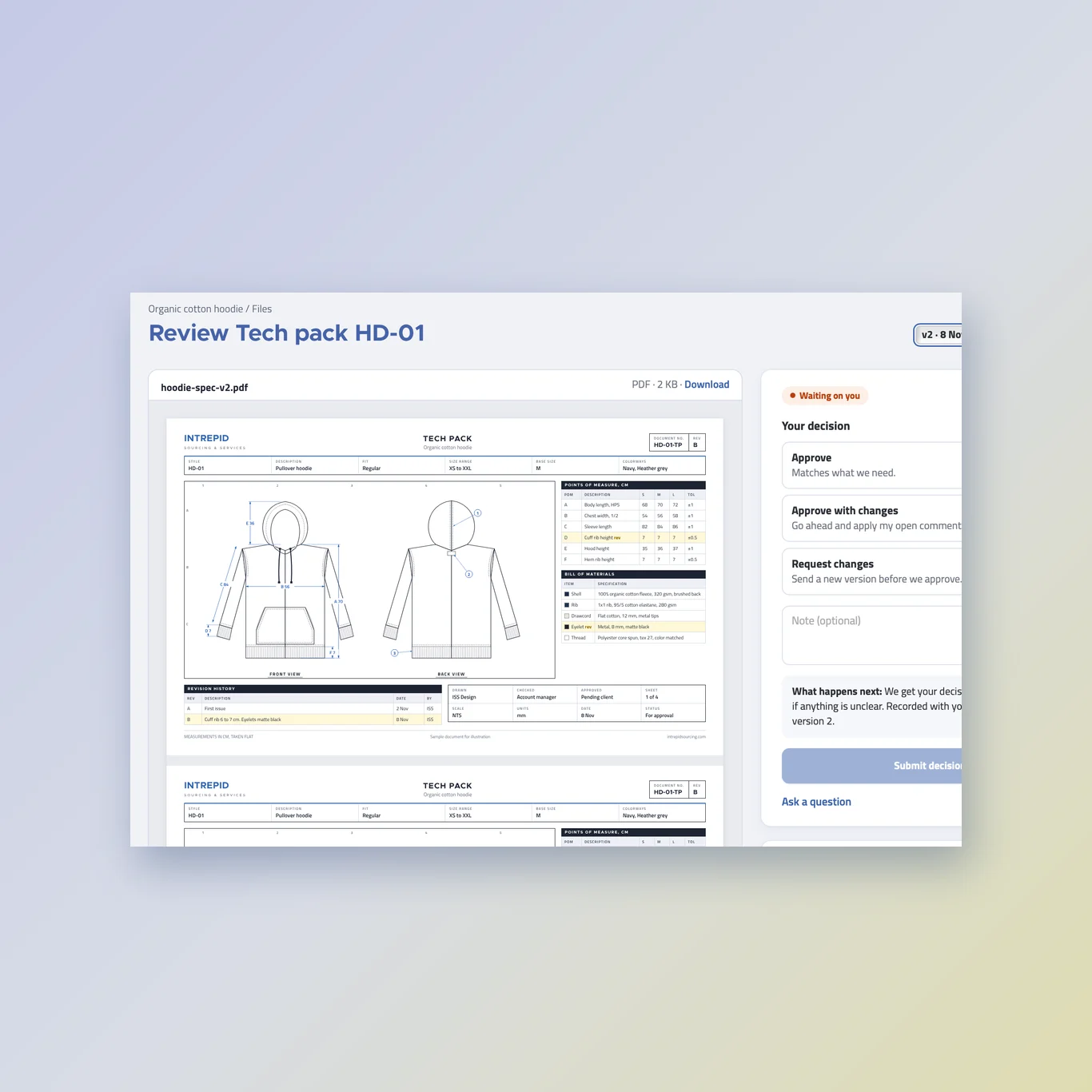
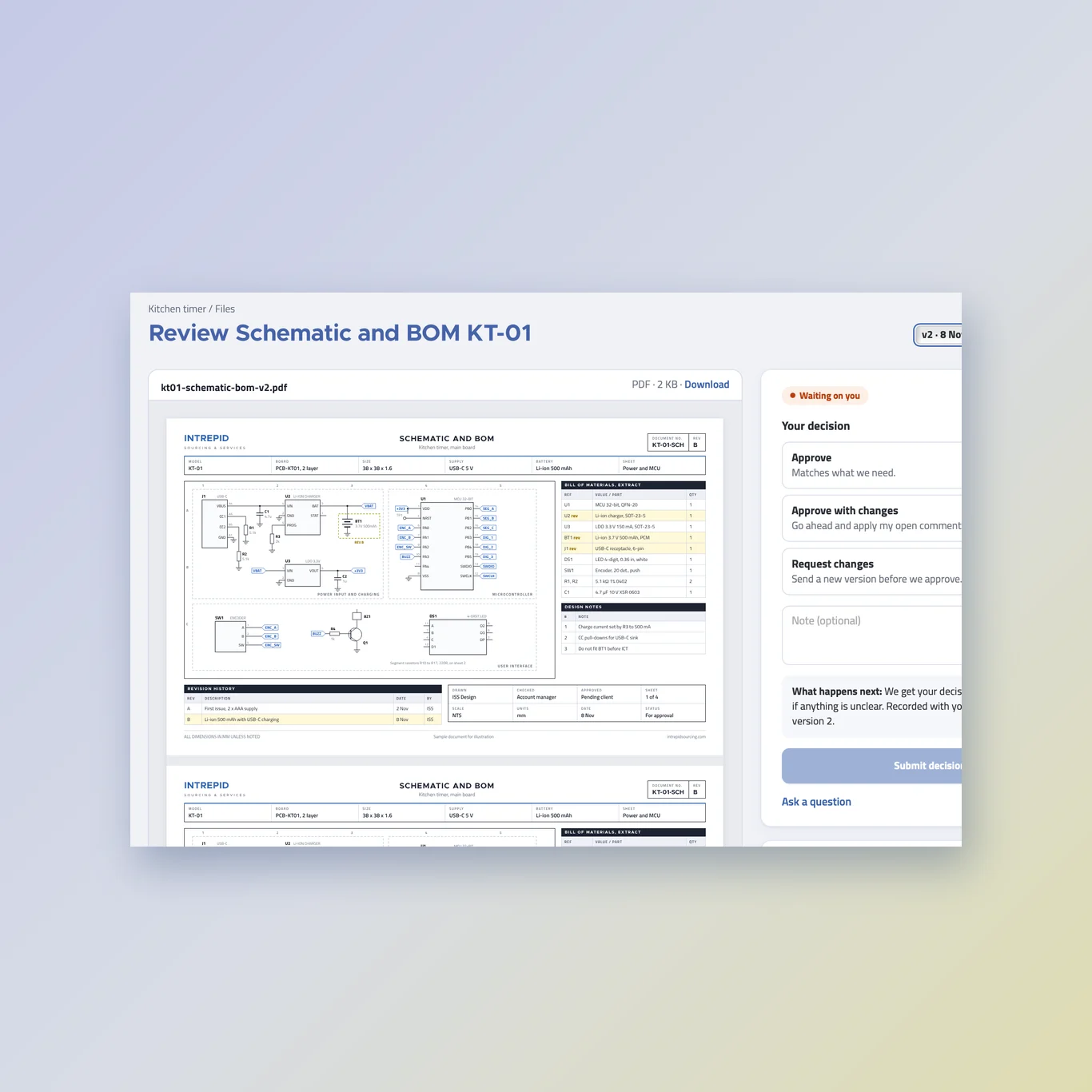
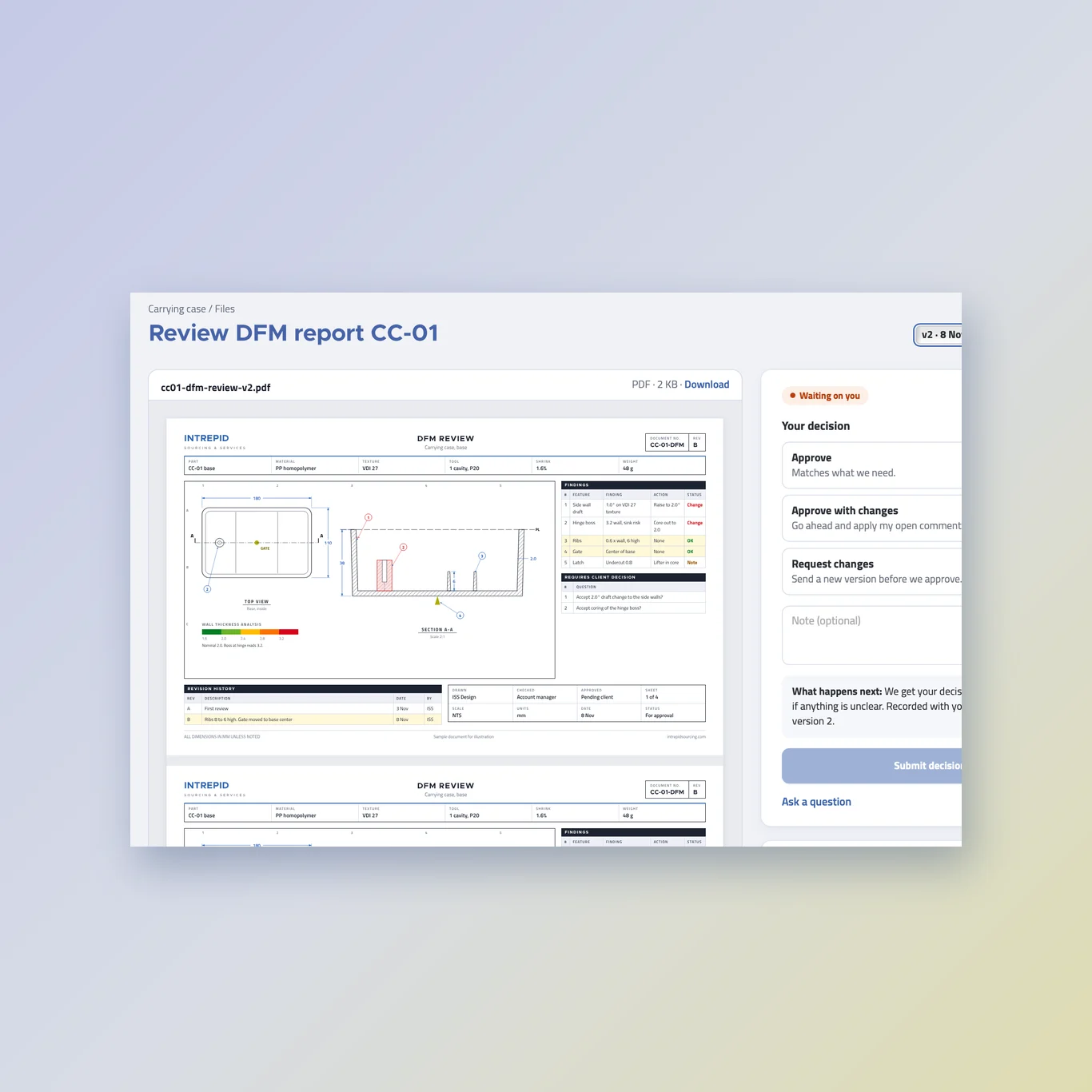
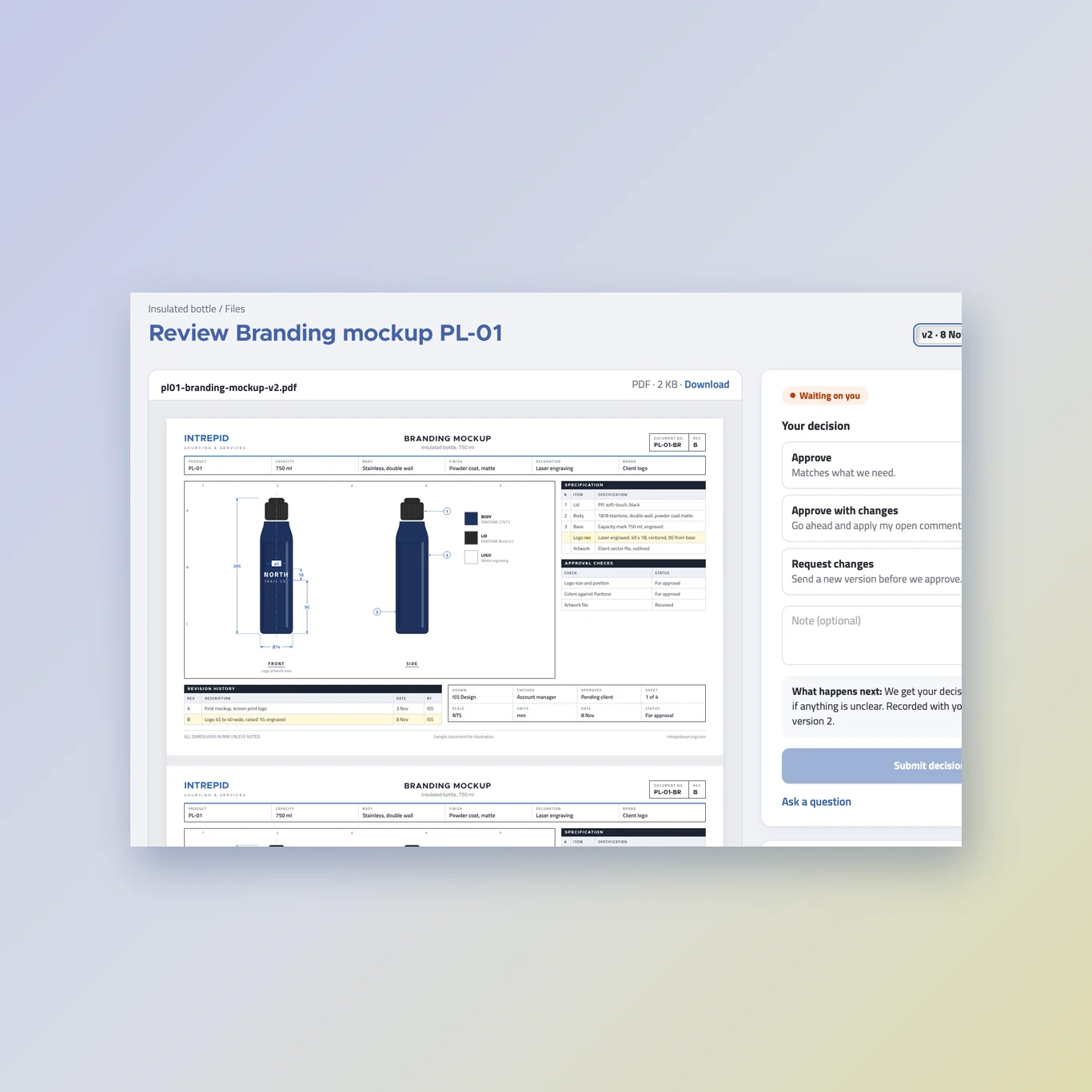
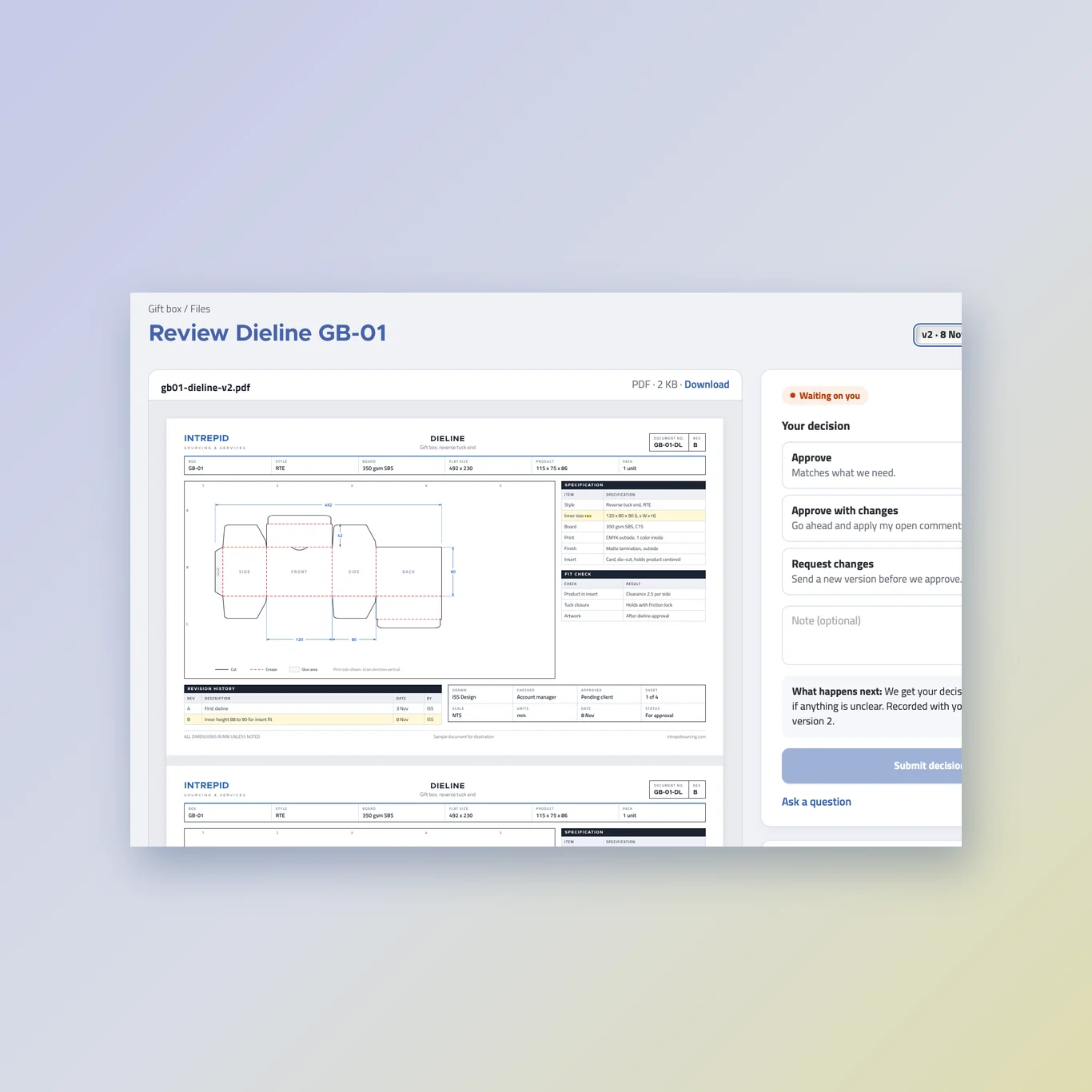
Your own portal
Every product design file, version and decision in one place you can log into.
Personal account manager
One person who knows your product and talks every choice through with you.
Guaranteed Results
13 years making products for brands, from first-time founders to global names.
Where do you start?
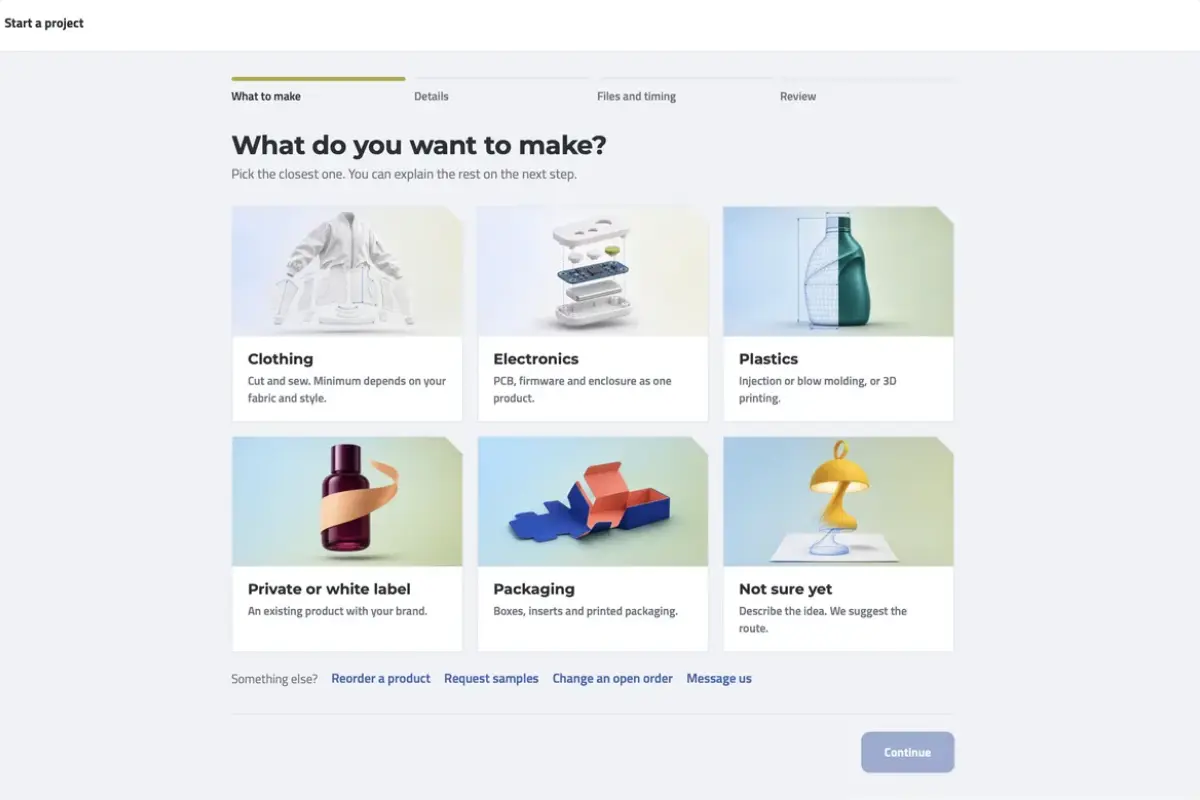
Pick one. Every step below changes to show how product design works for it.
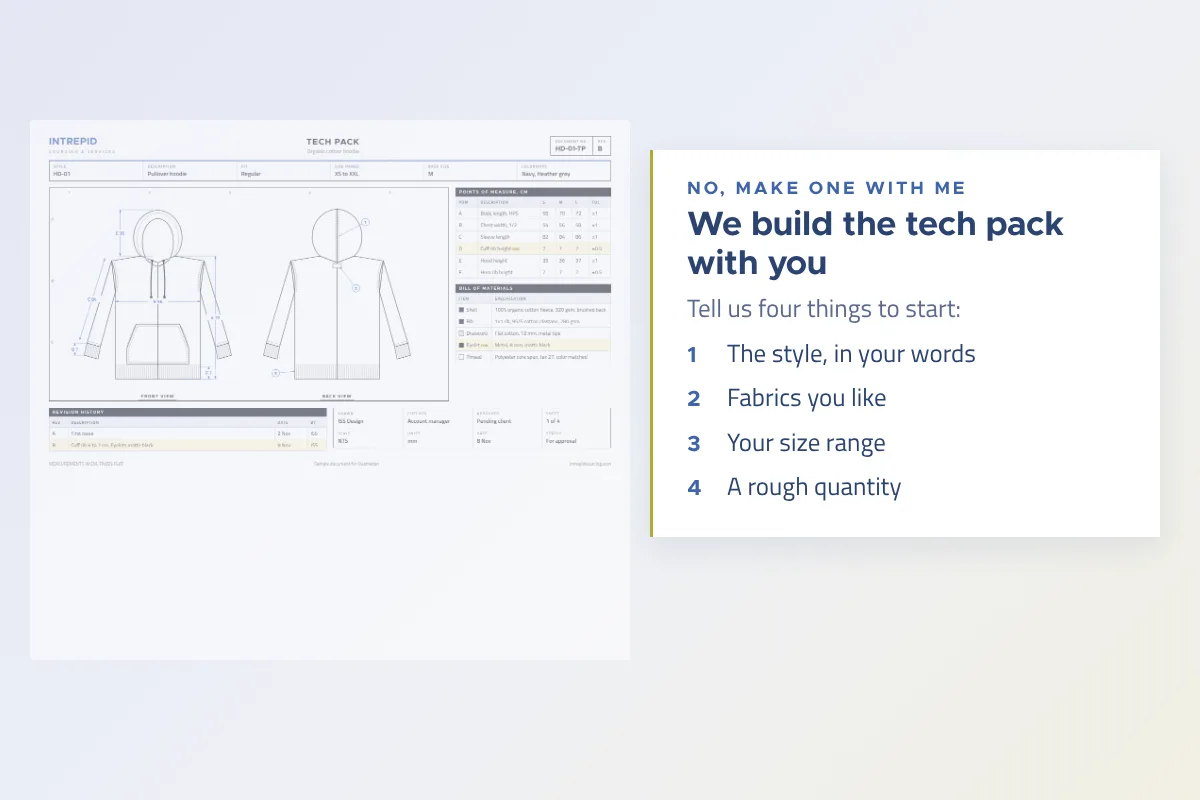
We start with what you have. A finished tech pack, a sketch or only an idea. Your account manager reviews it and tells you what your product design is missing.
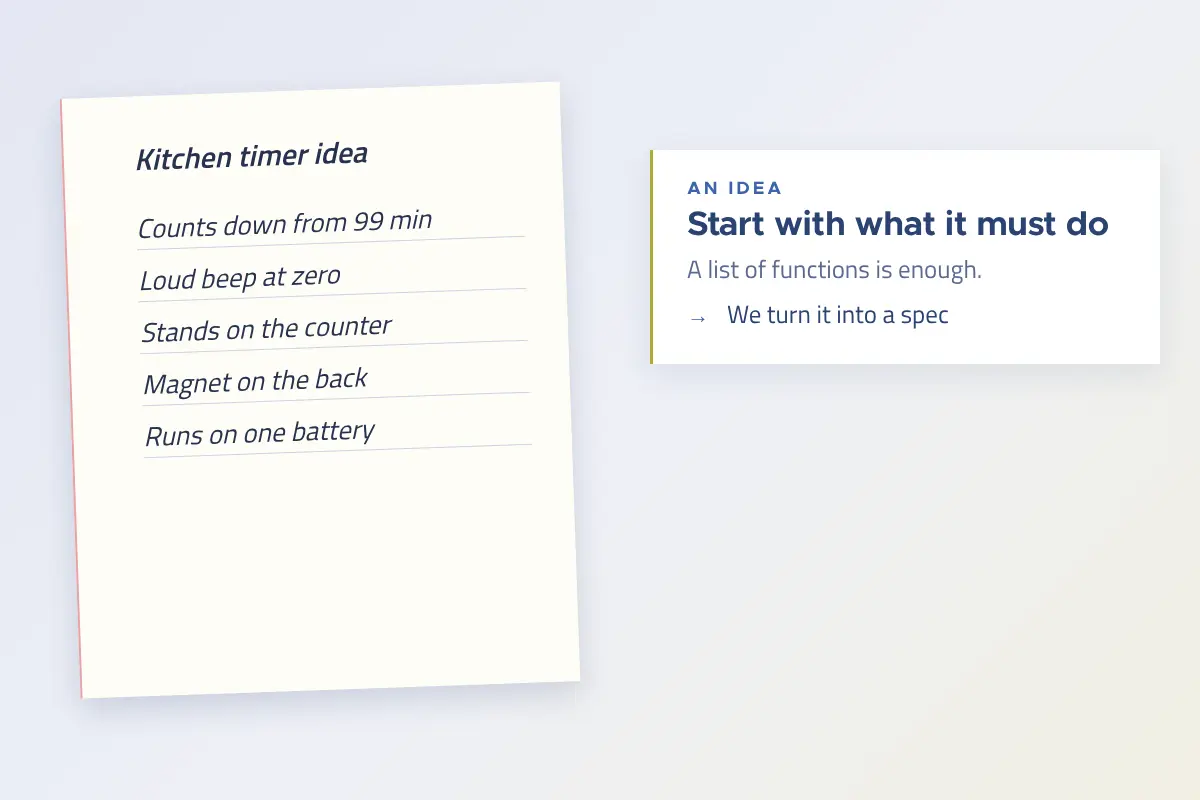
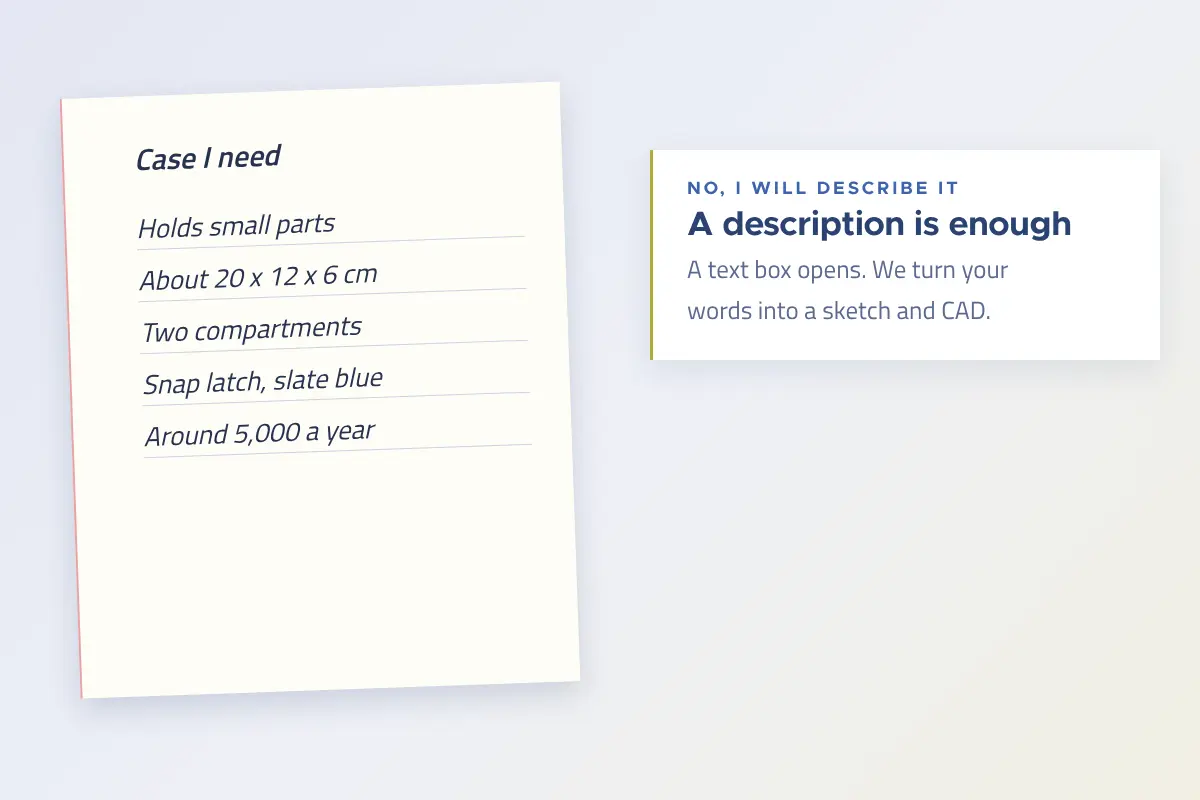
We start with what it must do. A list of functions is enough. Your account manager reviews it and tells you what your product design is missing.
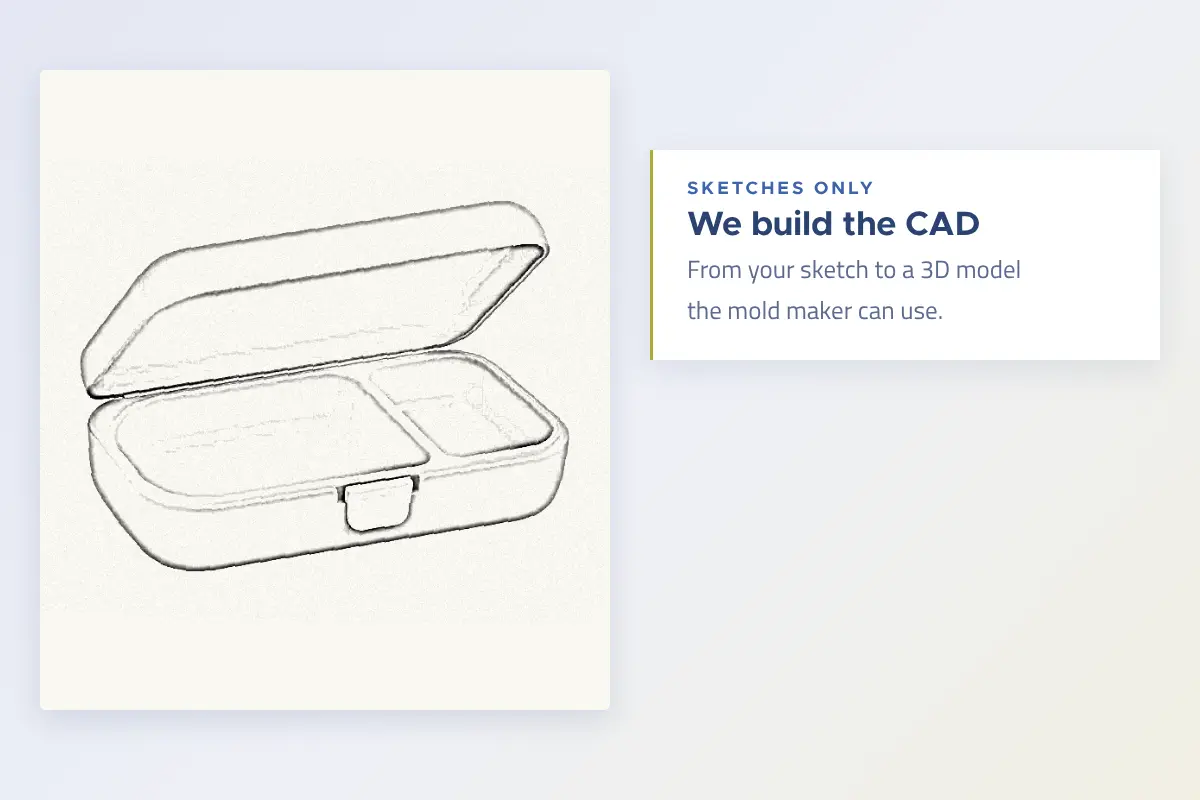
We start with the part and its job. CAD files, a sketch or a sample all work. Your account manager reviews it and tells you what your product design is missing.
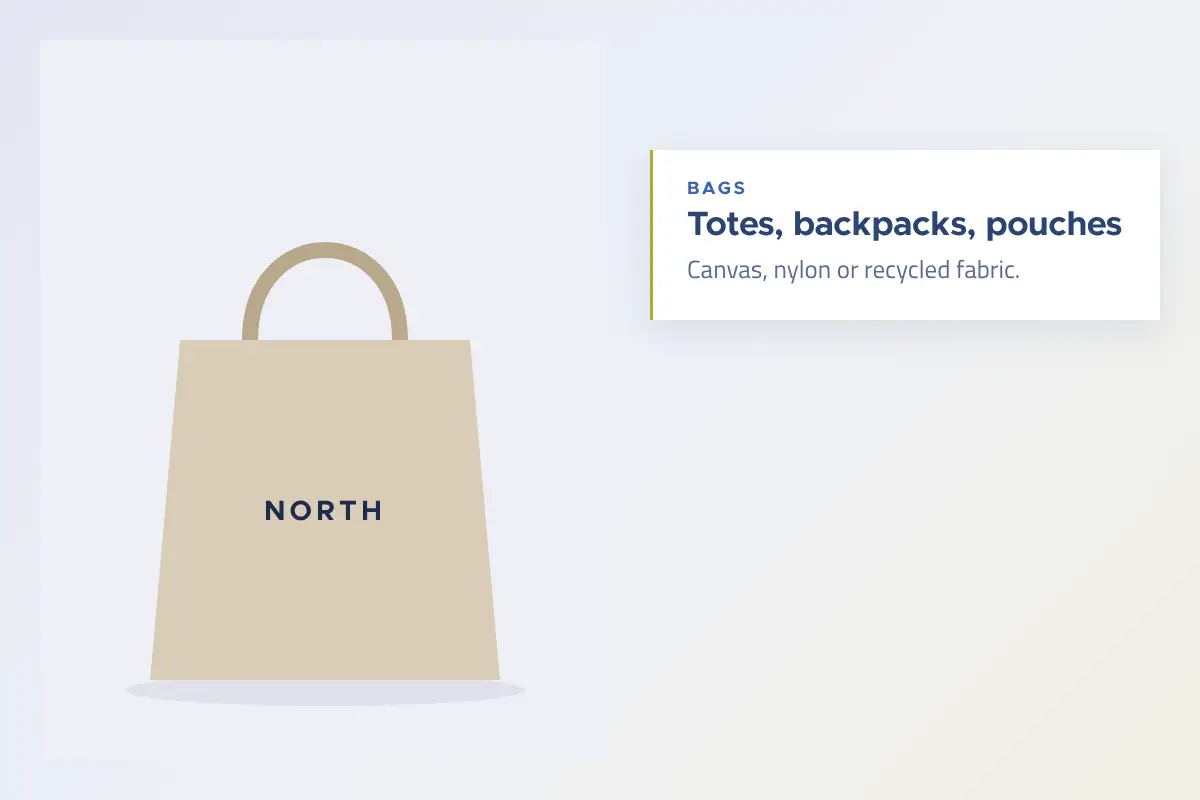
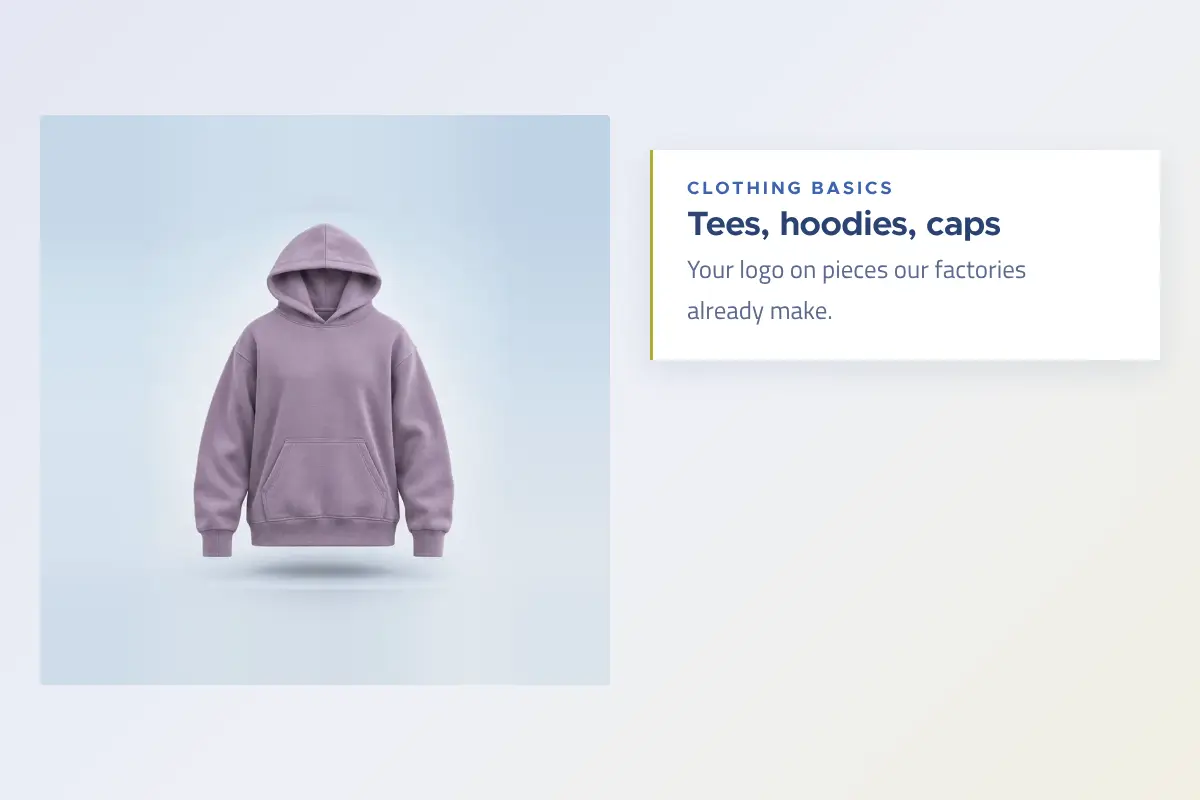
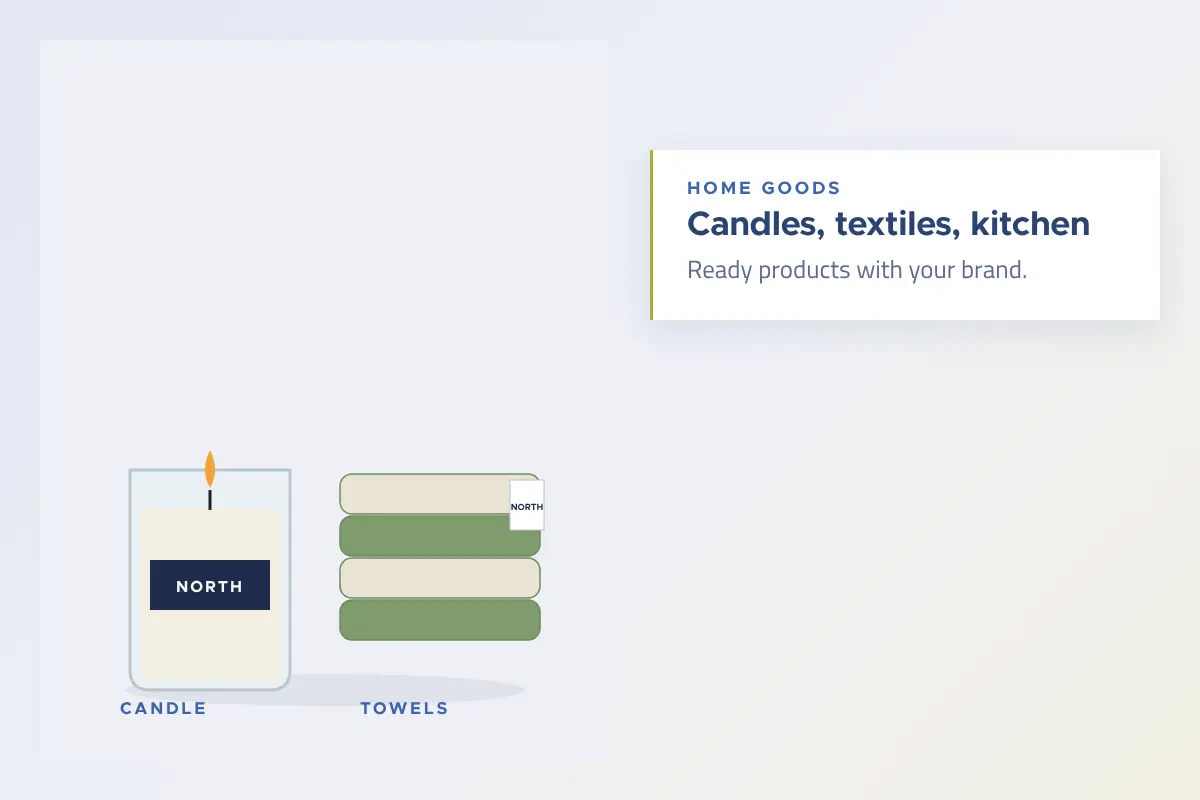
We start with the product you want under your brand and where you will sell it.
We start with what goes inside and how it ships. Your account manager reviews it and tells you what your product design is missing.
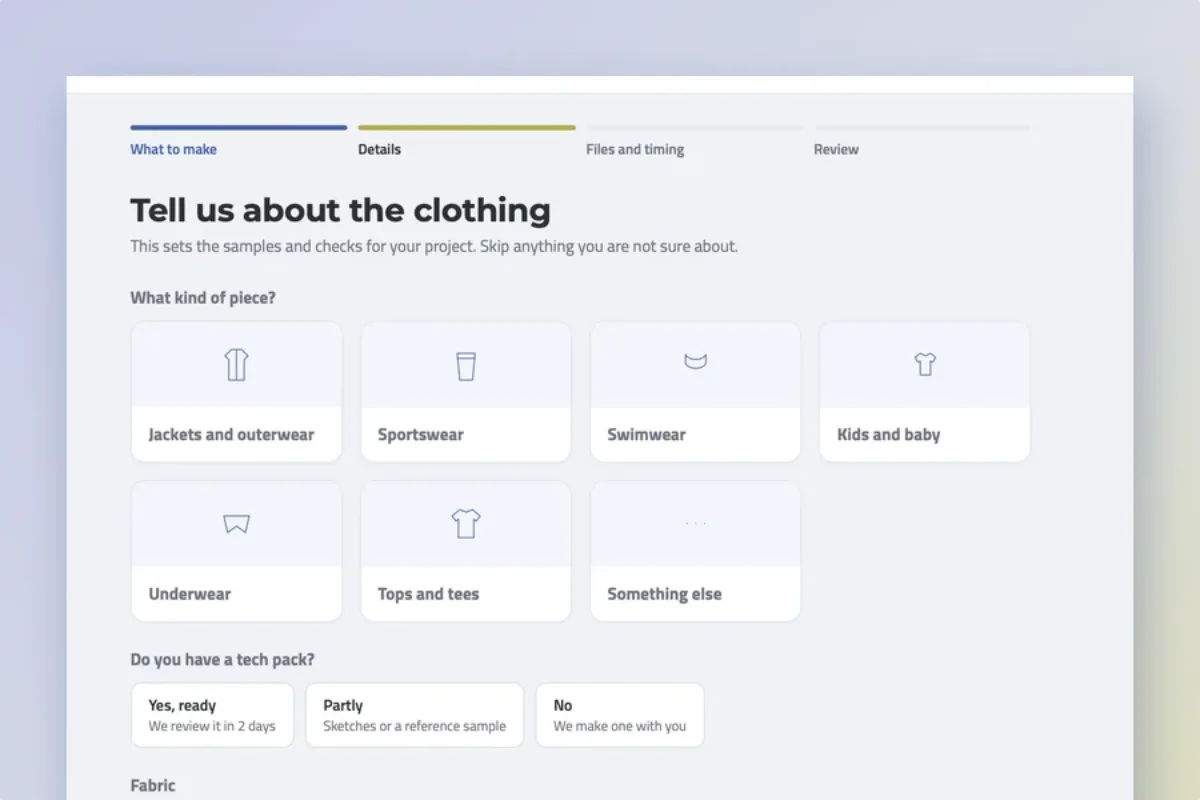
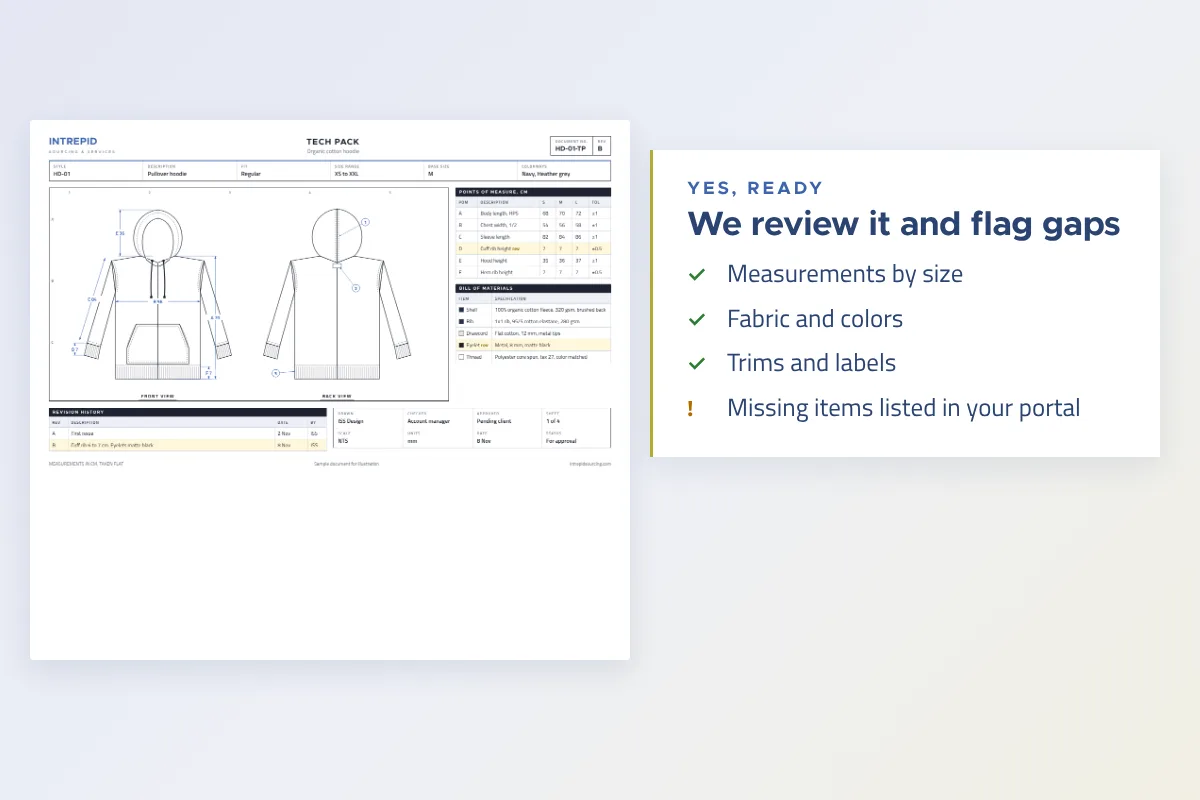
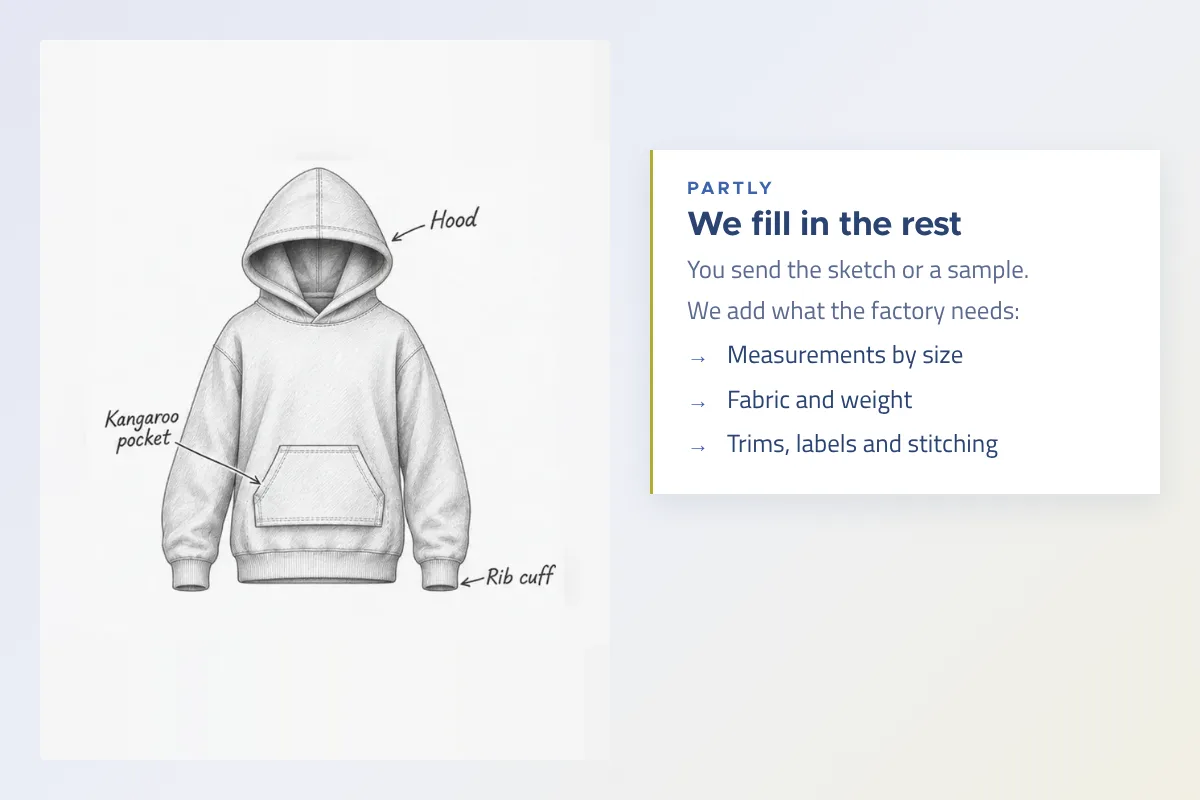
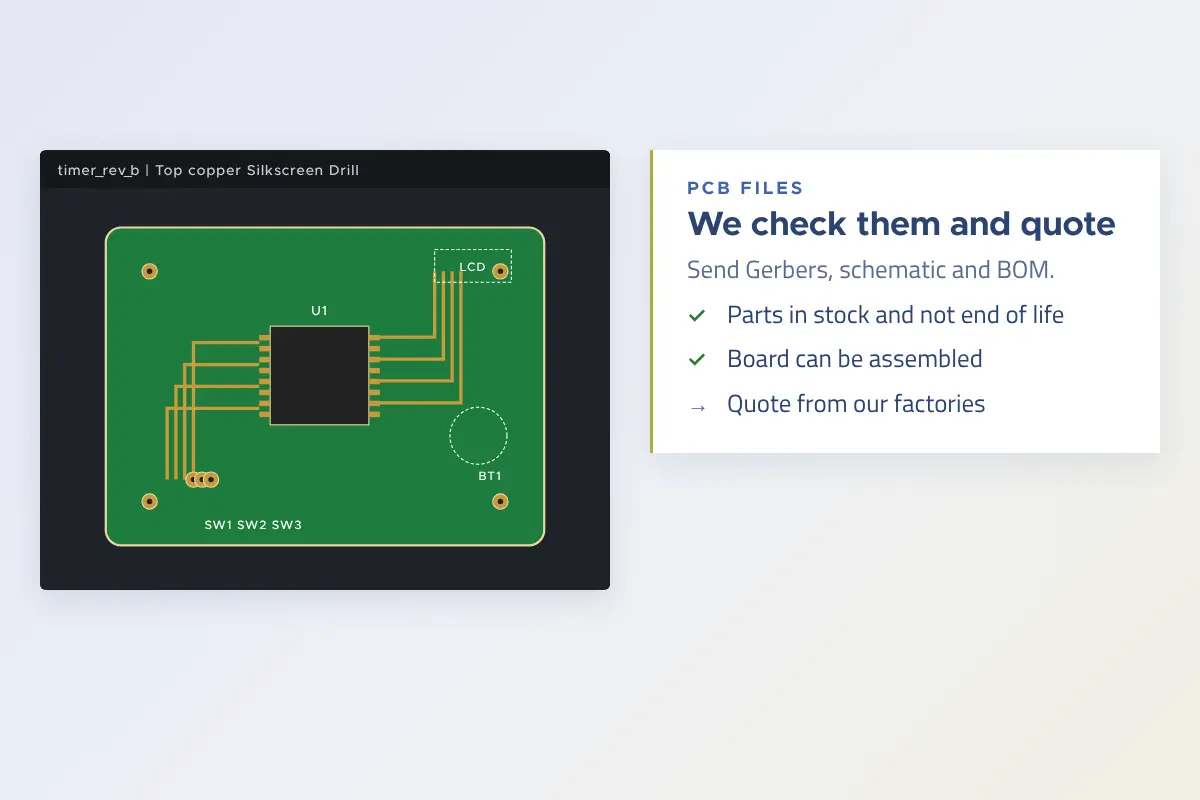
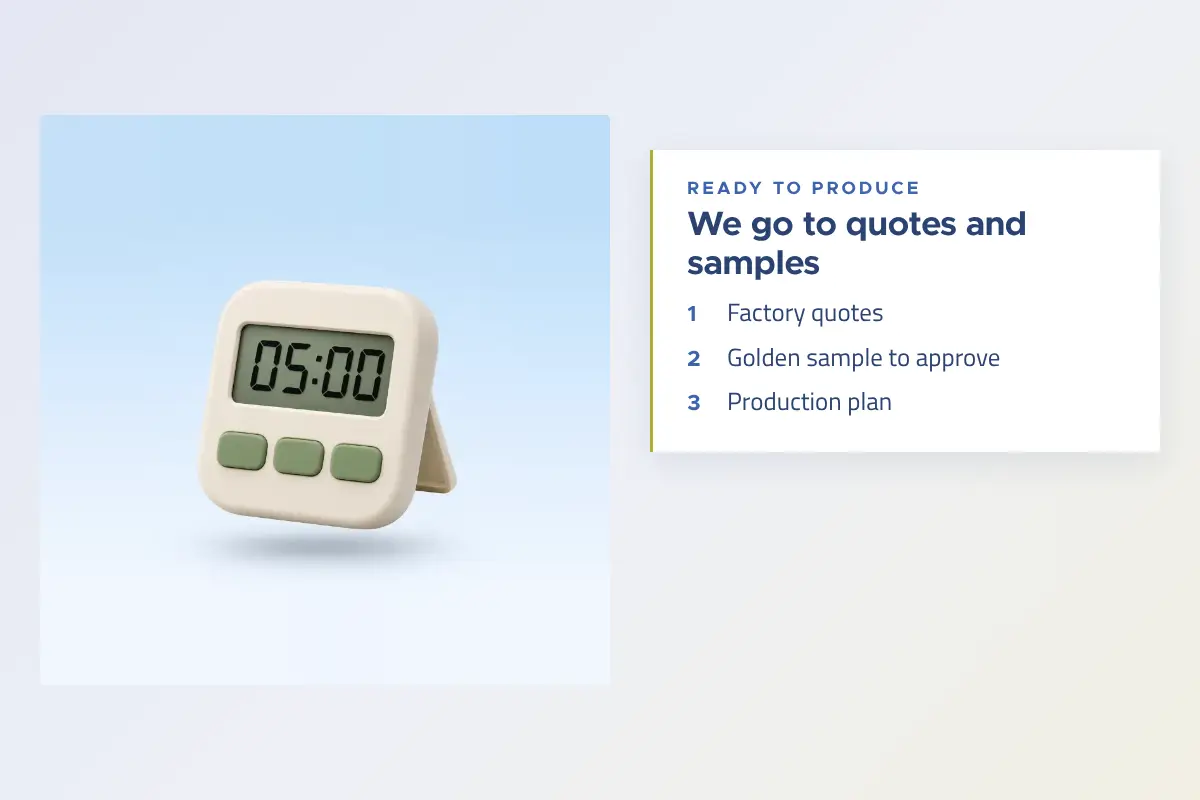
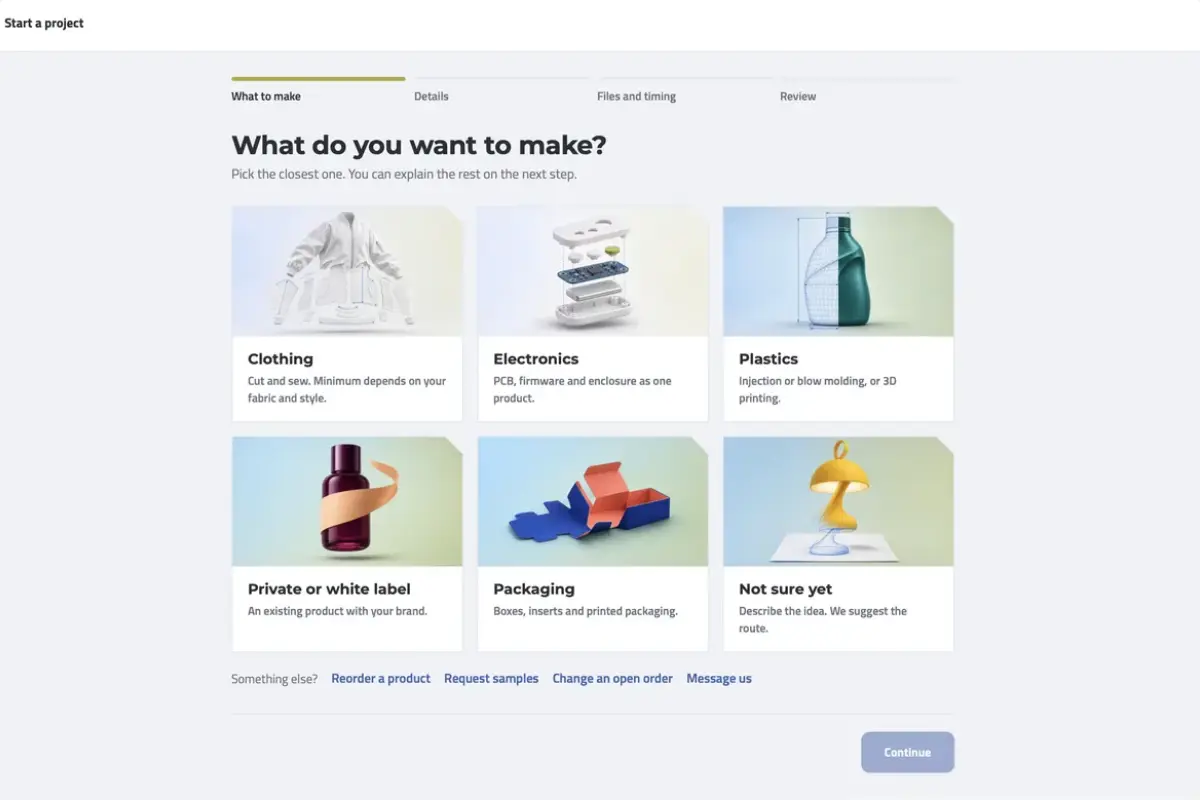
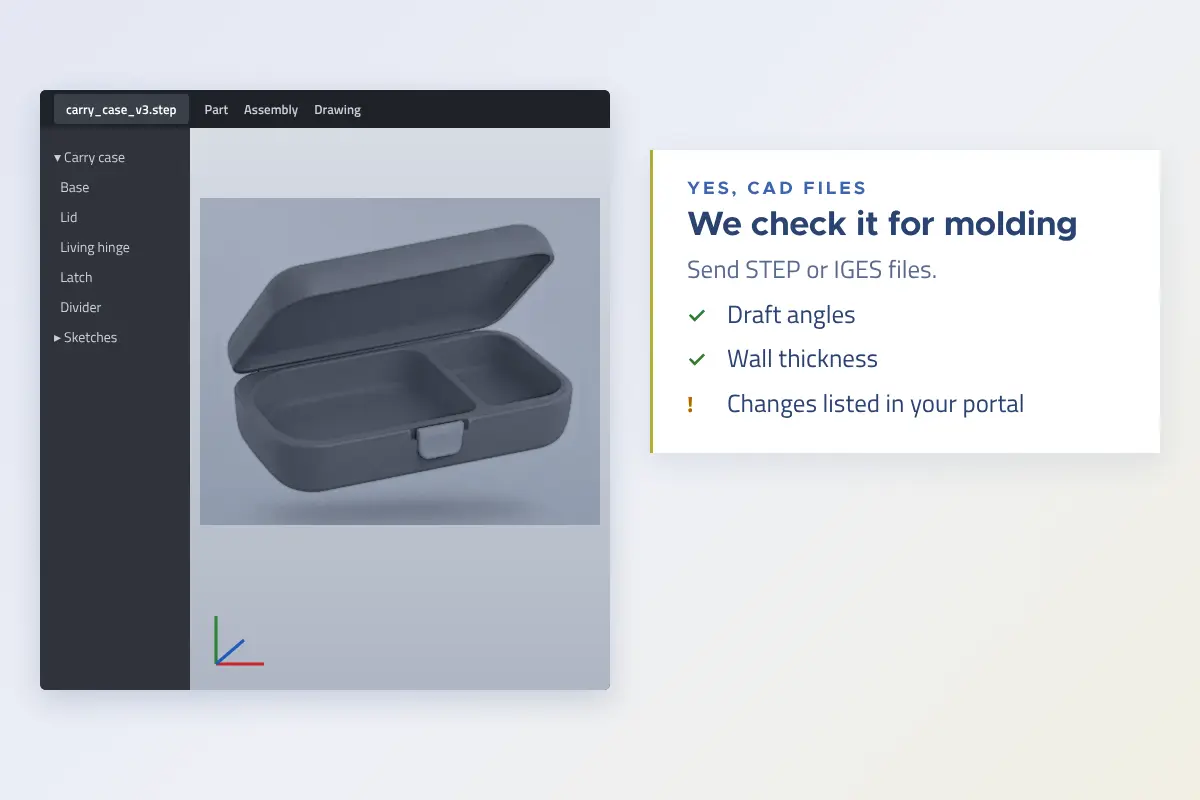
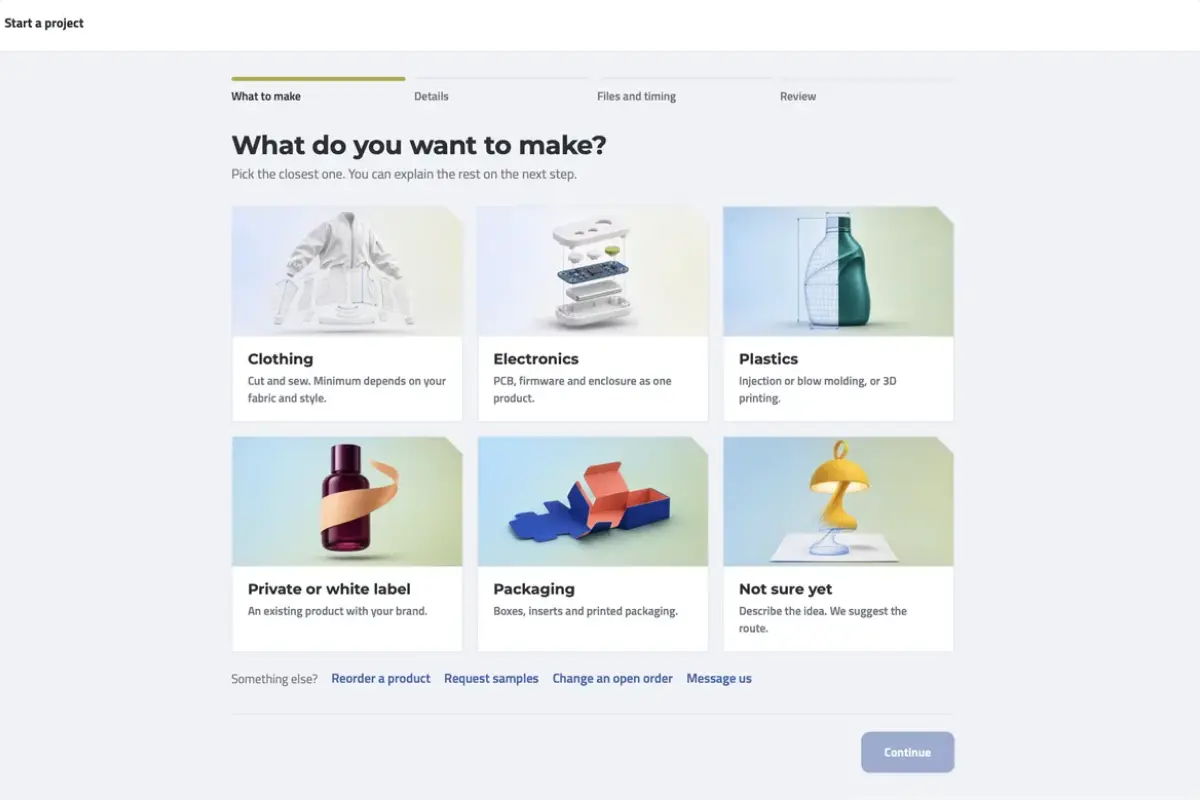
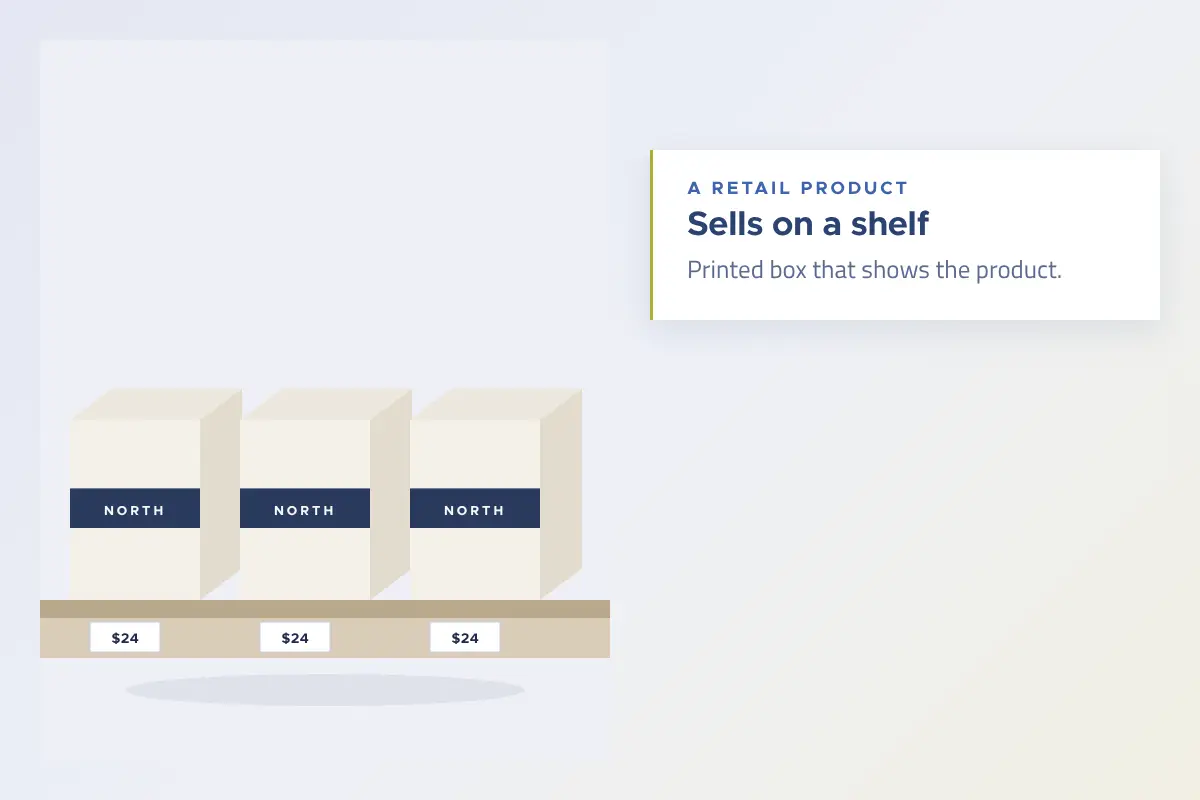
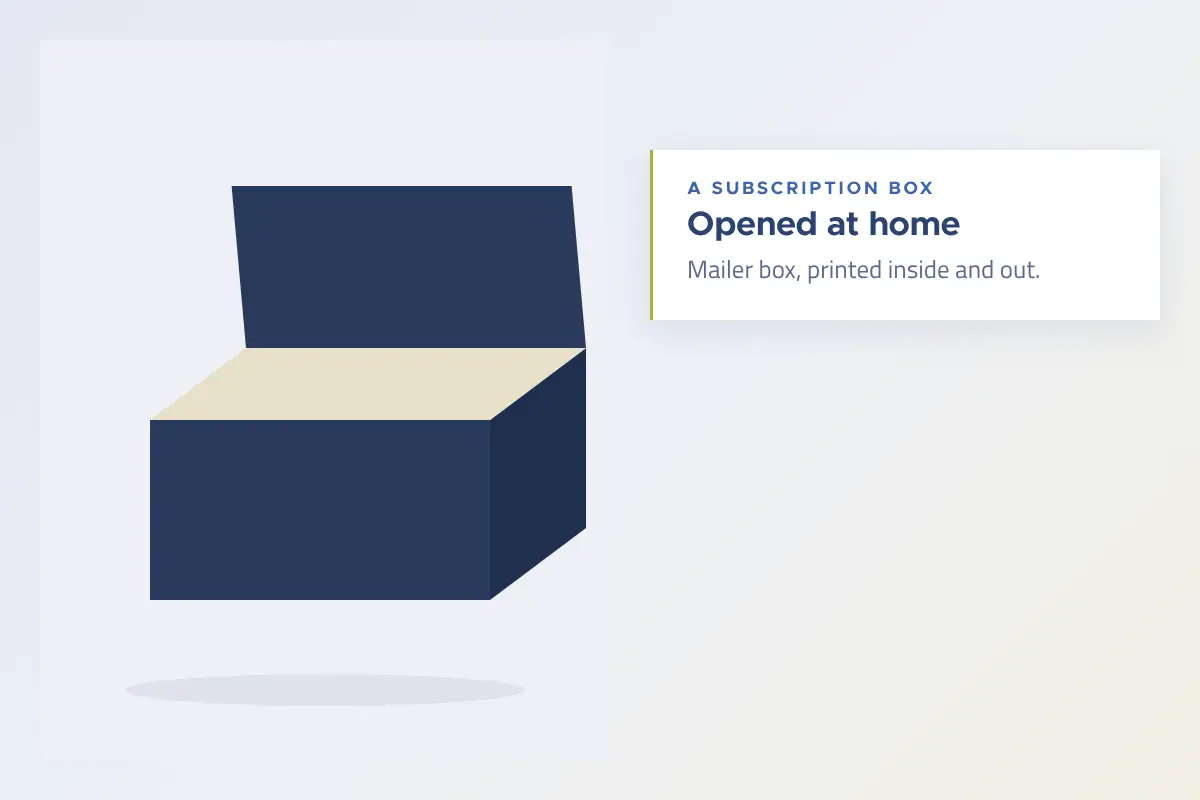
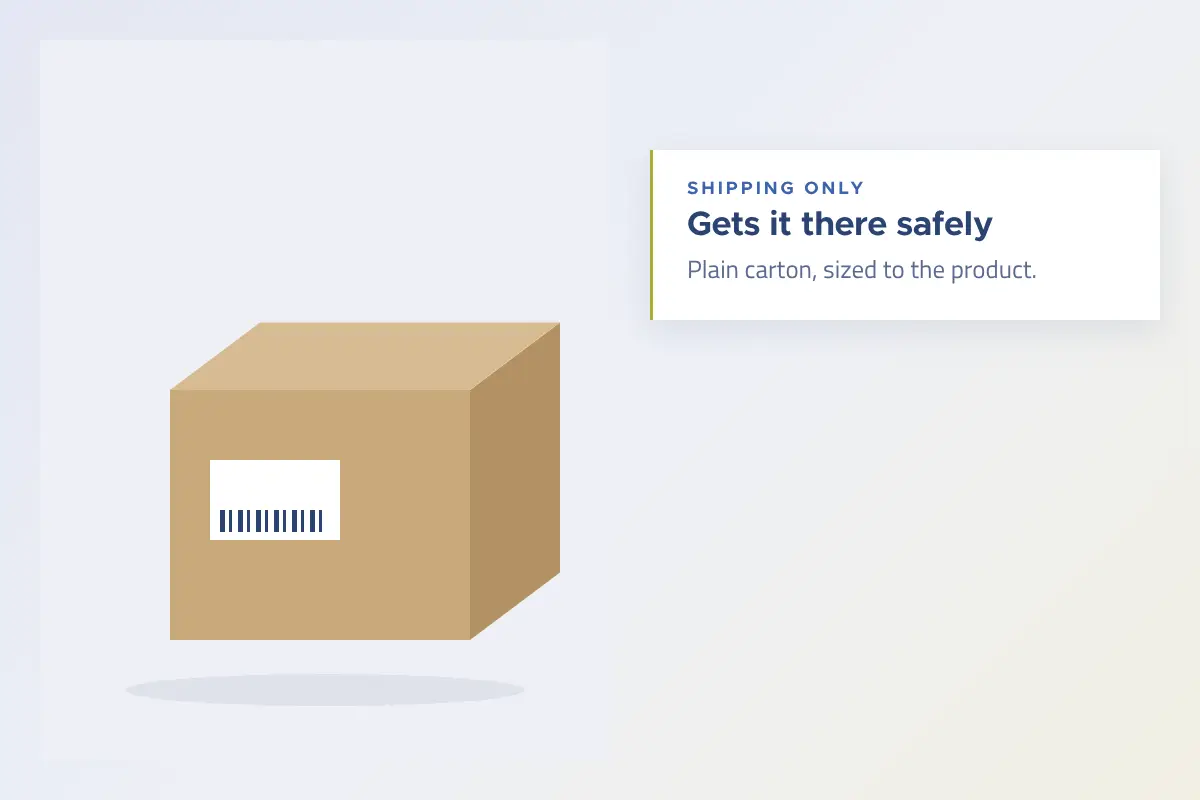
Do you have a tech pack?
Pick one
How far along is it?
Pick one
Do you have CAD files?
Pick one
Which product do you want to brand?
Pick one
What will the box hold?
Pick one
Saved in your portalStarting point
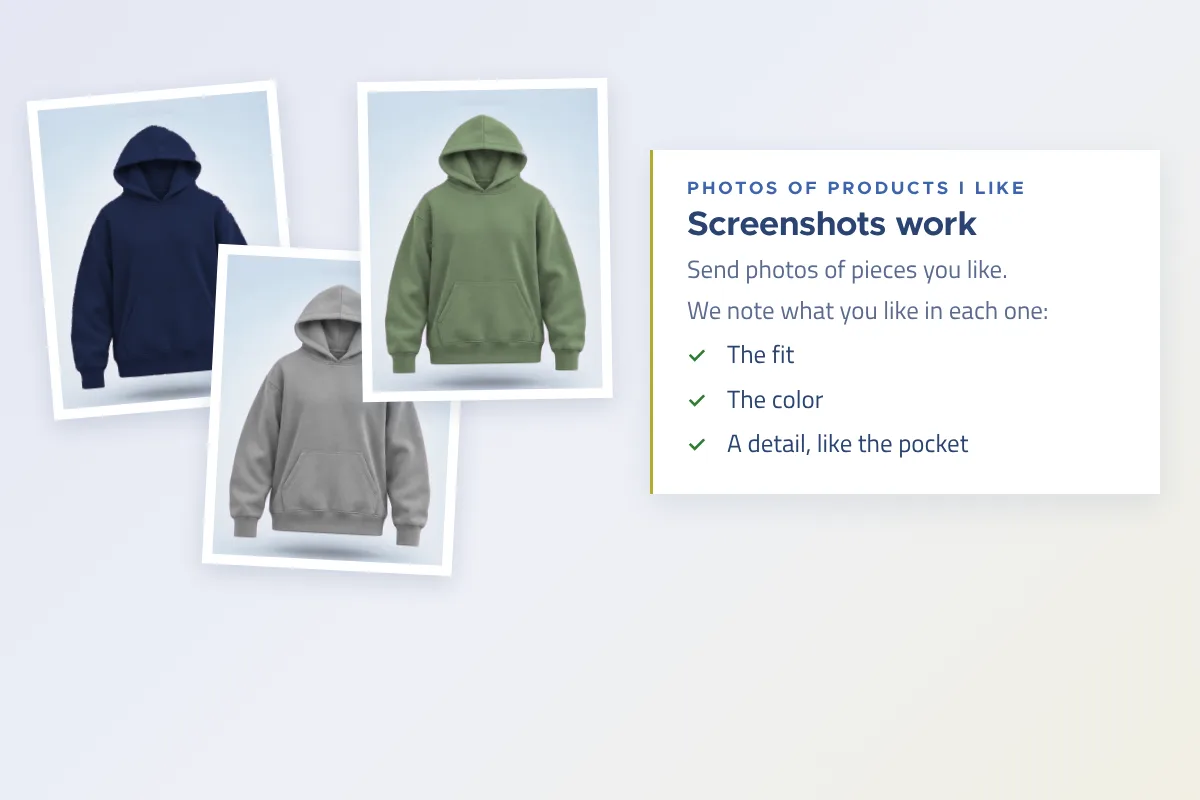
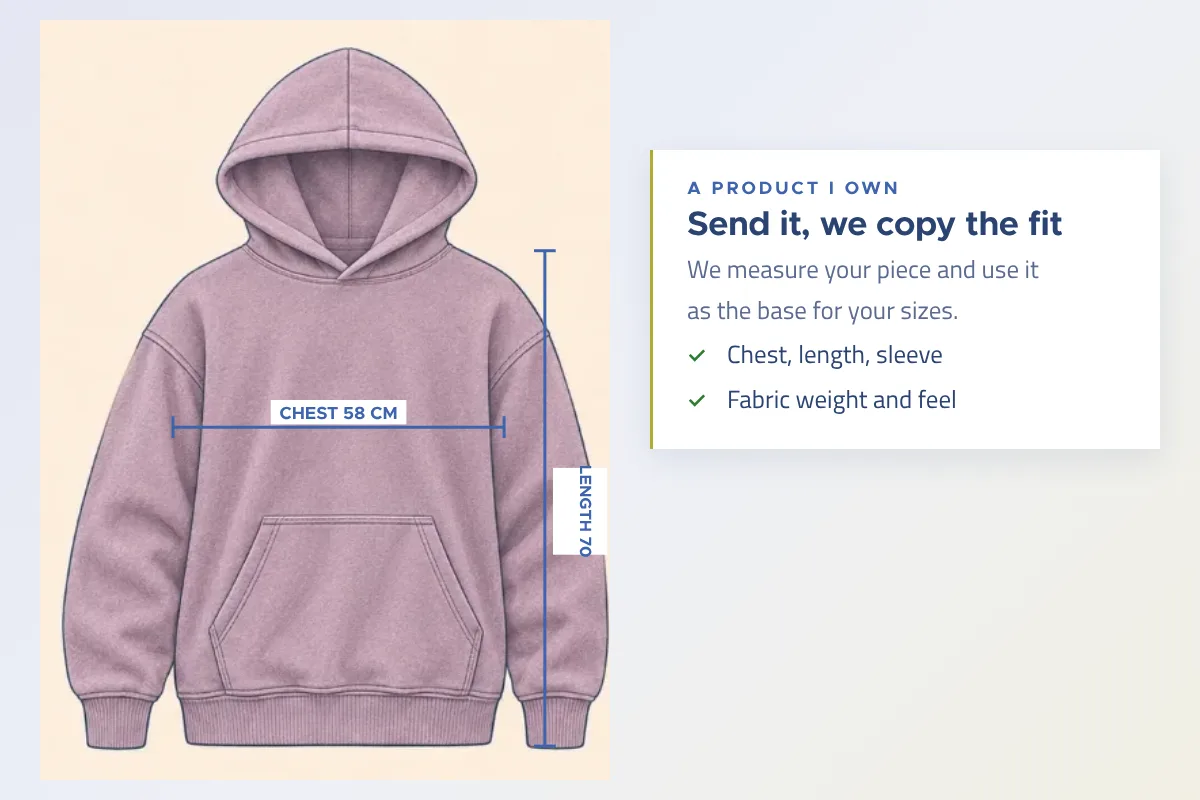
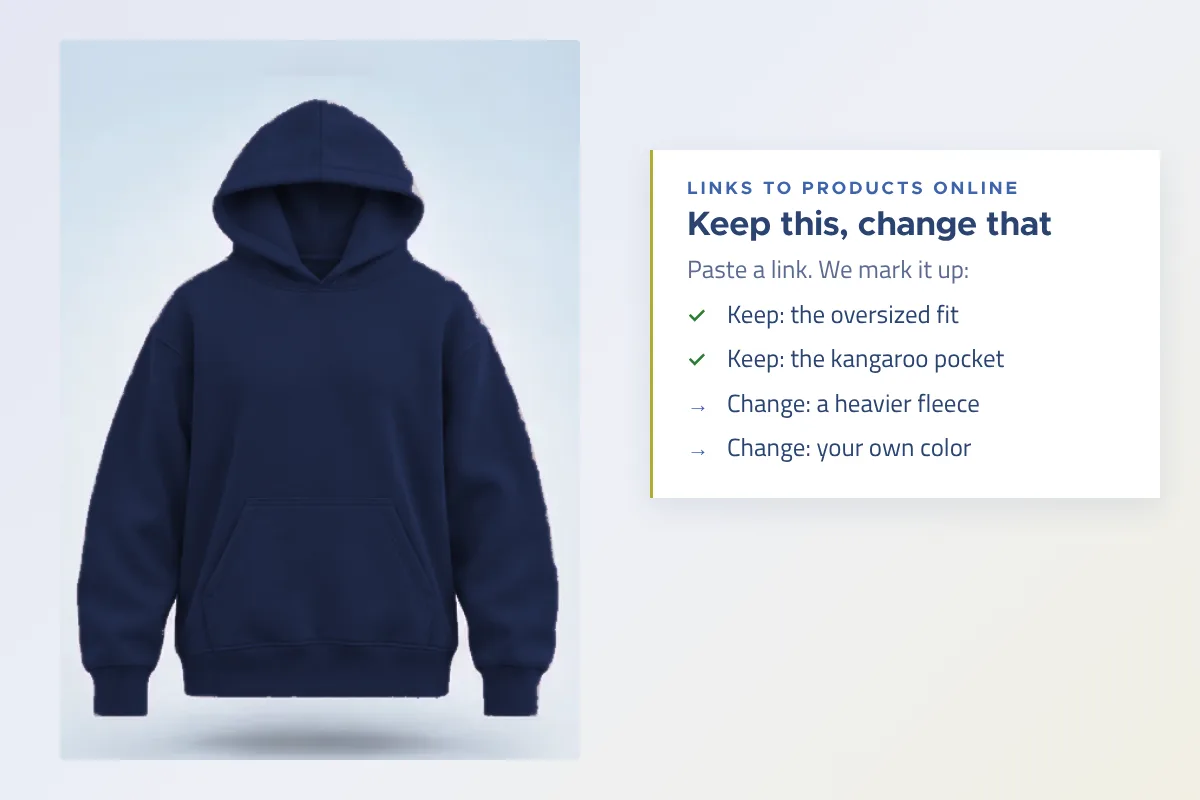
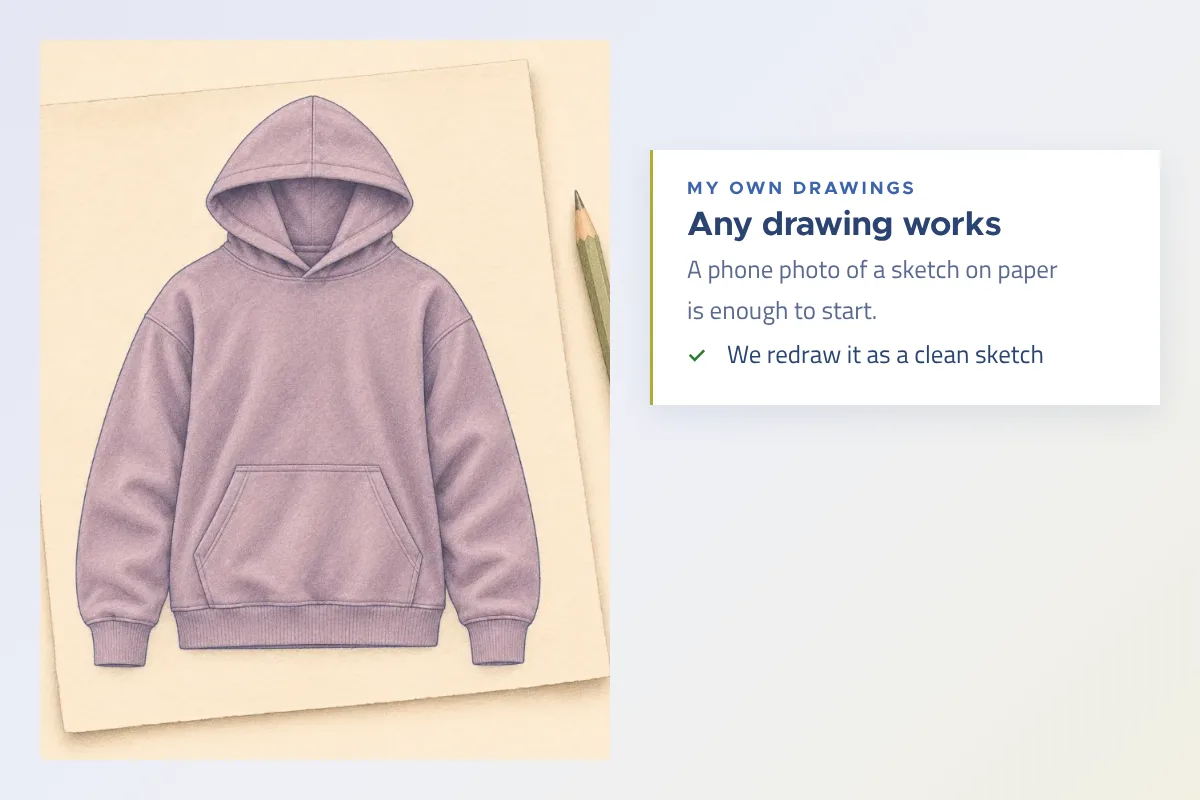
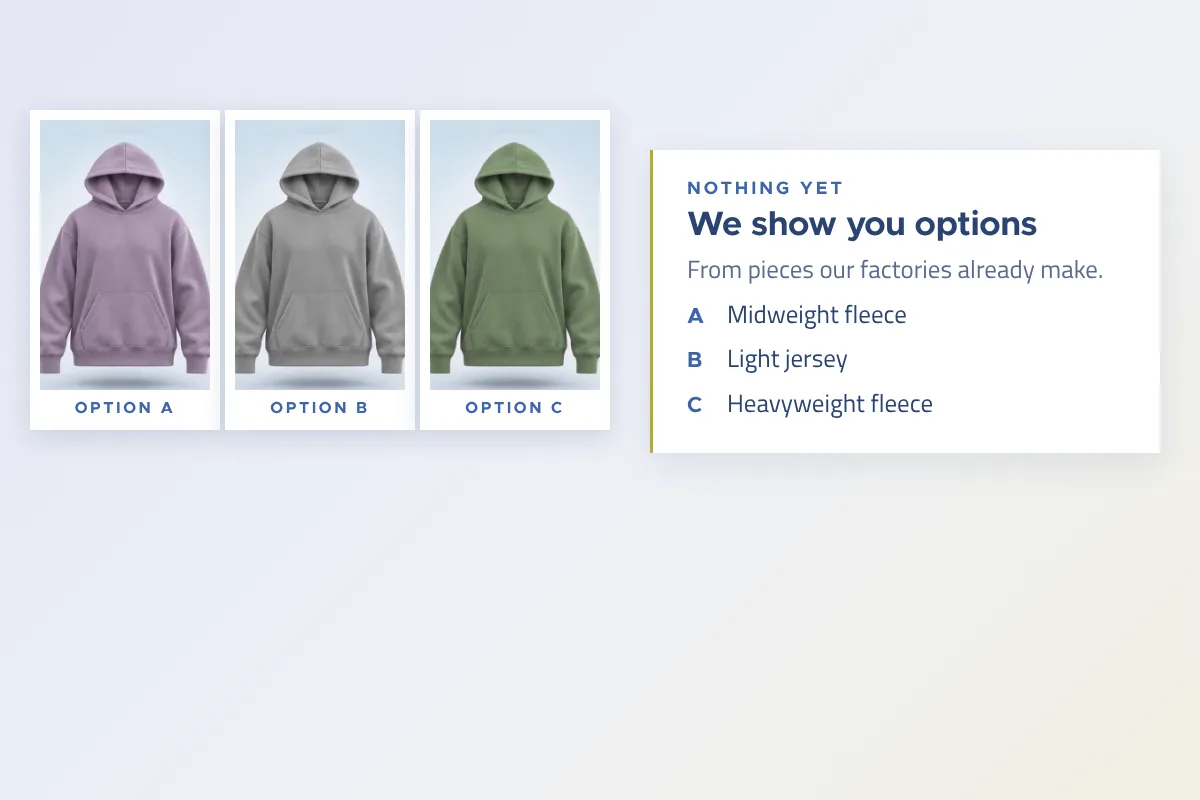
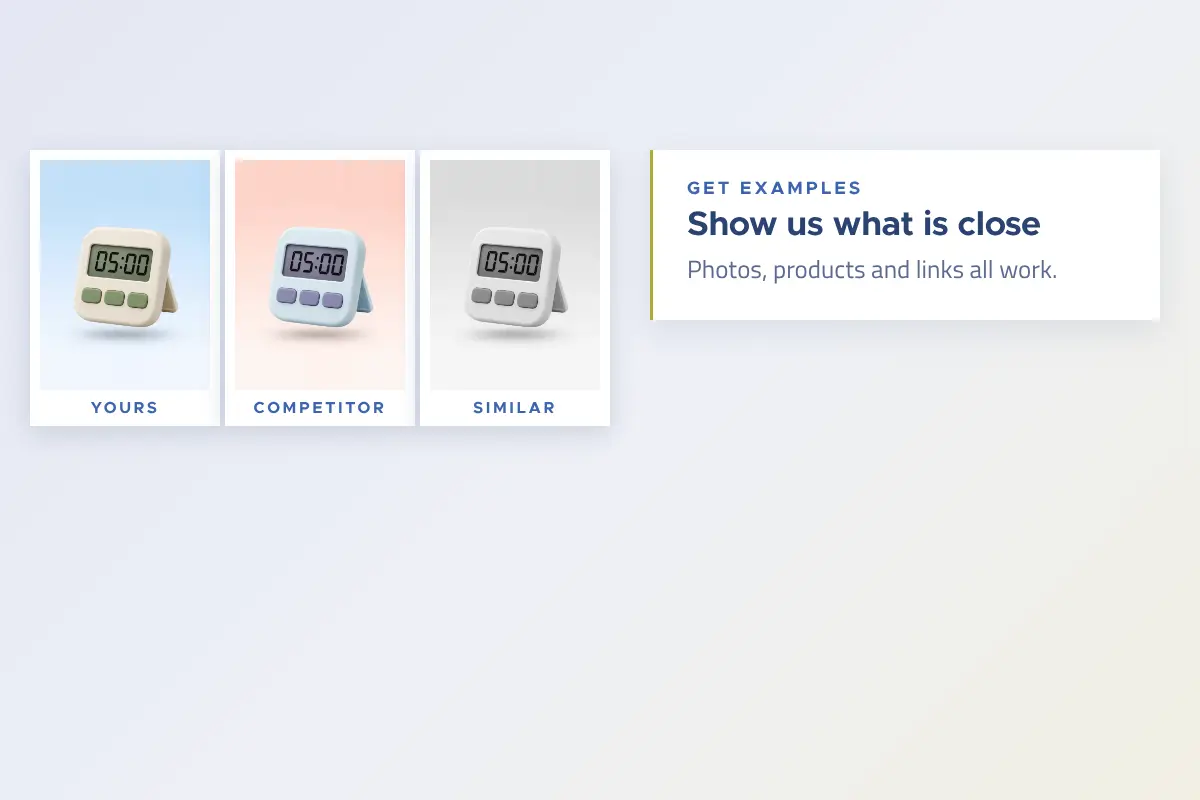
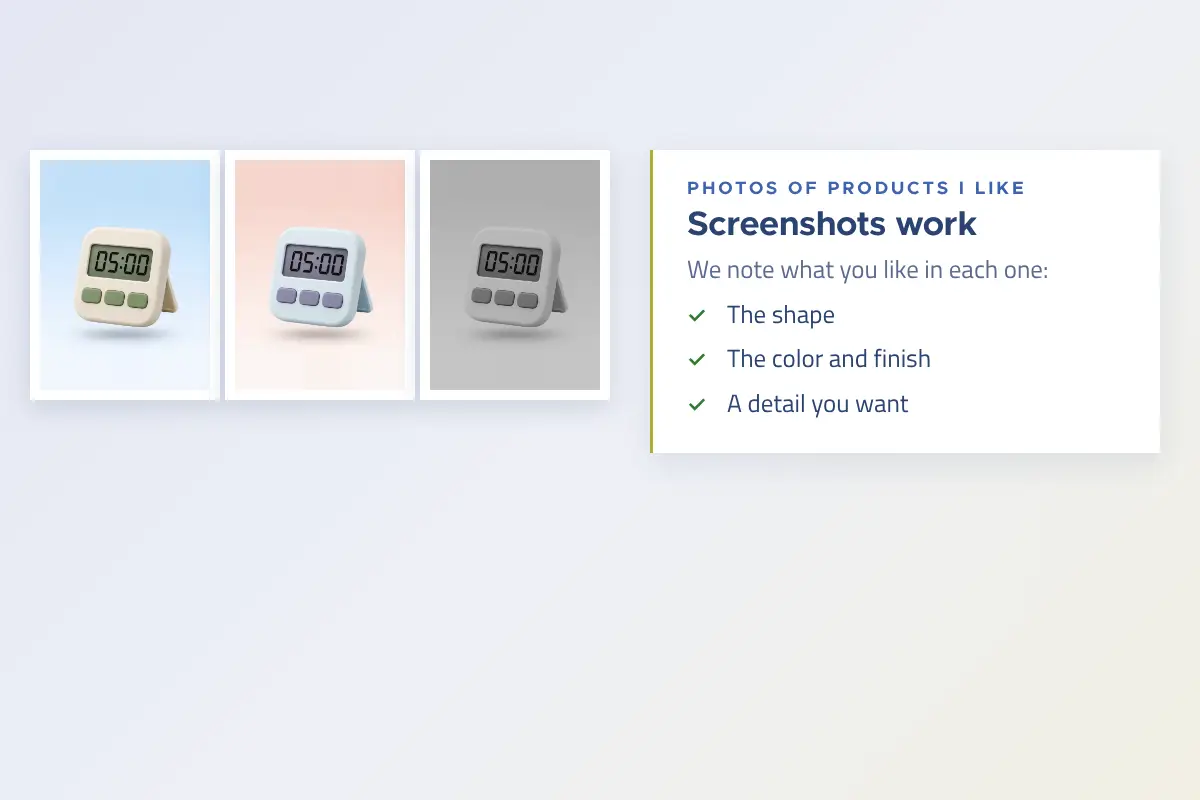
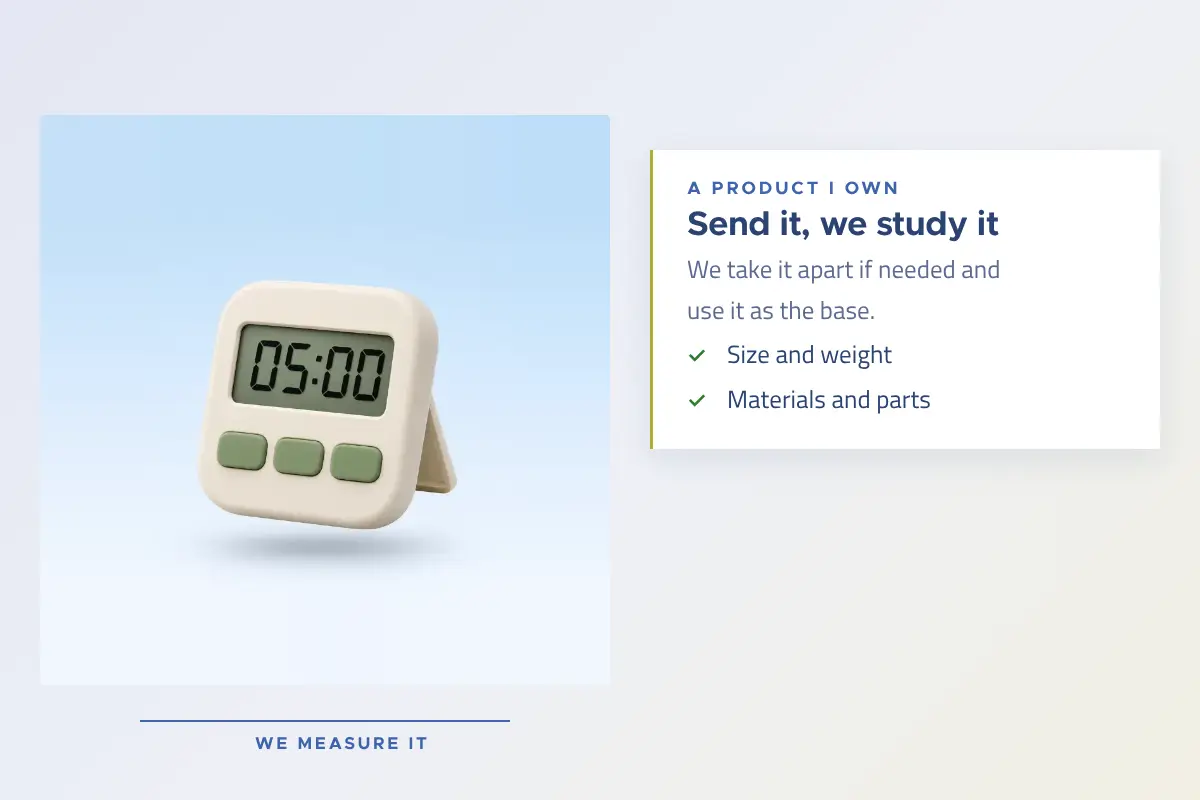
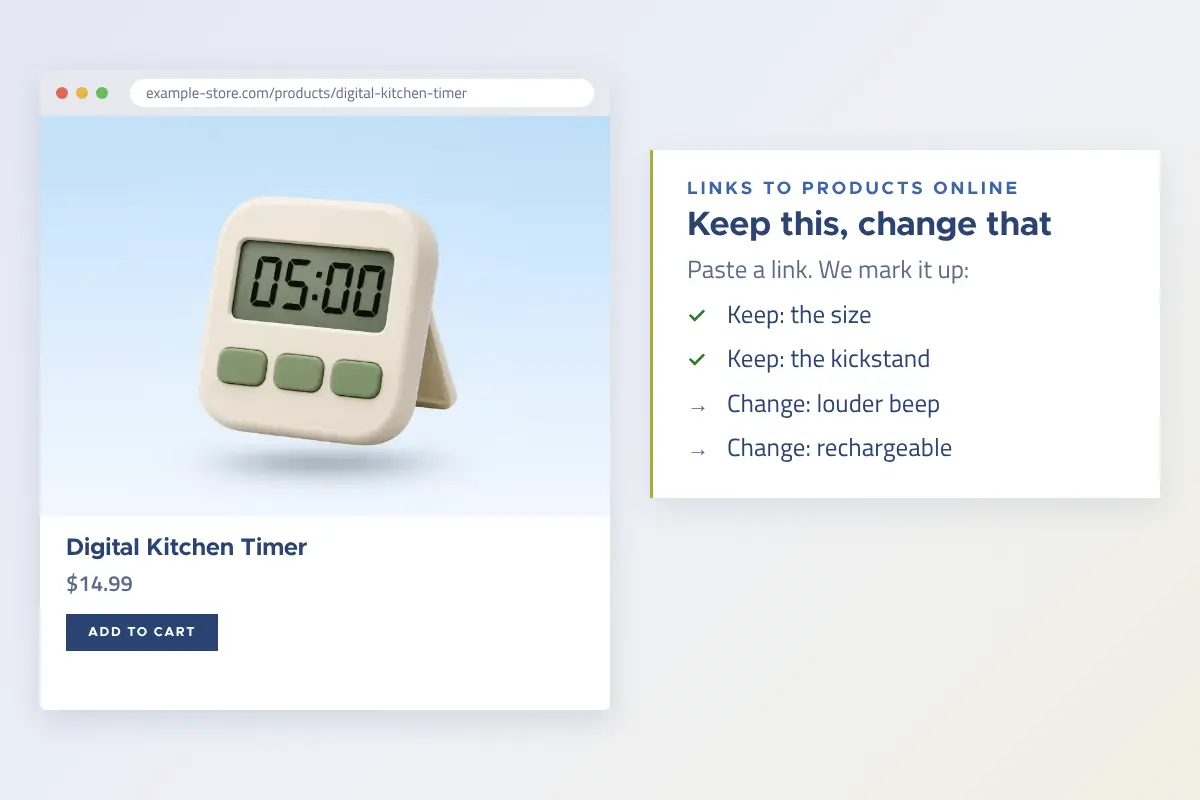
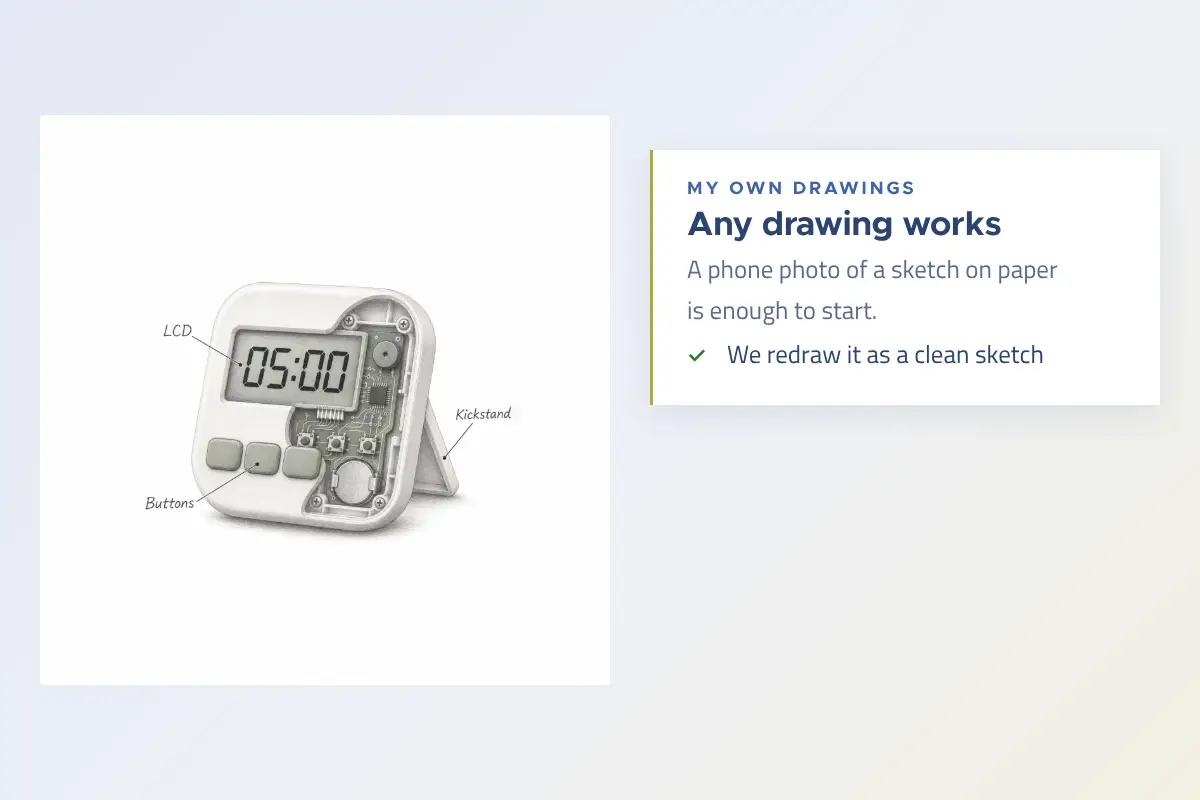
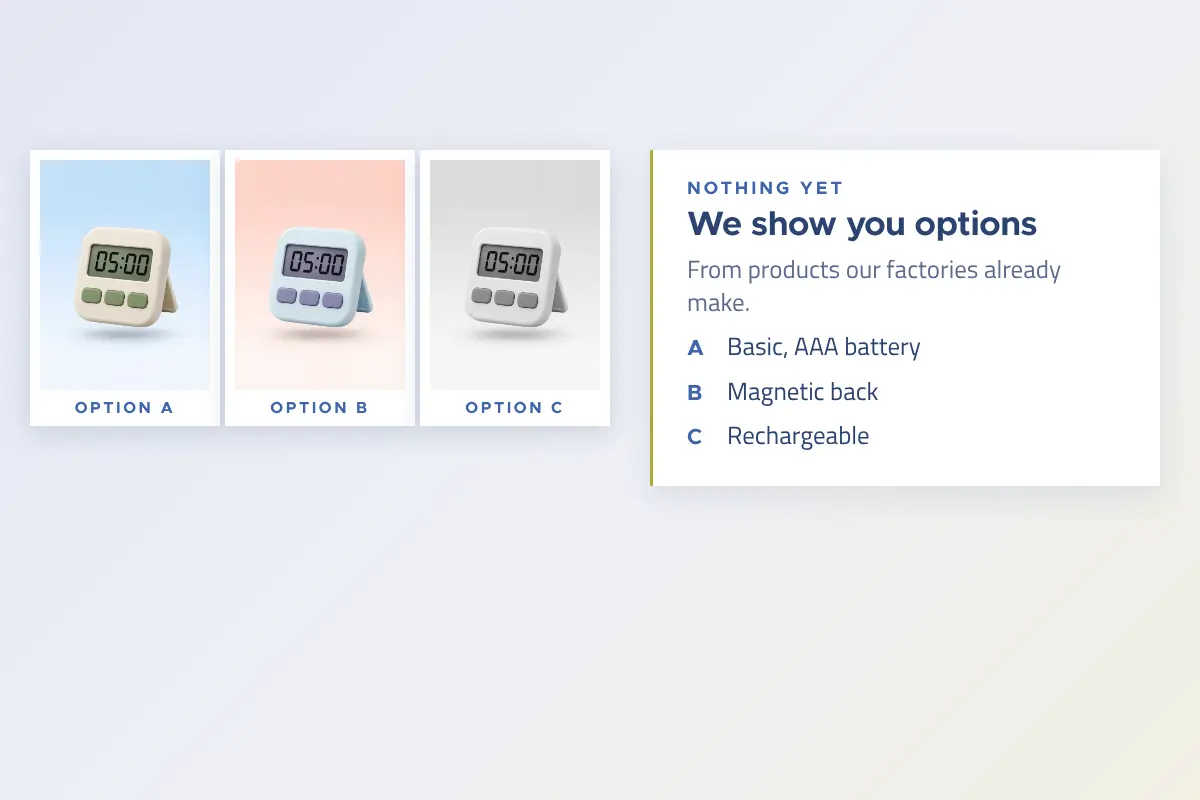
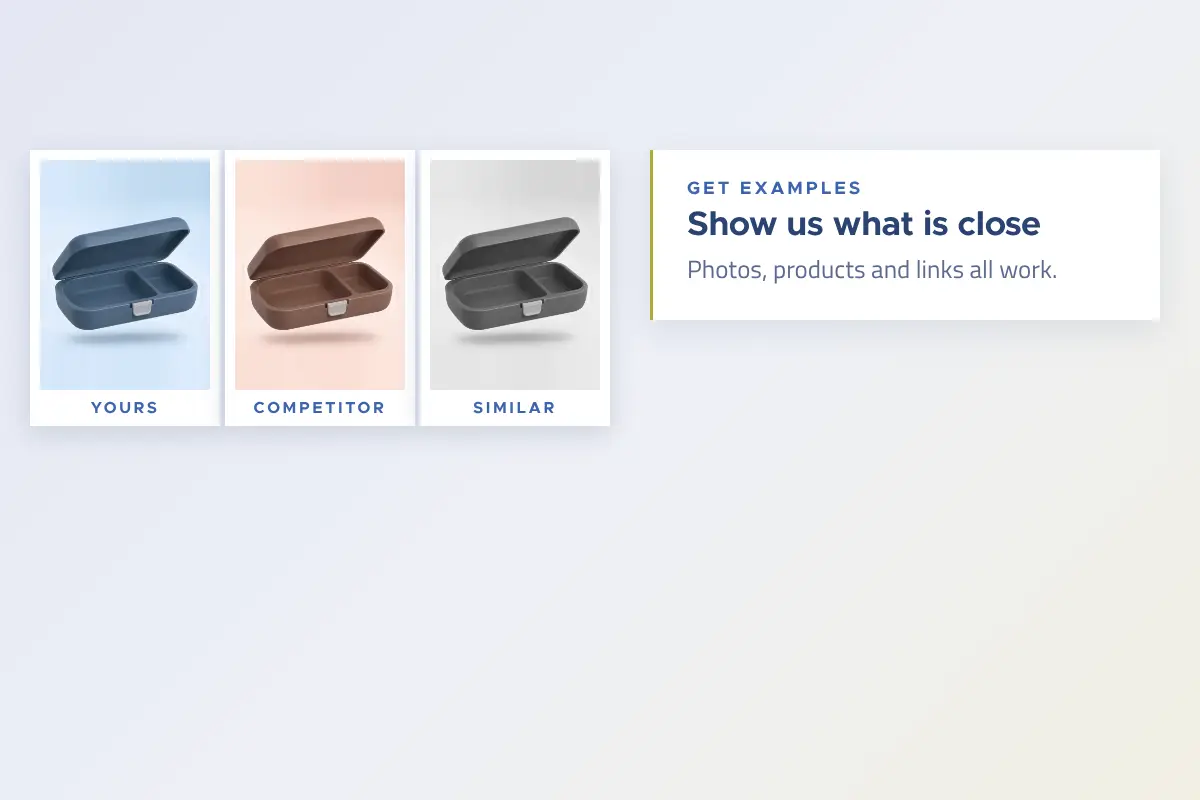
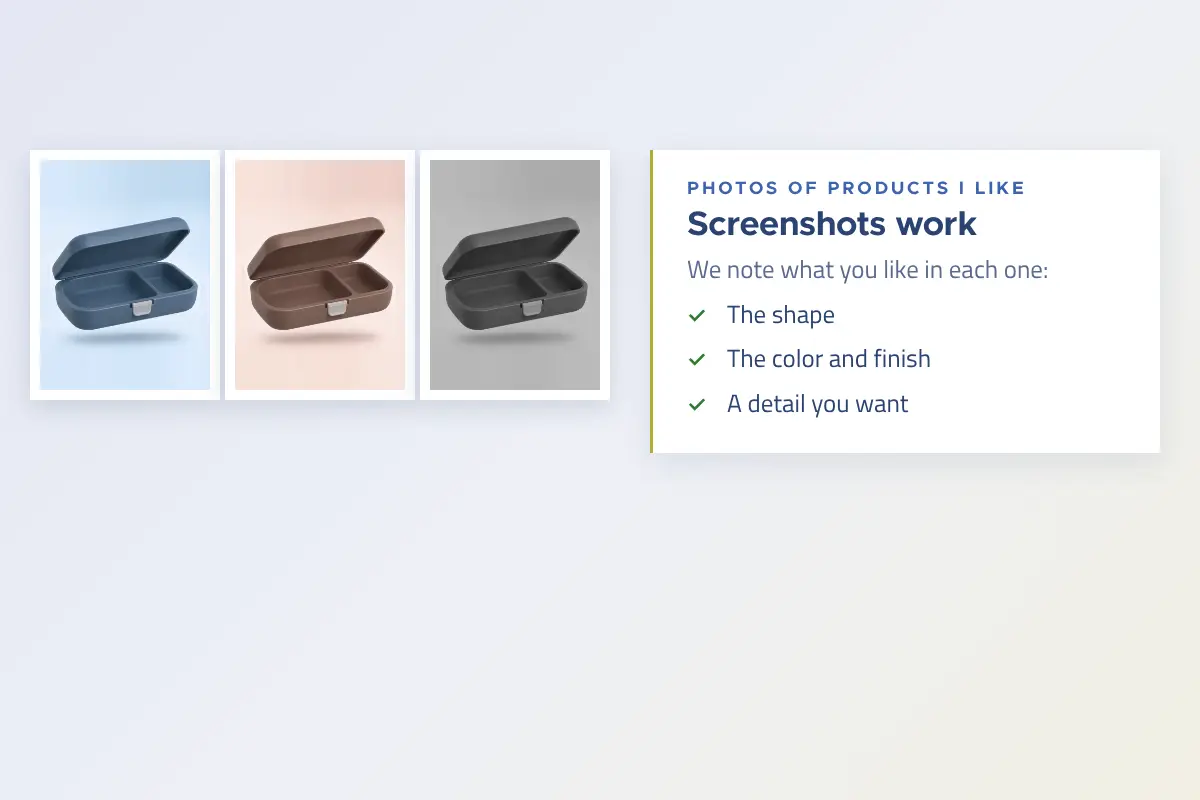
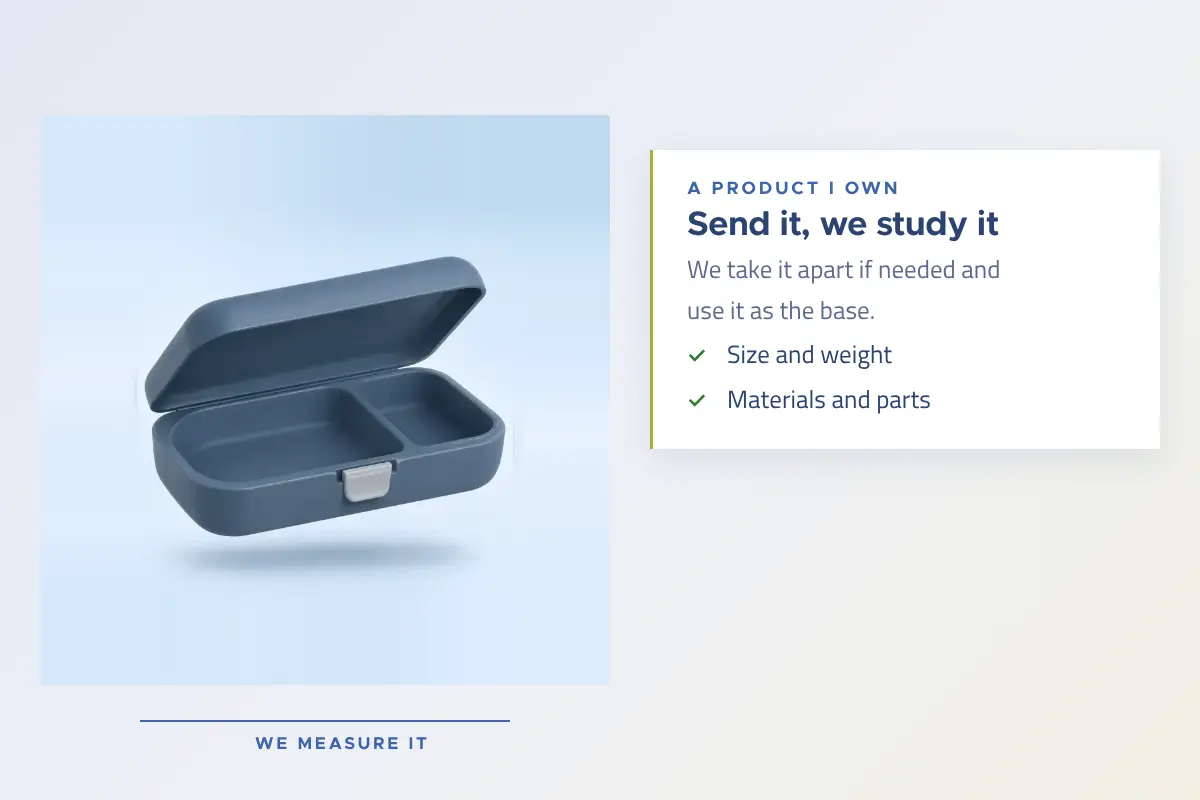
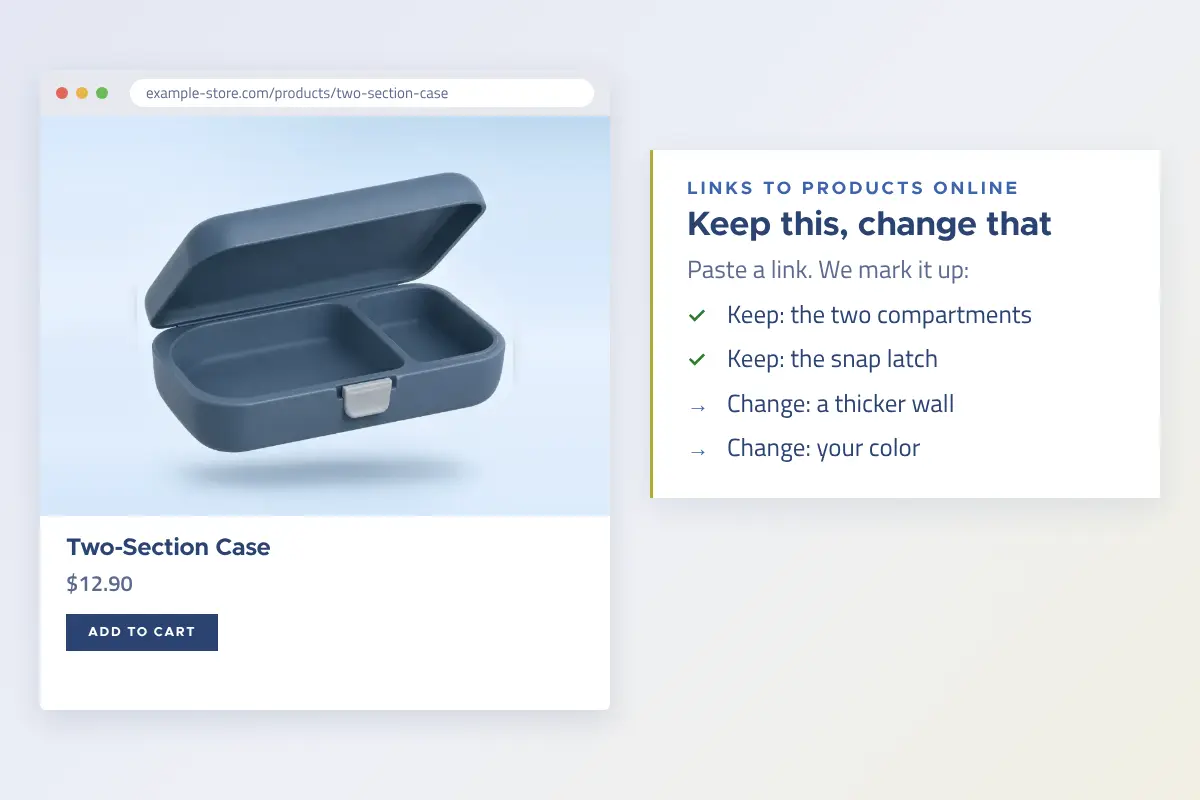
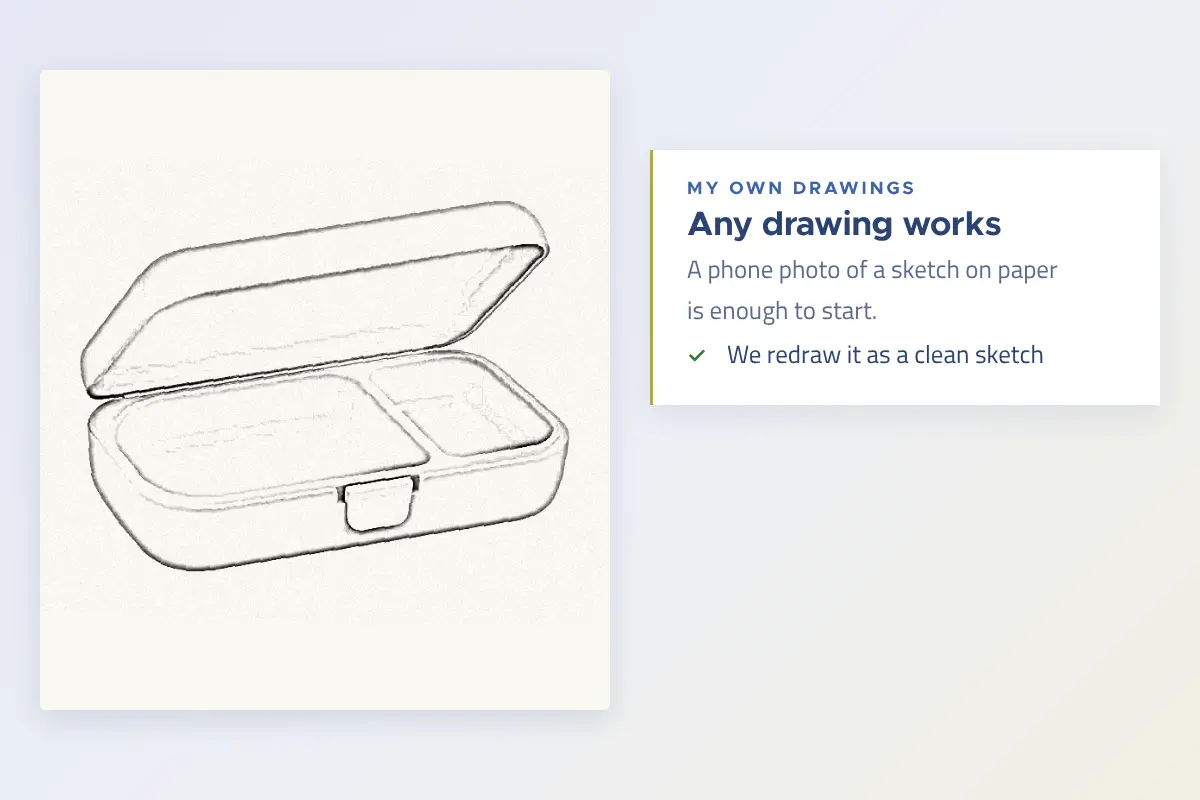
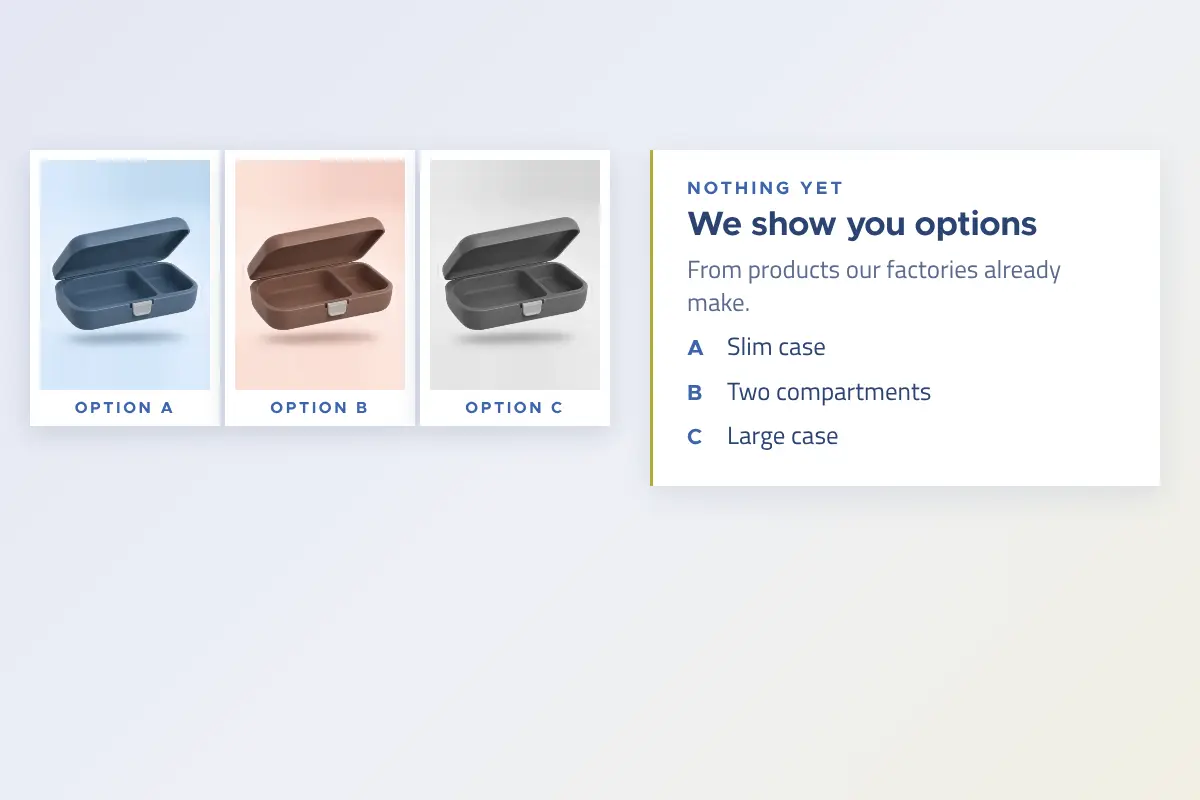
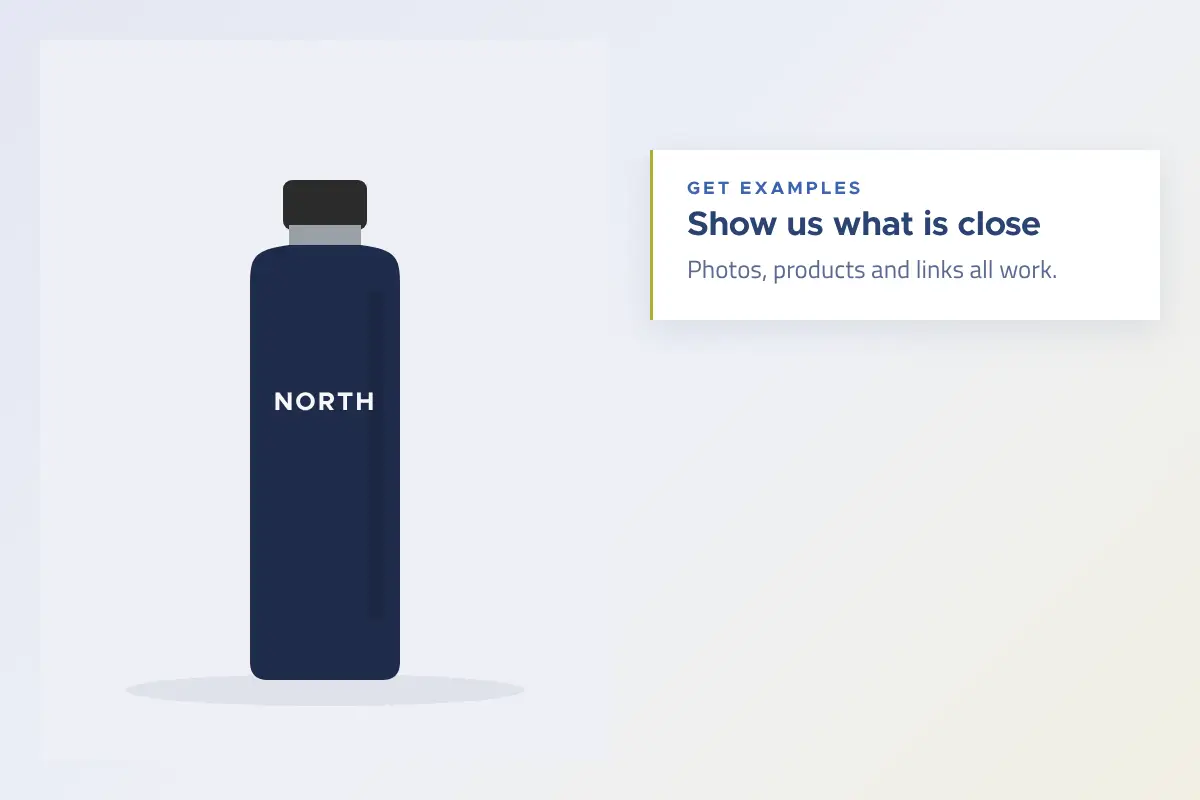
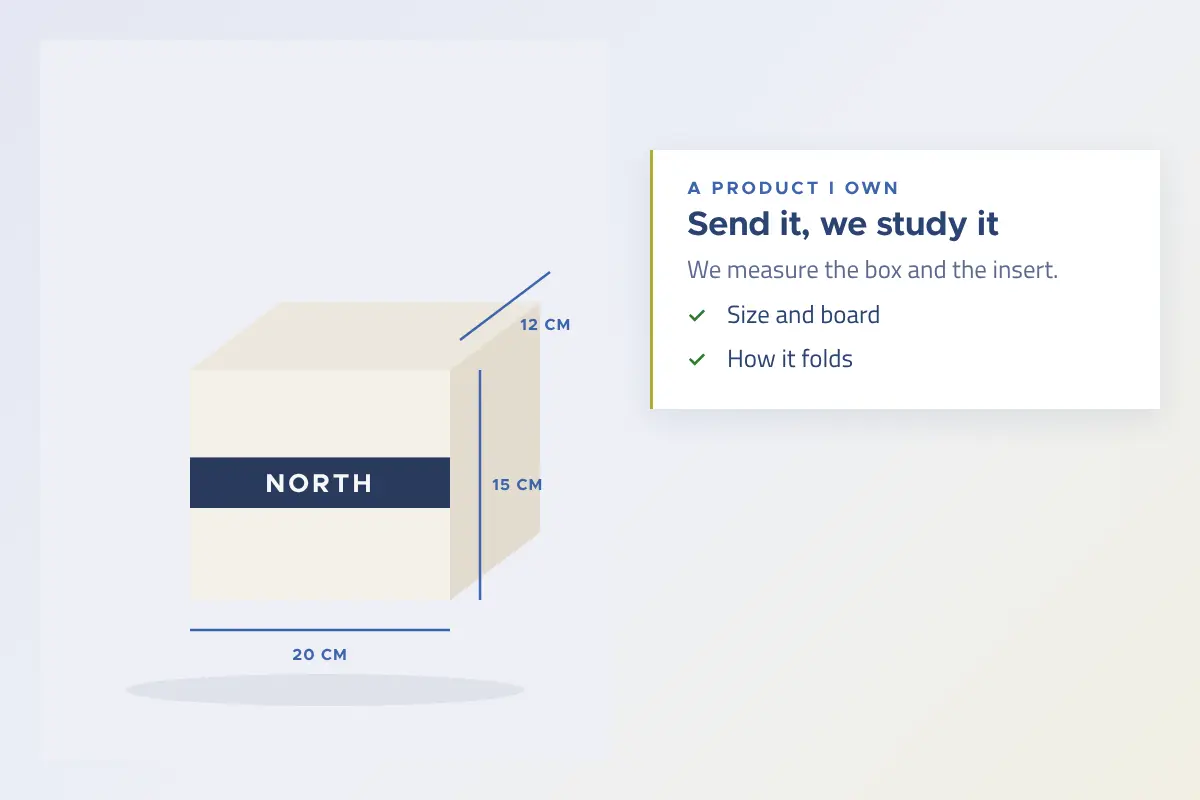
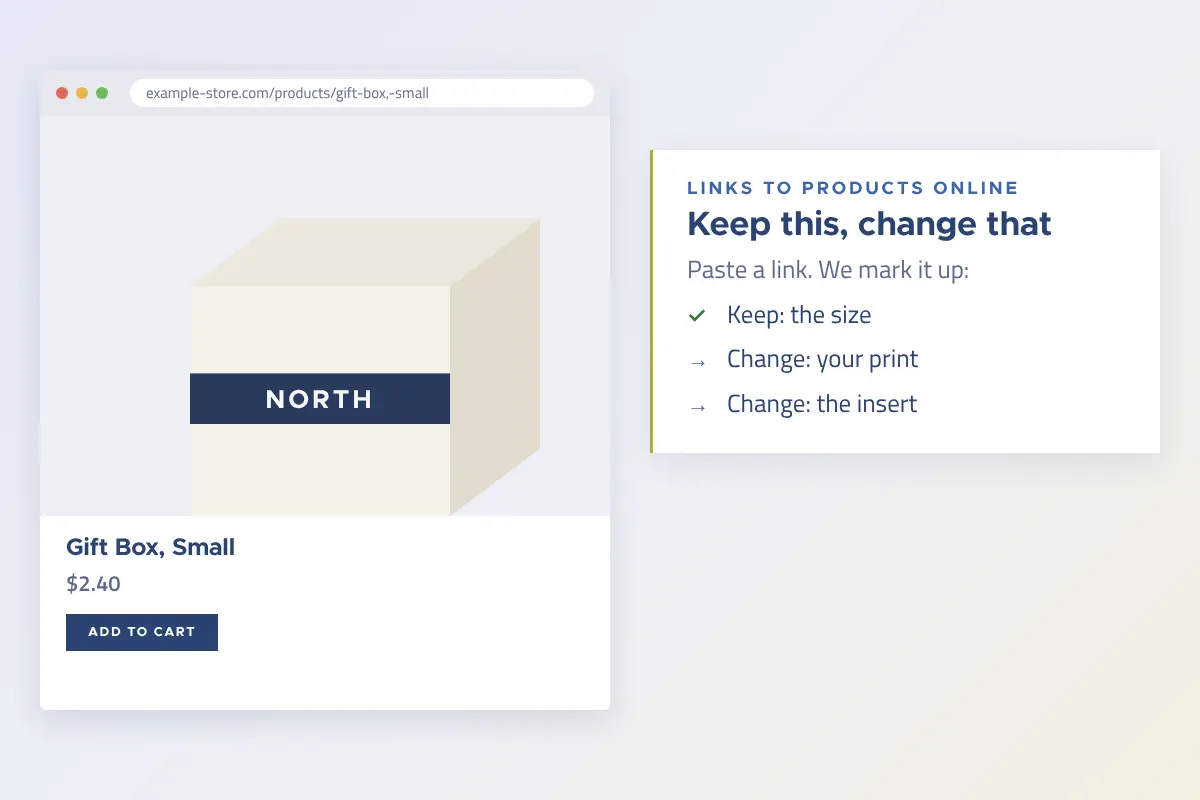
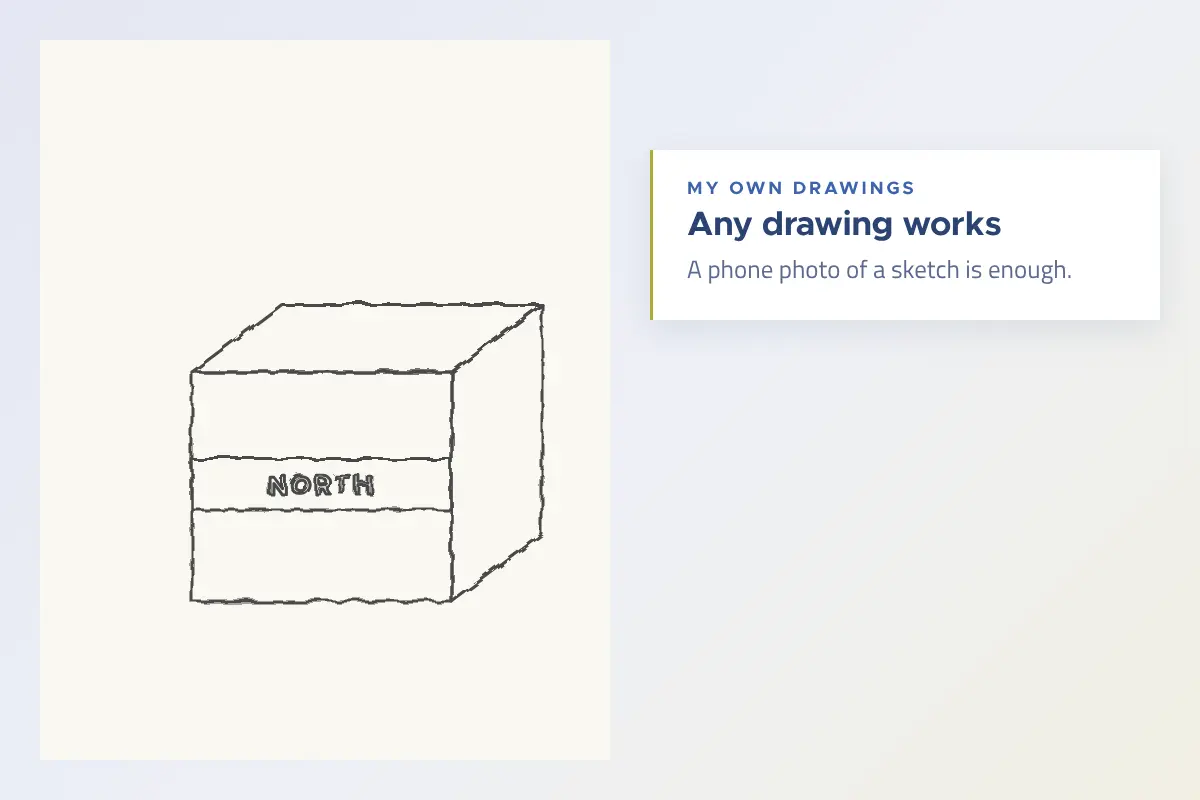
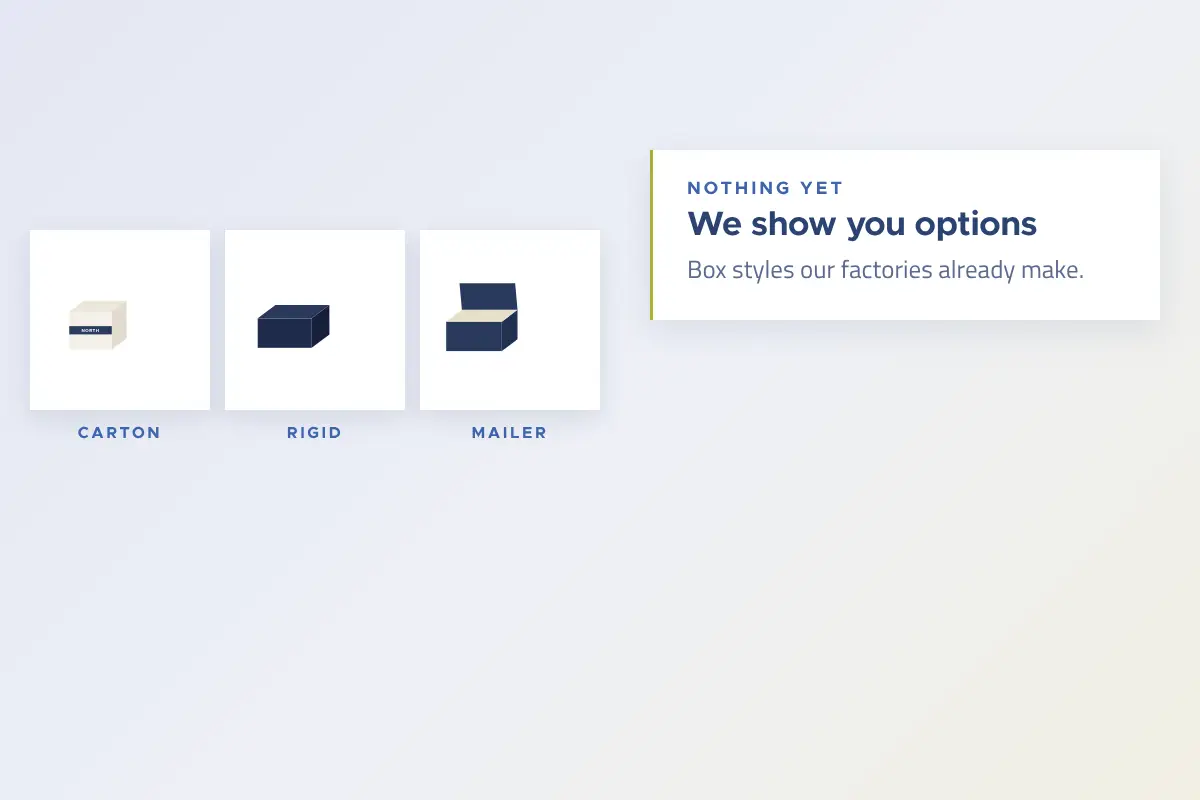
Next: Get examples ↓Examples say more about your product design than a long brief. Photos of products you like, one you already own or a competitor link. We add examples from our factories so you can compare.
Examples say more about your product design than a long brief. Photos of products you like, one you already own or a competitor link. We add examples from our factories so you can compare.
Examples say more about your product design than a long brief. Photos of products you like, one you already own or a competitor link. We add examples from our factories so you can compare.
Examples say more about your product design than a long brief. Photos of products you like, one you already own or a competitor link. We add examples from our factories so you can compare.
Examples say more about your product design than a long brief. Photos of products you like, one you already own or a competitor link. We add examples from our factories so you can compare.
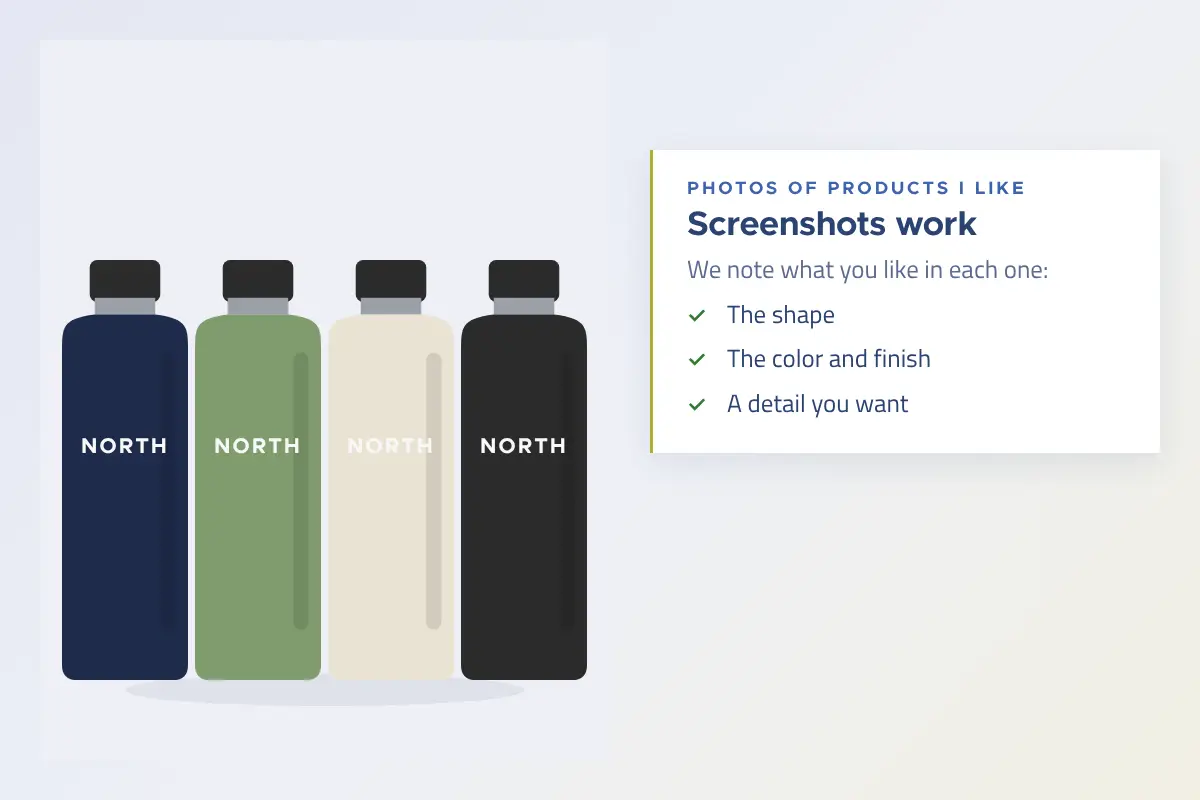
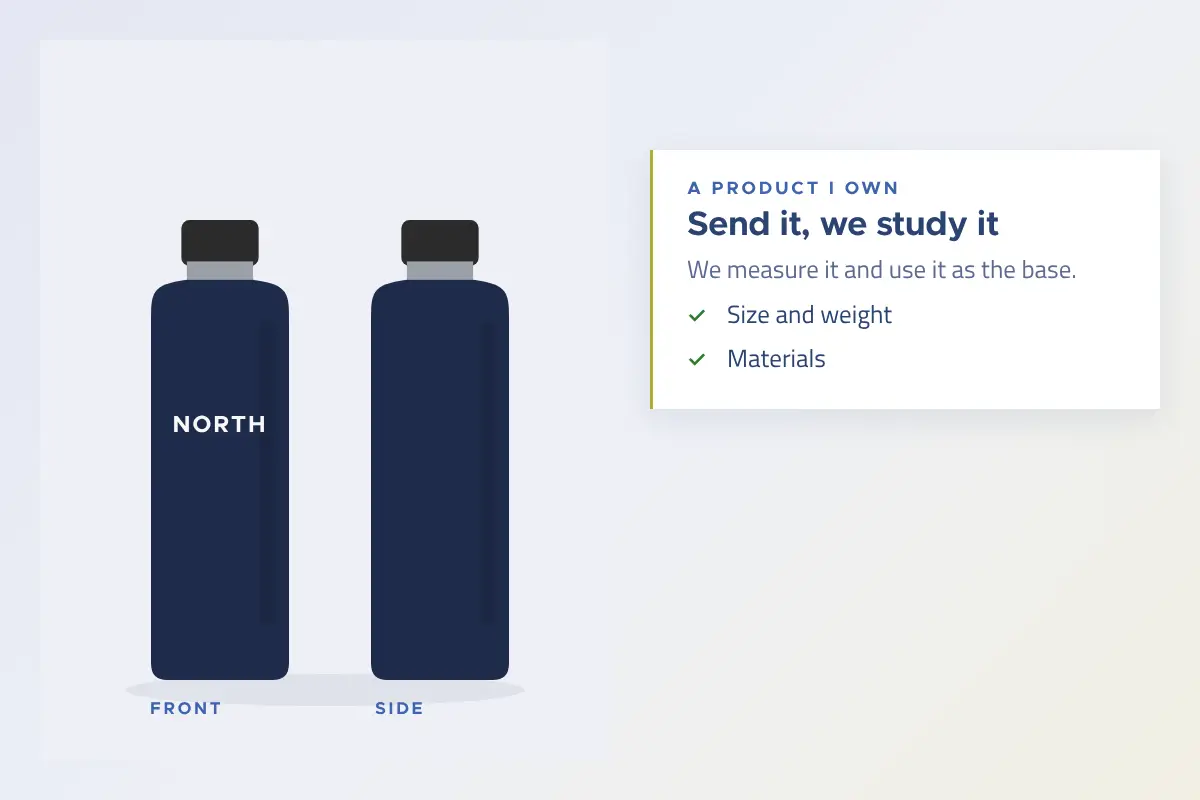
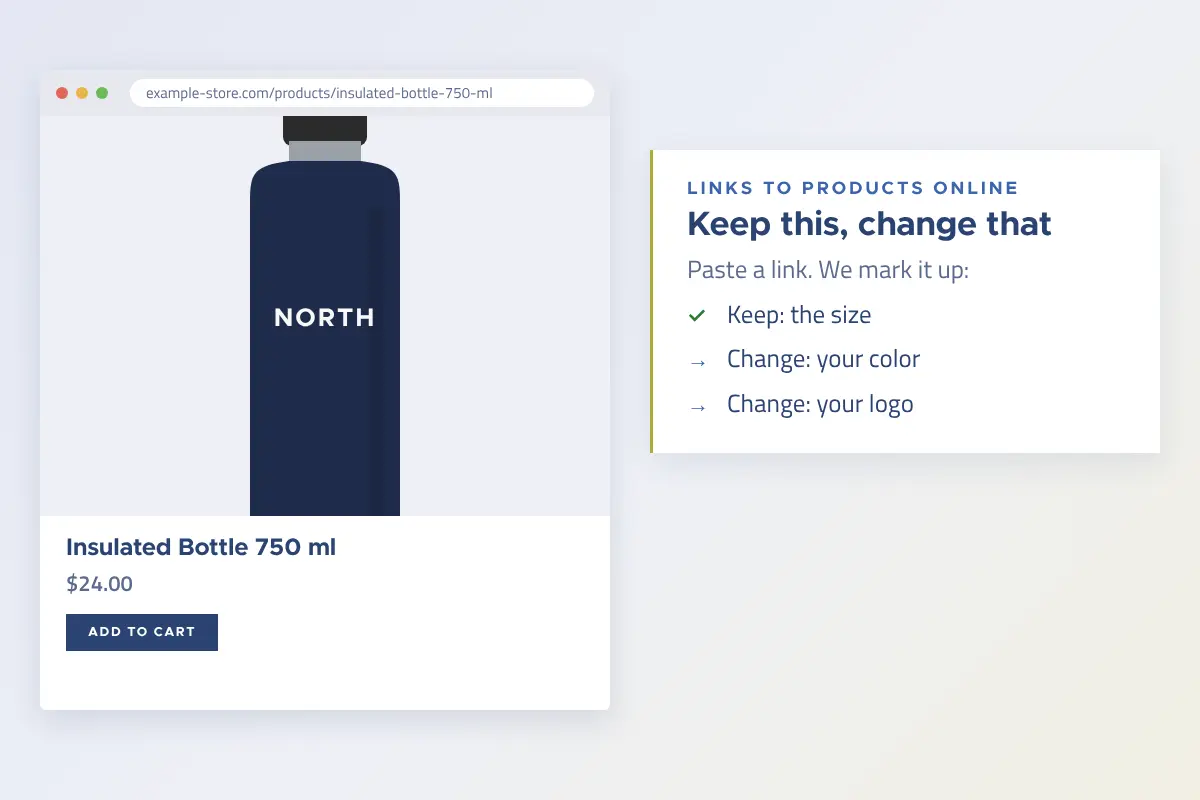
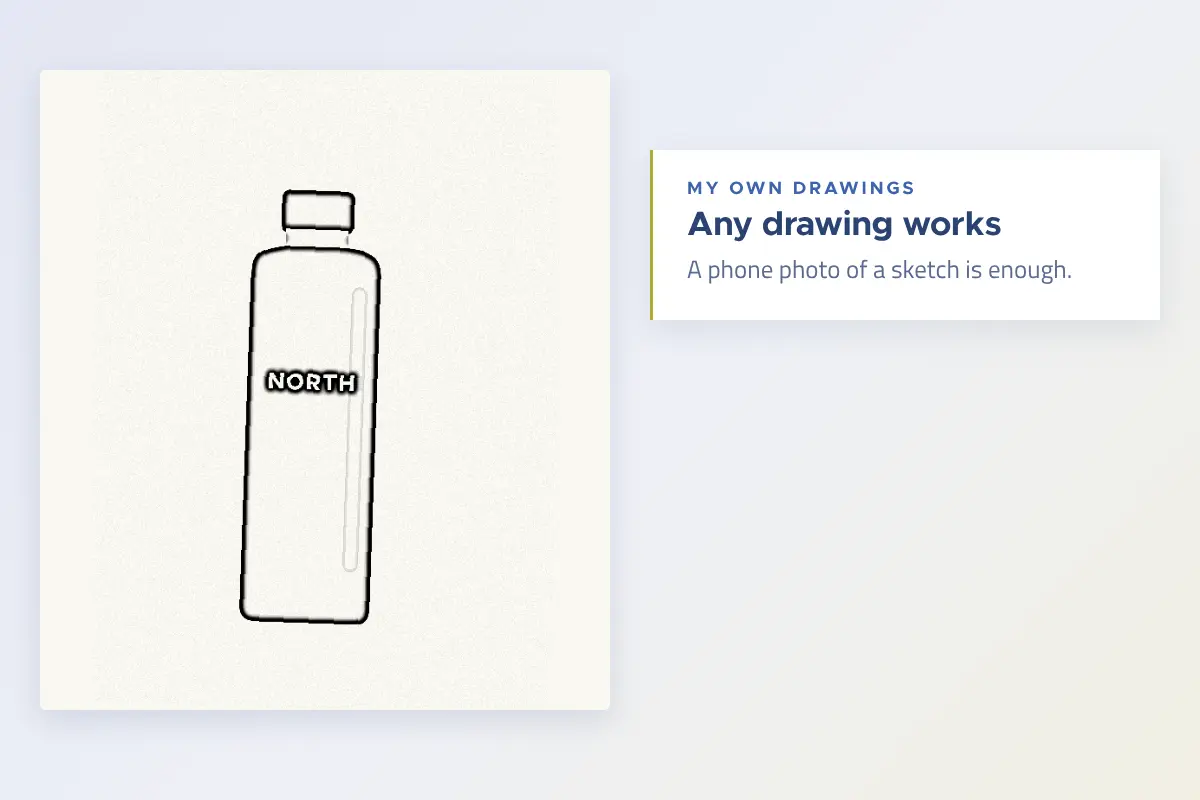
What can you show us?
Pick any that apply
What can you show us?
Pick any that apply
What can you show us?
Pick any that apply
What can you show us?
Pick any that apply
What can you show us?
Pick any that apply
Saved in your portalExamples
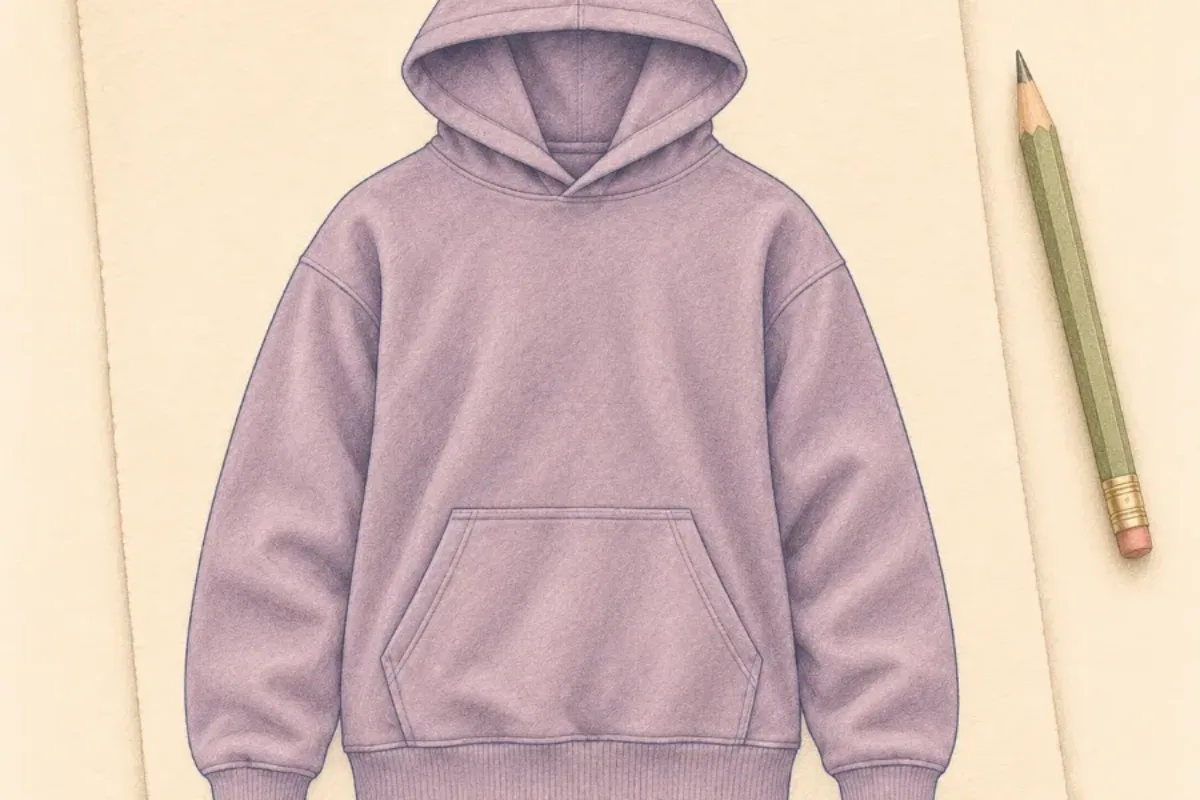
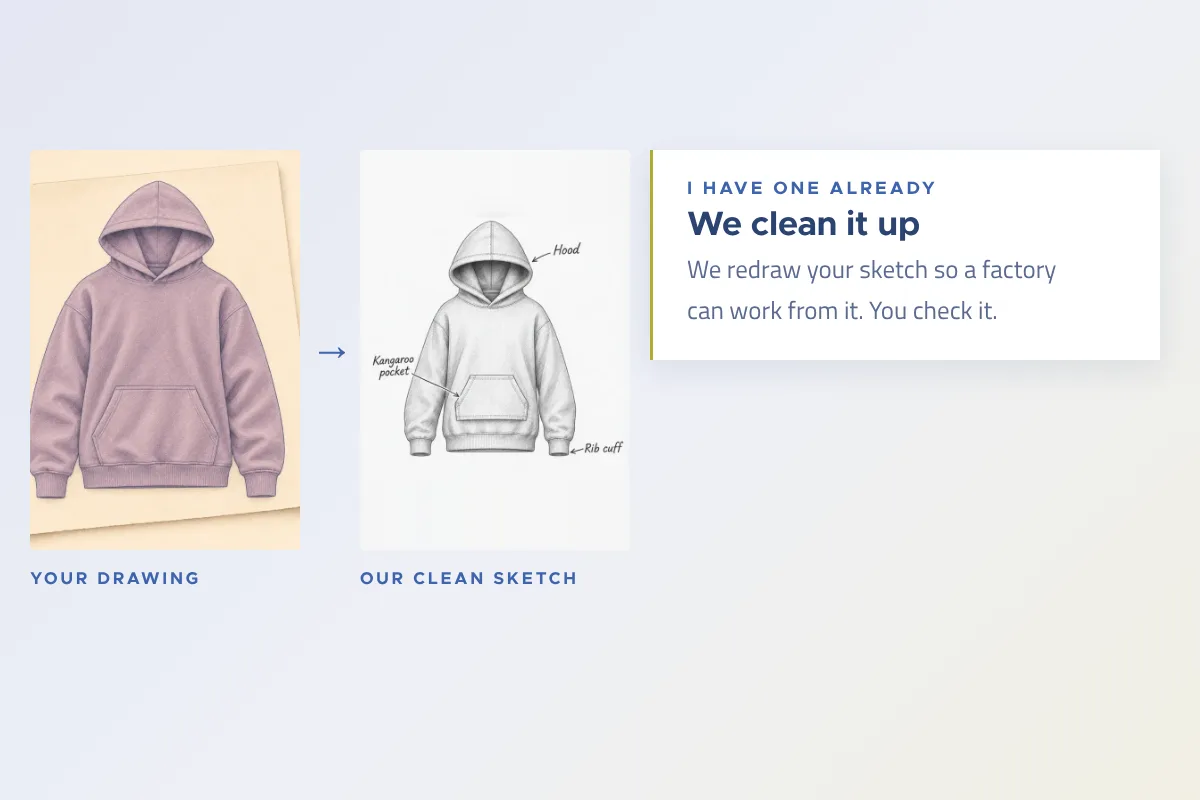
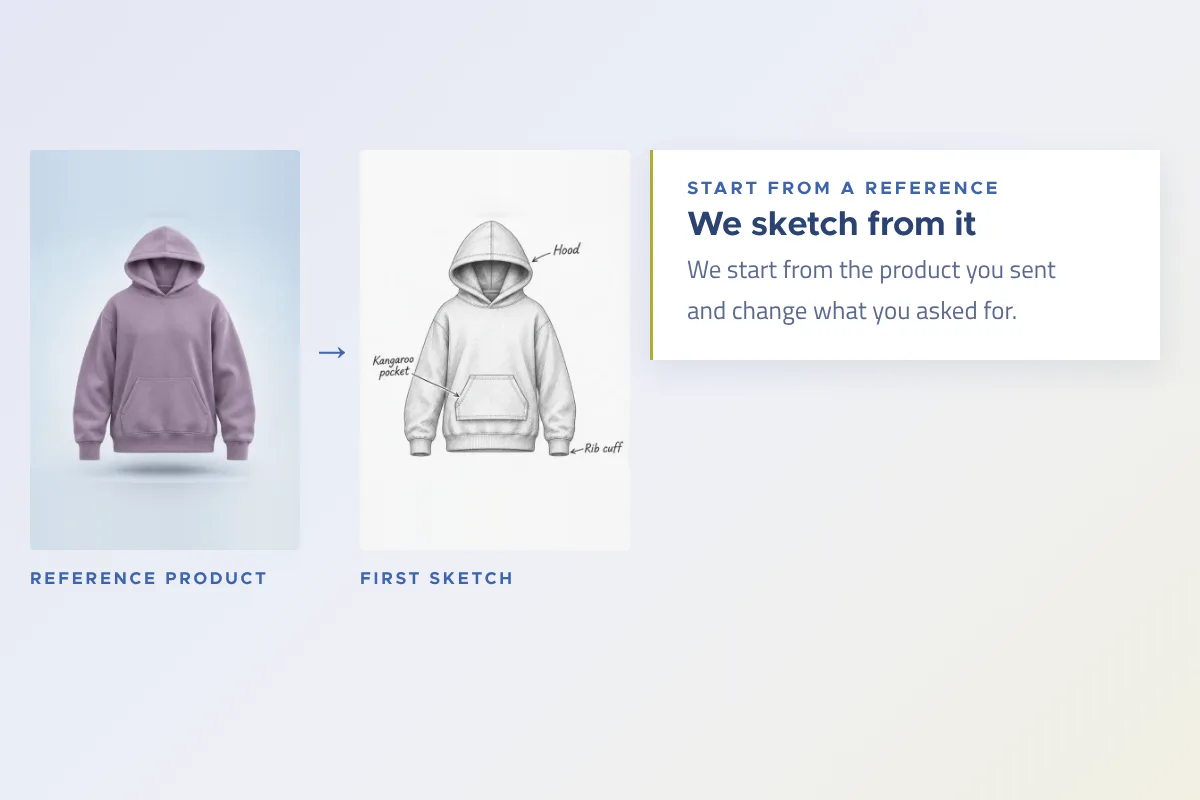
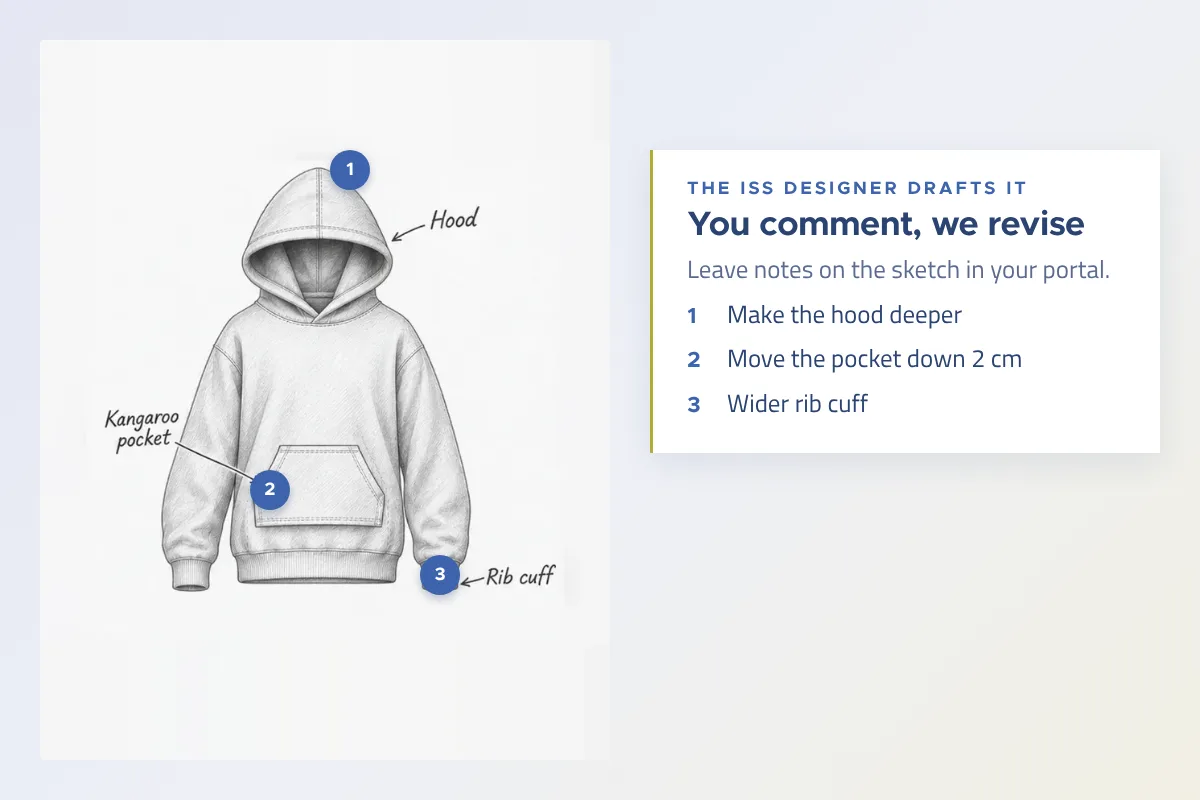
Next: Create a draft ↓Your references become a first sketch of the piece. You comment on it in the portal until it looks right.
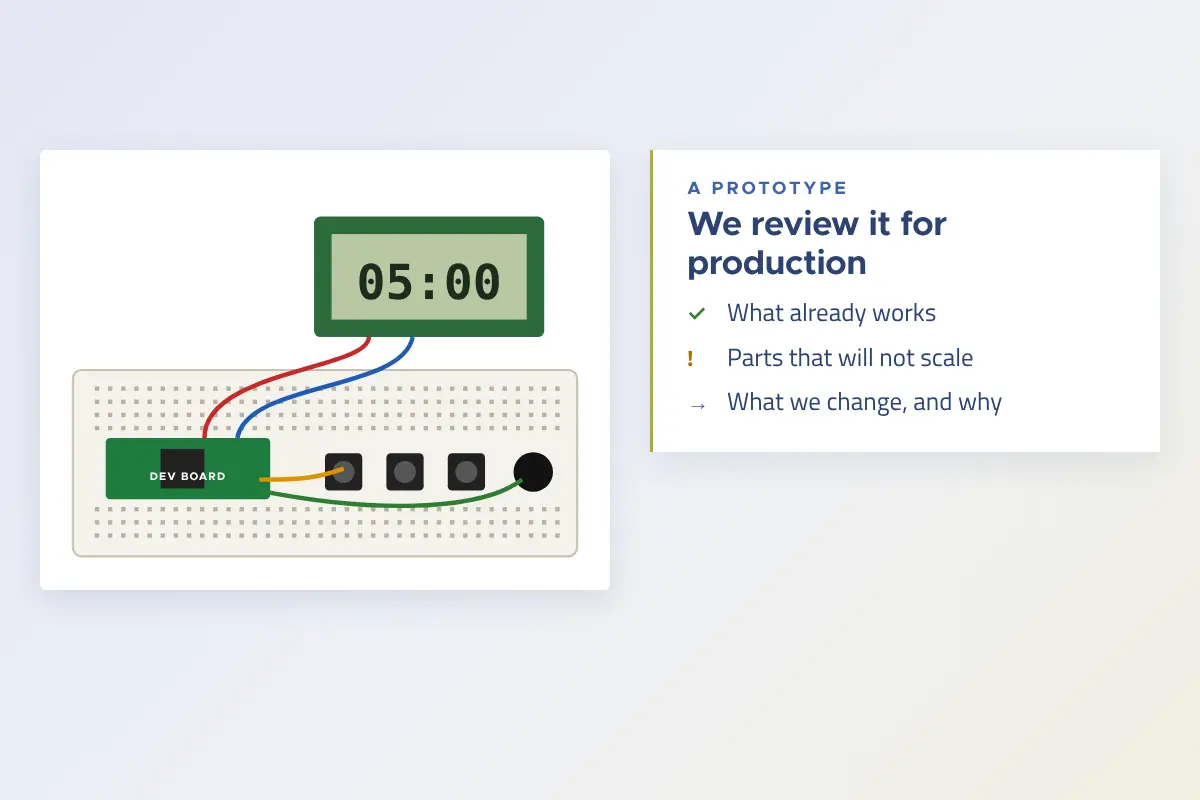
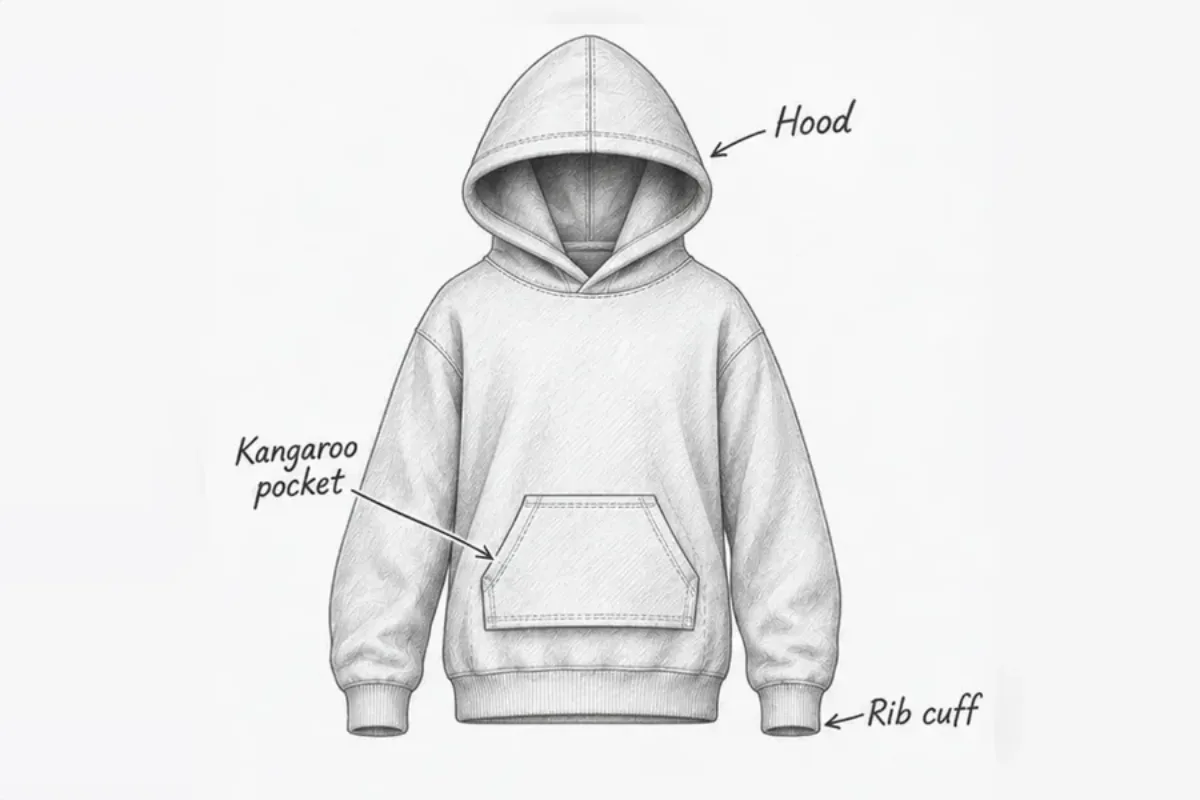
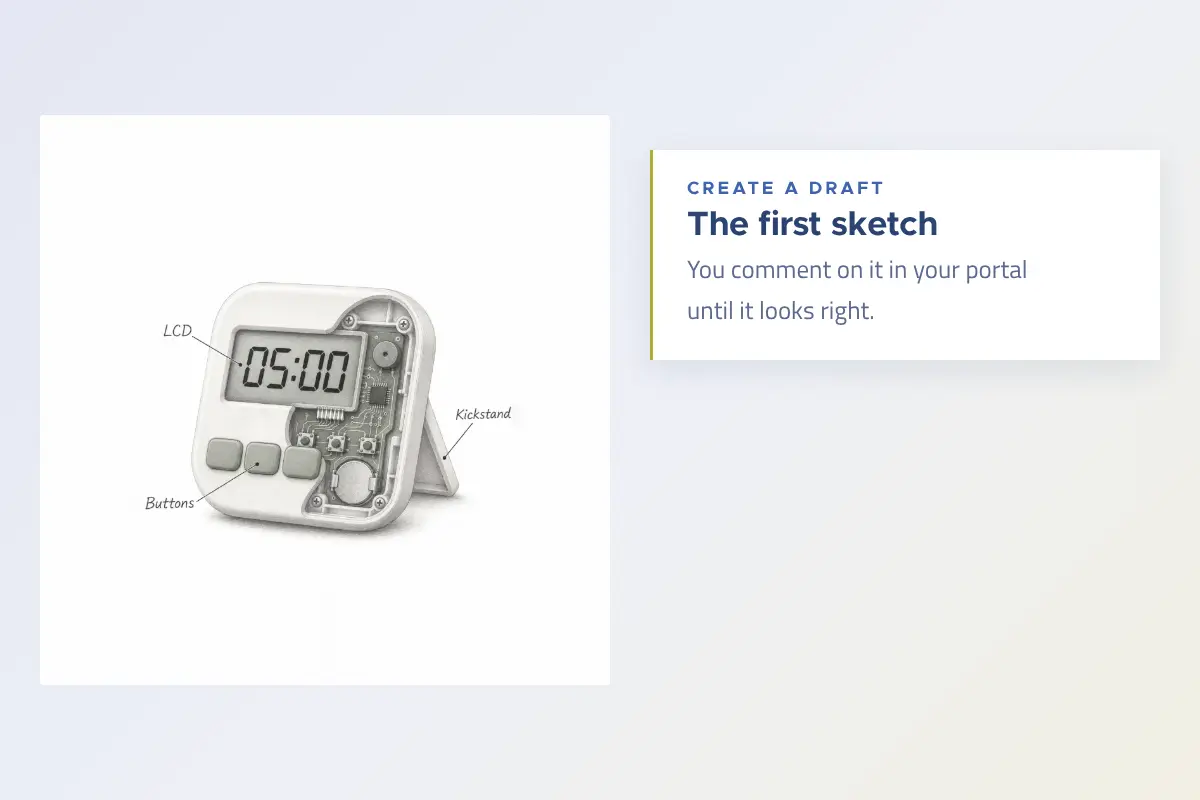
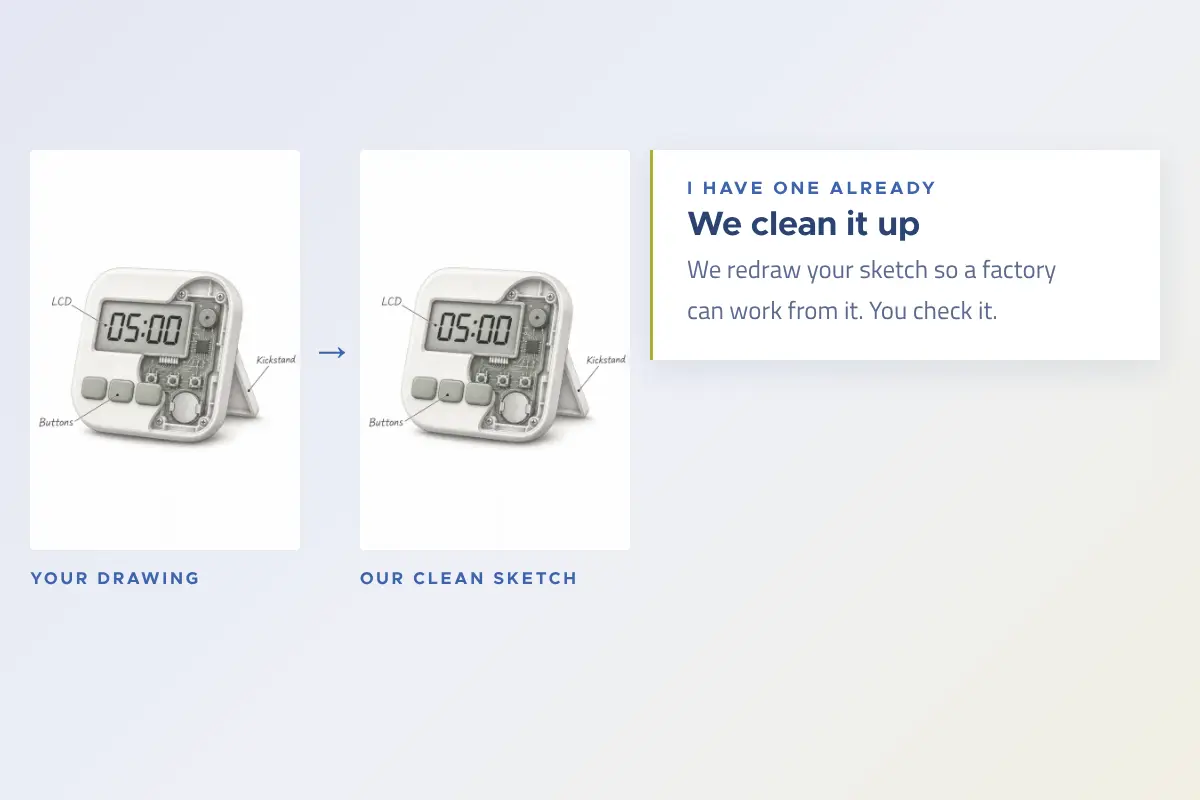
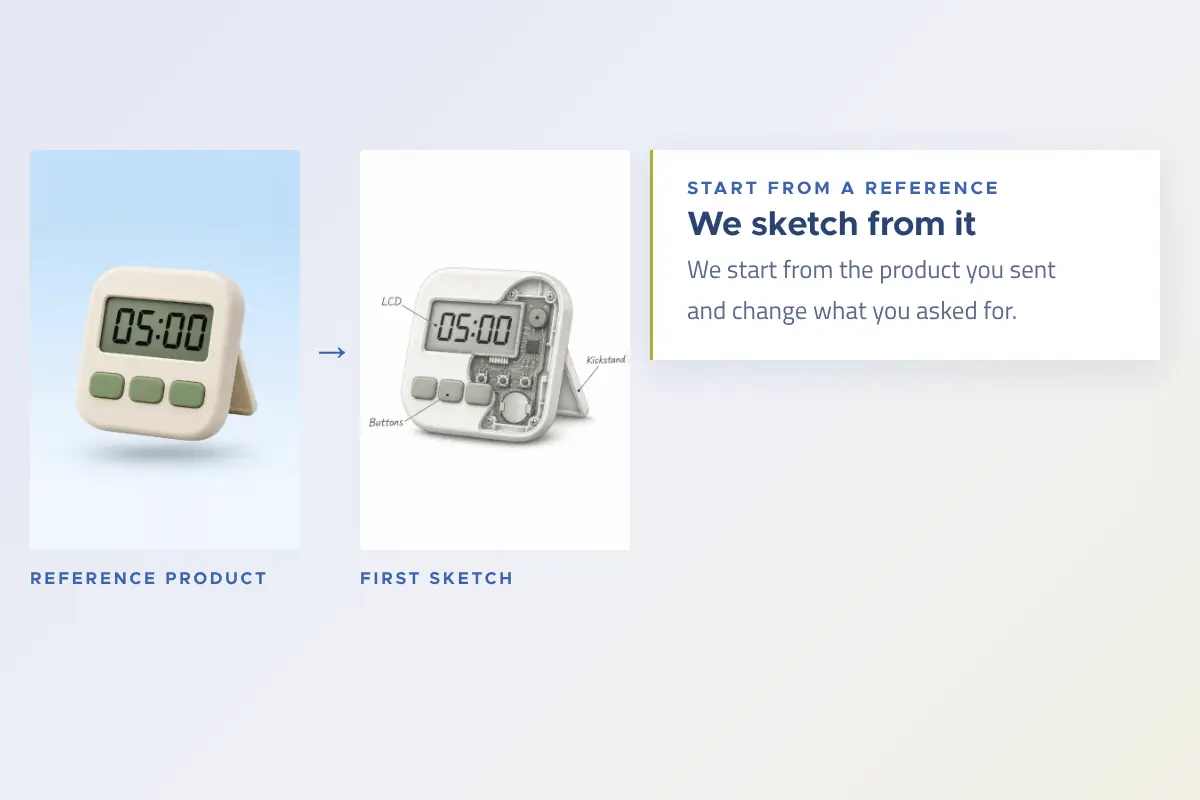
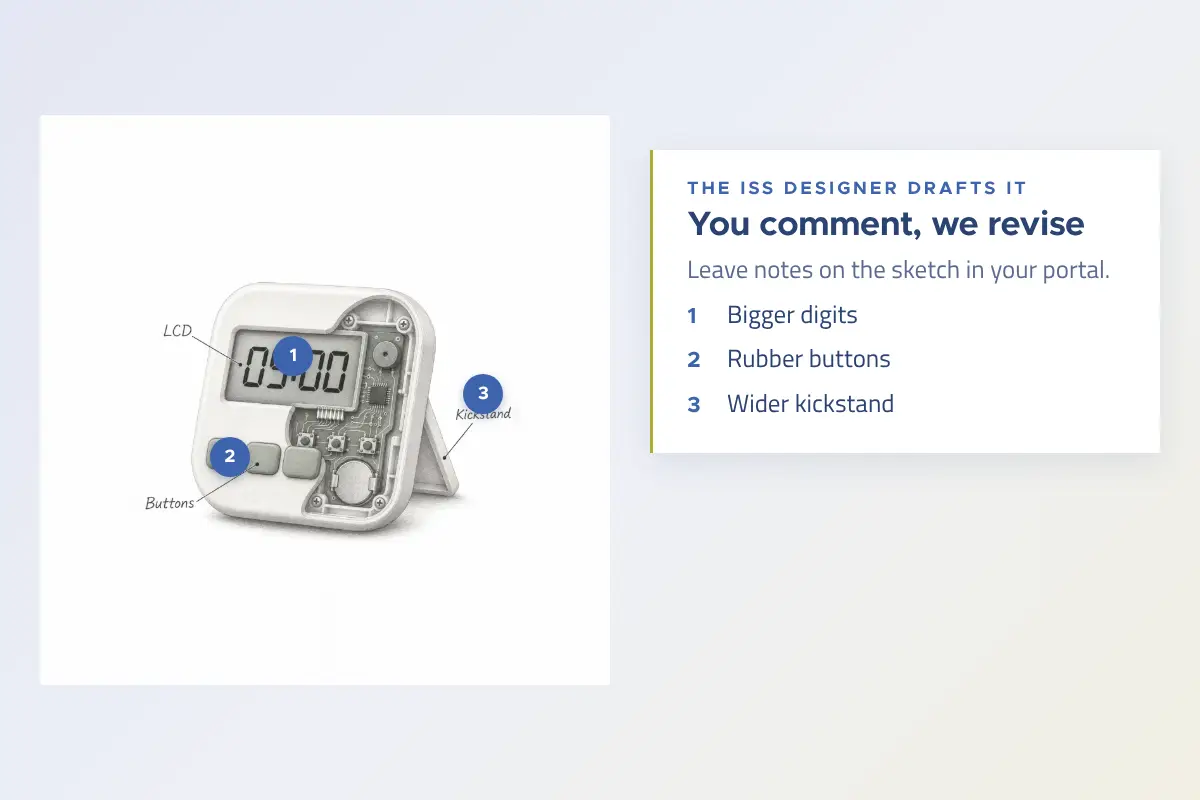
A first sketch places the screen, buttons and ports. You check it works the way you picture it.
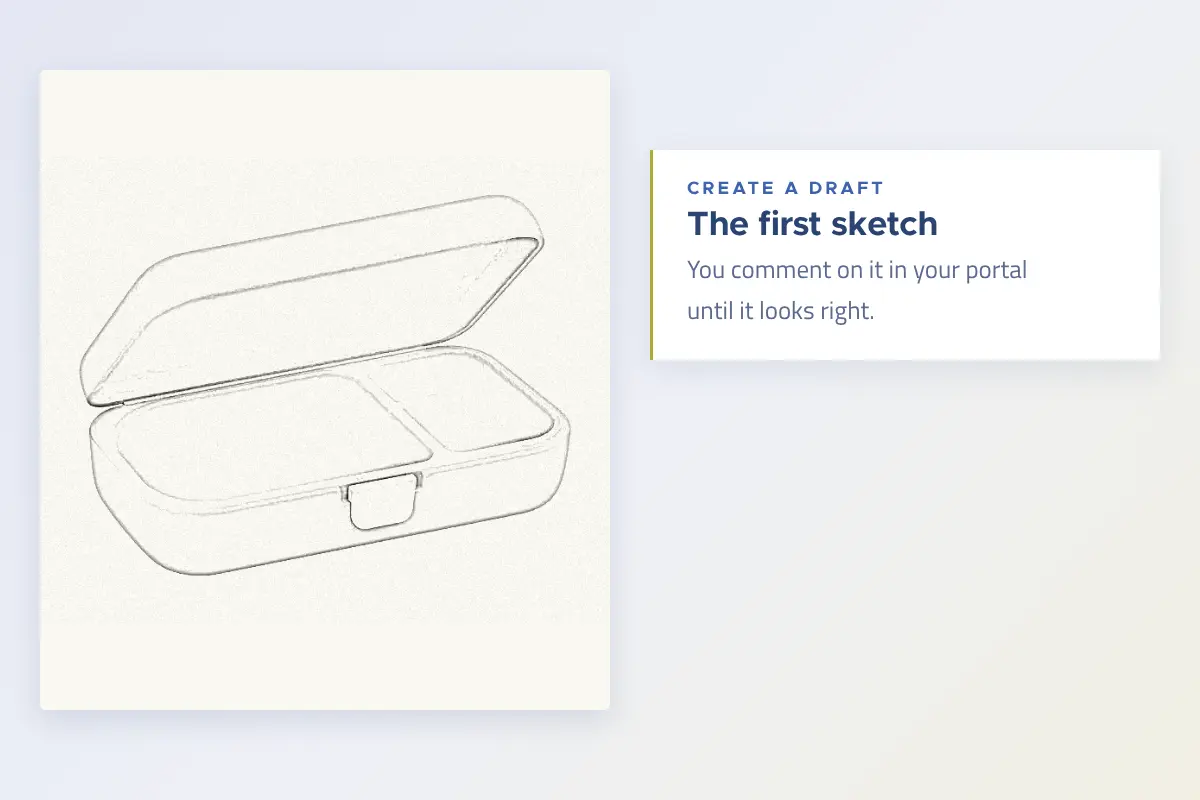
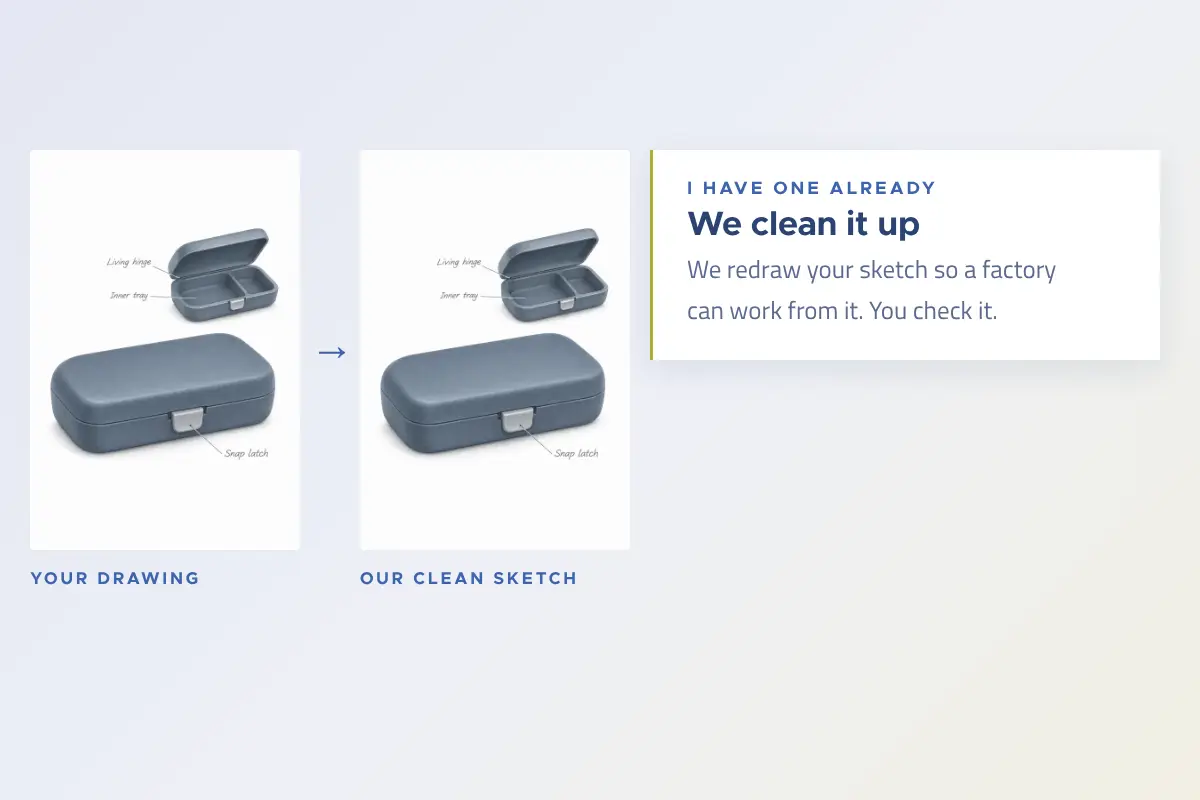
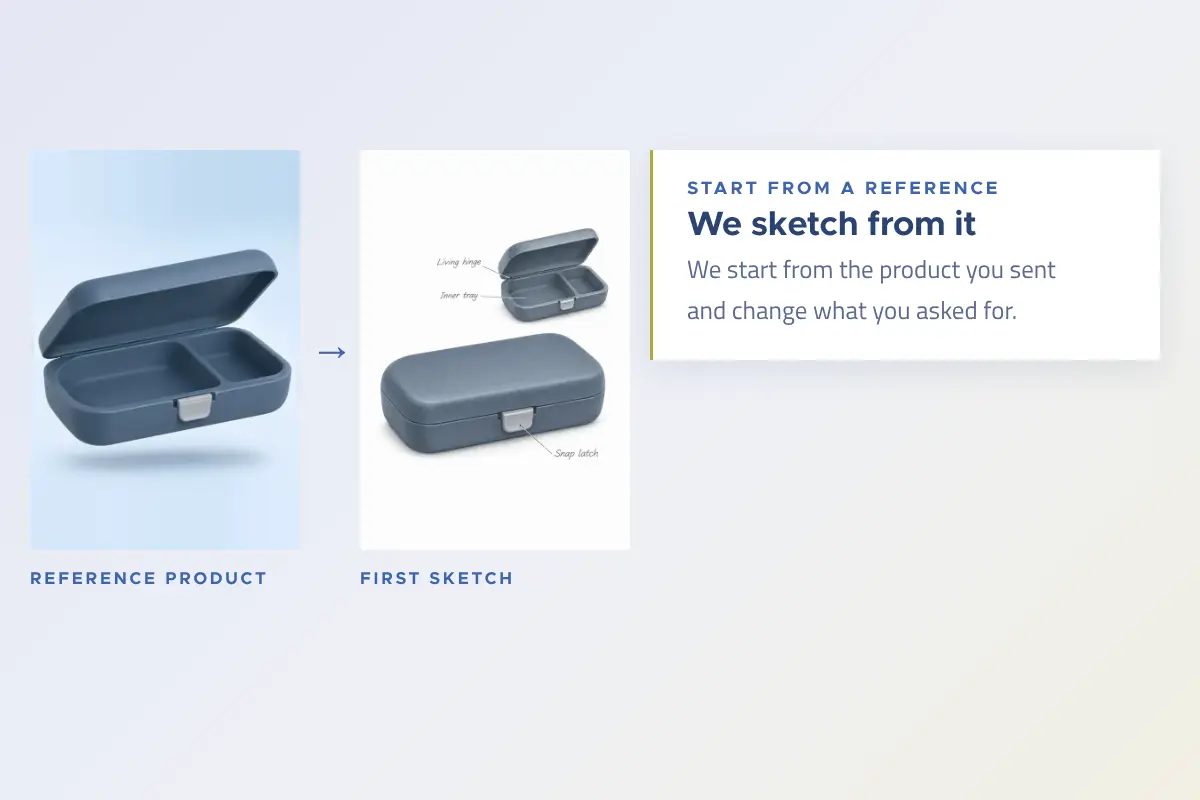
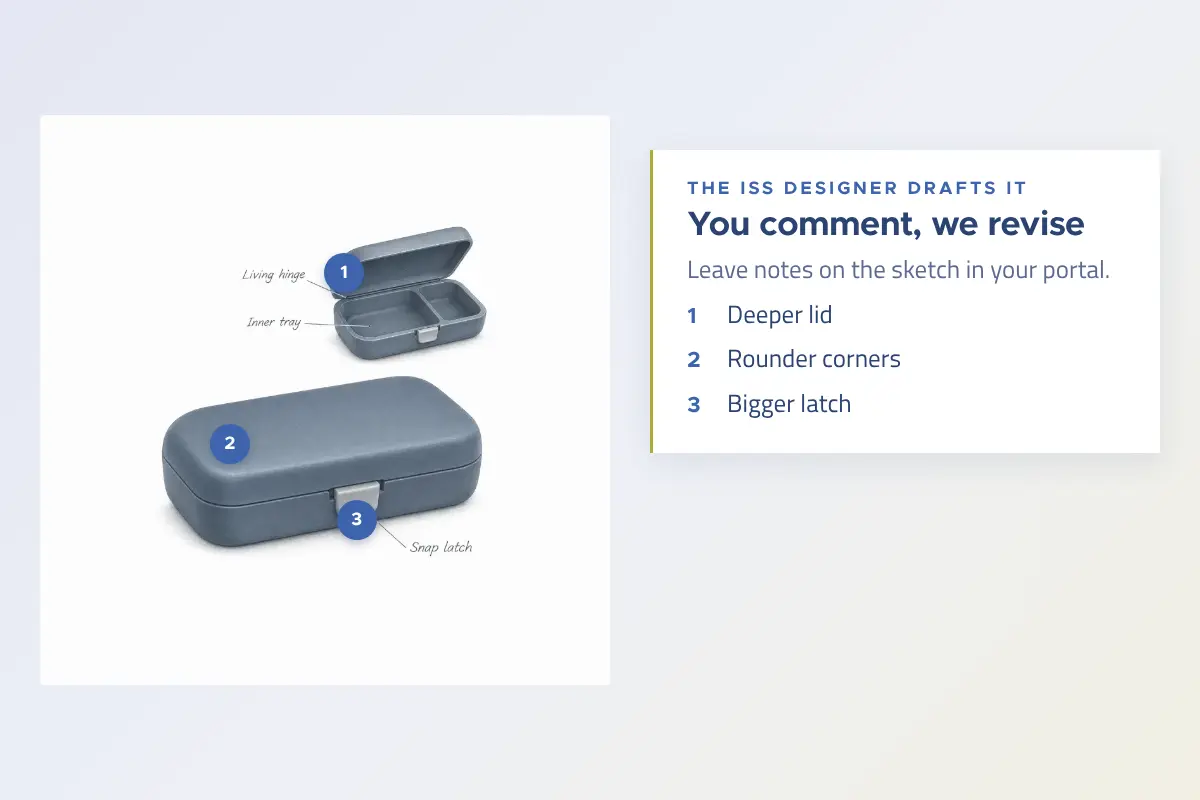
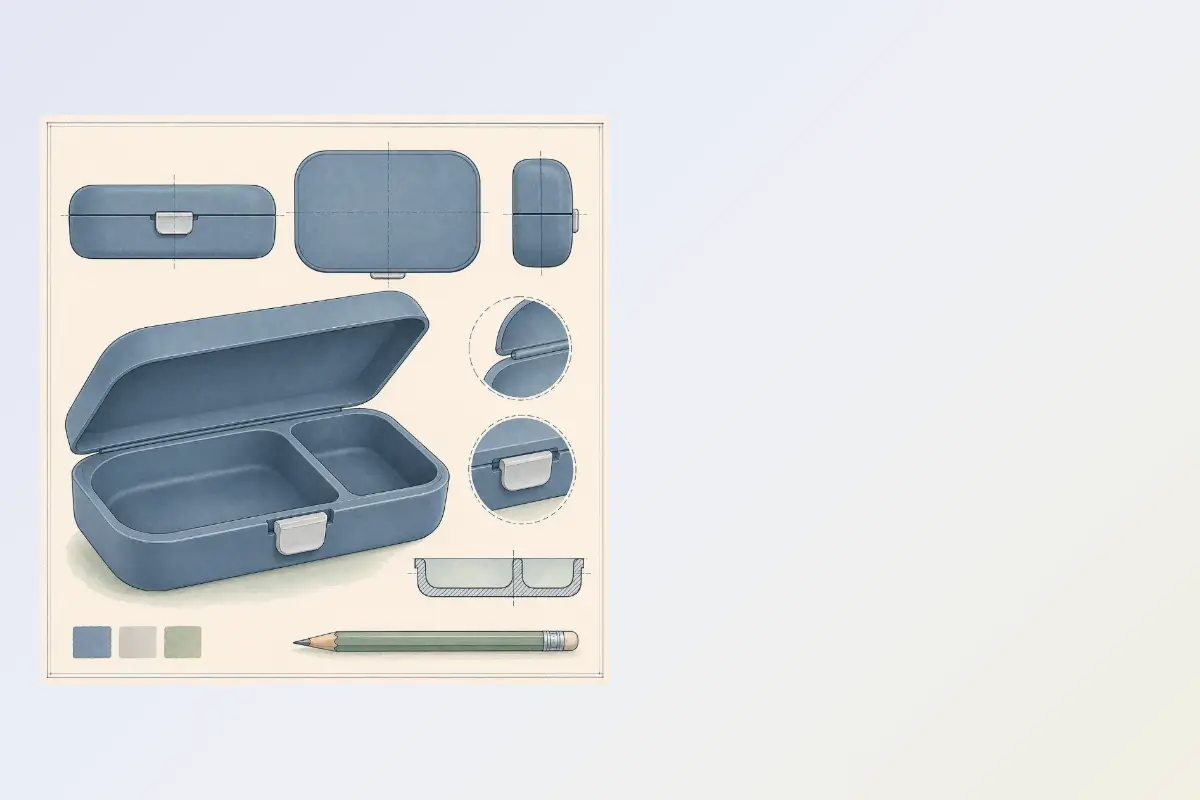
A first sketch shows the shape, how it opens and where it closes. Changes are easiest now.
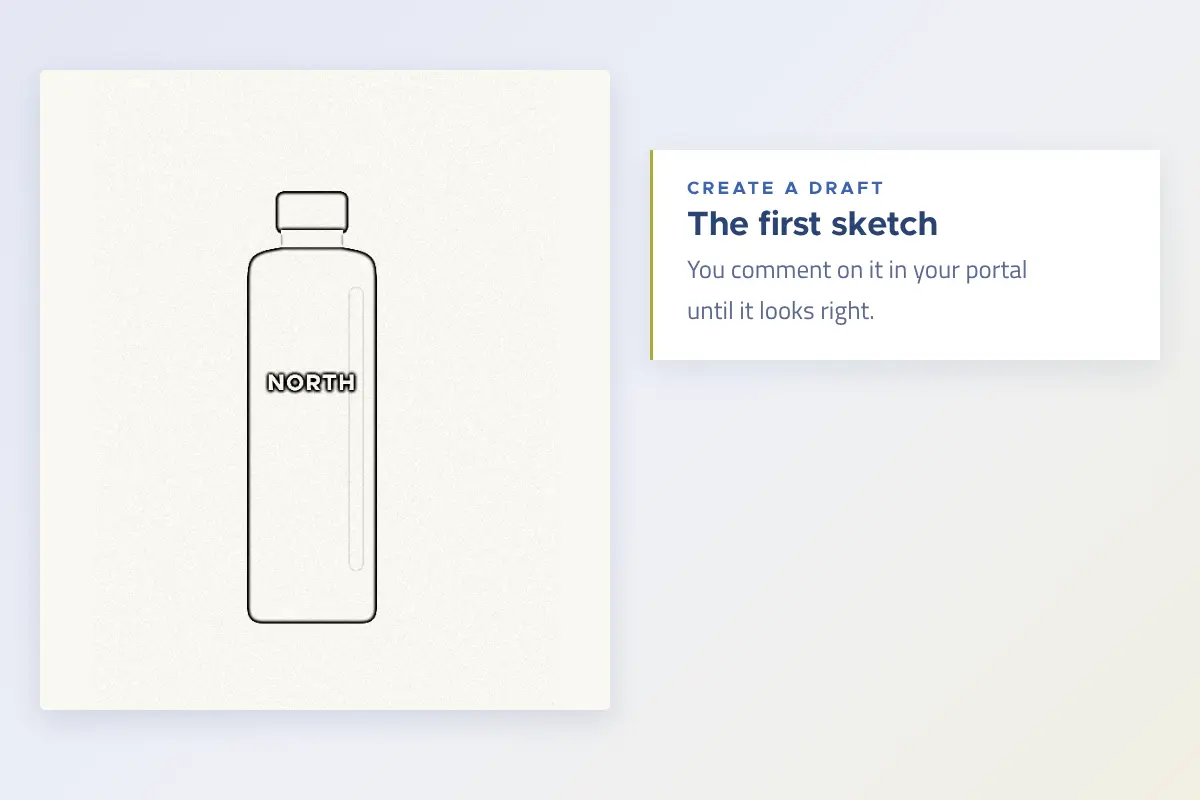
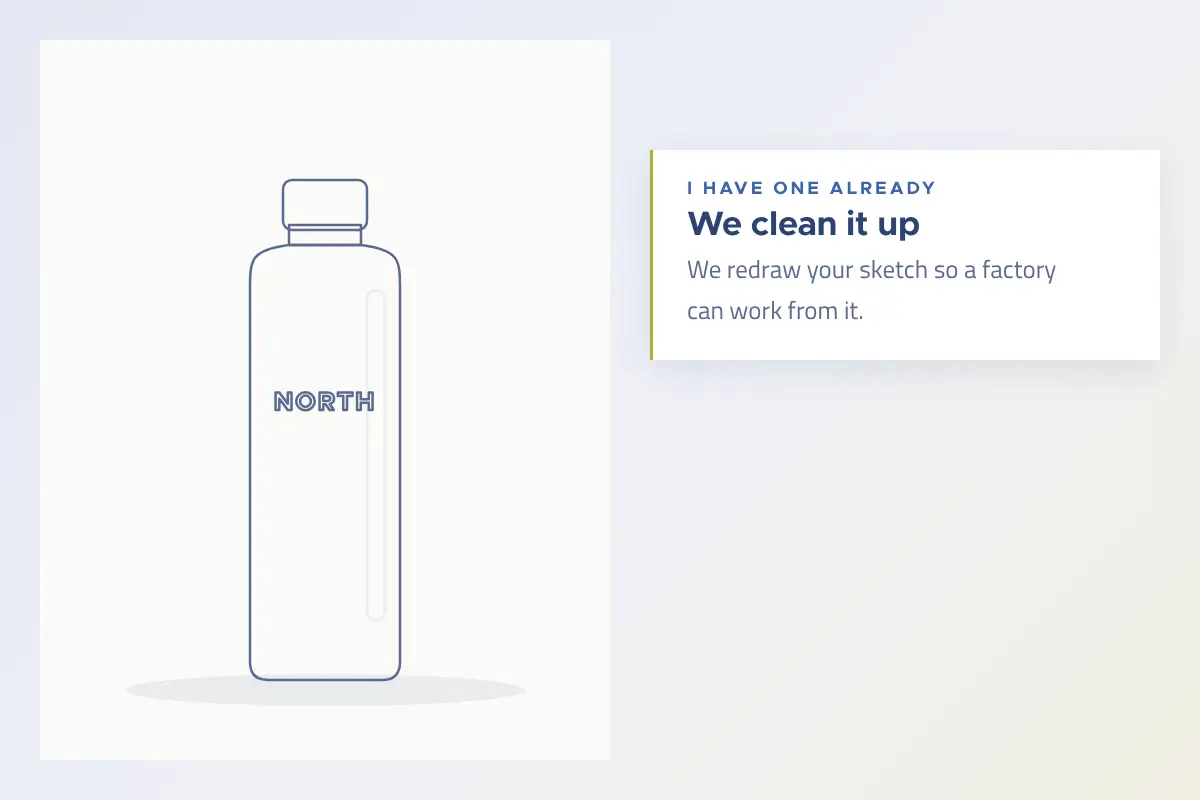
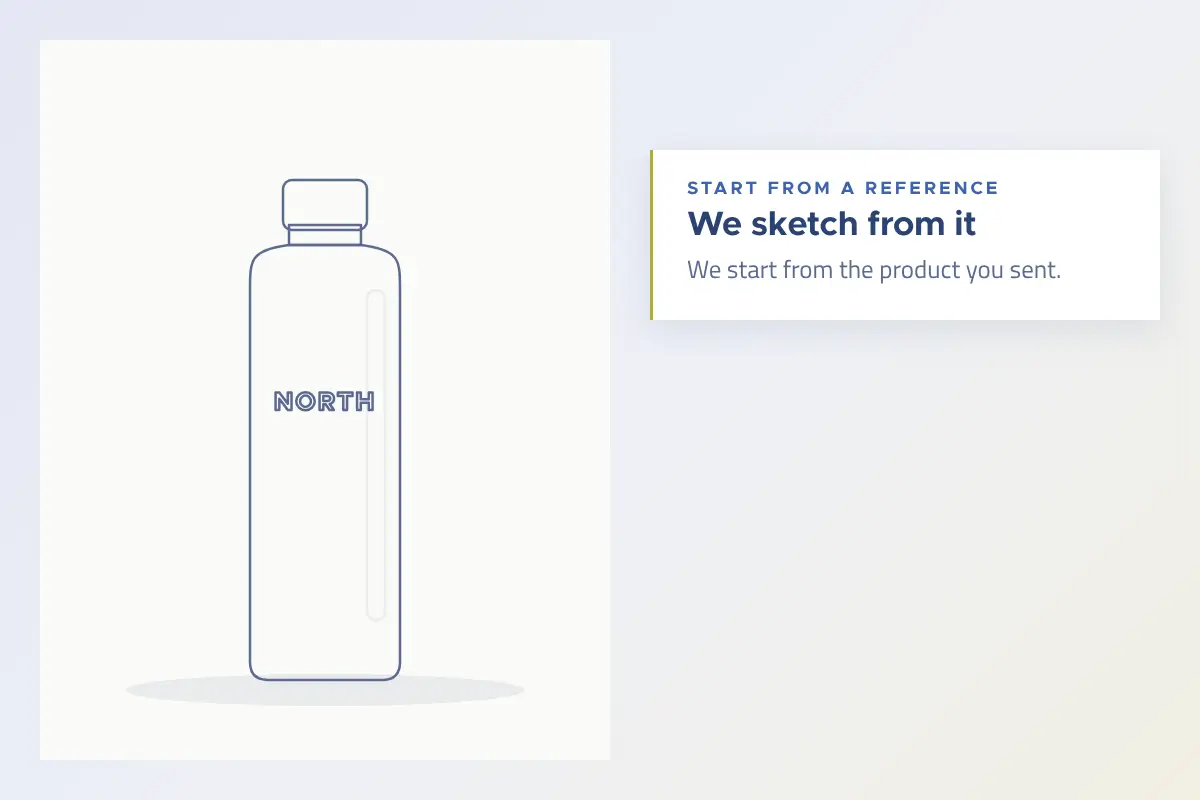
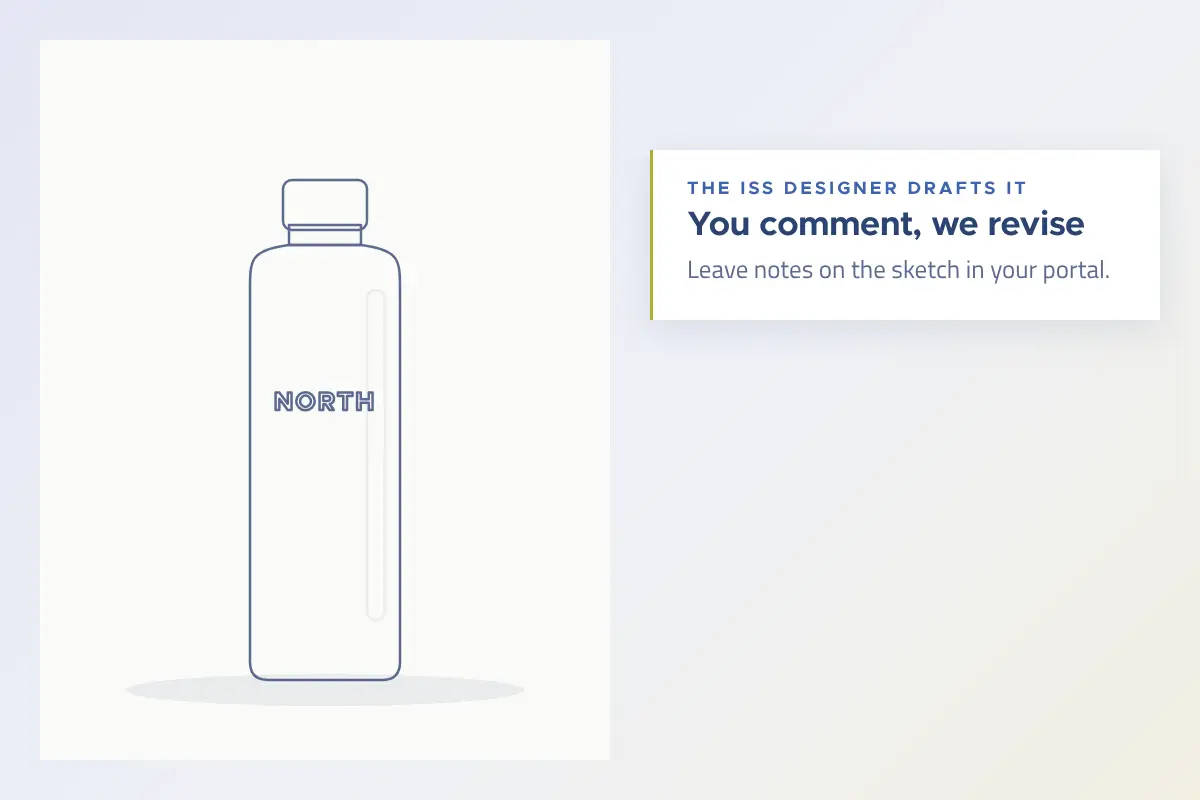
A first sketch shows the product with your logo in place. You choose the position and size.
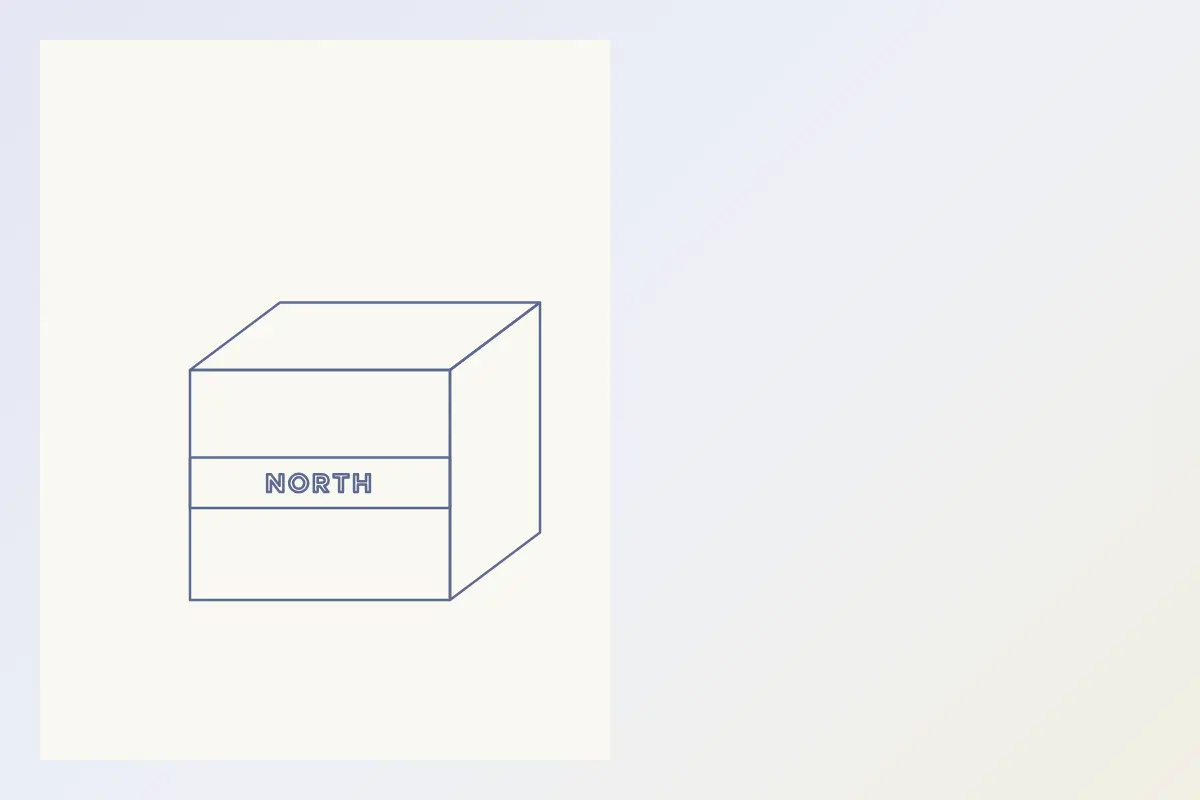
A first sketch shows the box style, how it opens and how the product sits inside.
Who starts the first sketch?
Pick one
Who starts the first sketch?
Pick one
Who starts the first sketch?
Pick one
Who starts the first sketch?
Pick one
Who starts the first sketch?
Pick one
Saved in your portalFirst sketch
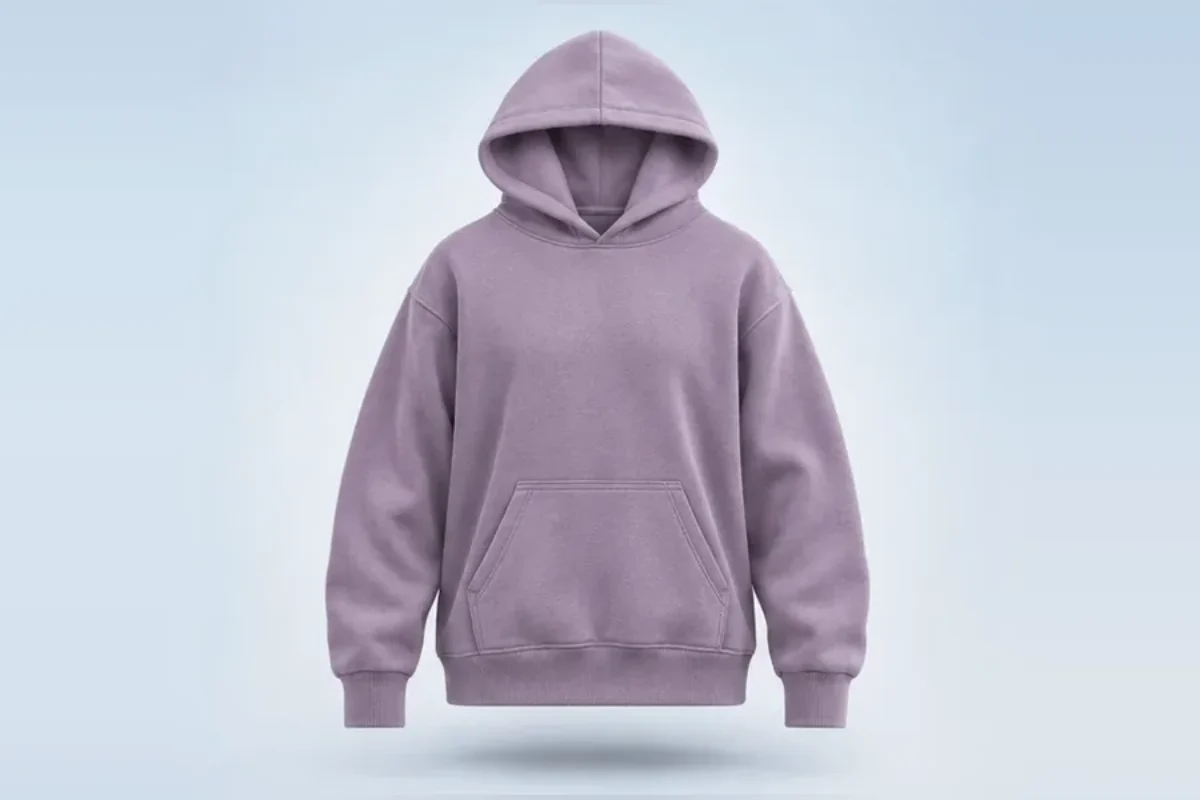
Next: Render the mockup ↓See the finished piece in your colors before a sample is cut.
See the finished product in your colors and finish before any tooling.
See the finished part in your color and texture before the mold is made.
See your branded product, front and side, in your colors.
See the box closed and open, printed in your design.
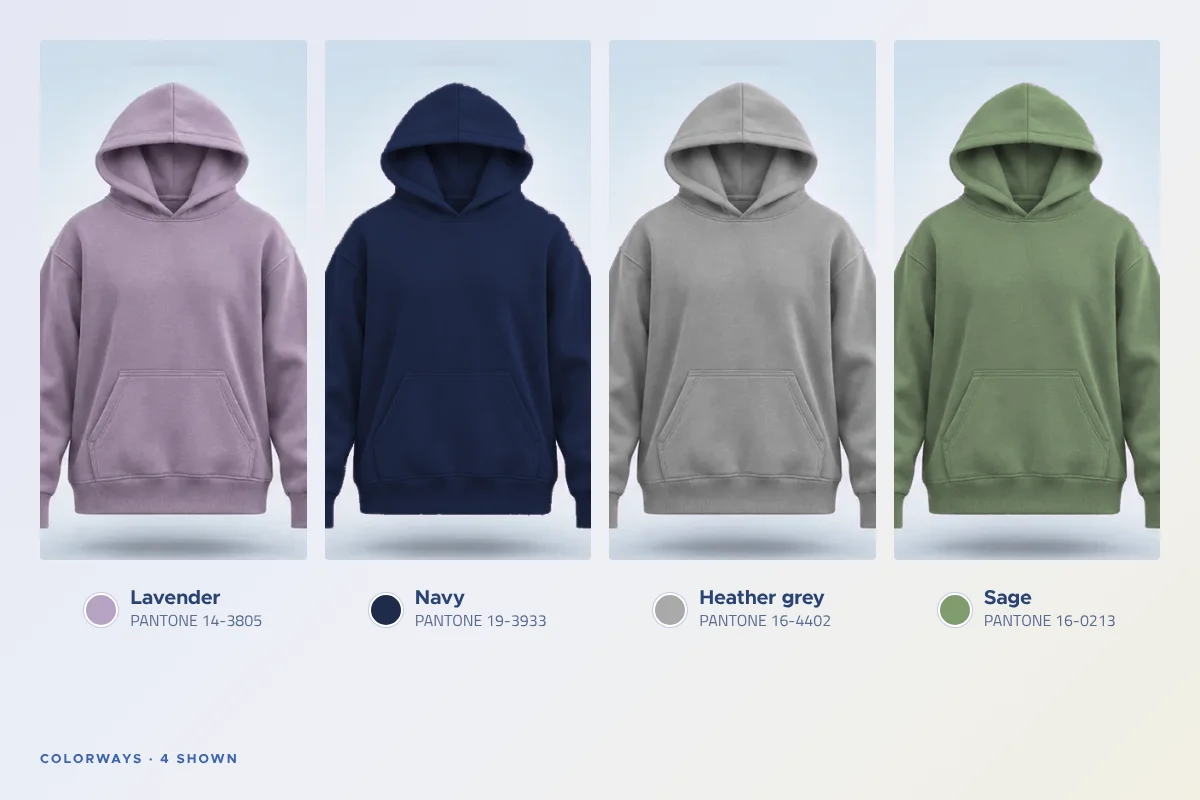
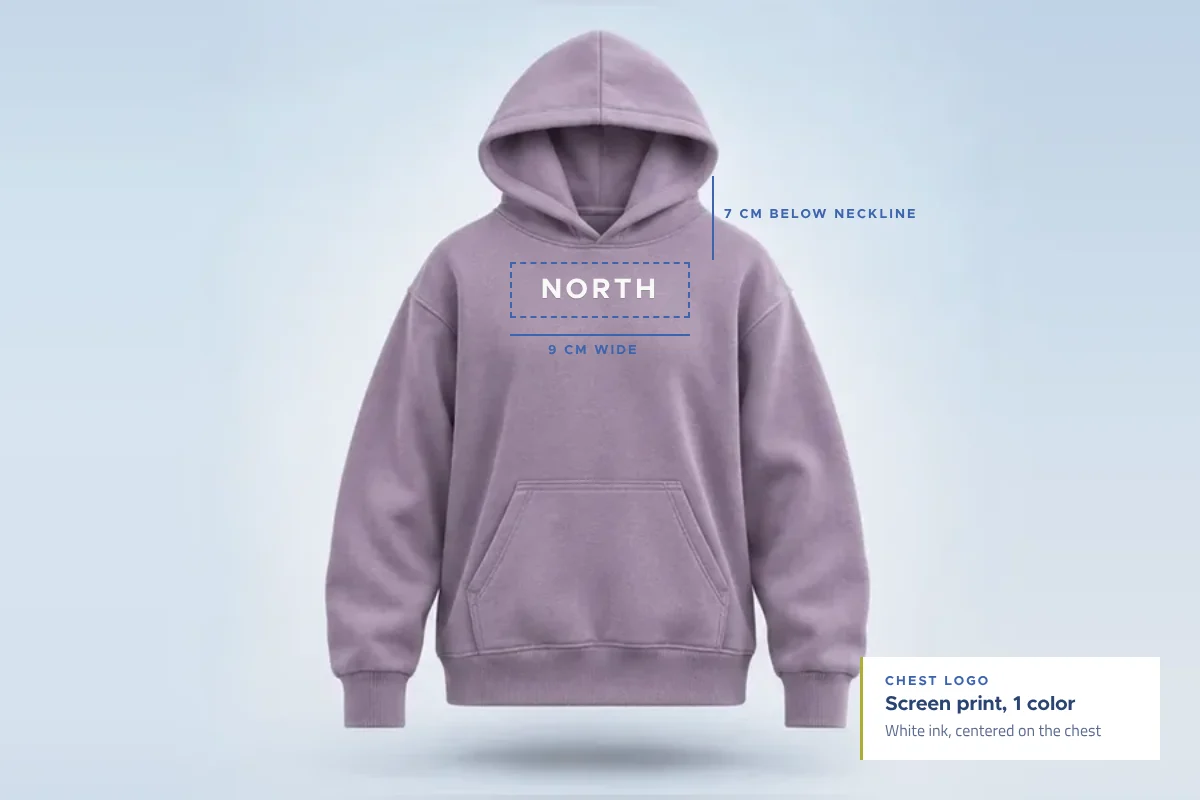
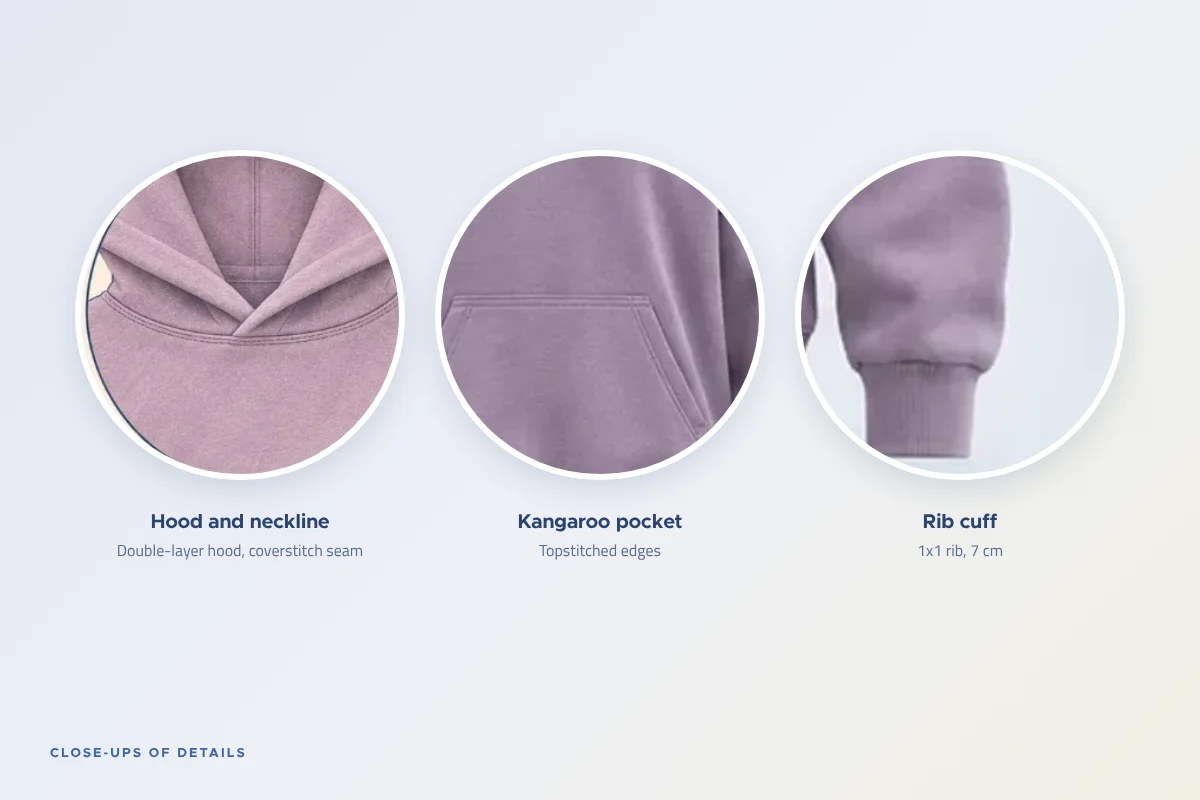
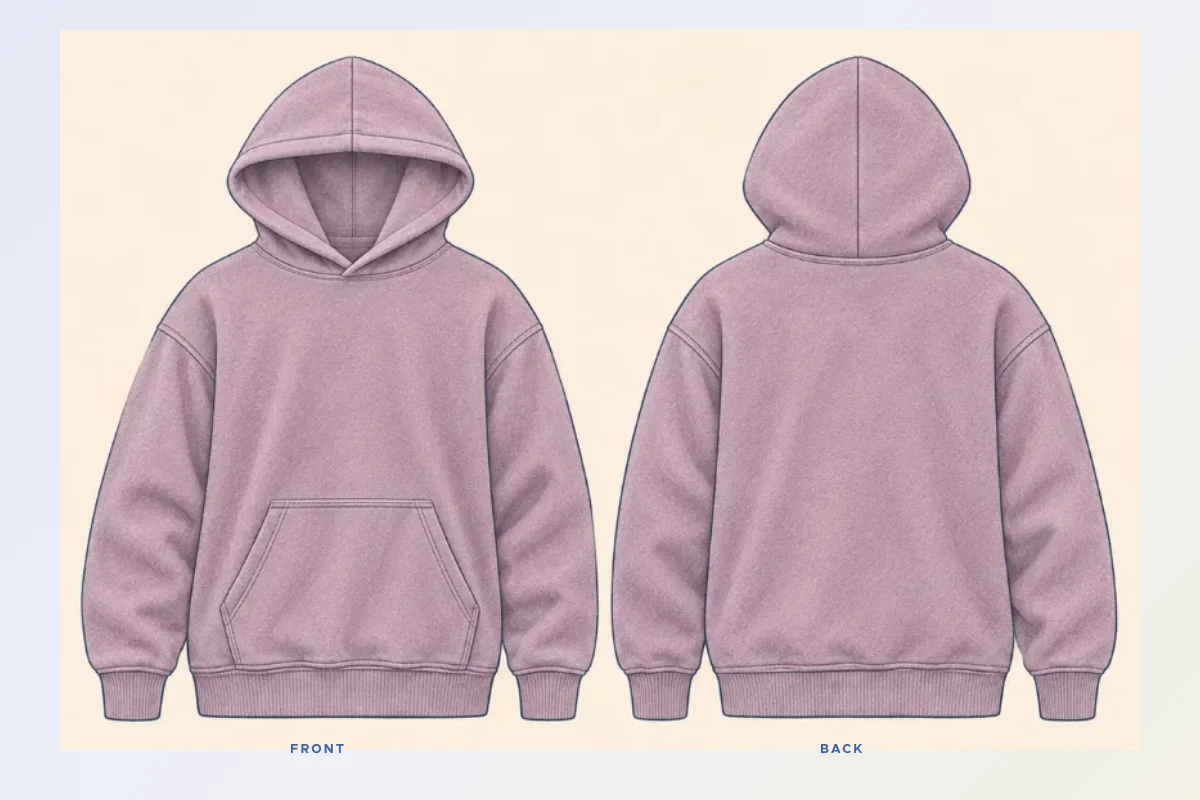
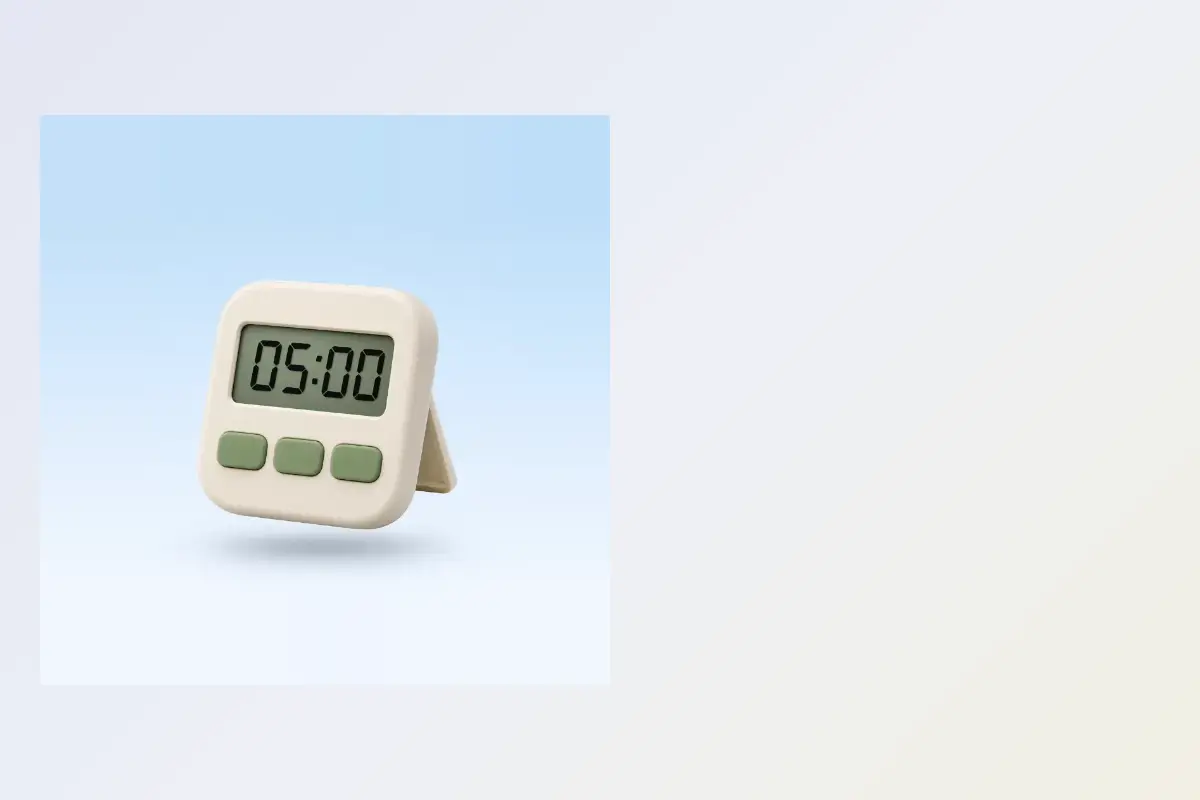
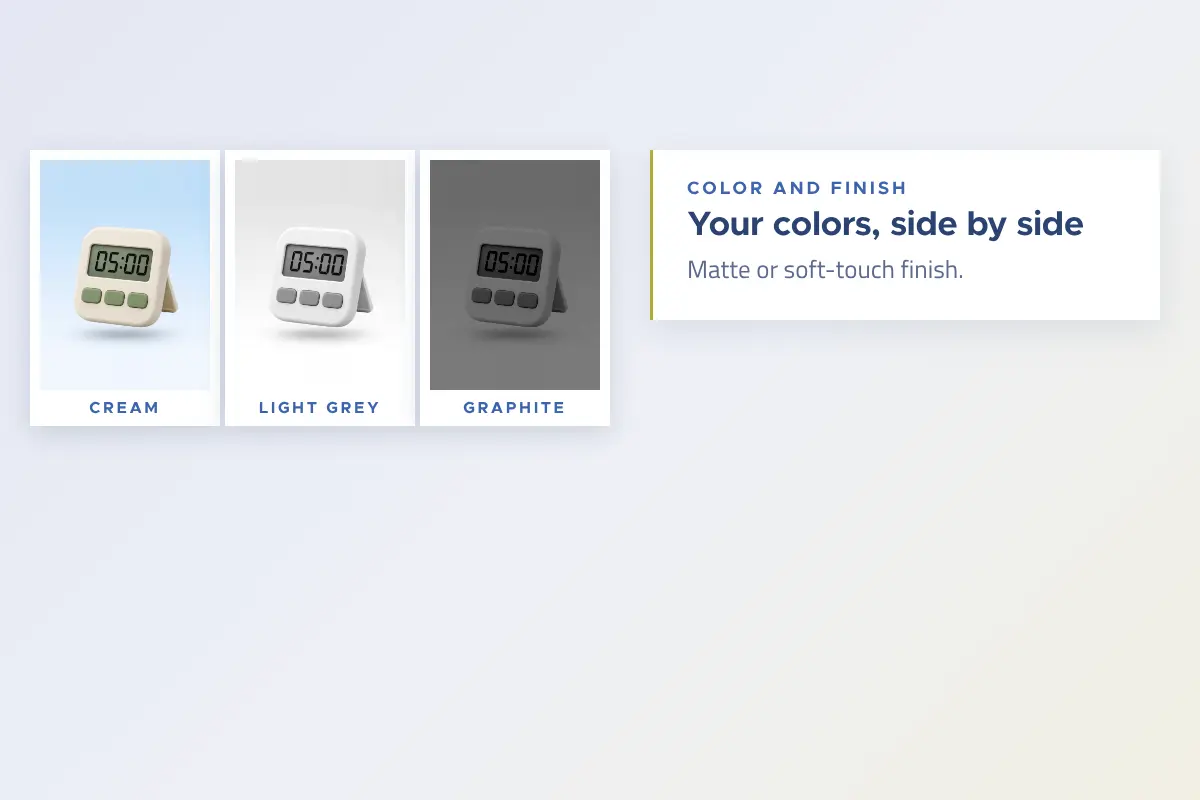
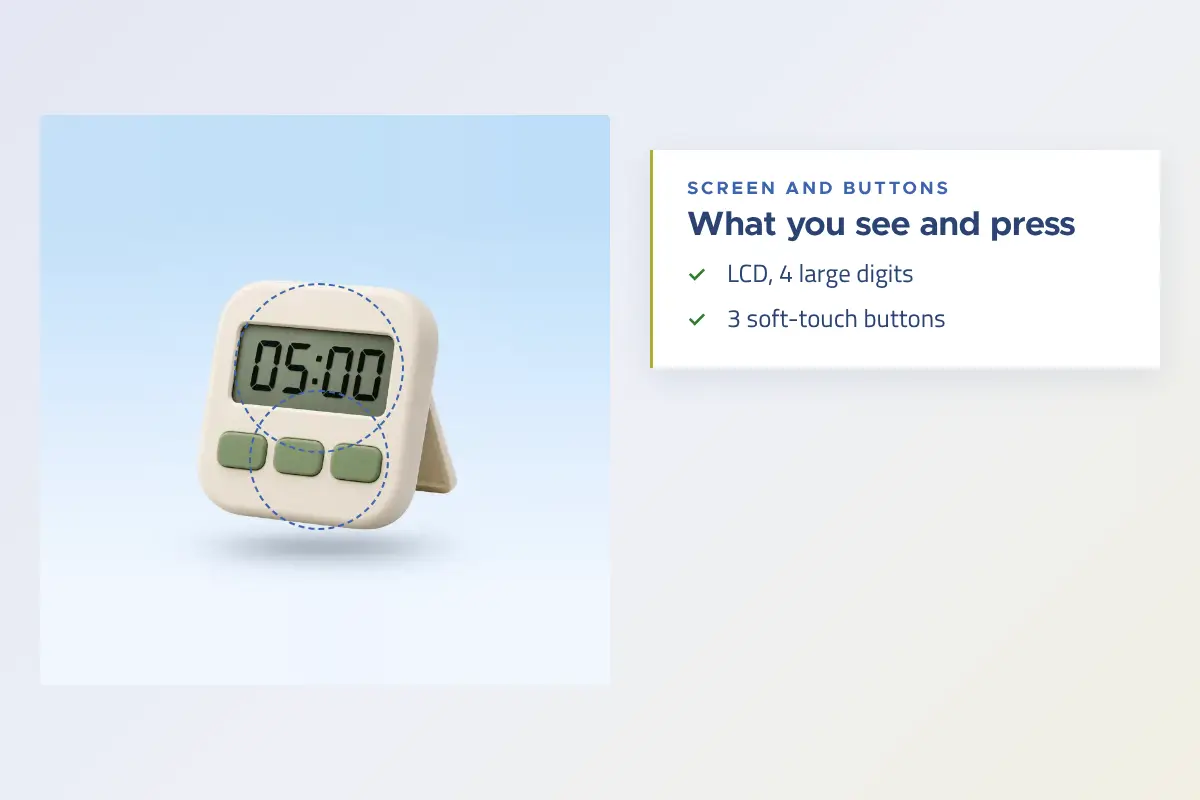
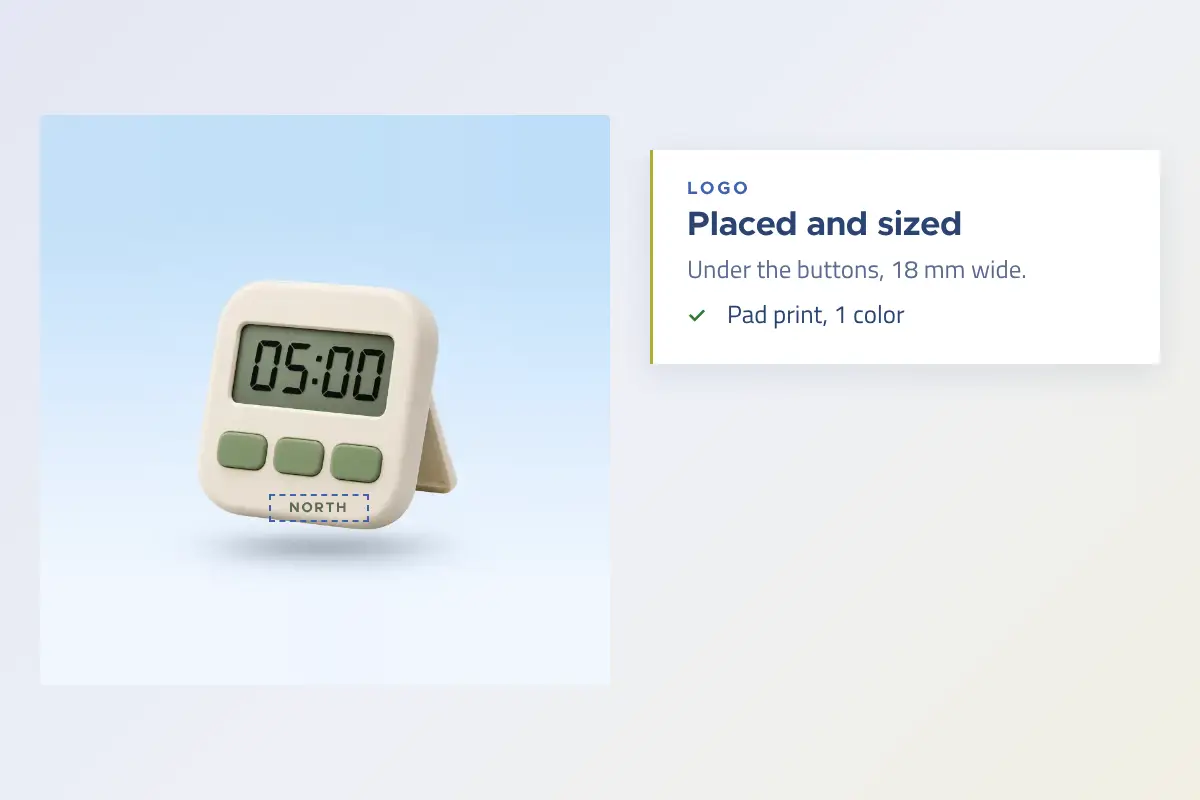
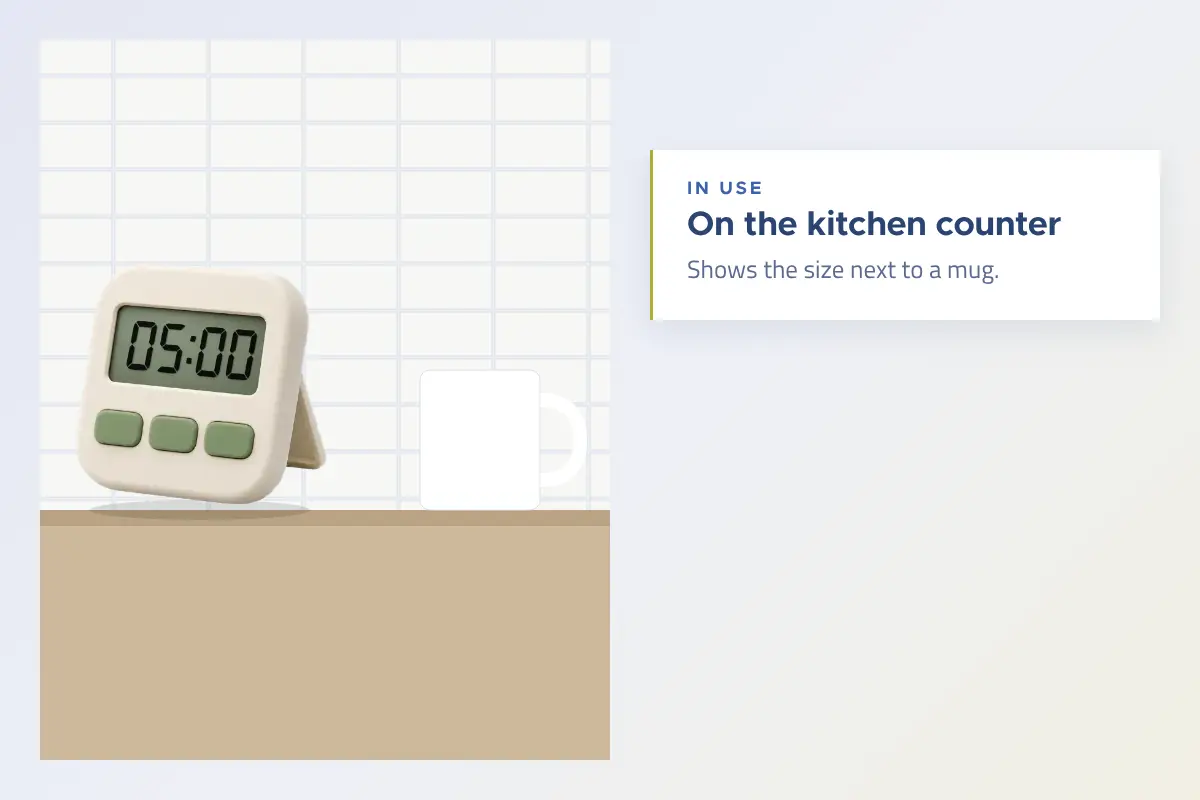
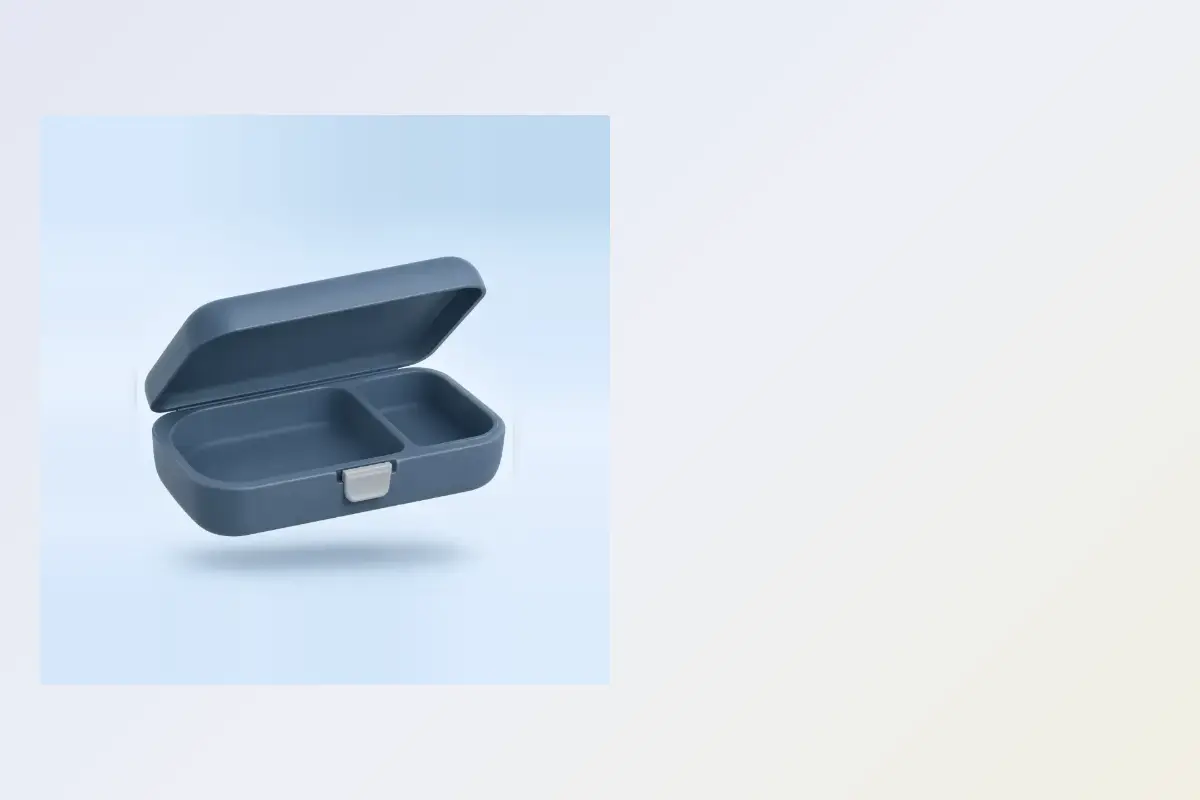
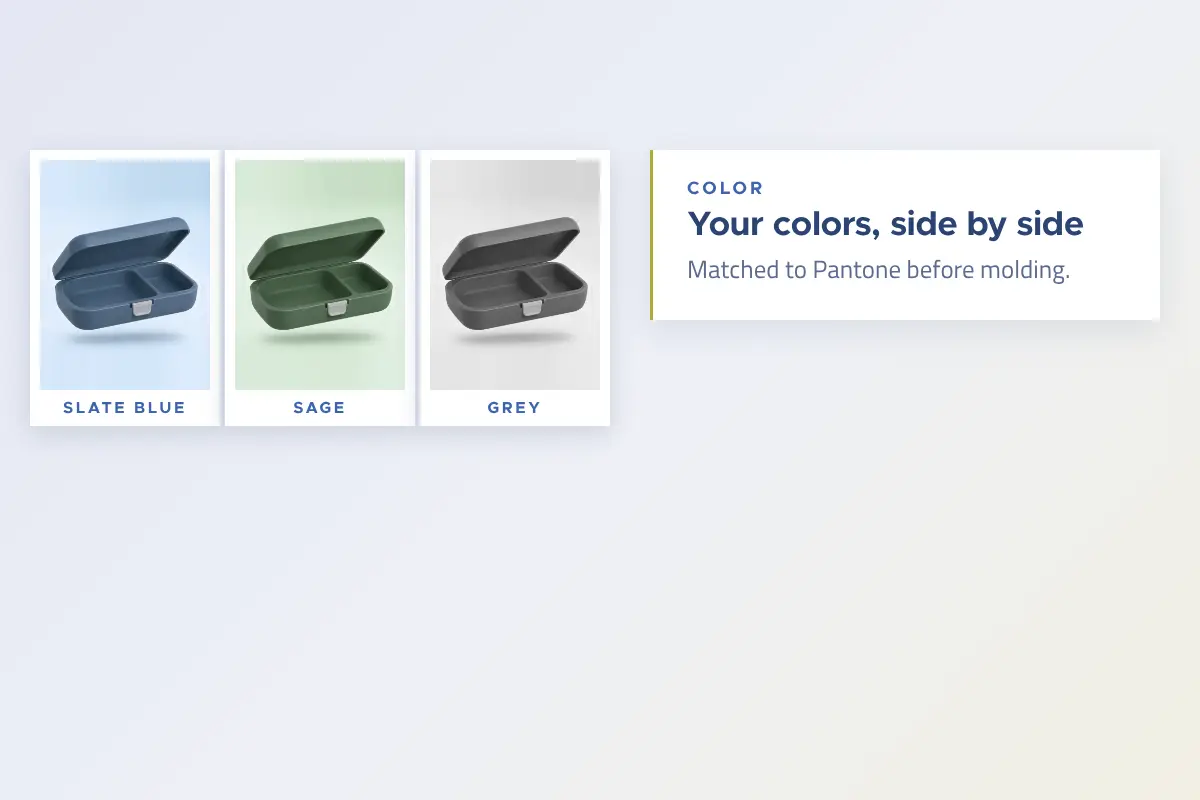
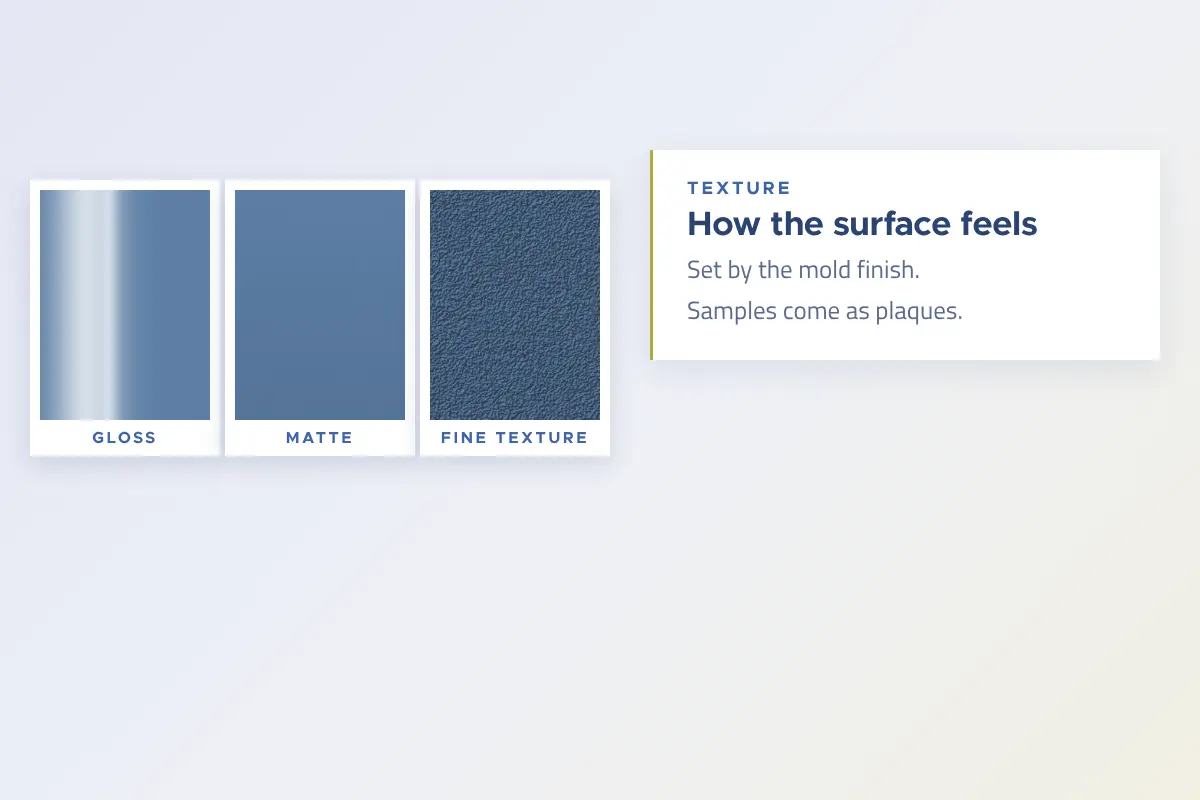
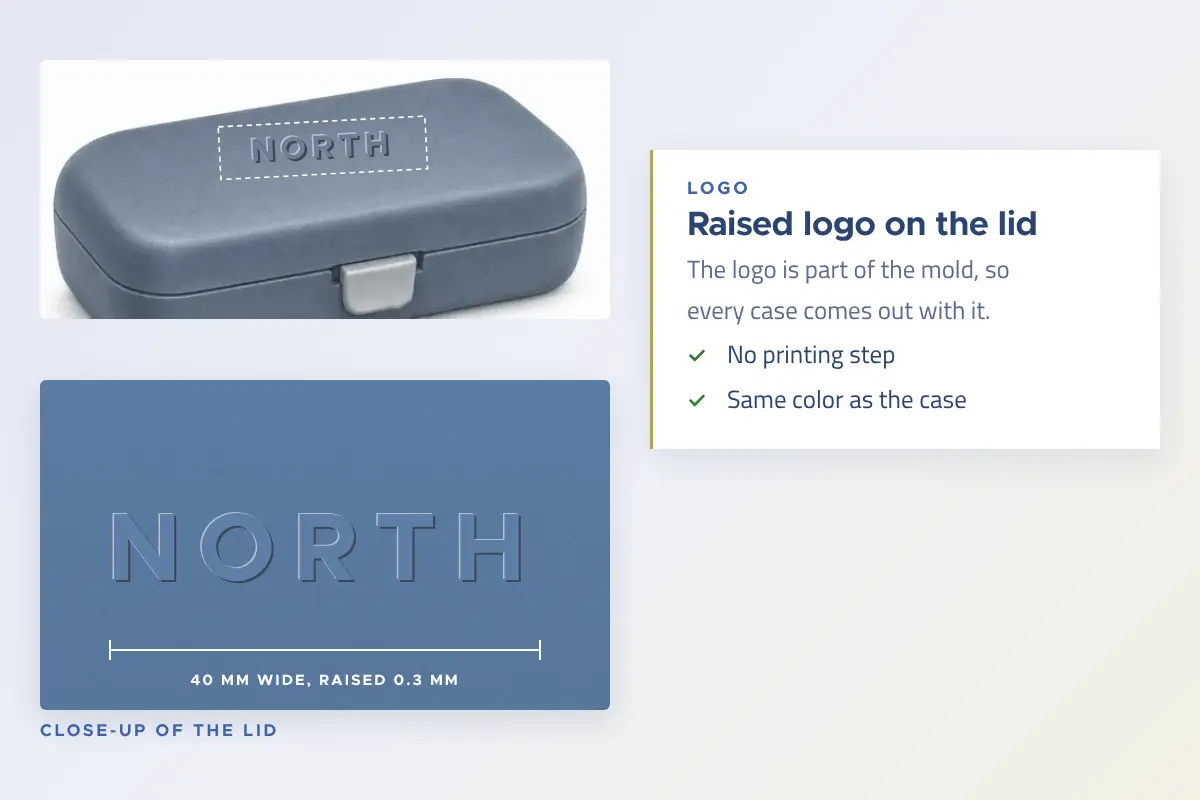
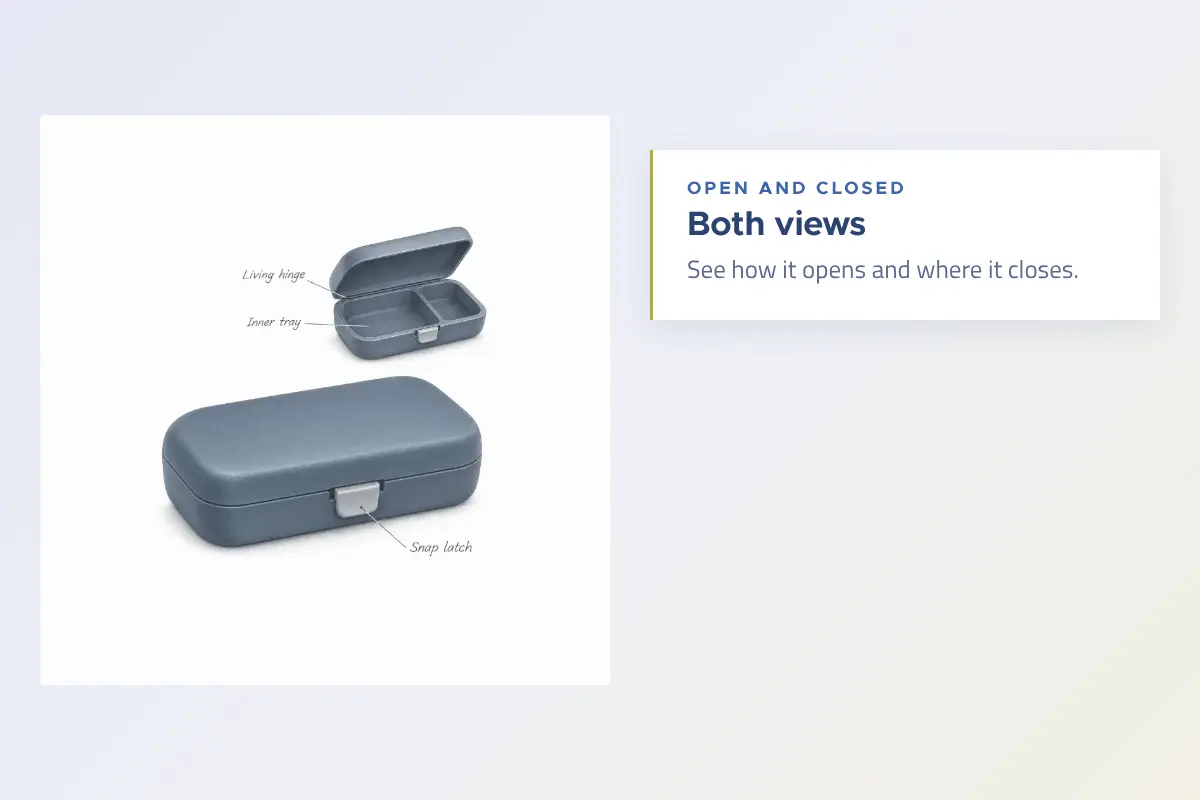
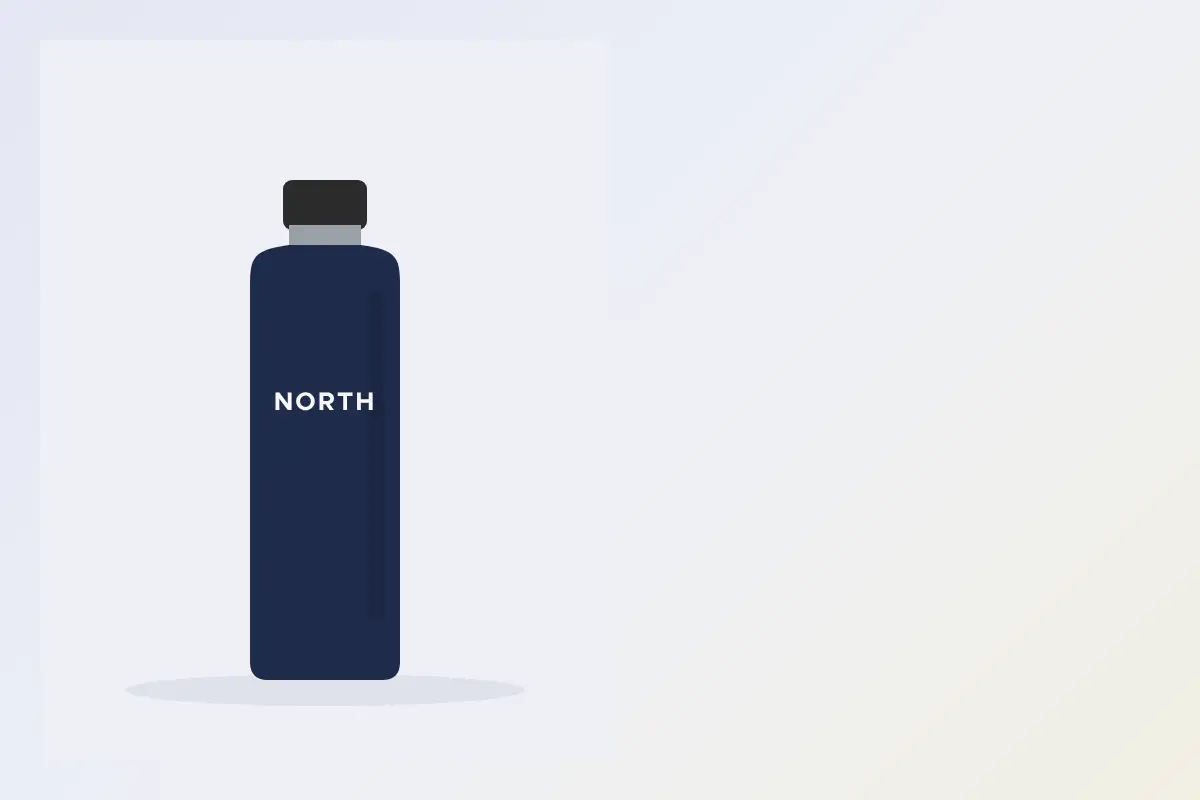
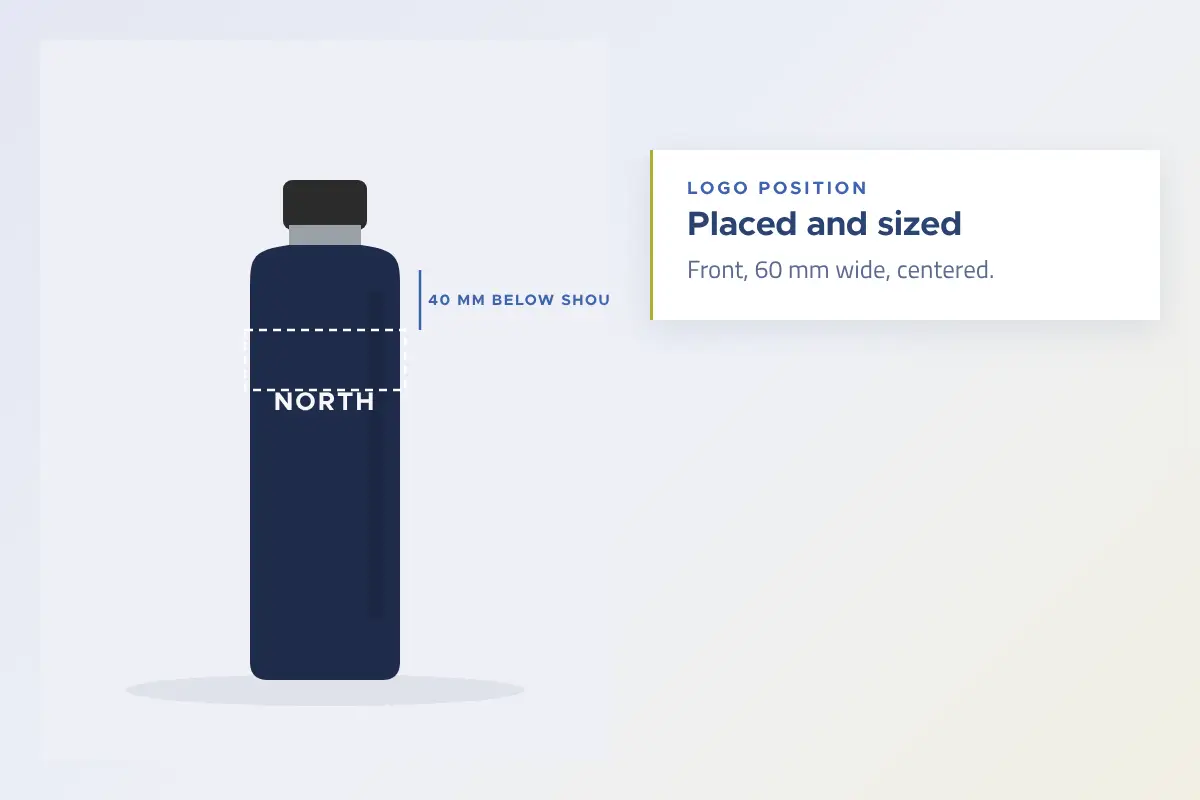
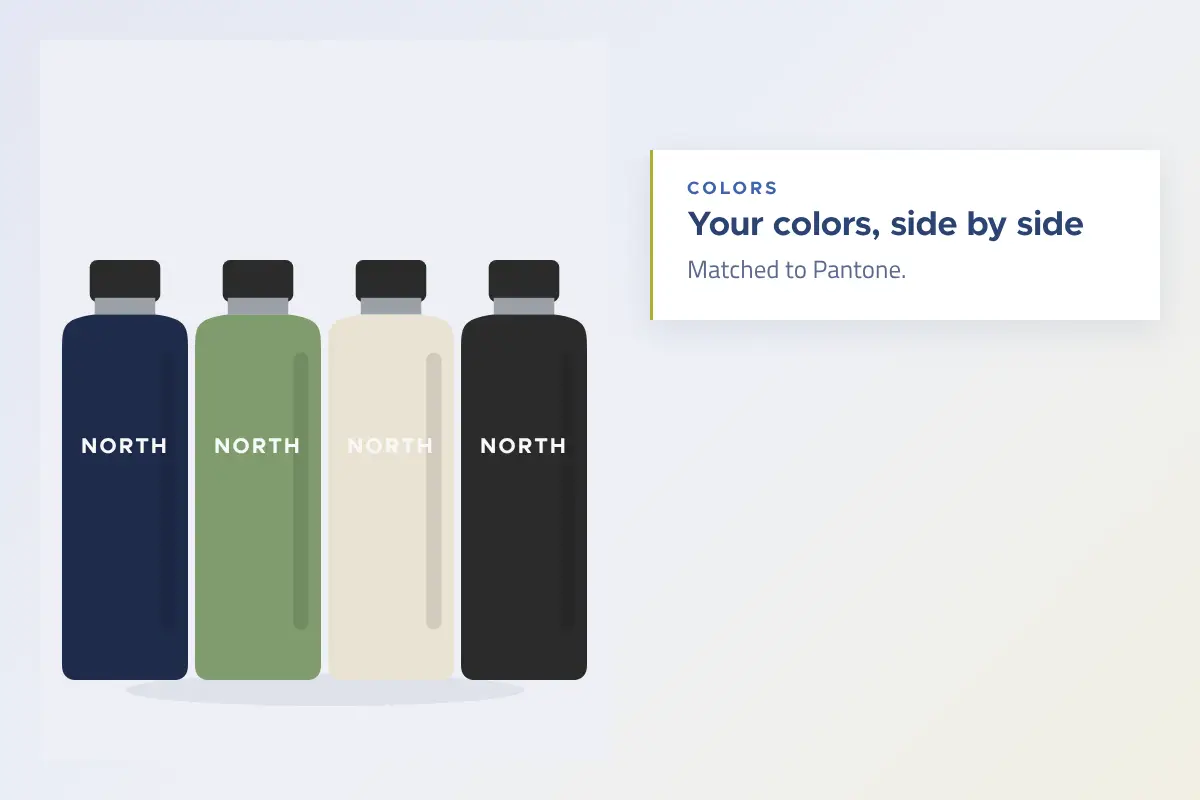
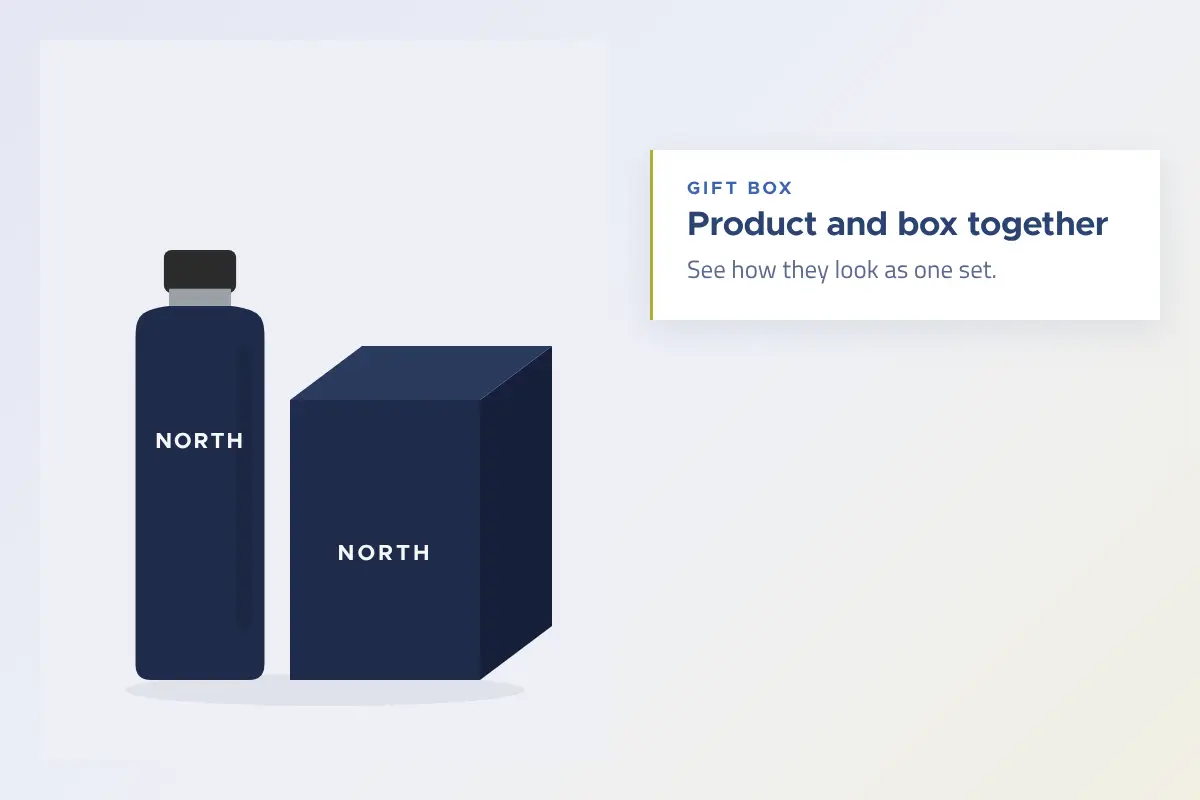
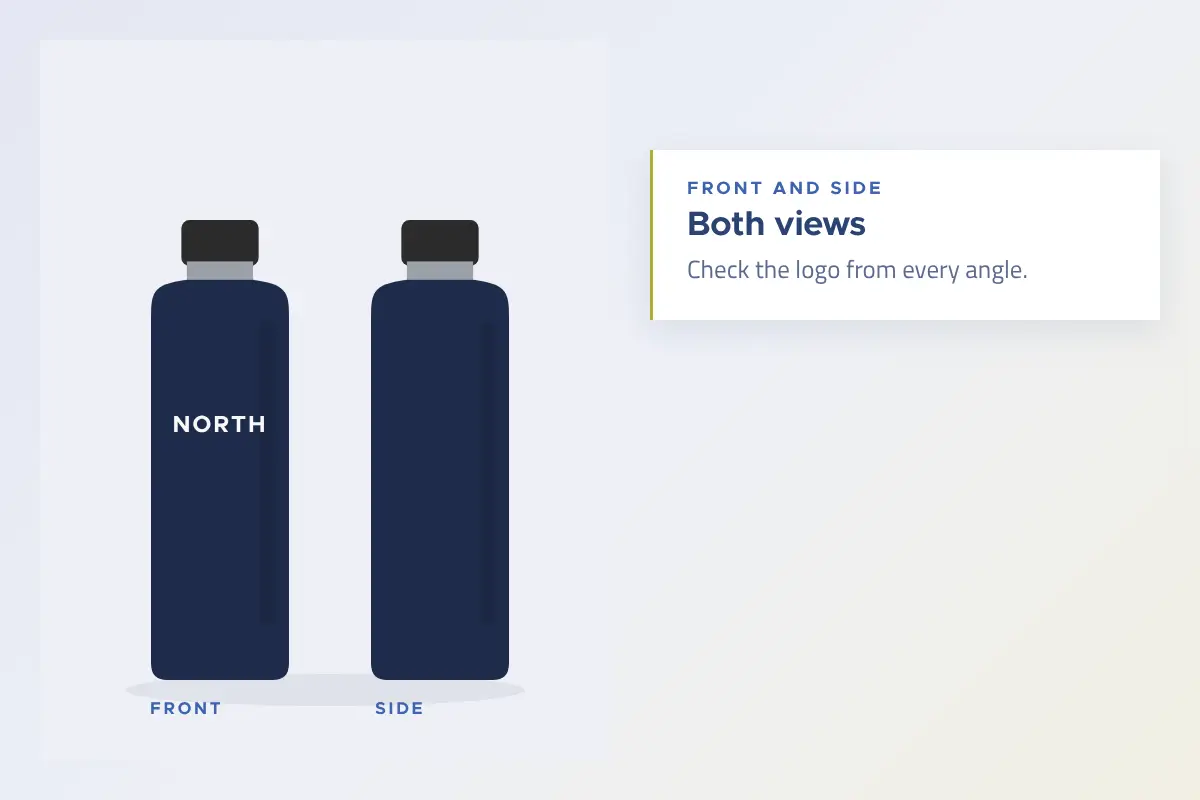
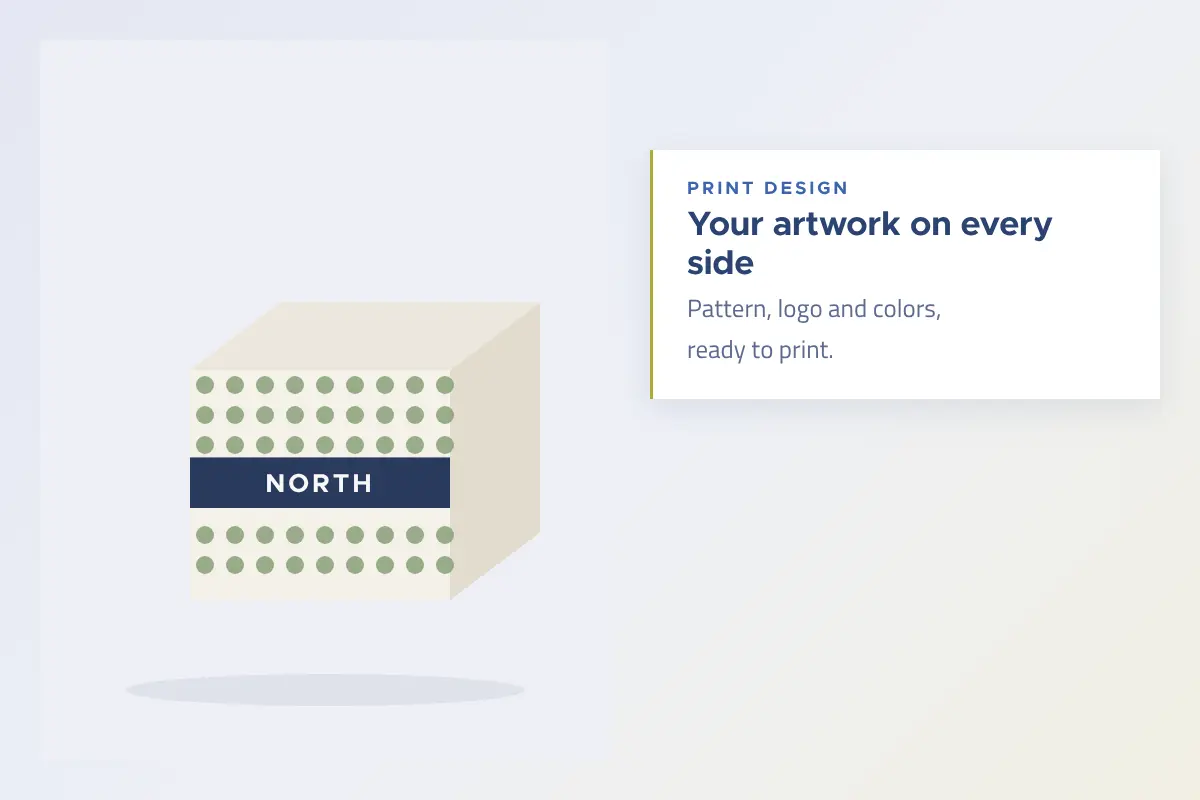
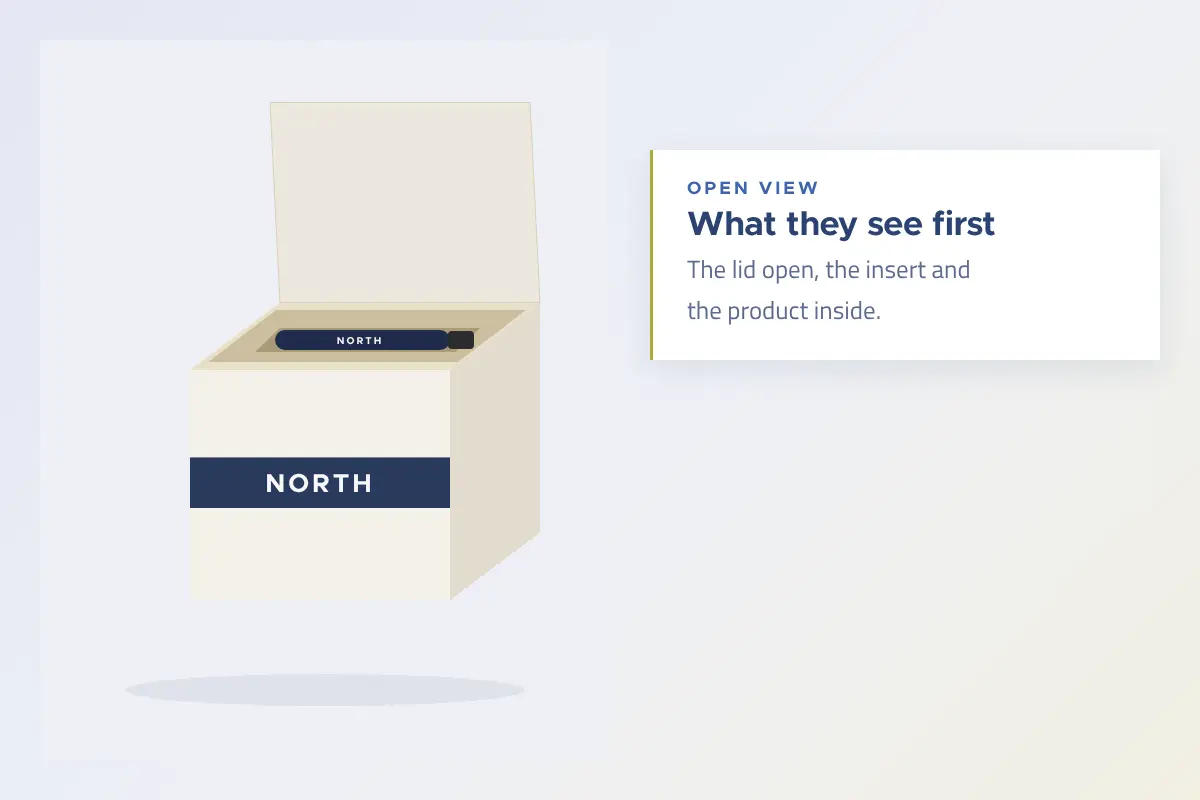
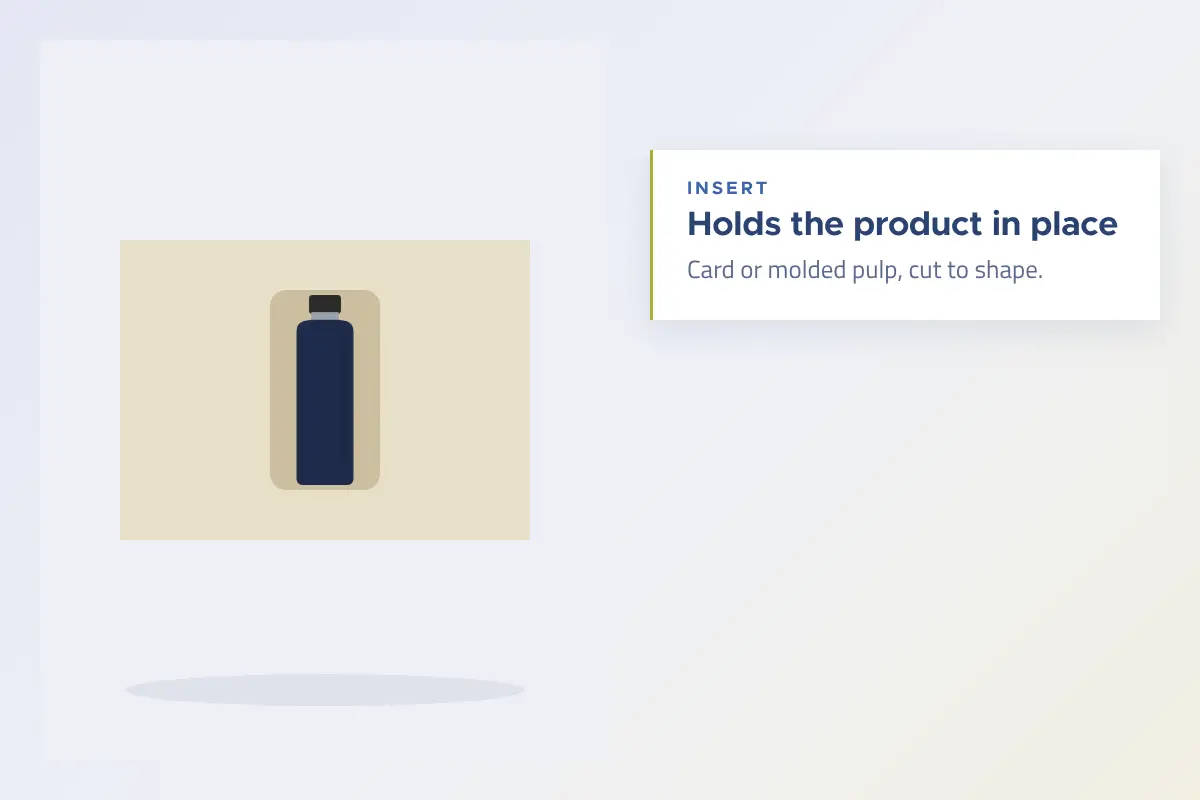
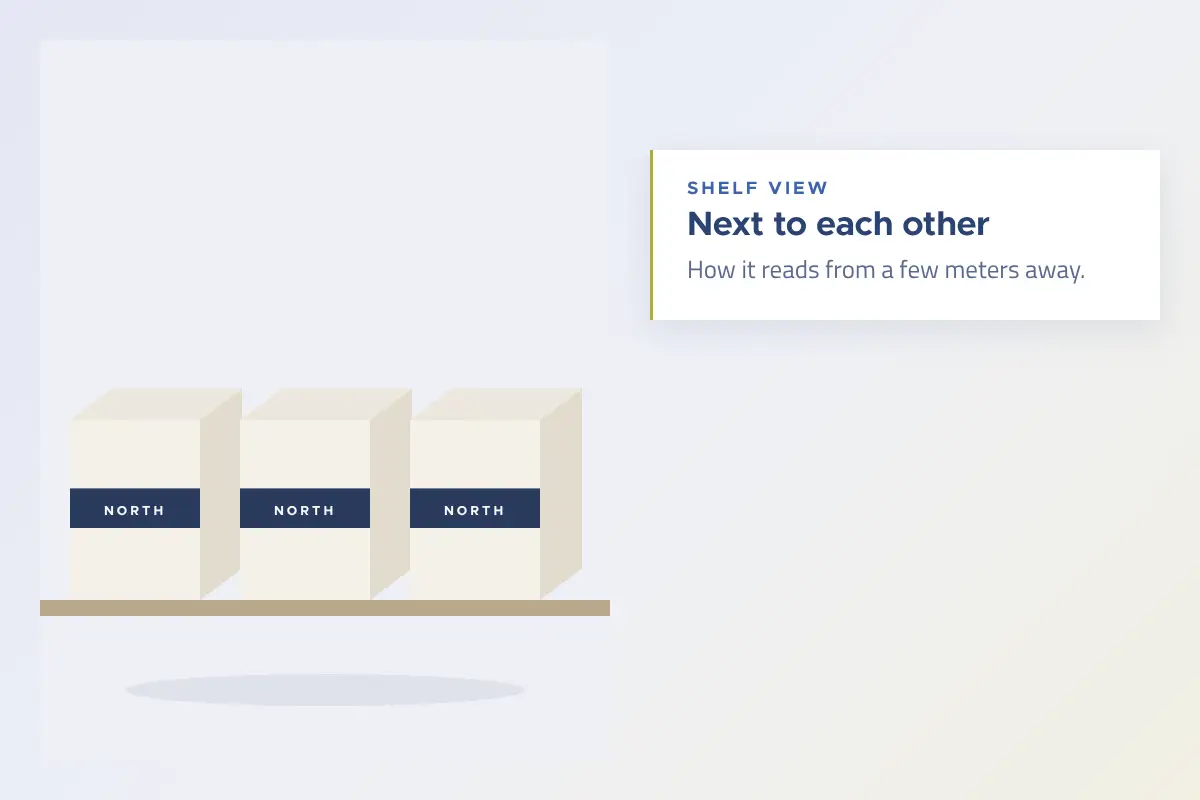
What should the mockup show?
Pick any that apply
What should the mockup show?
Pick any that apply
What should the mockup show?
Pick any that apply
What should the mockup show?
Pick any that apply
What should the mockup show?
Pick any that apply
Saved in your portalMockup shows
Next: Make the parts list ↓Every pattern piece, trim and label goes on the list, so nothing is added later without you knowing.
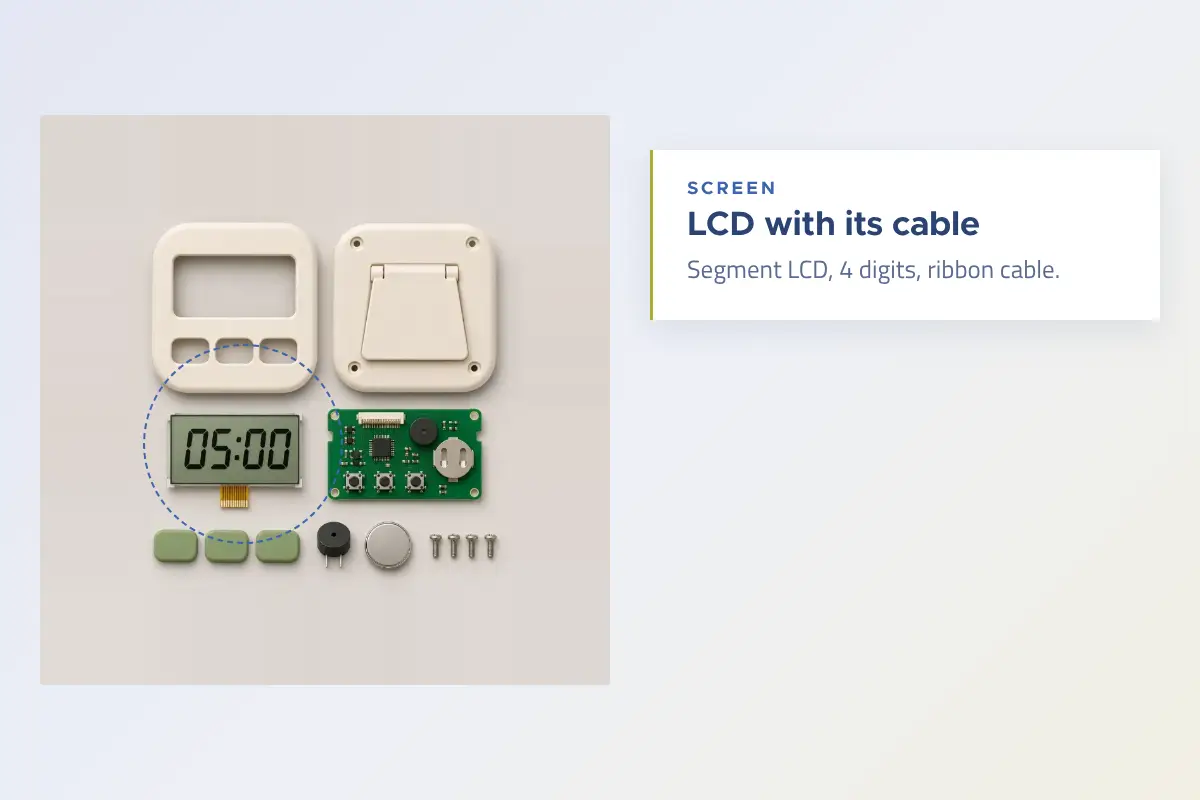
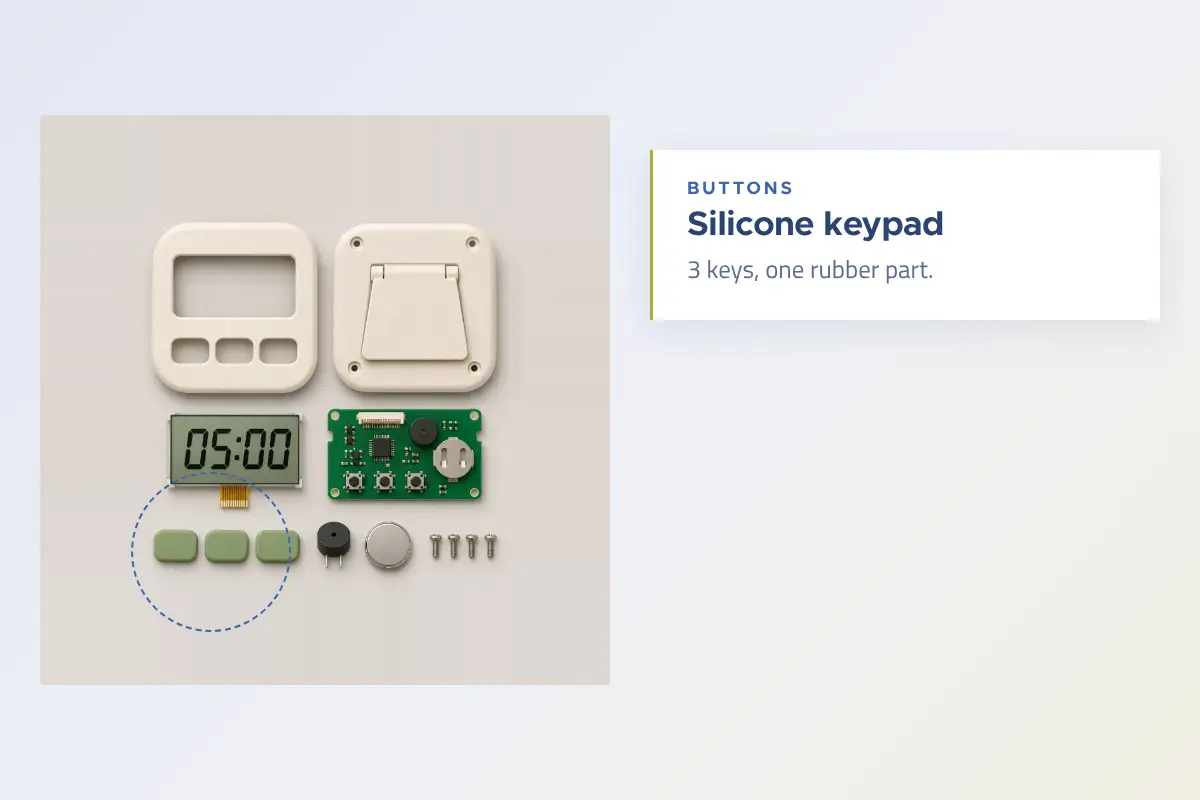
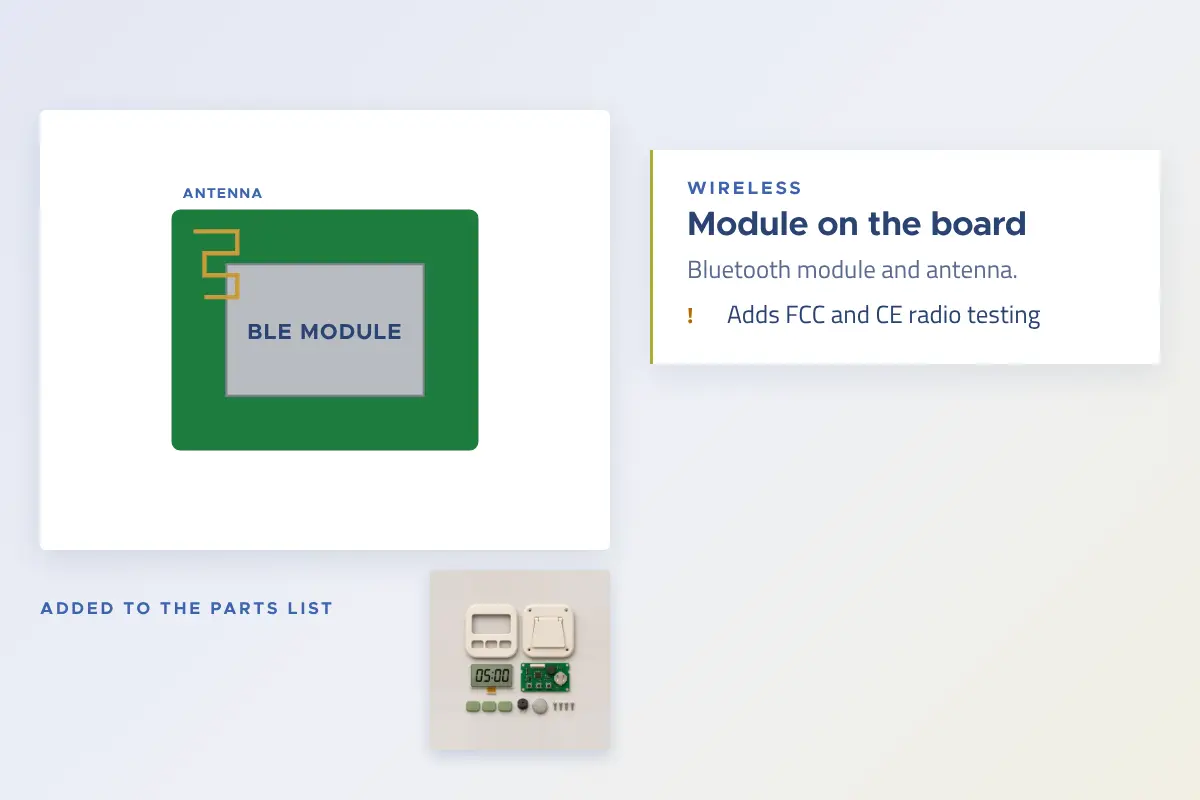
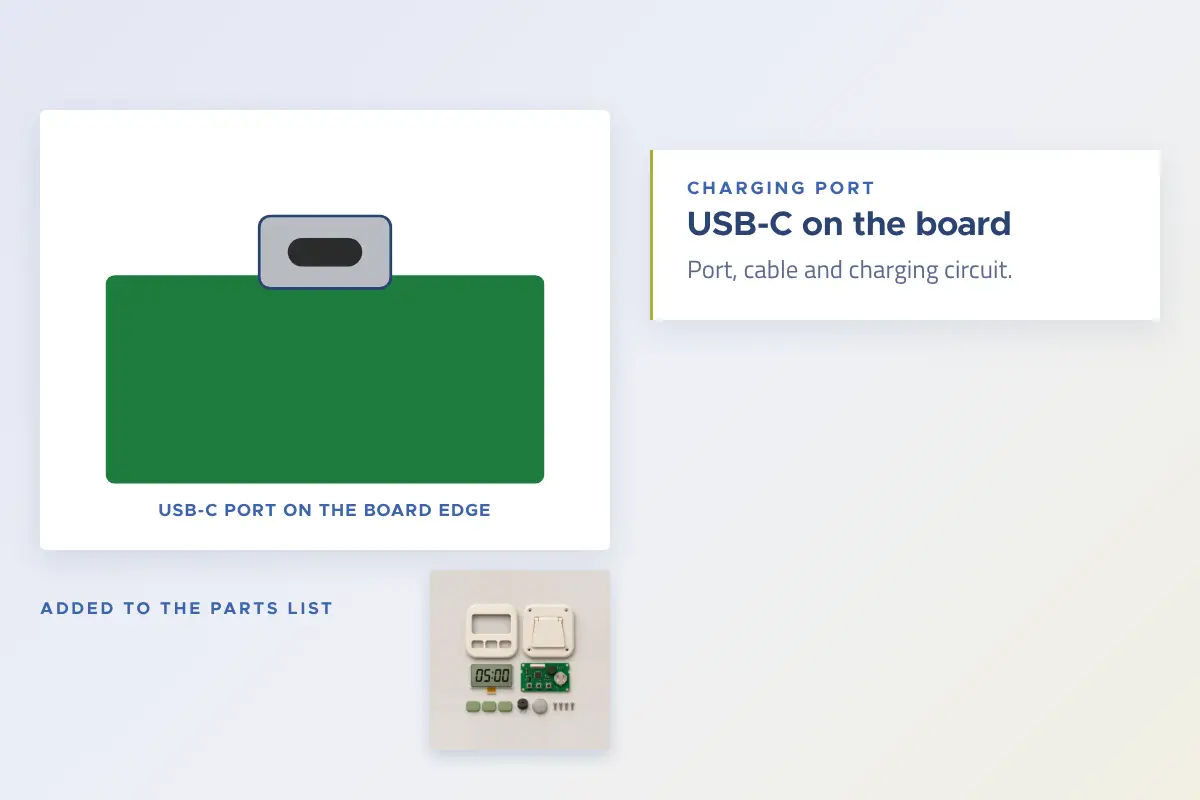
Every part goes on the list, from the board to the screws, so the quote is built on facts.
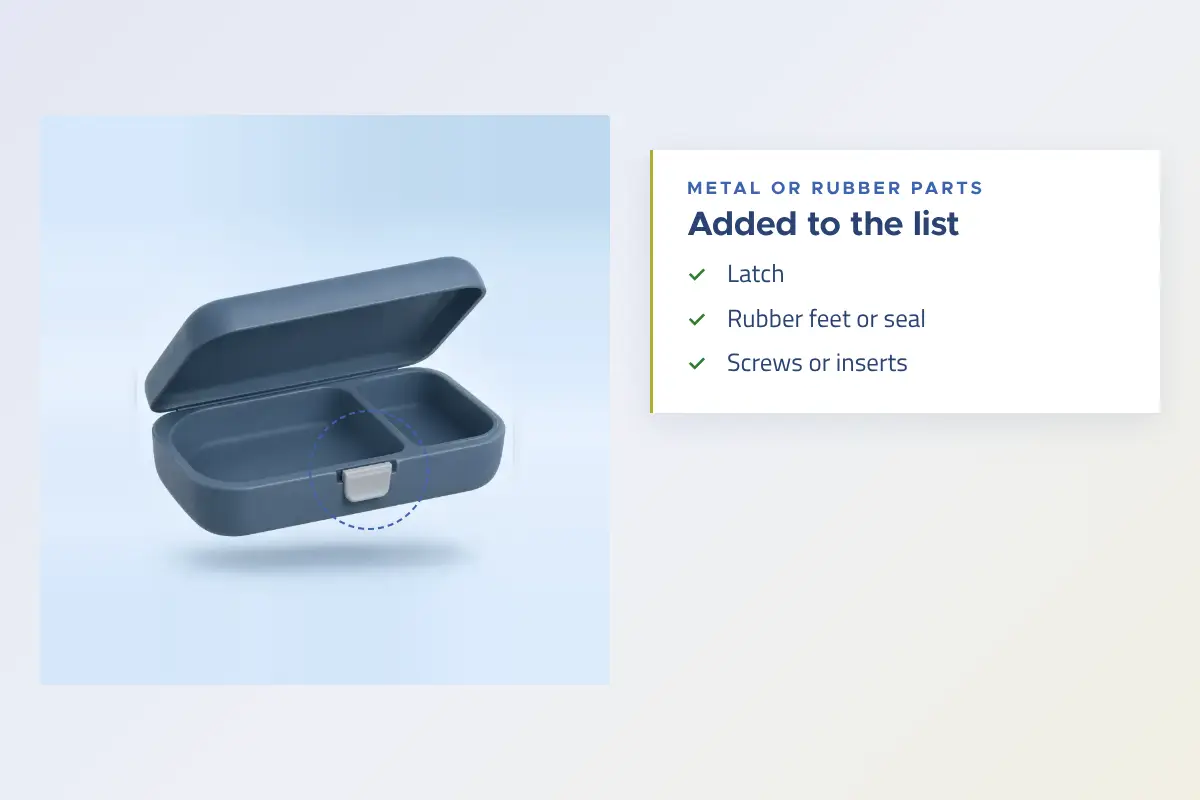
Each molded part and any metal or rubber piece goes on the list, so the tooling plan is clear.
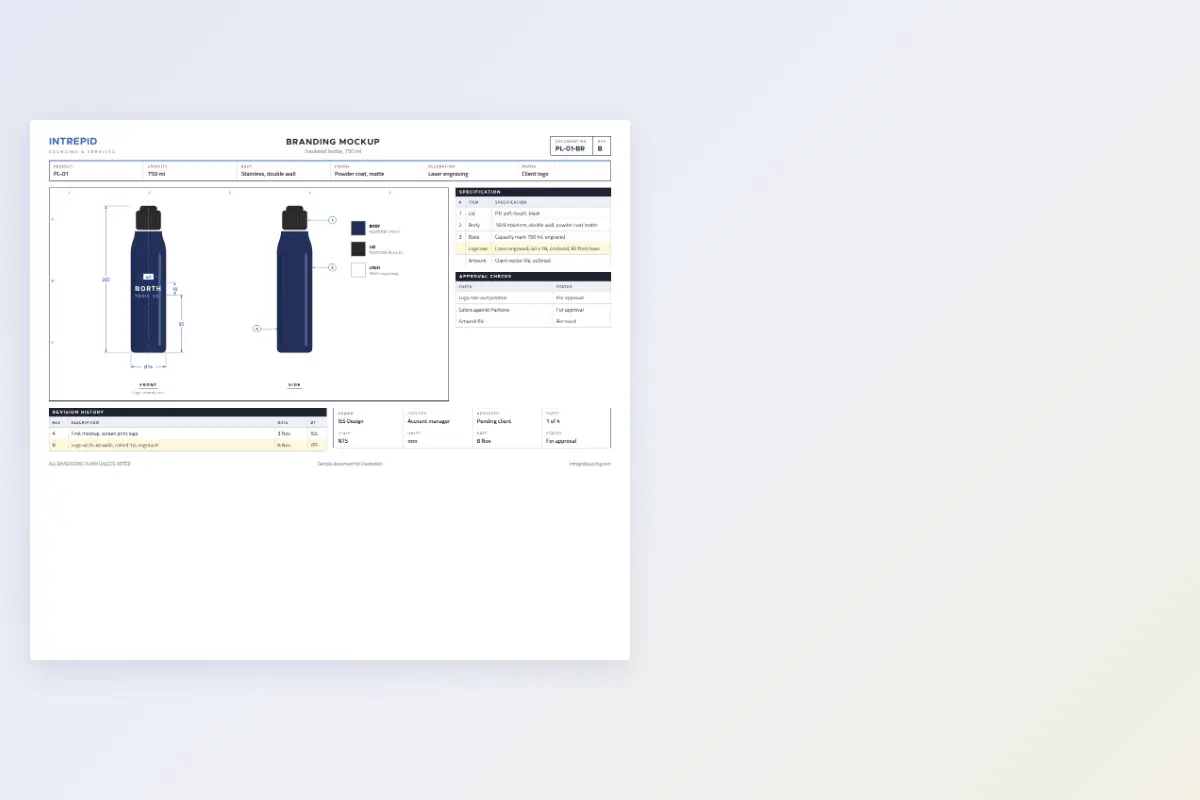
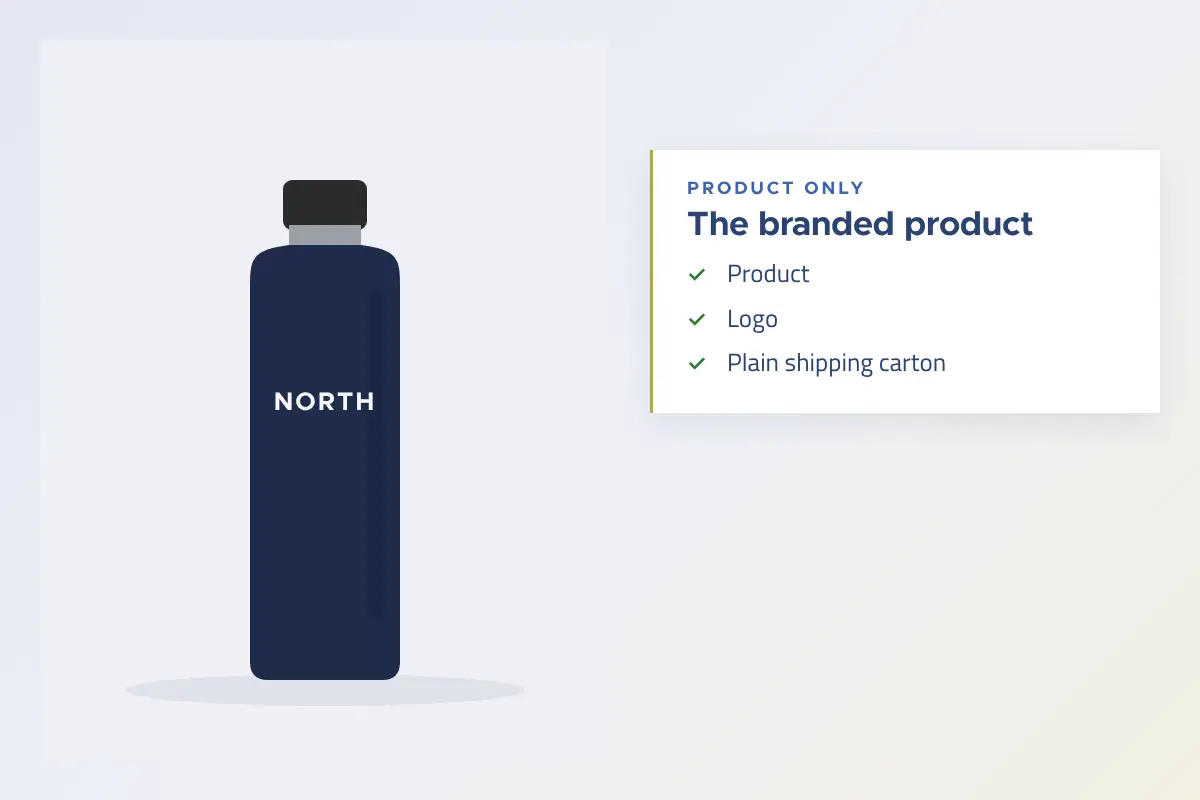
The product, the decoration and the packaging go on the list, so you see exactly what you are buying.
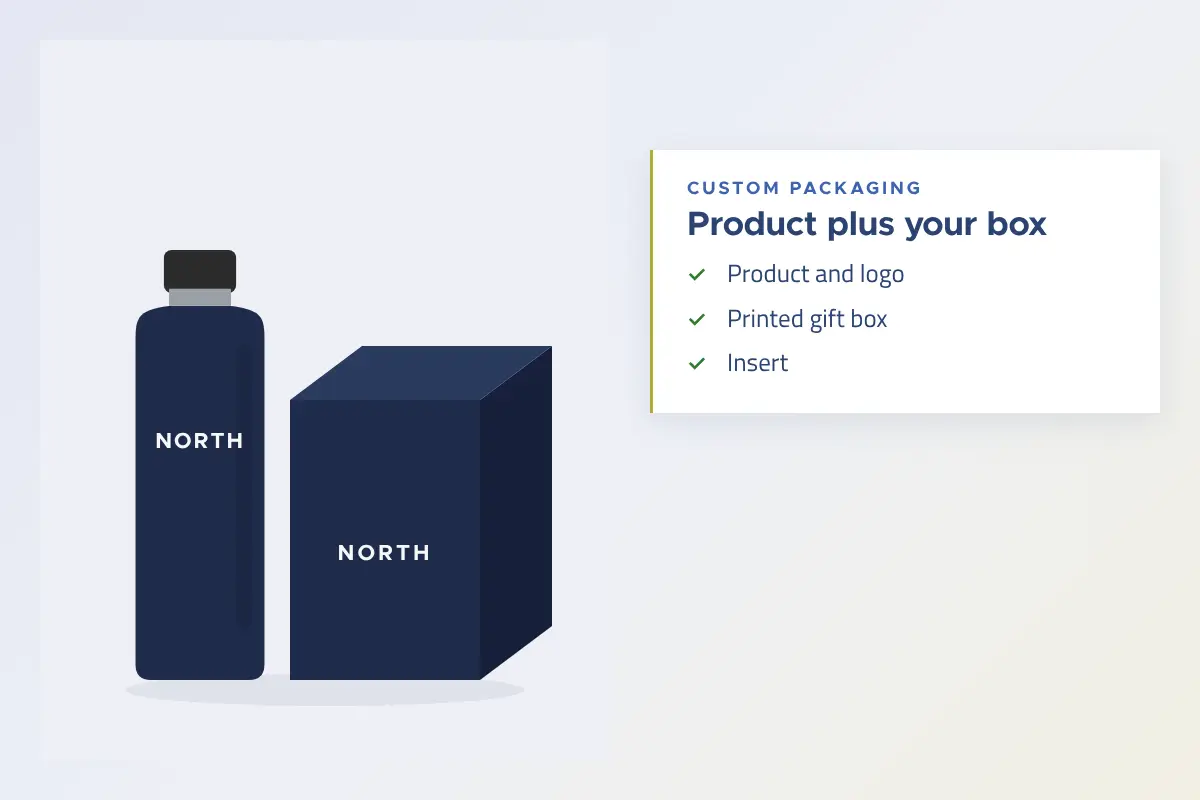
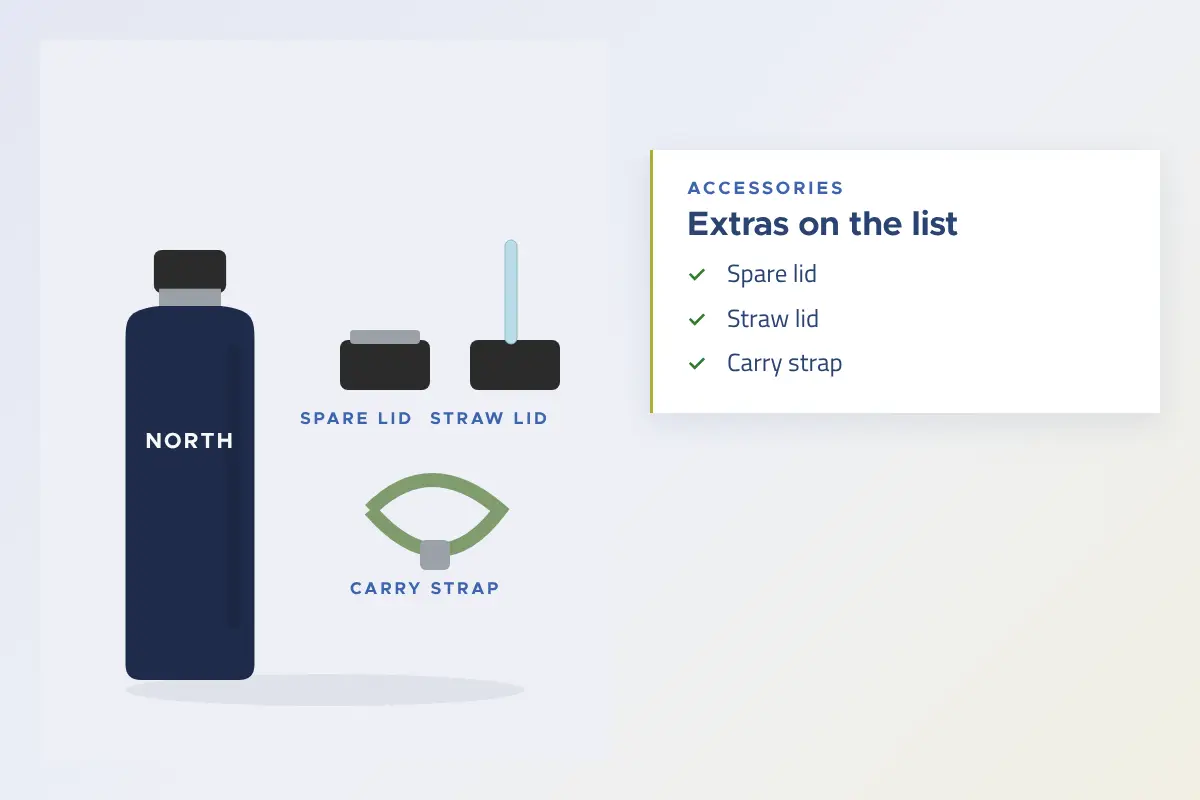
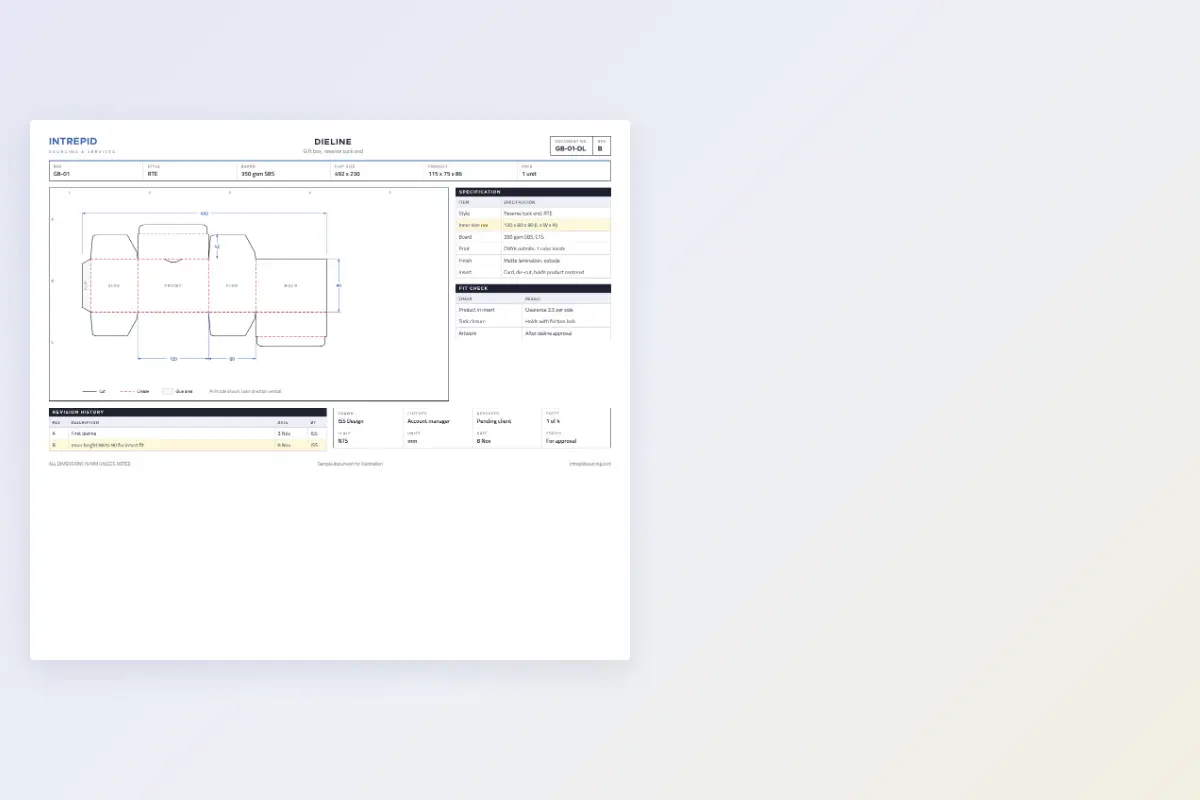
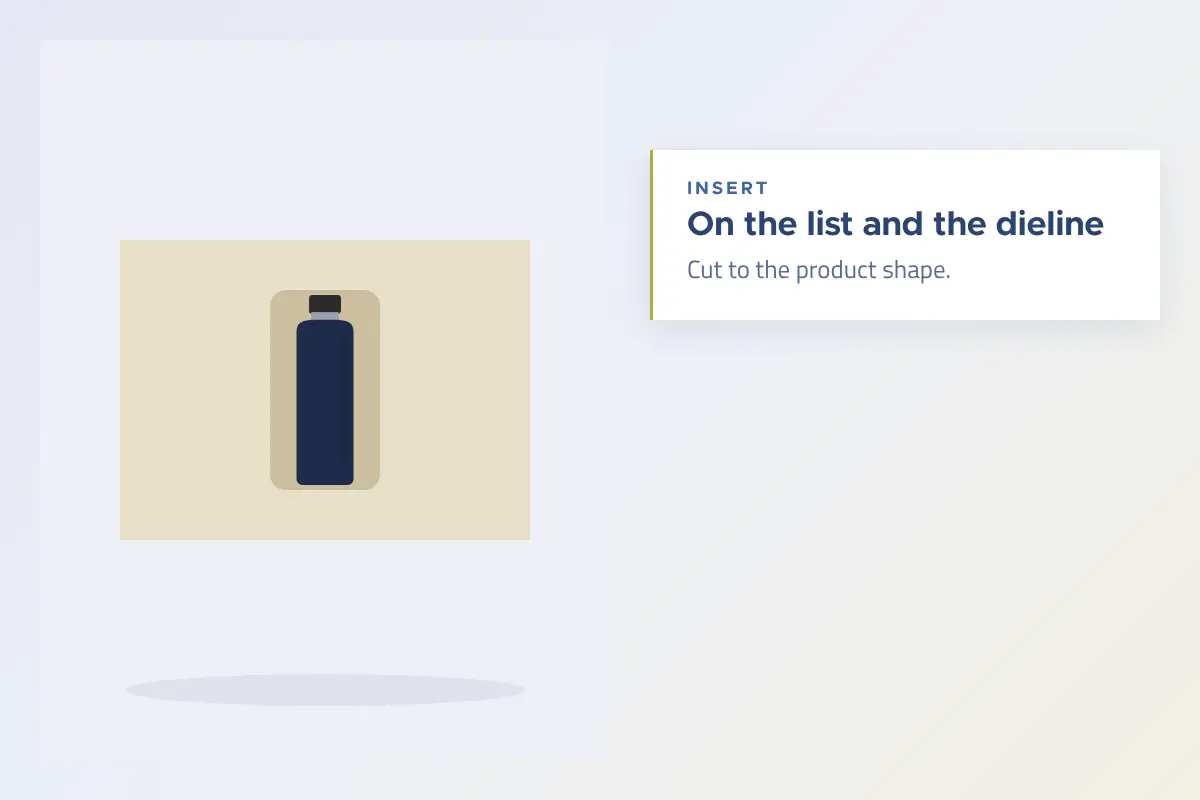
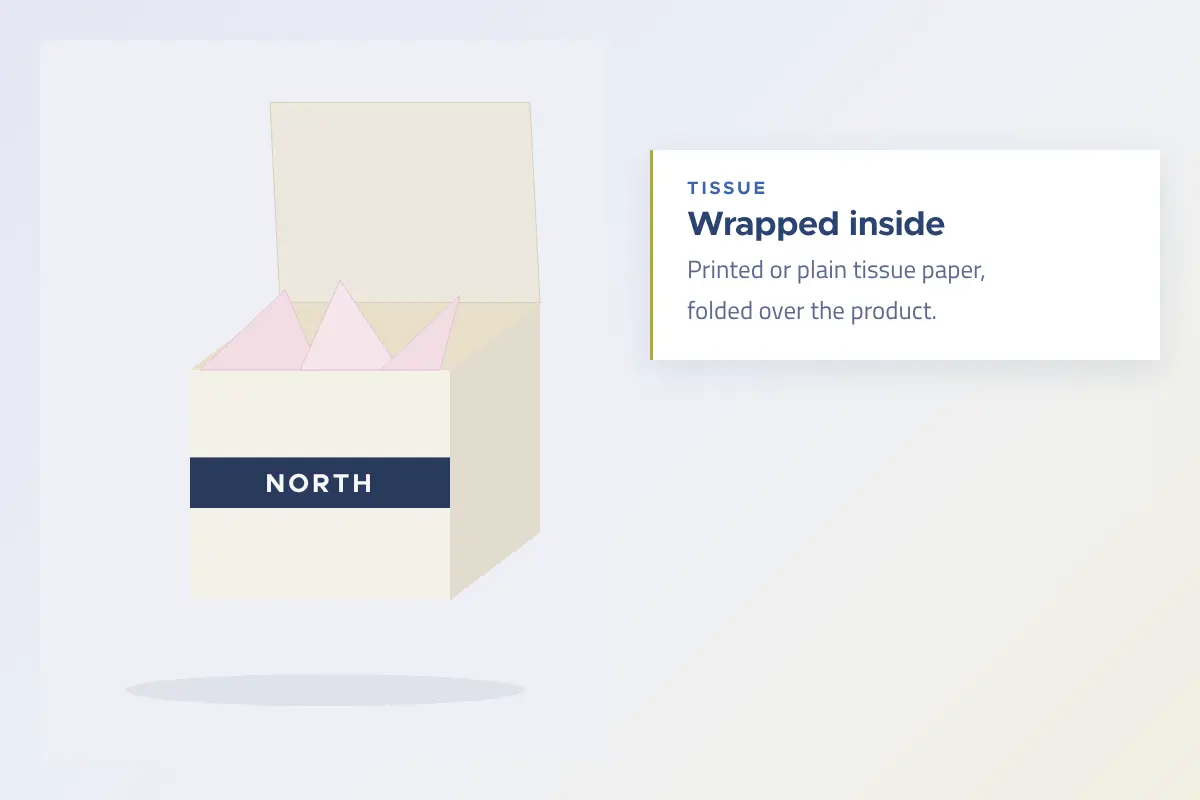
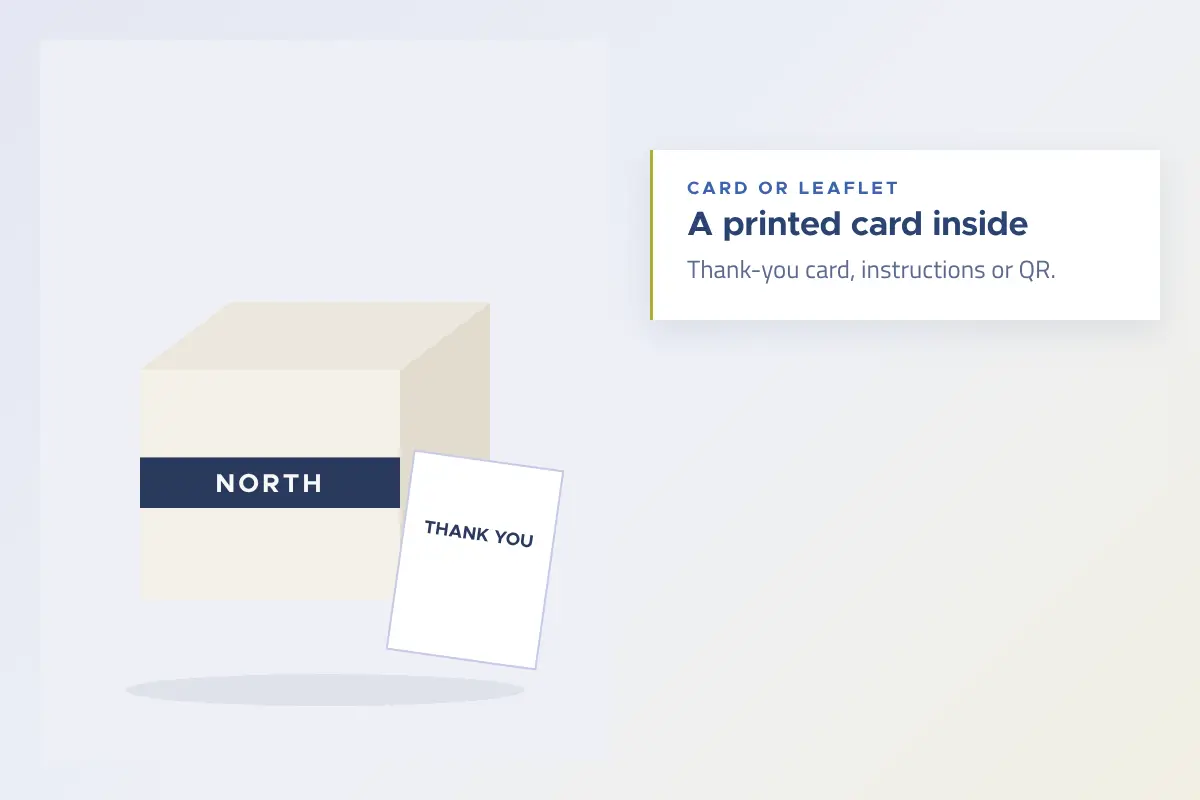
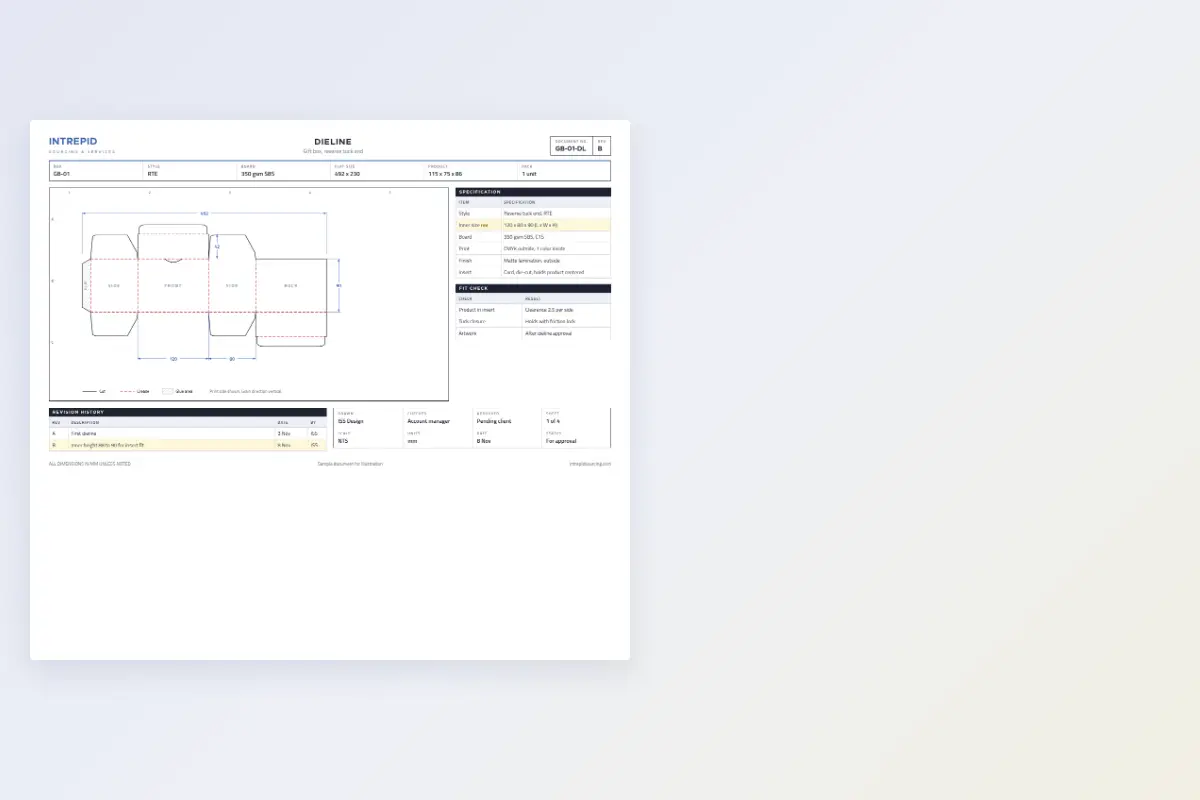
The box, the insert and any extras go on the list and onto the dieline.
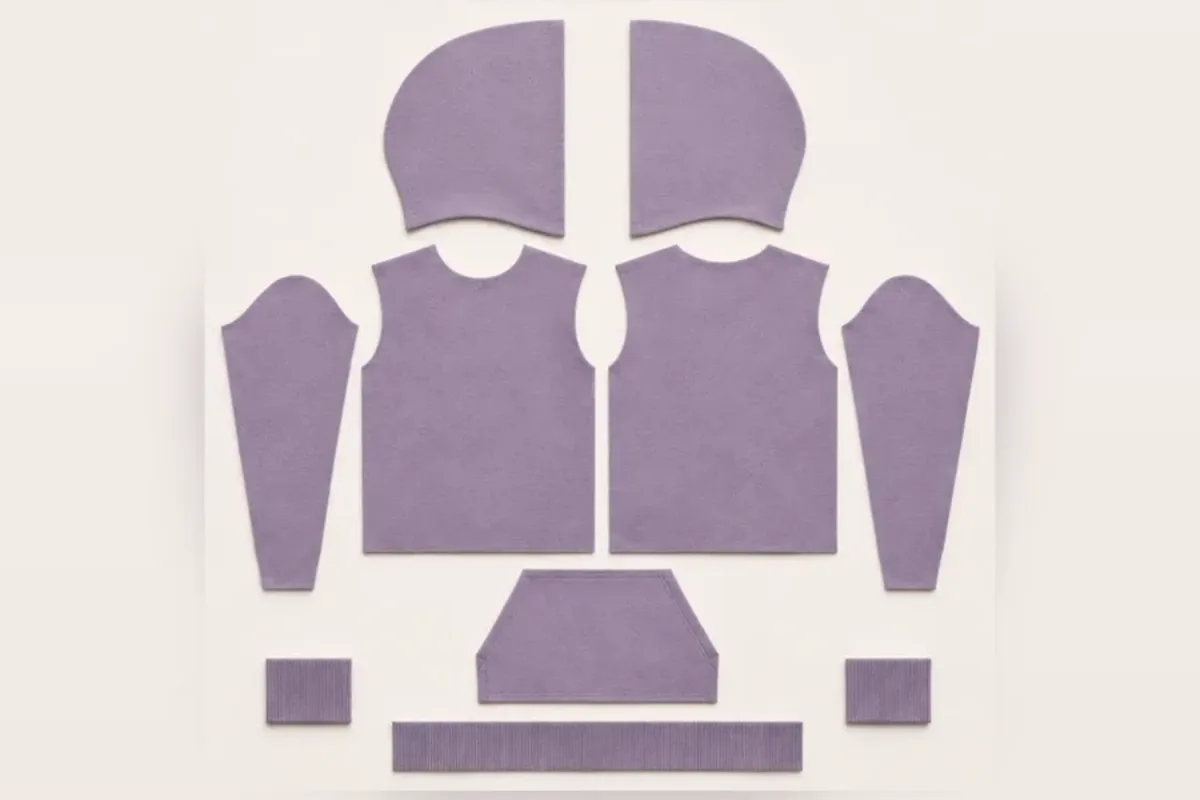
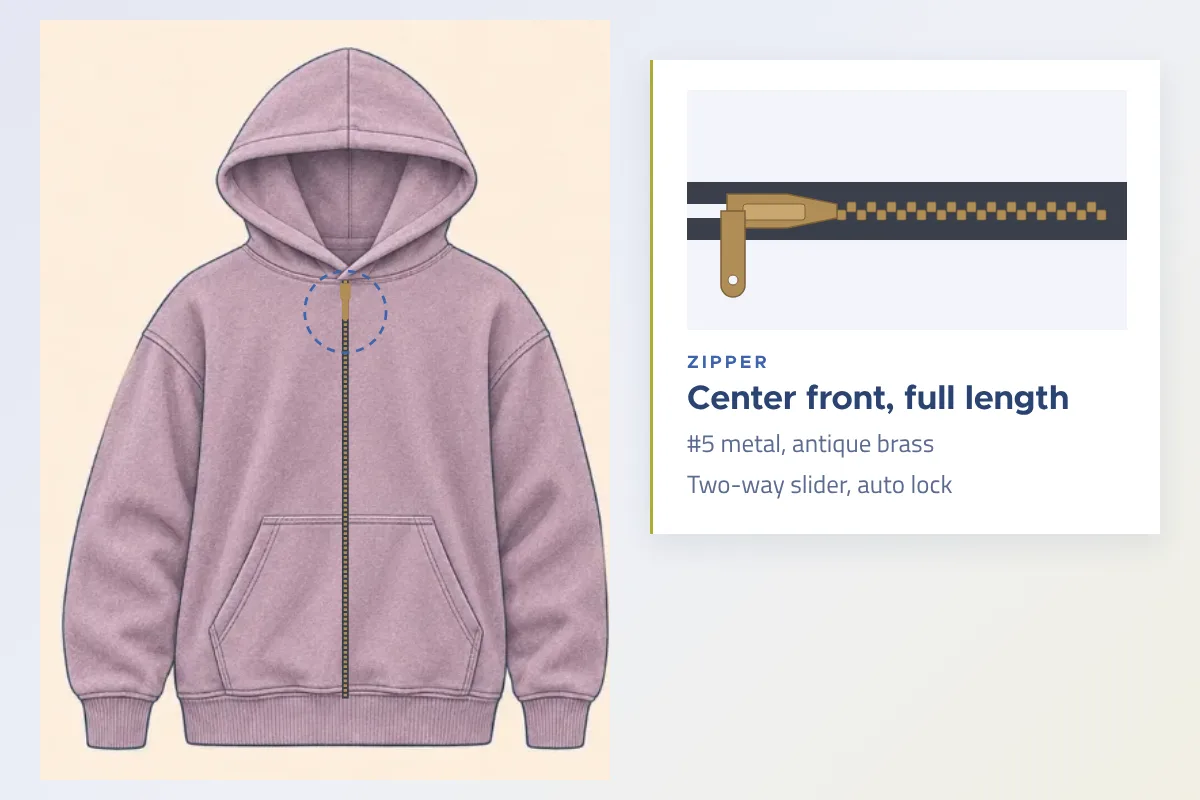
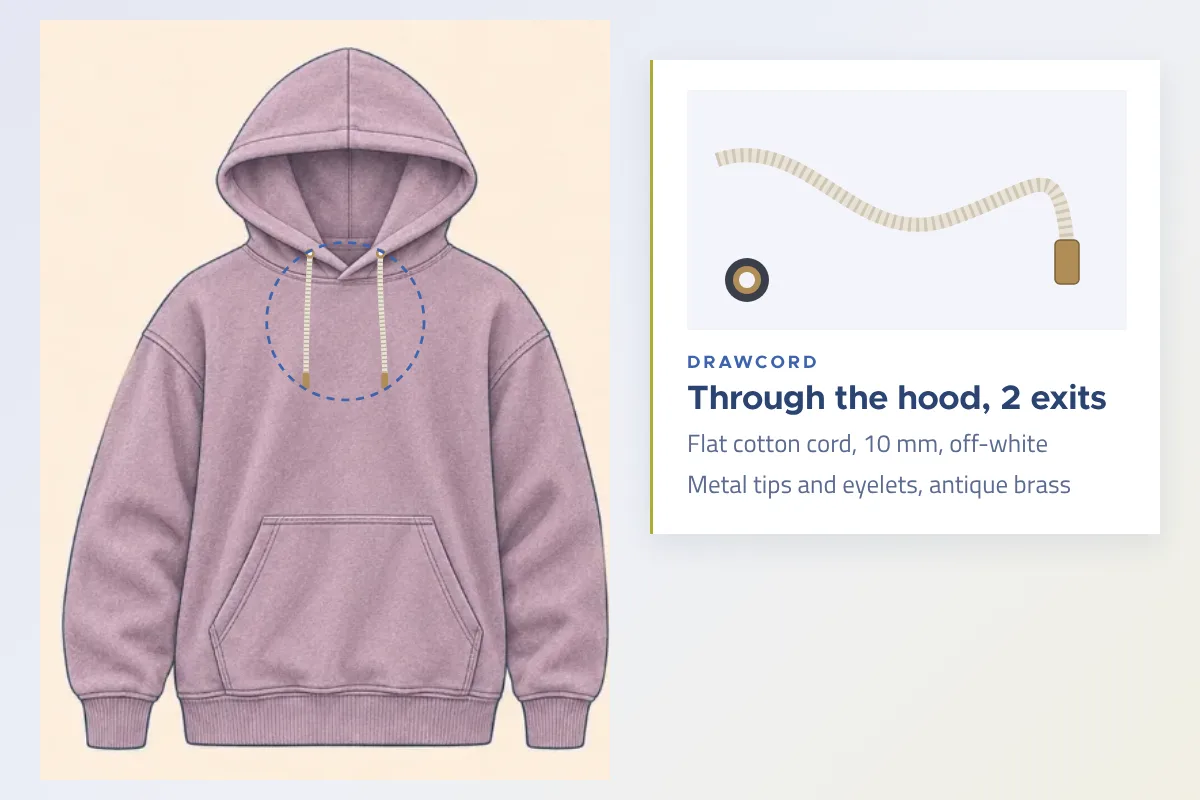
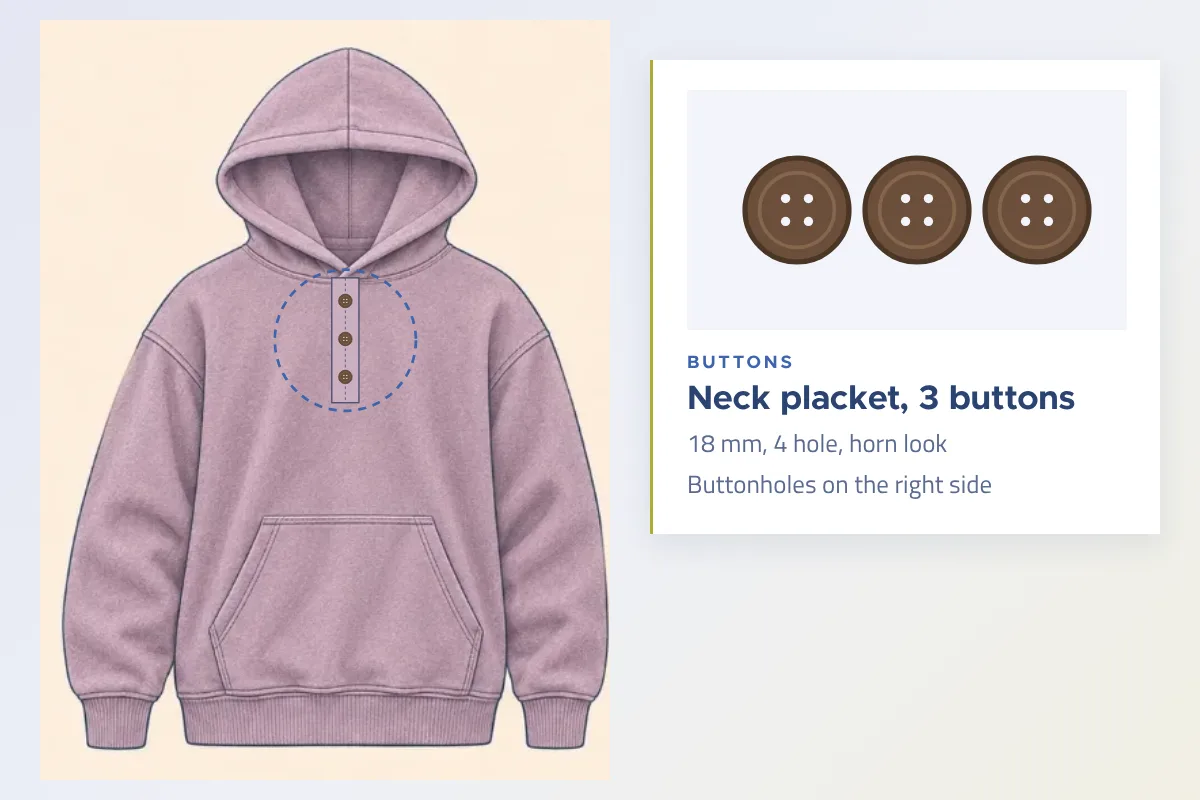
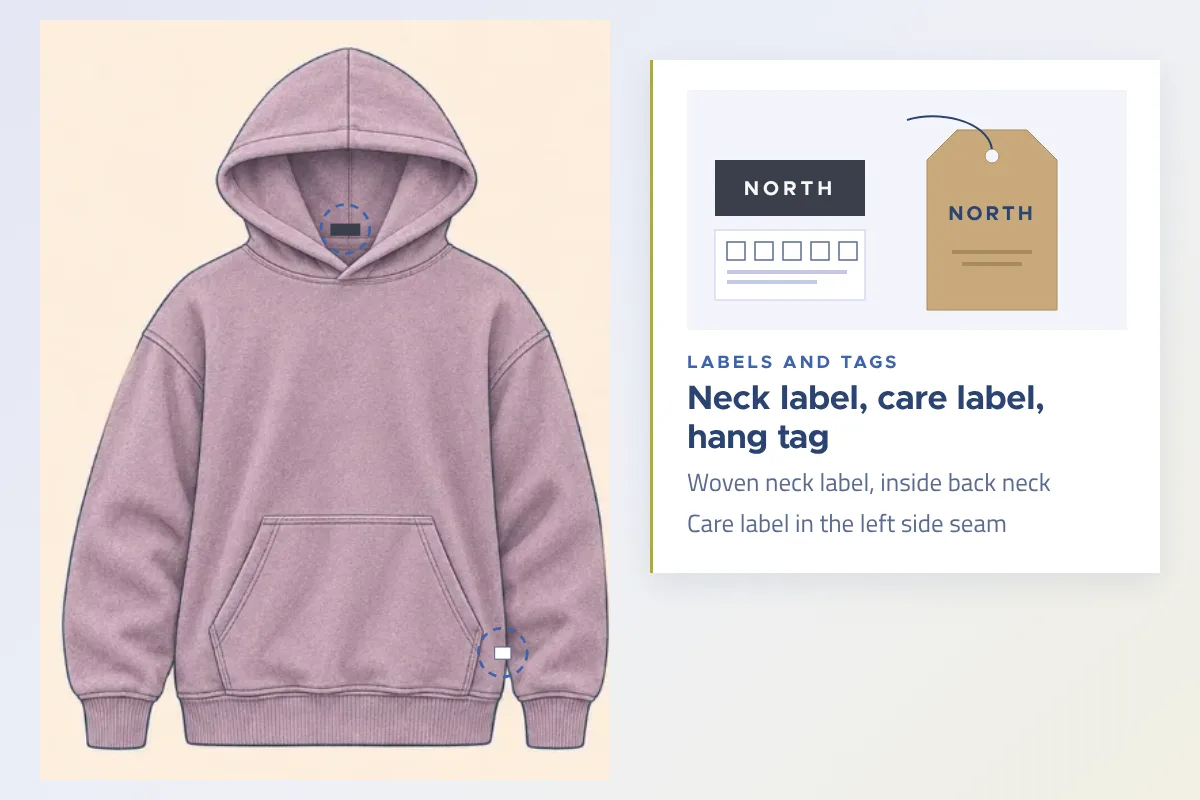
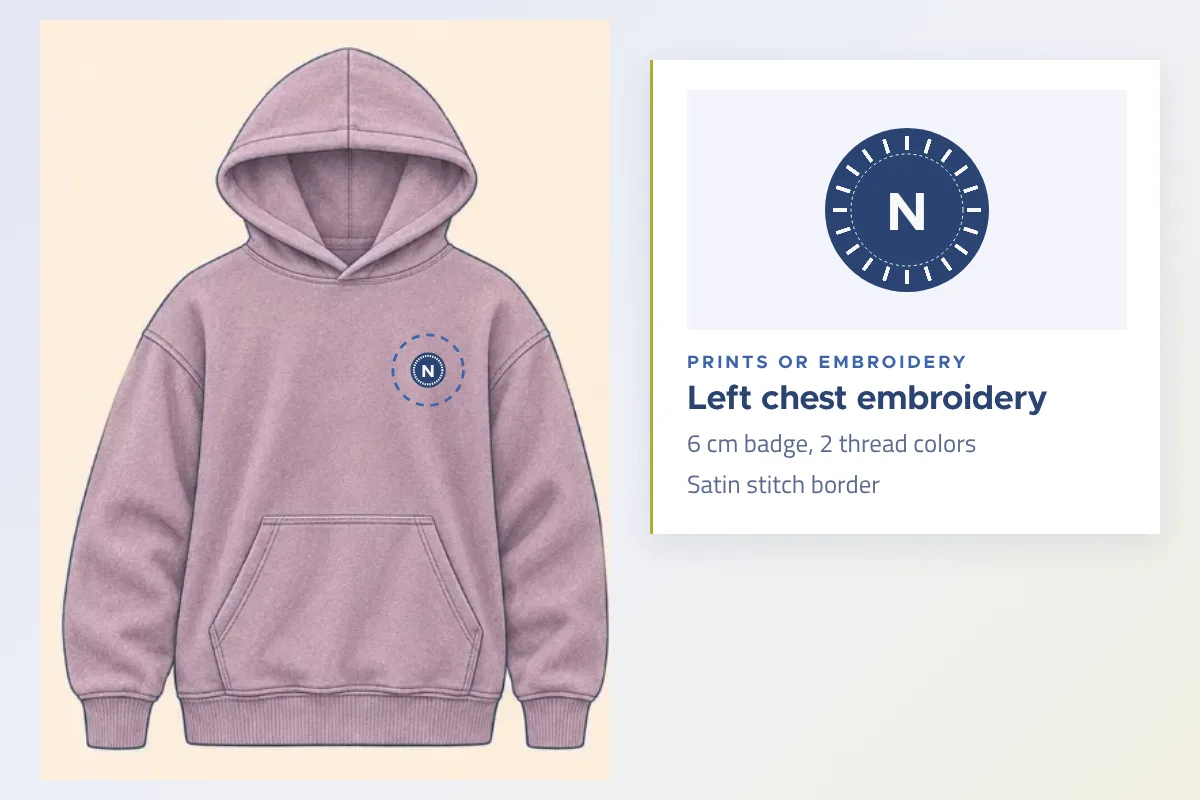
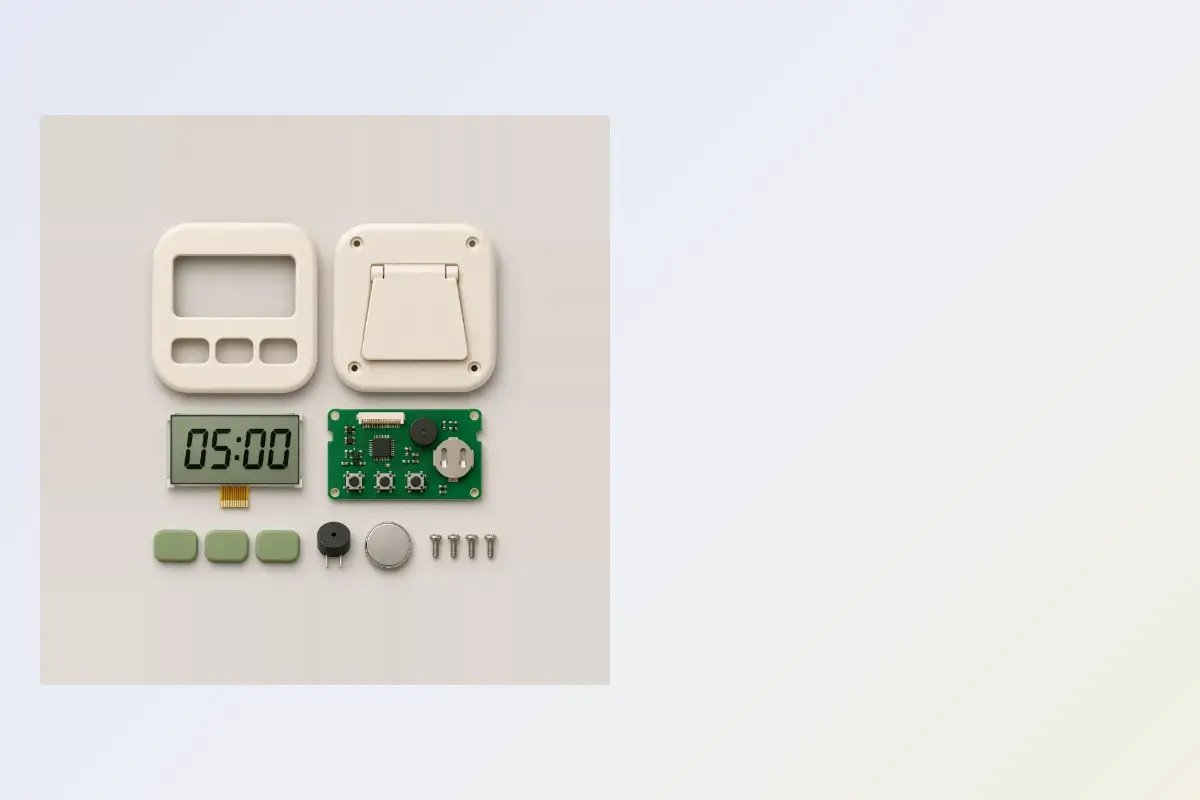
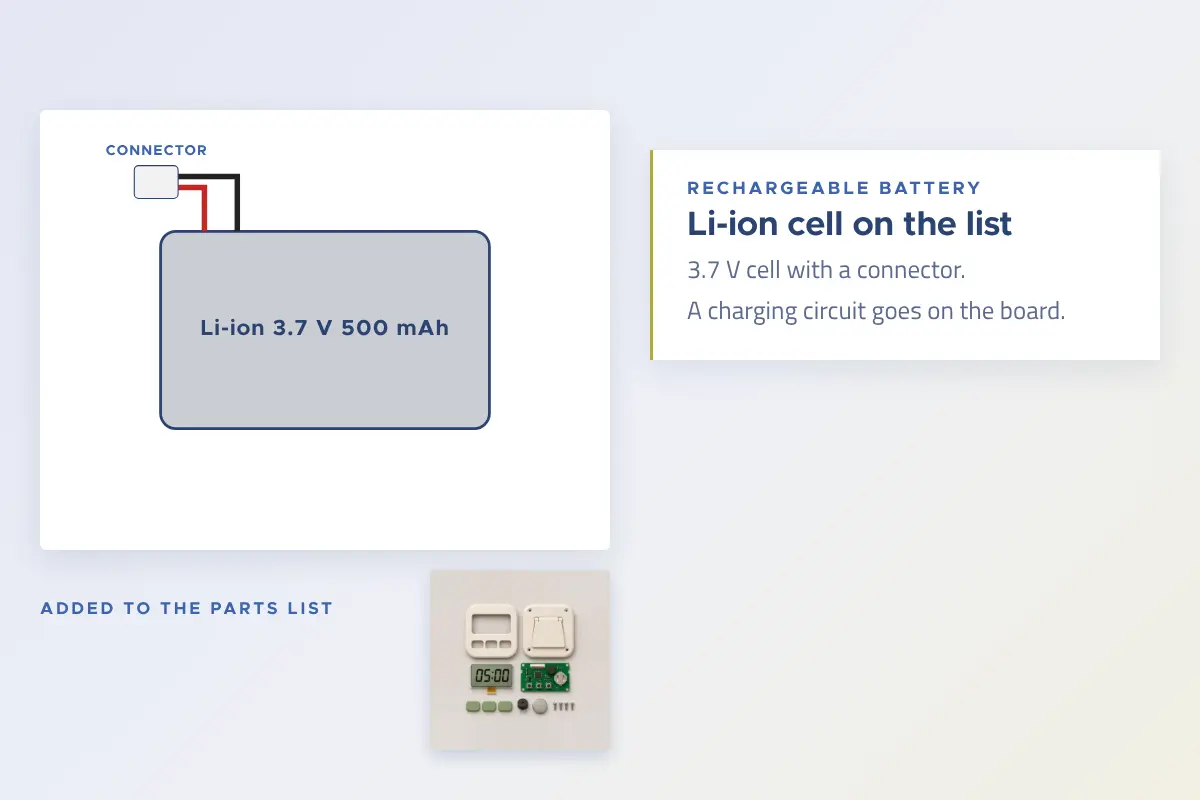
Which trims will it have?
Pick any that apply
What does it include?
Pick any that apply
How many parts?
Pick any that apply
What comes with it?
Pick any that apply
What goes in the box with the product?
Pick any that apply
Saved in your portalParts
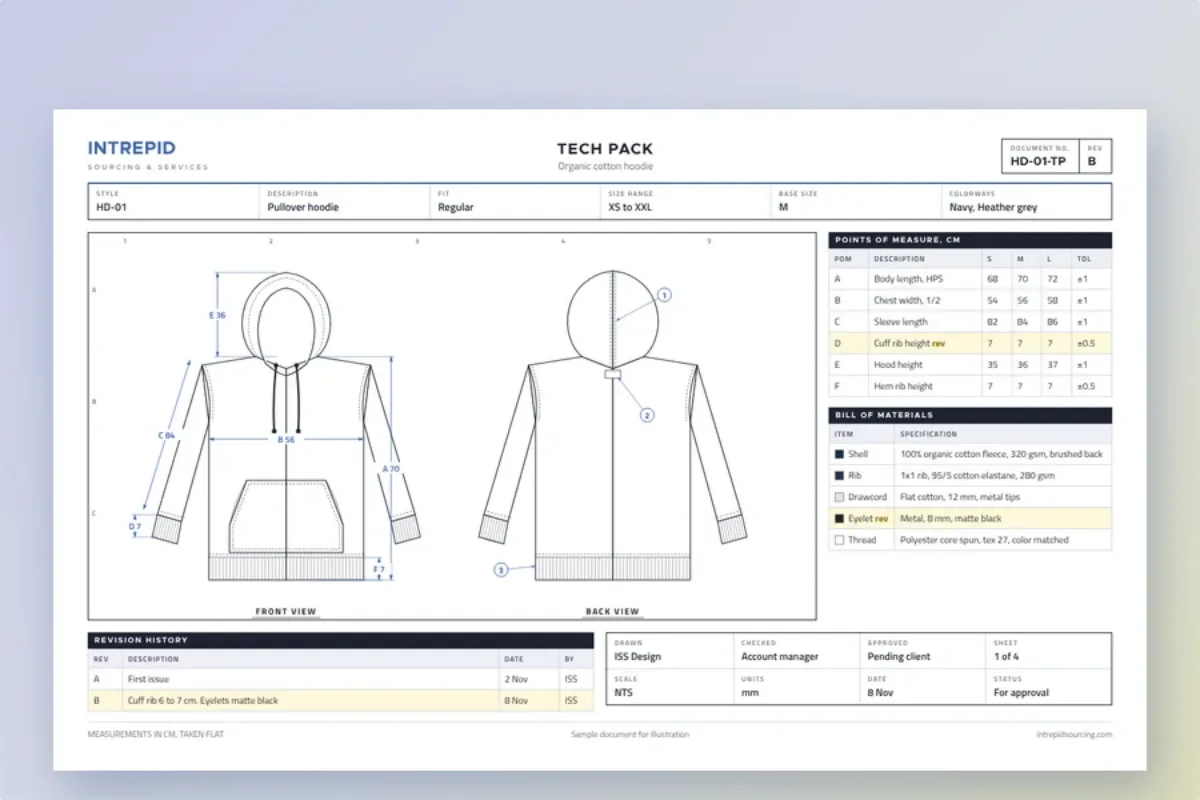
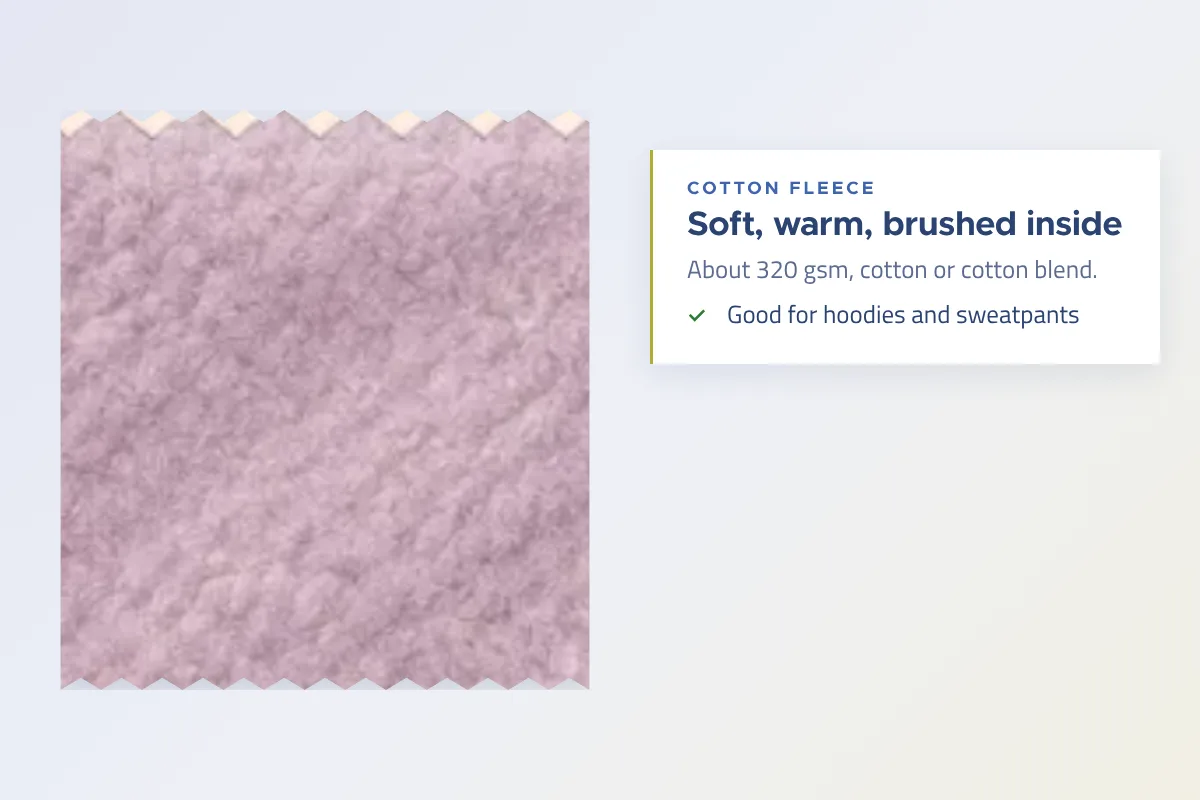
Next: Choose materials and specs ↓Fabric, weight, colors and every measurement go into your tech pack. You approve it in the portal.
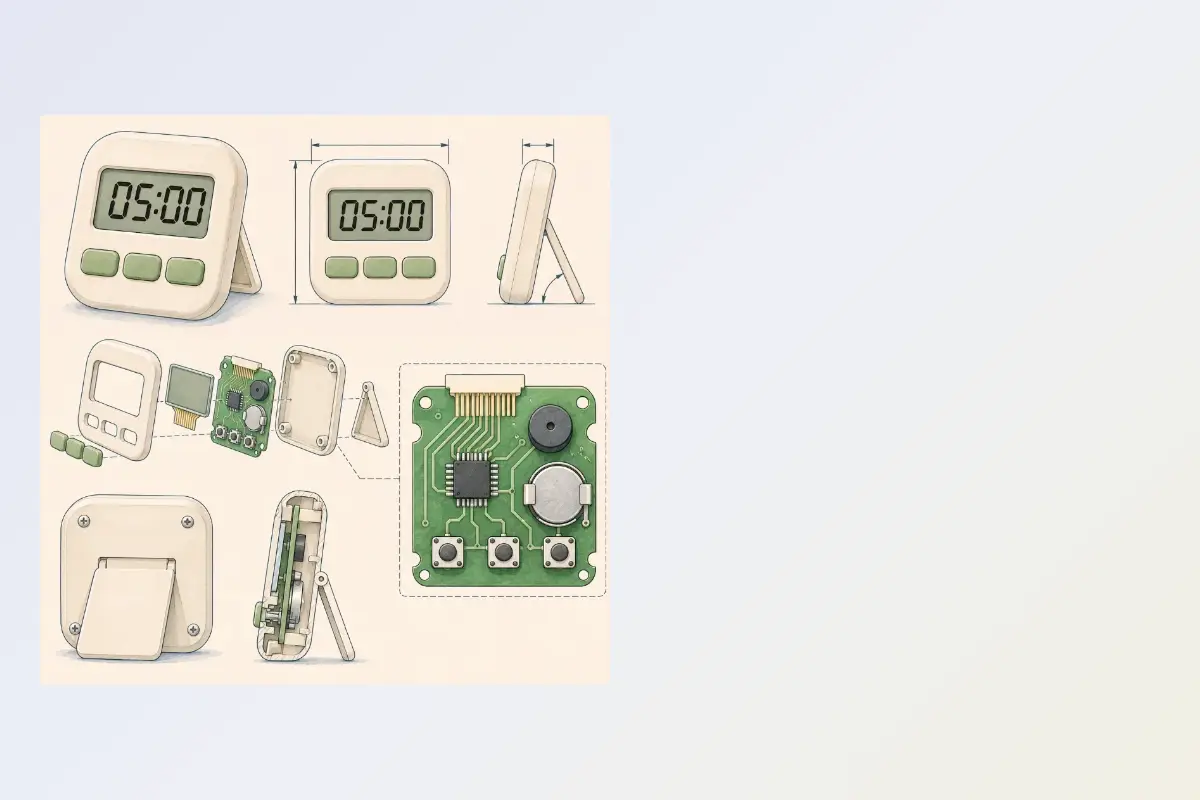
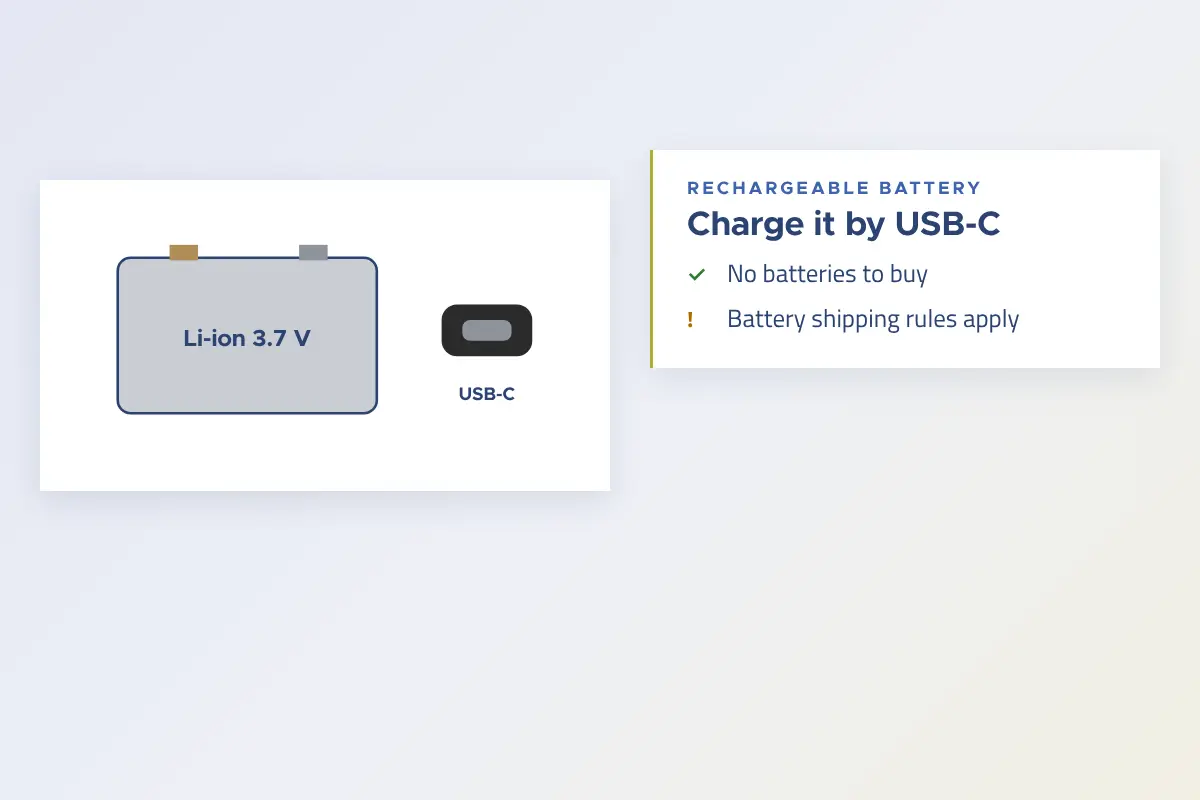
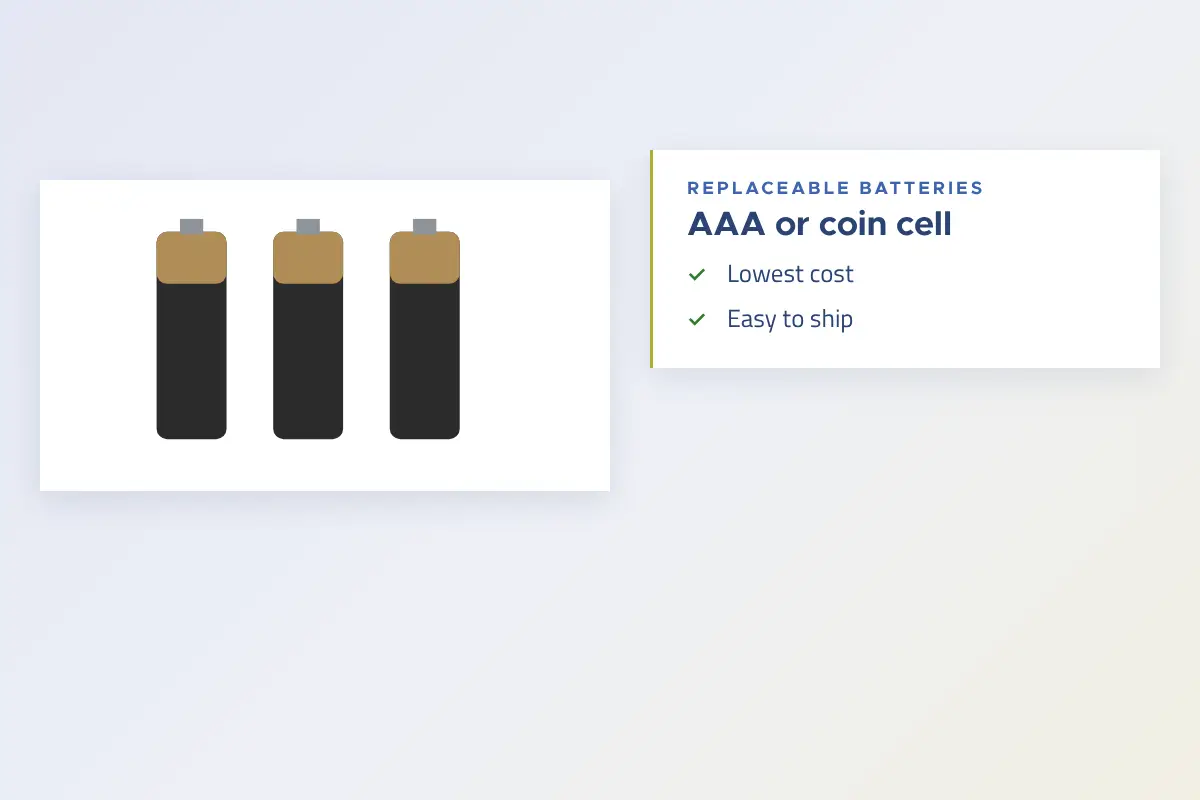
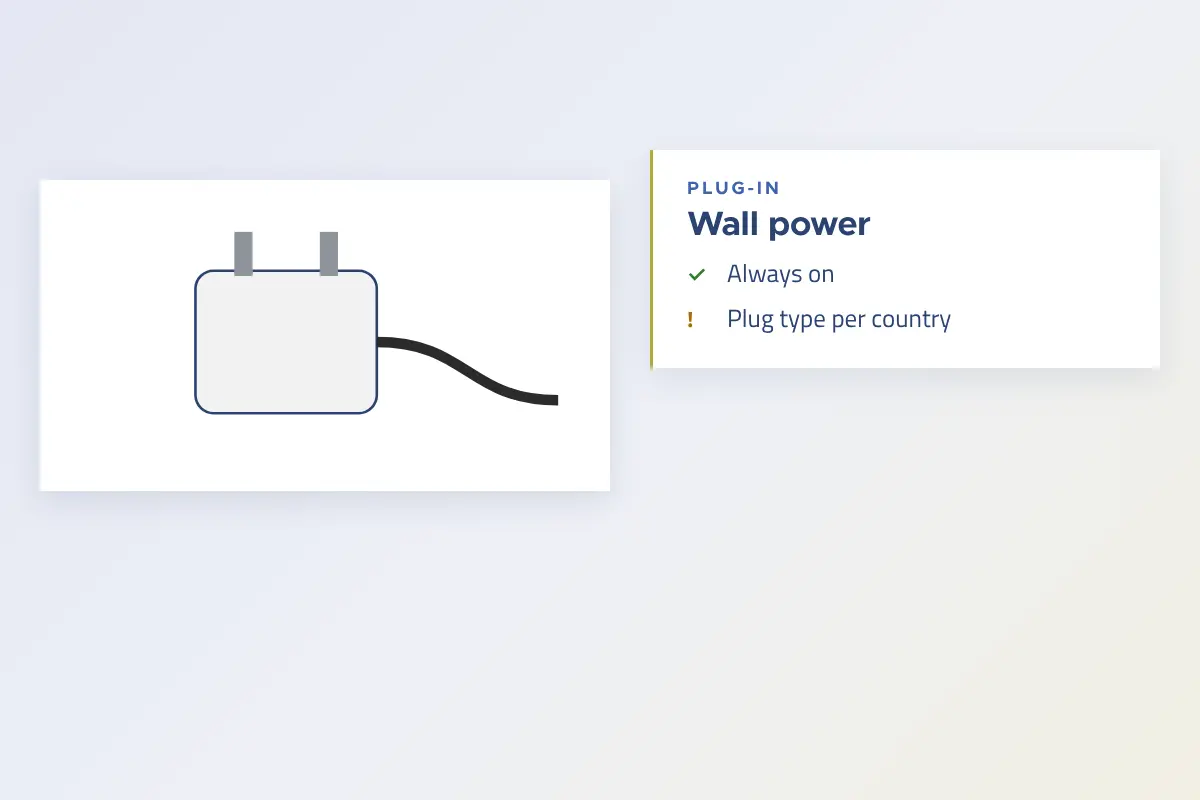
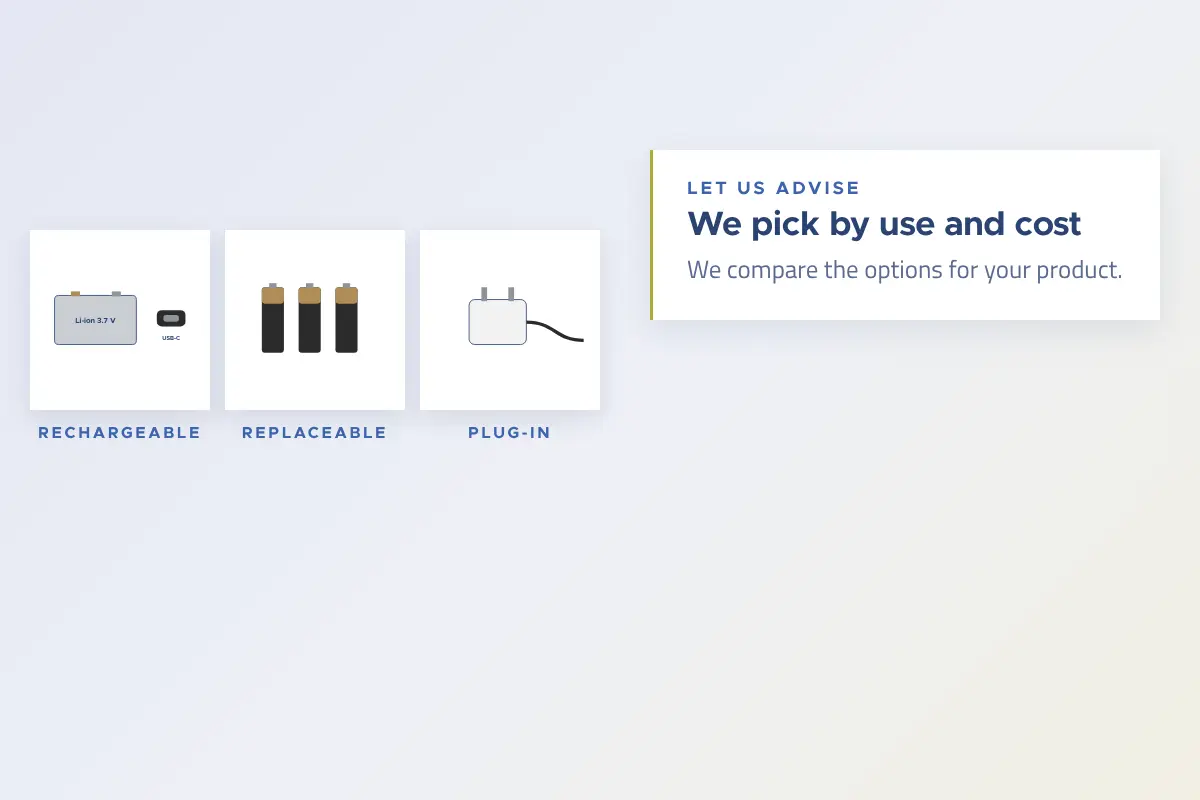
Components and power choices go into the schematic and BOM. You approve them in the portal.
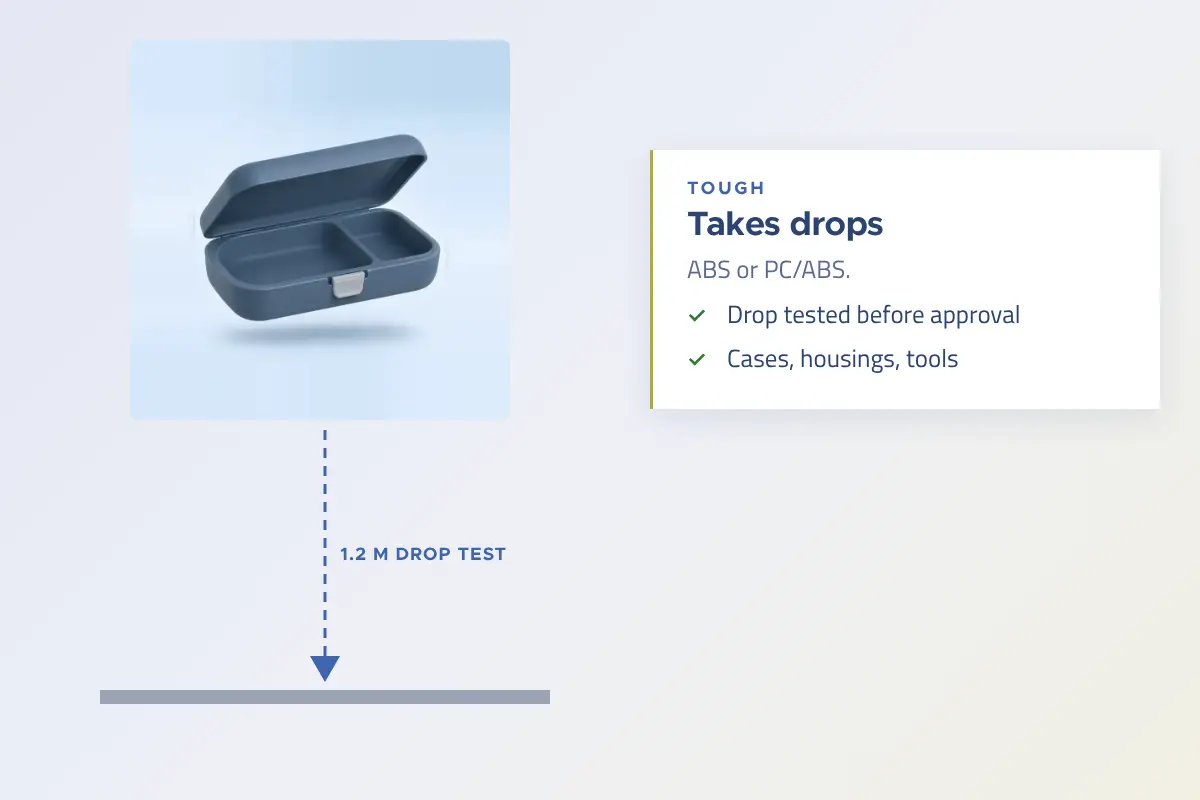
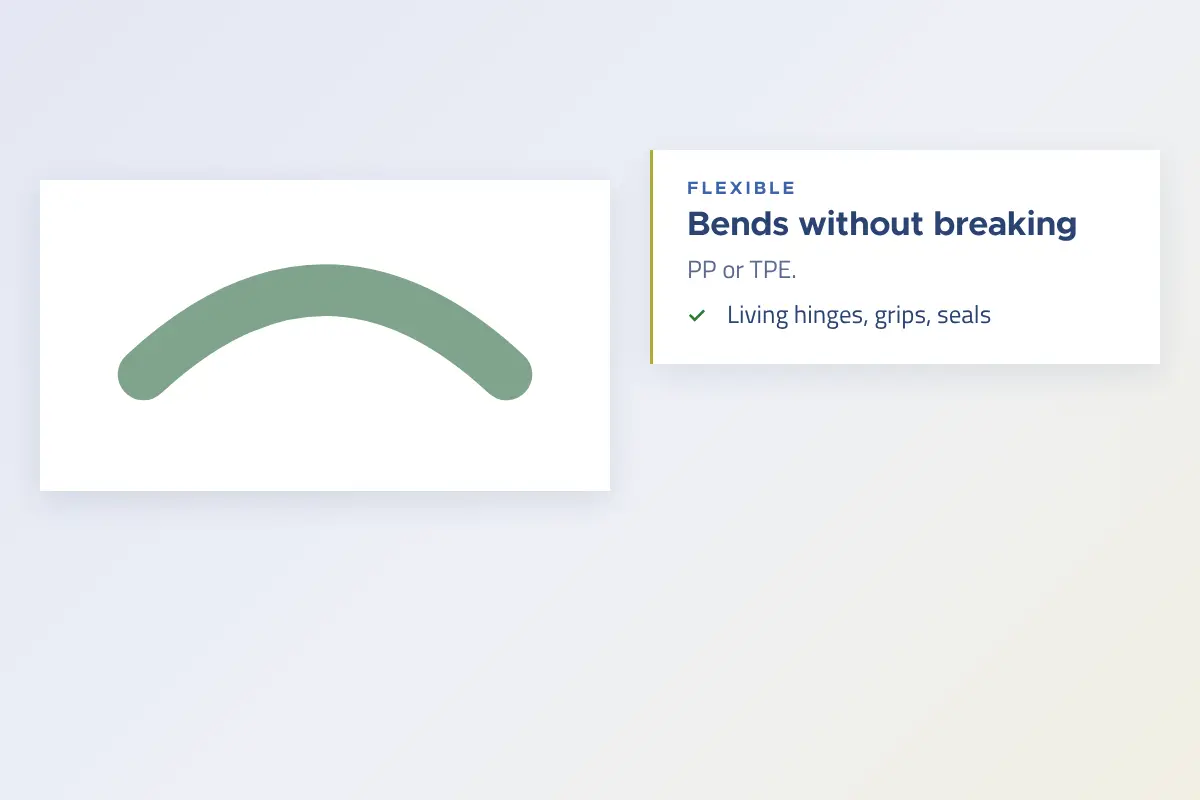
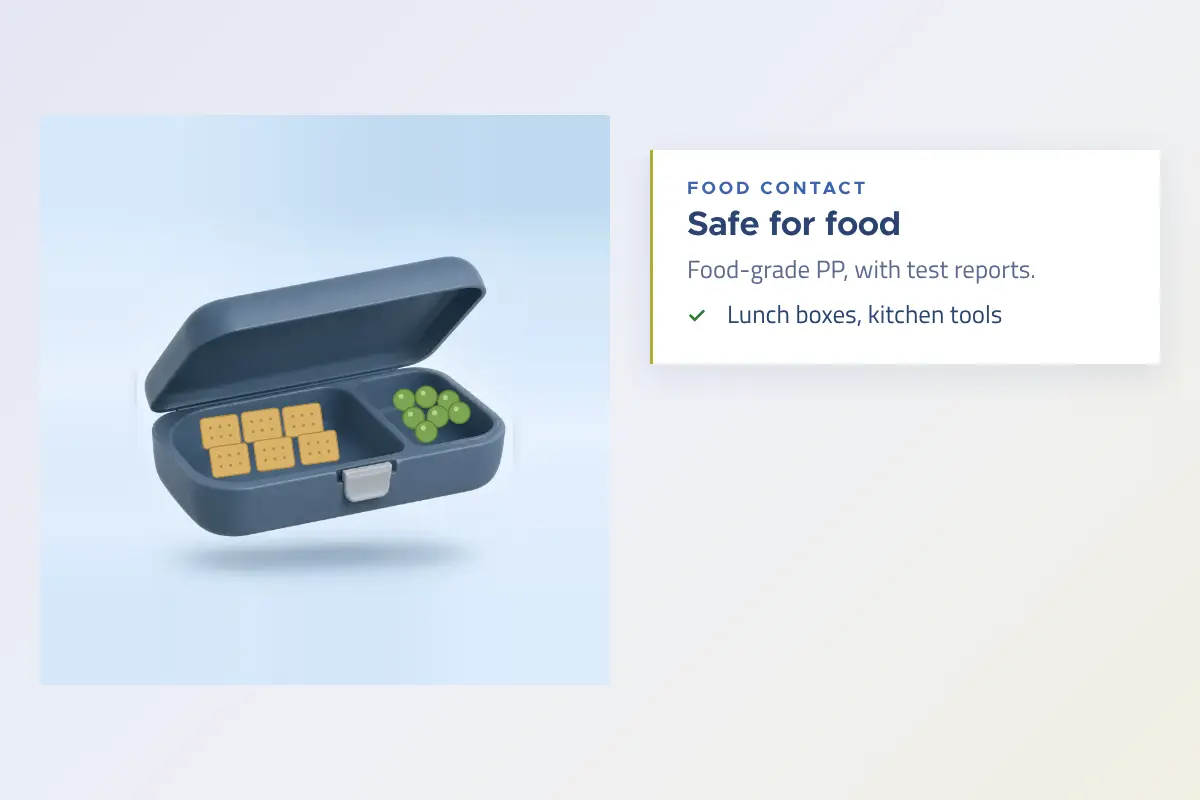
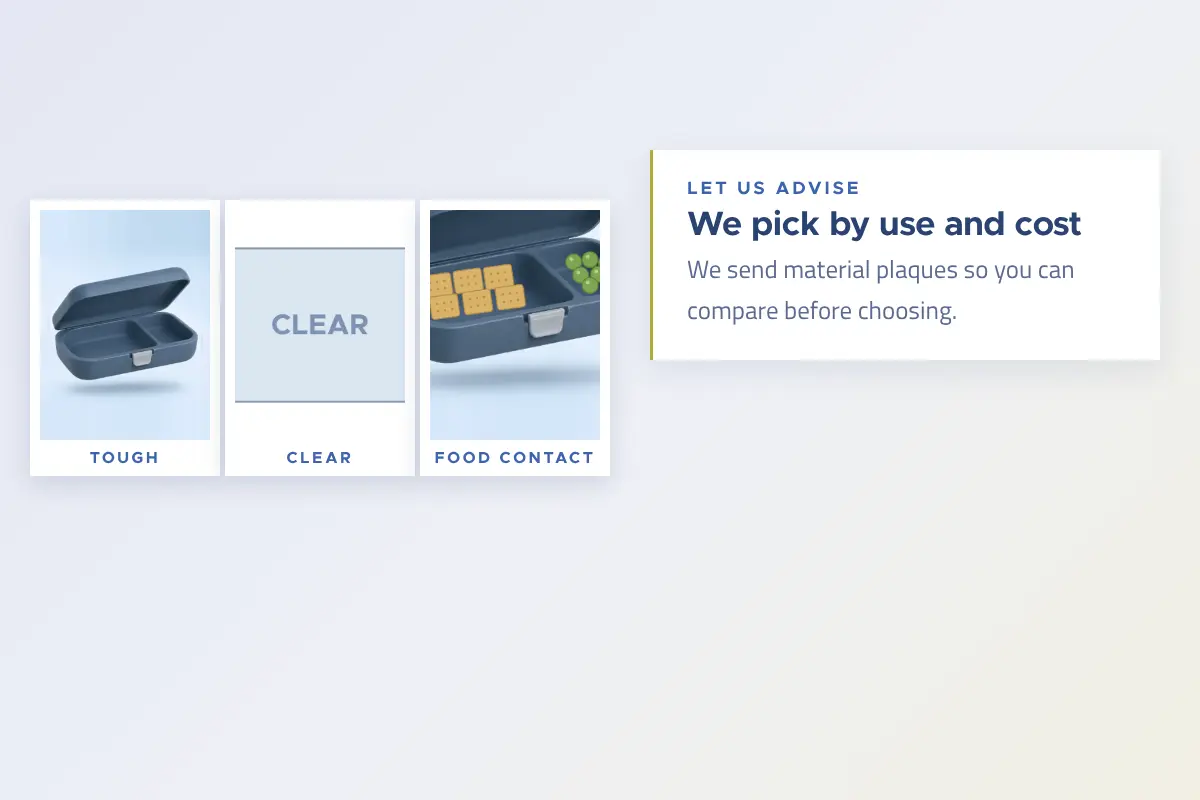
Material, wall thickness and texture go into the DFM review. You approve it in the portal.
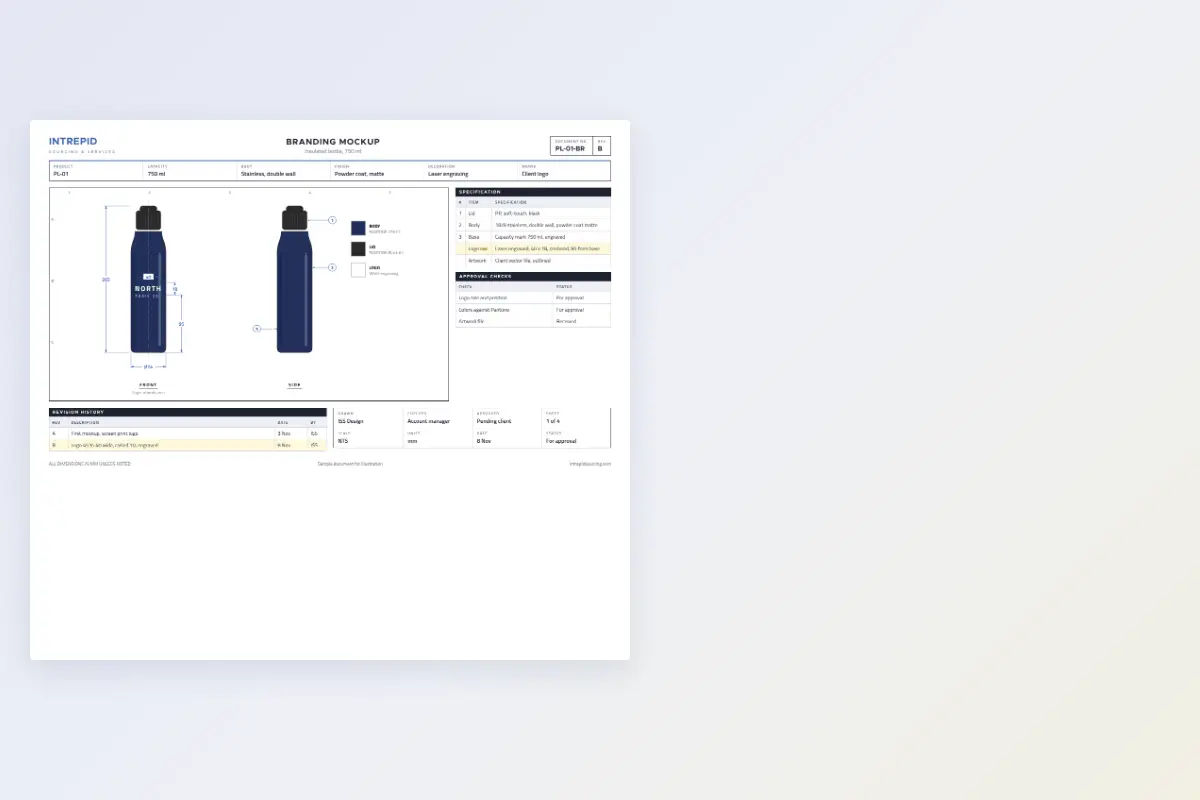
Finish, colors and logo method go into the branding spec. You approve it in the portal.
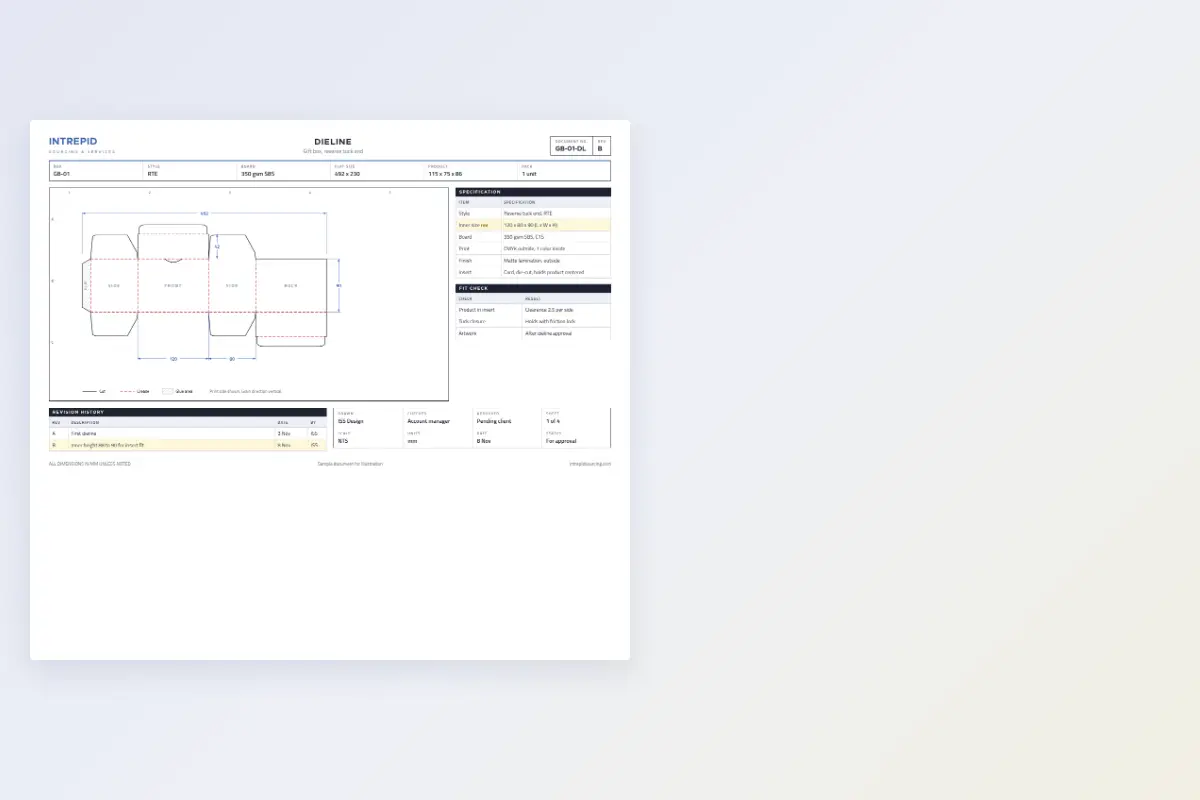
Board, print and finish go onto the dieline spec. You approve it in the portal.
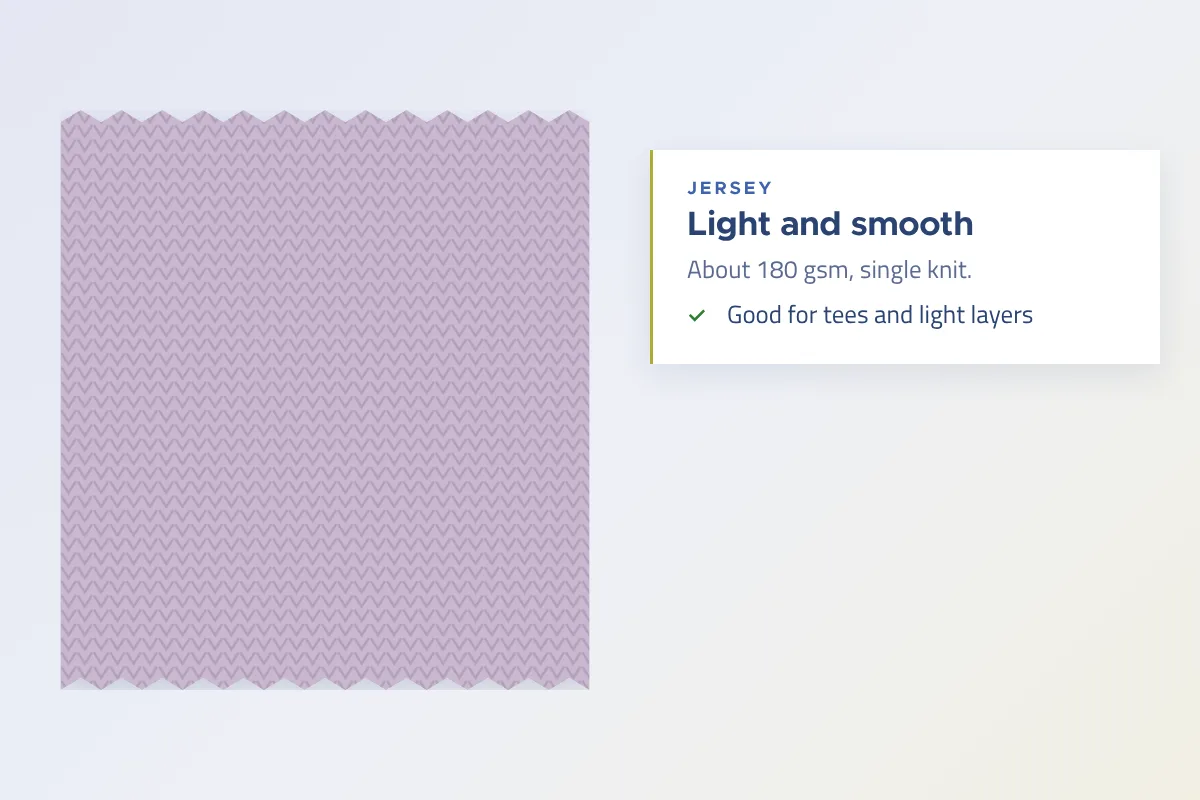
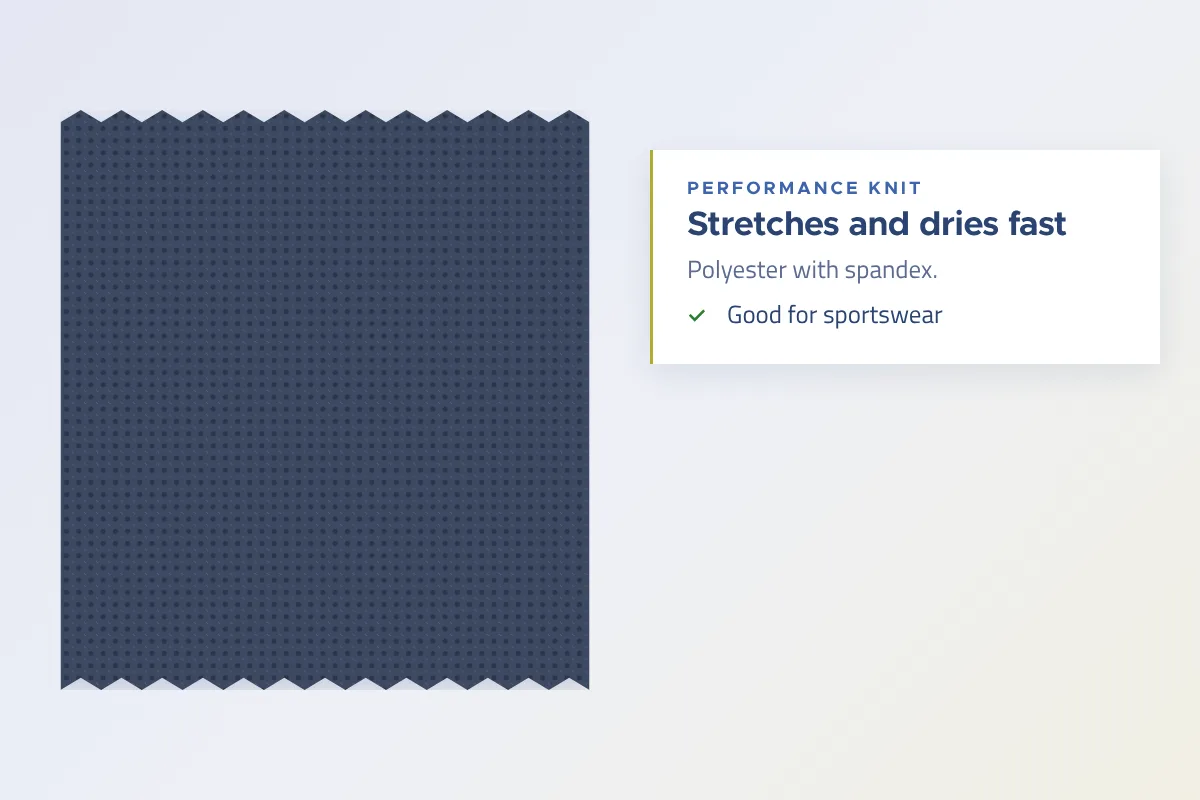
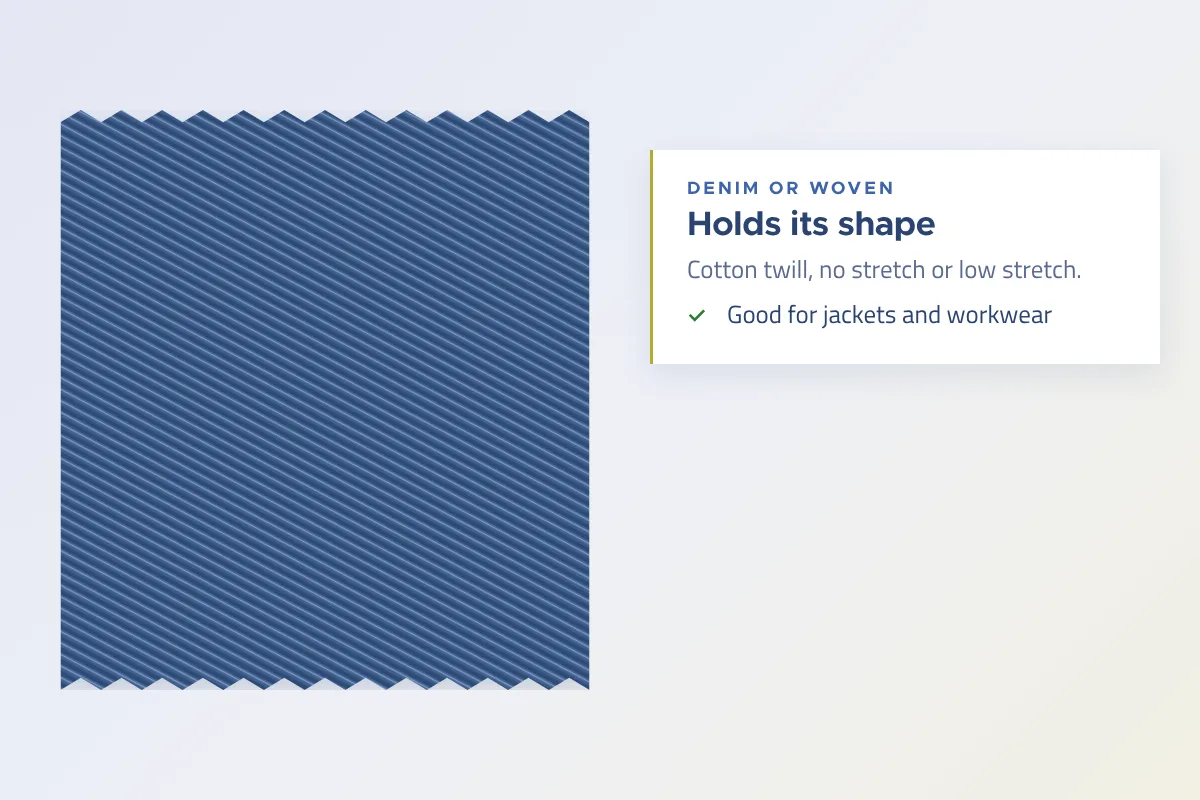
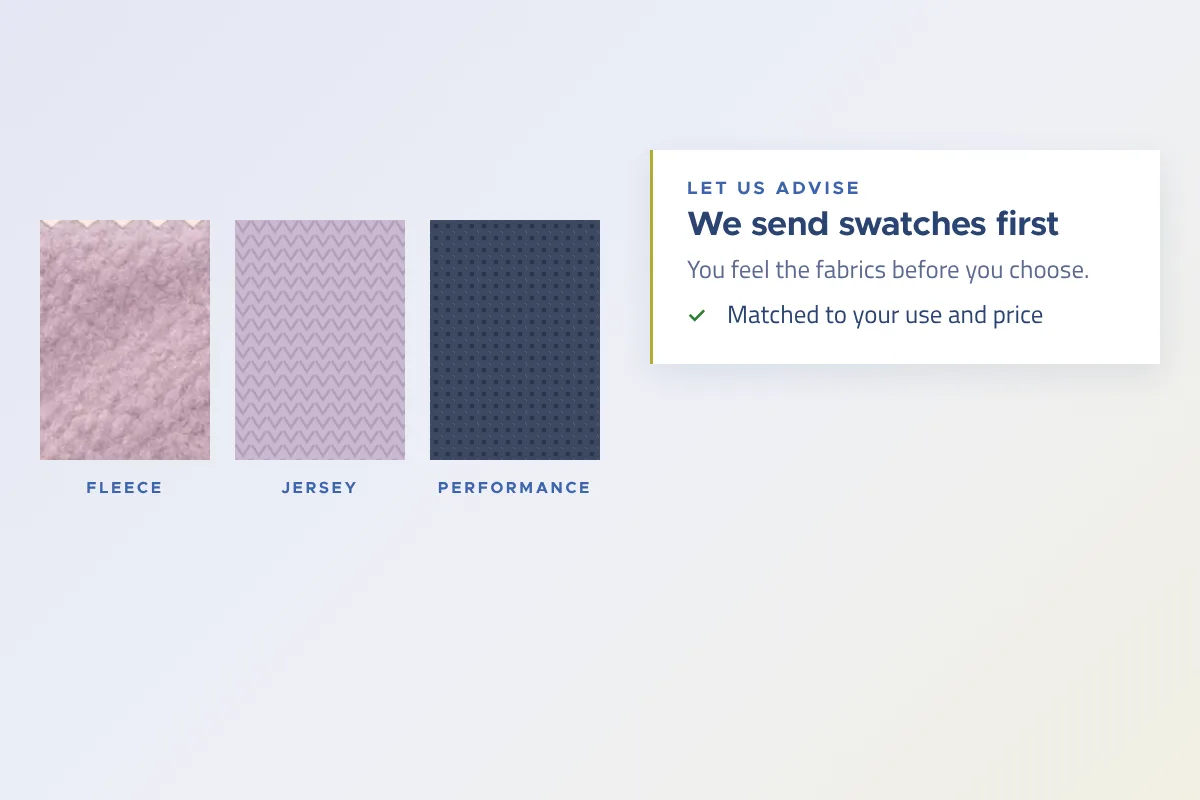
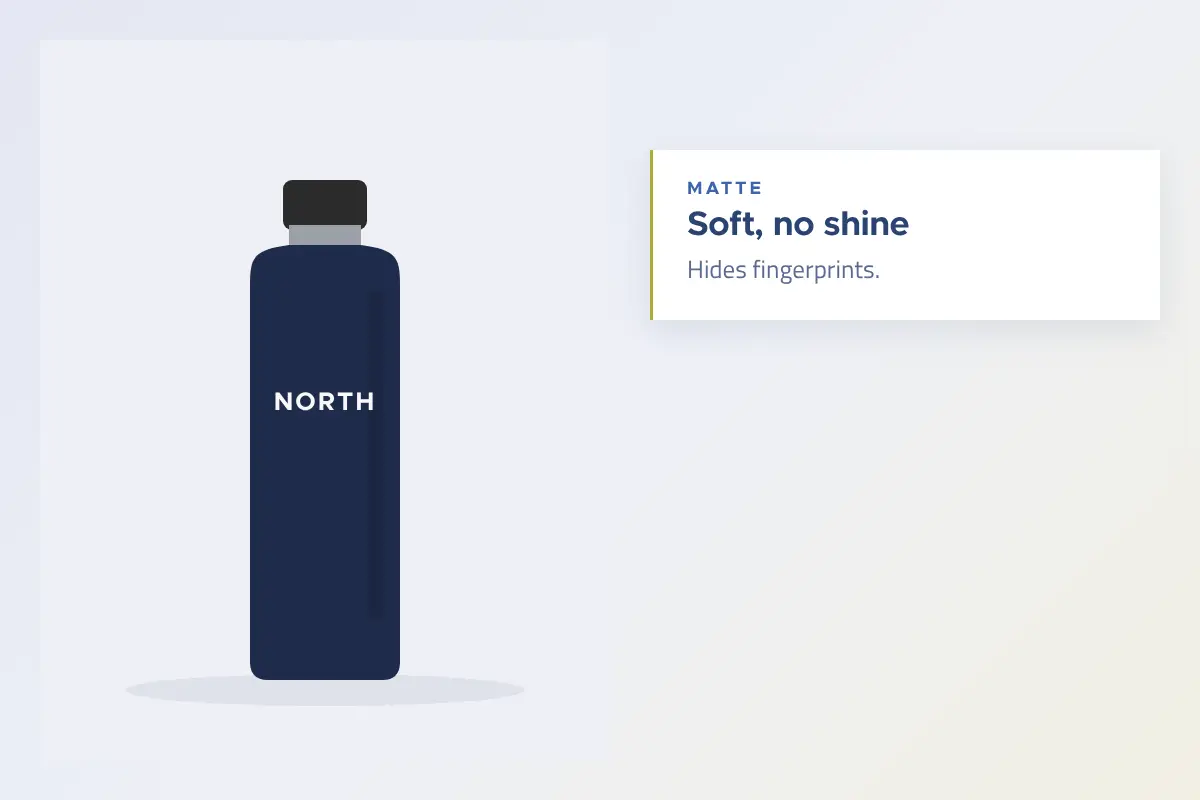
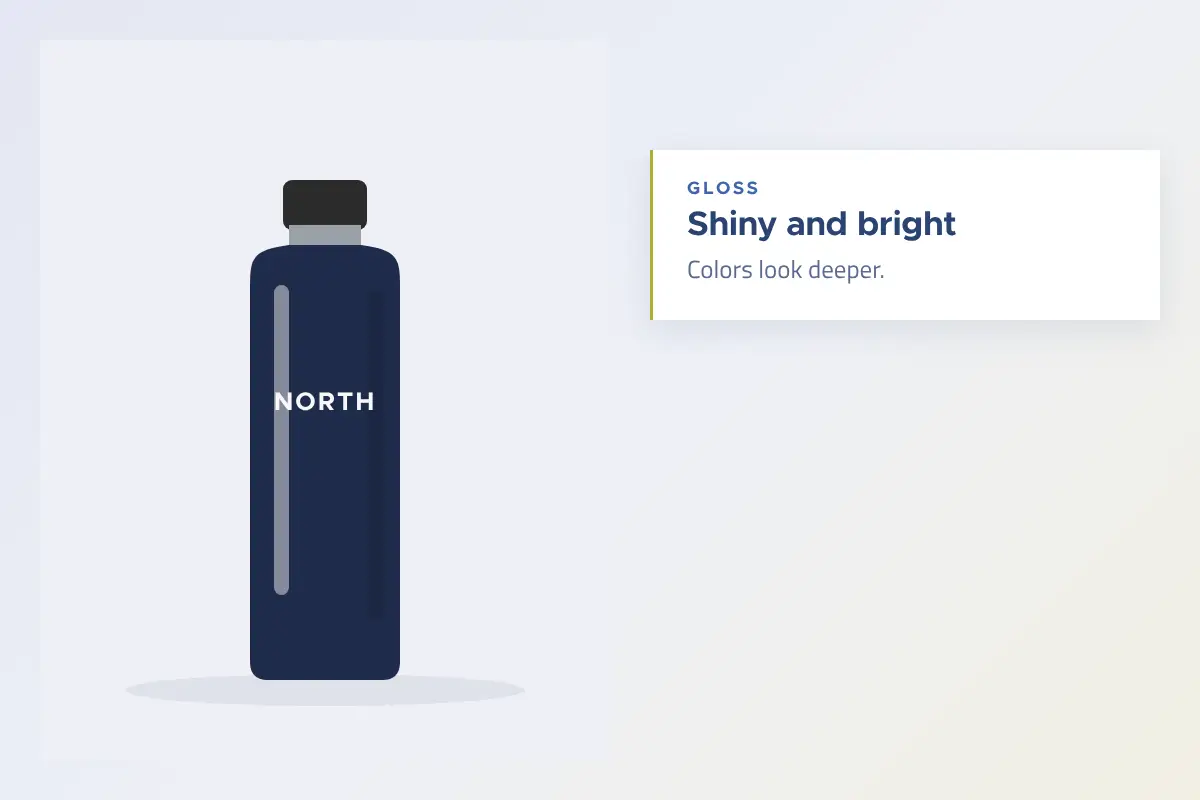
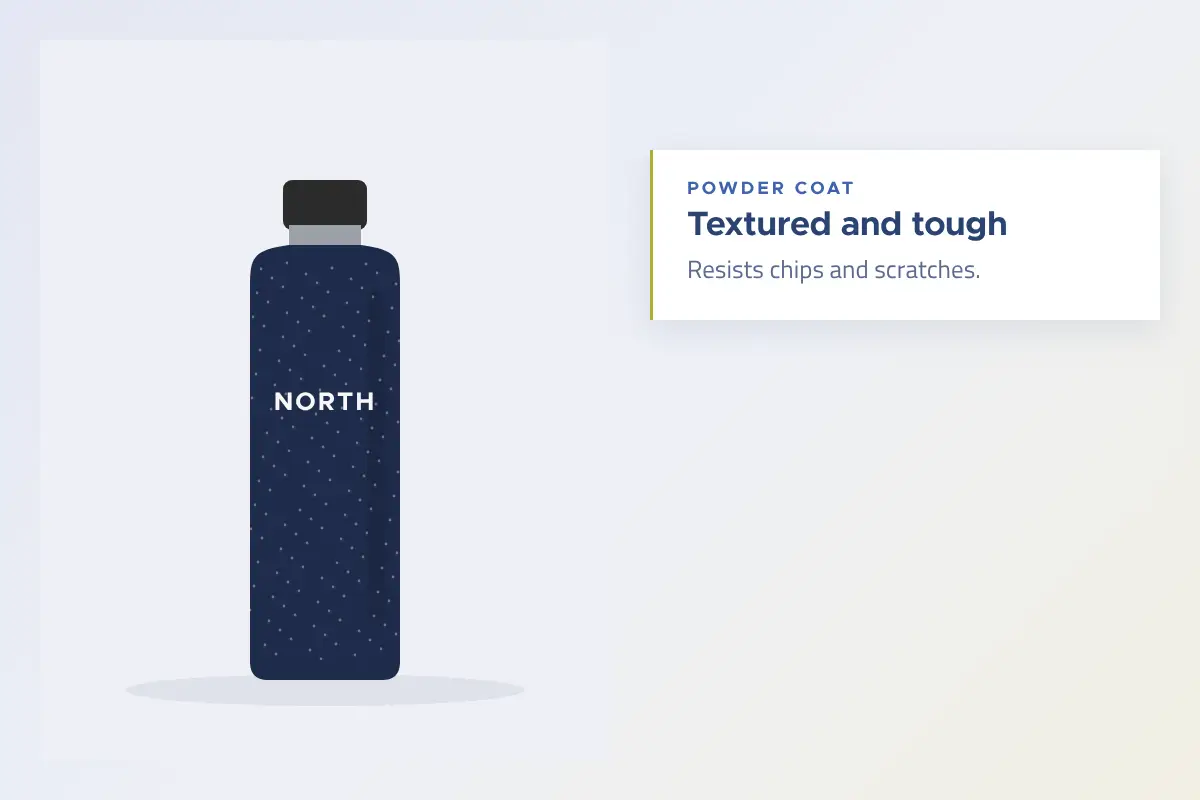
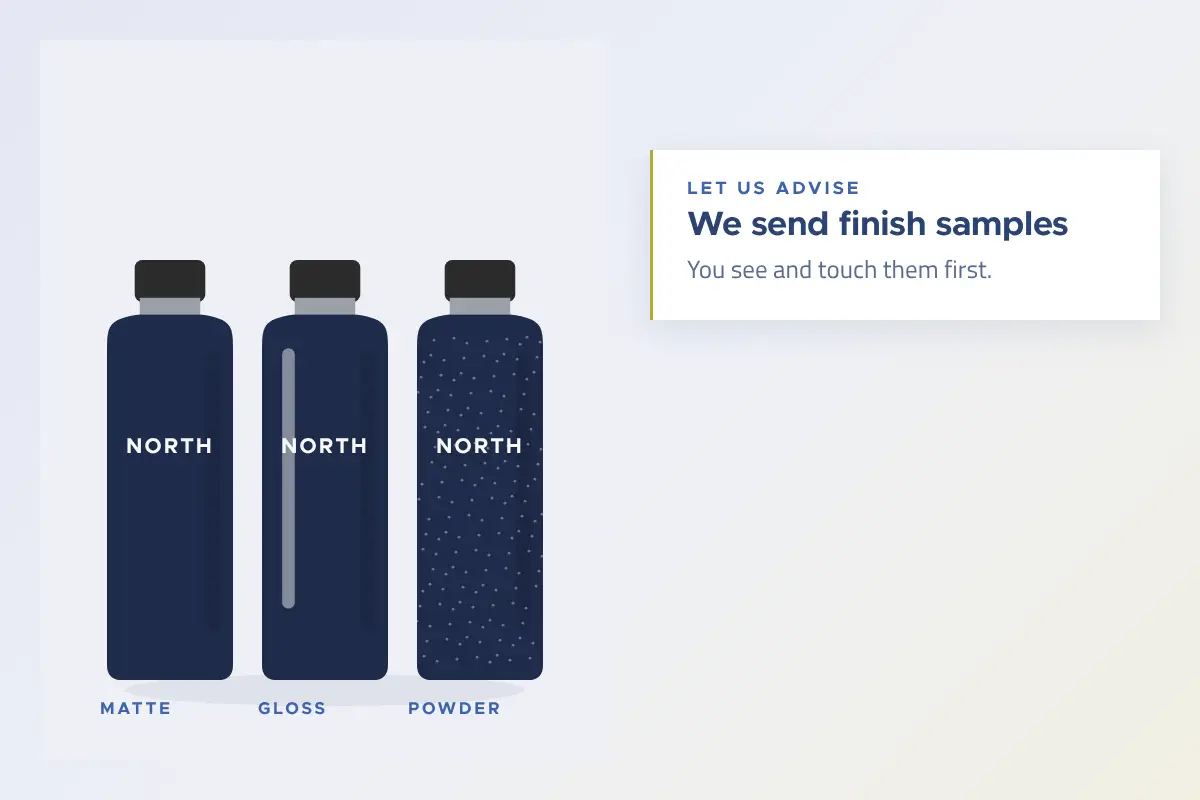
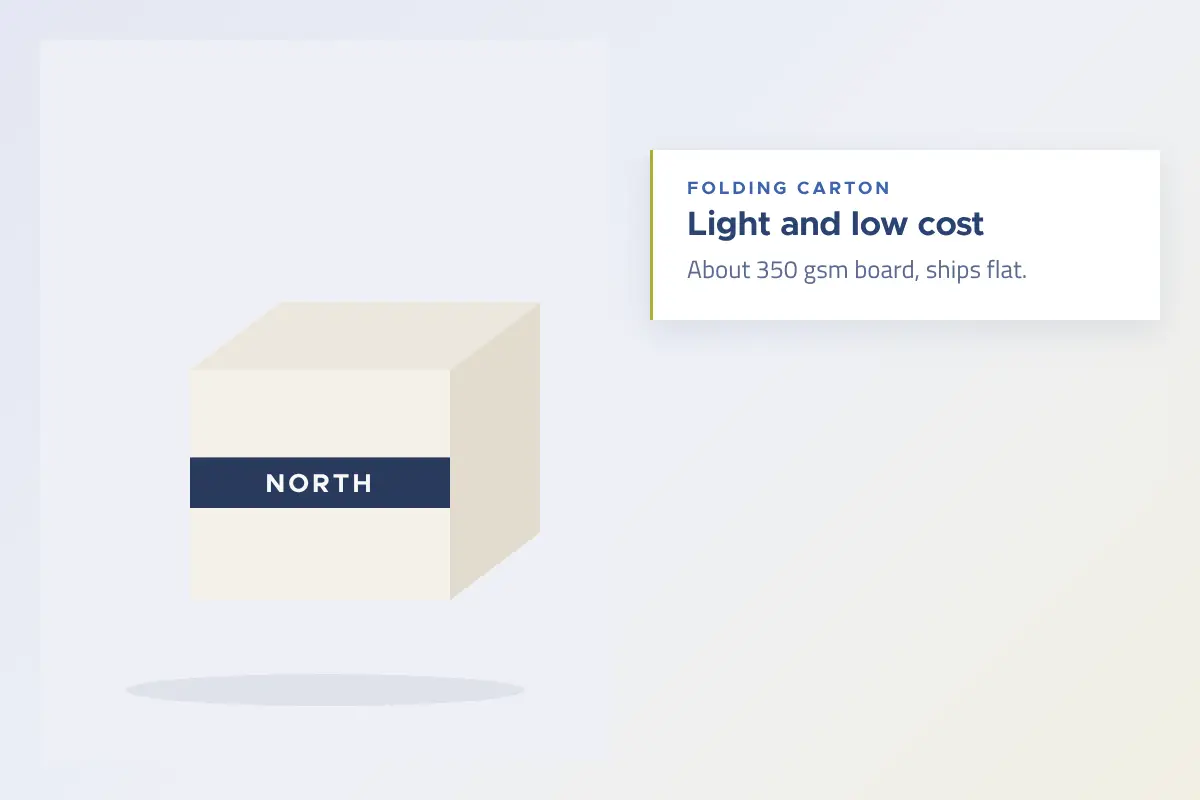
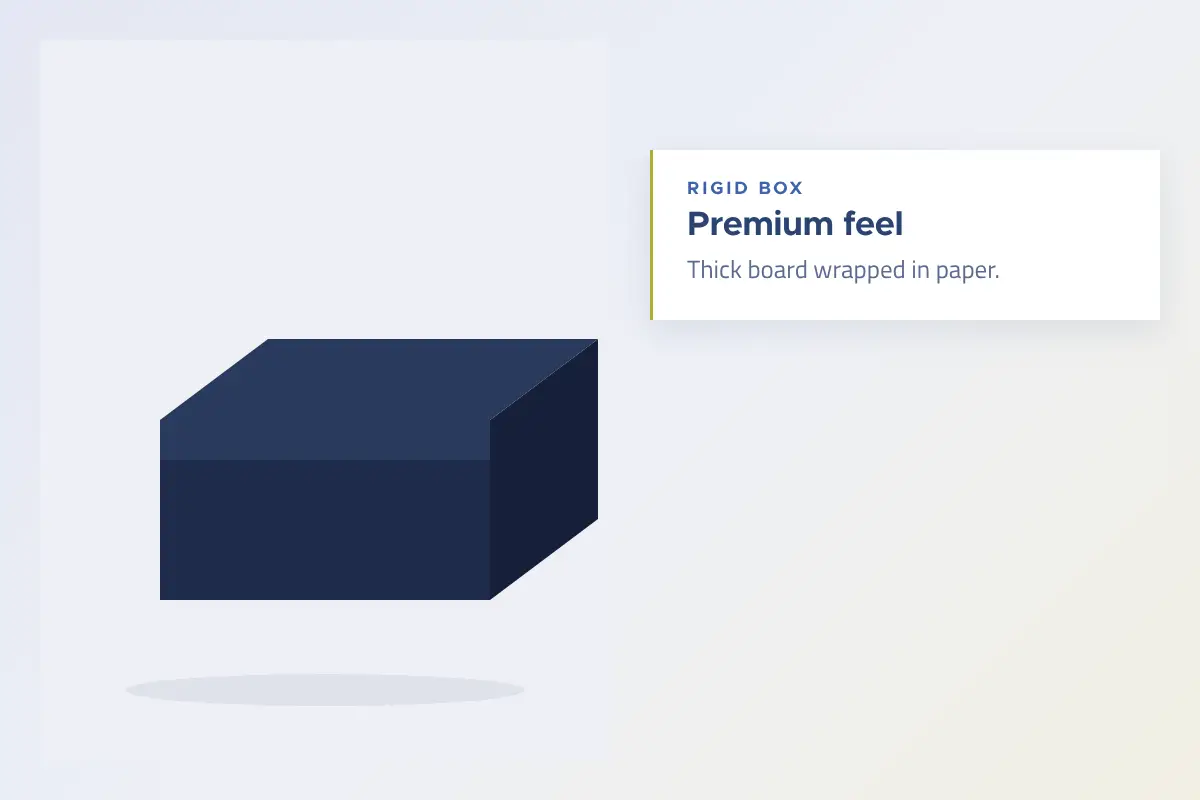
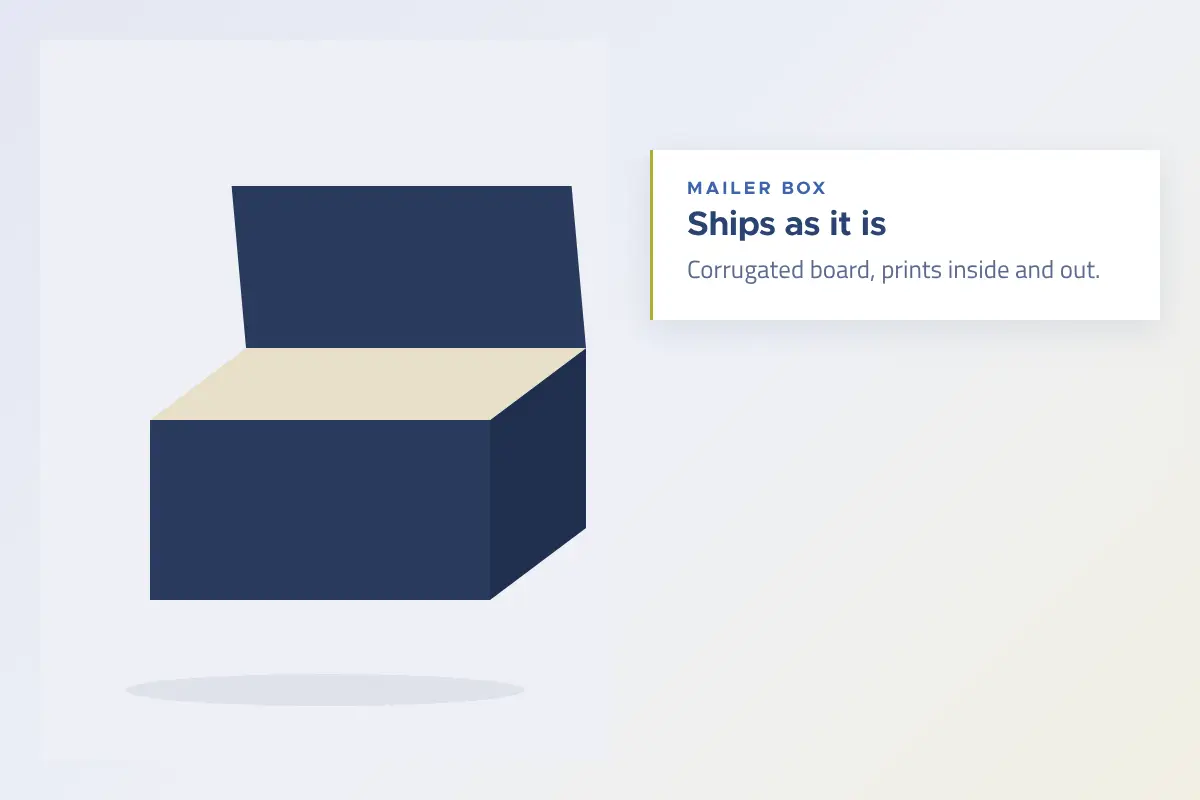
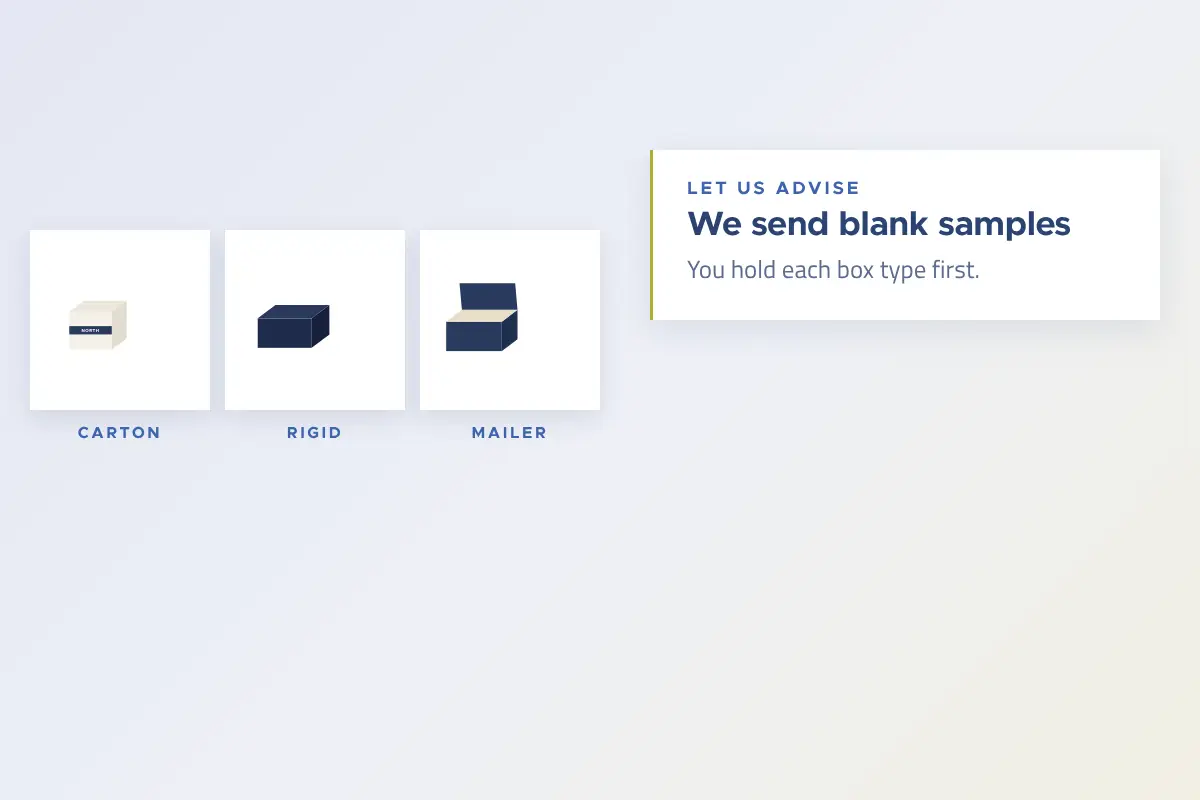
Which fabric?
Pick one
How is it powered?
Pick one
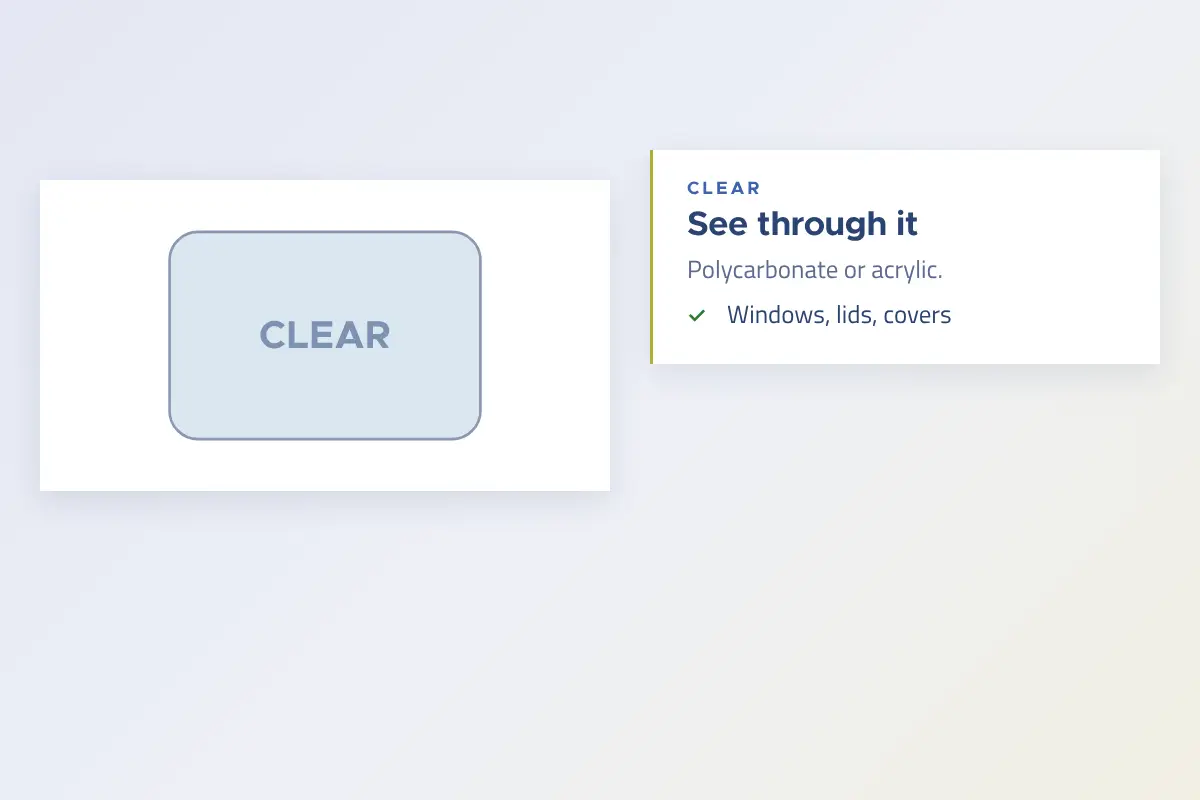
What matters most in the material?
Pick one
Which finish?
Pick one
Which box type?
Pick one
Saved in your portalTech pack
Saved in your portalSchematic and BOM
Saved in your portalDFM review
Saved in your portalBranding mockup
Saved in your portalDieline
Next: Decide how it goes together ↓Seams, stitching and the order of construction are set, so every batch is built the same way.
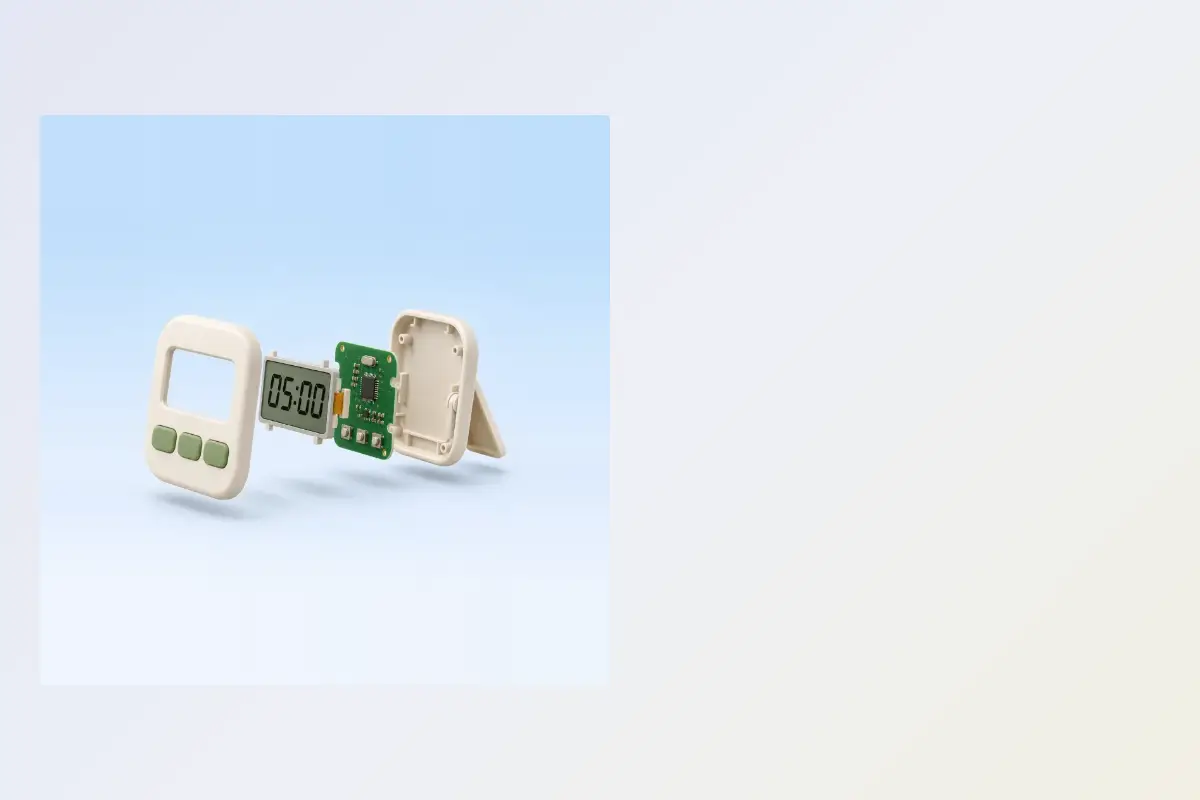
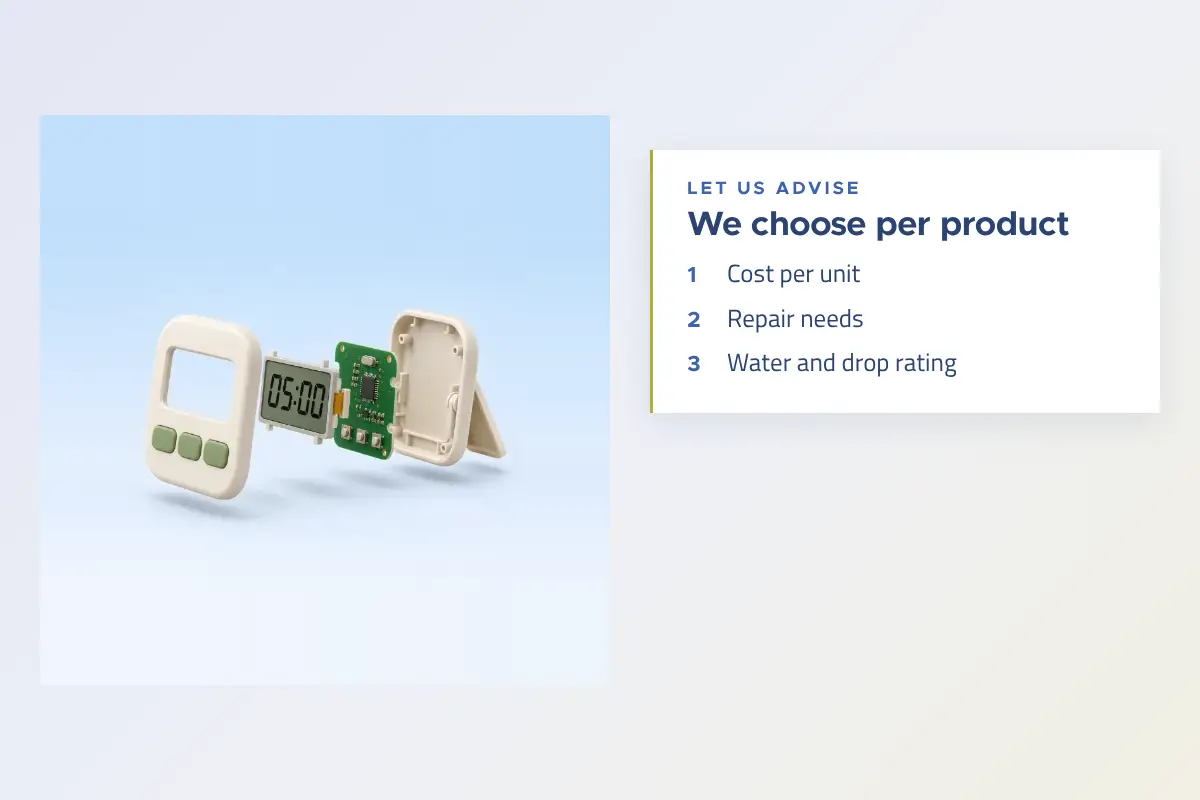
How the board, screen and shell fit together is set before prototypes are made.
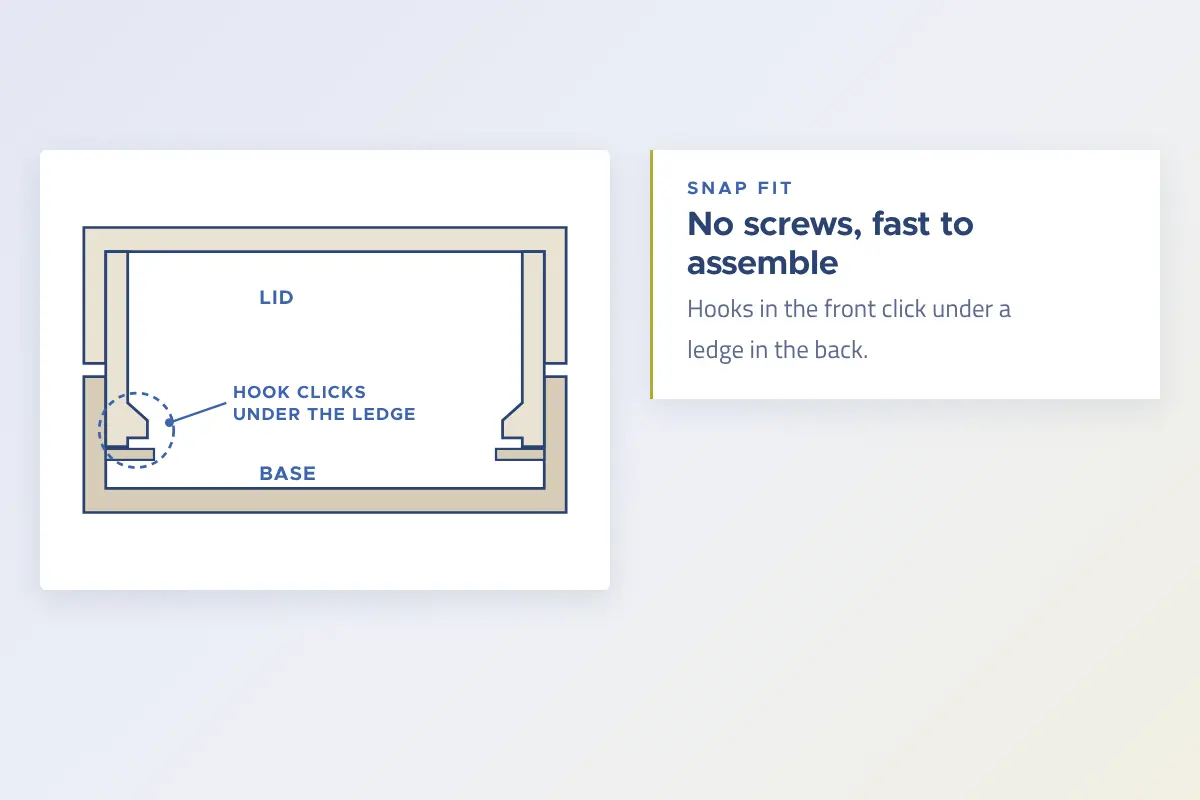
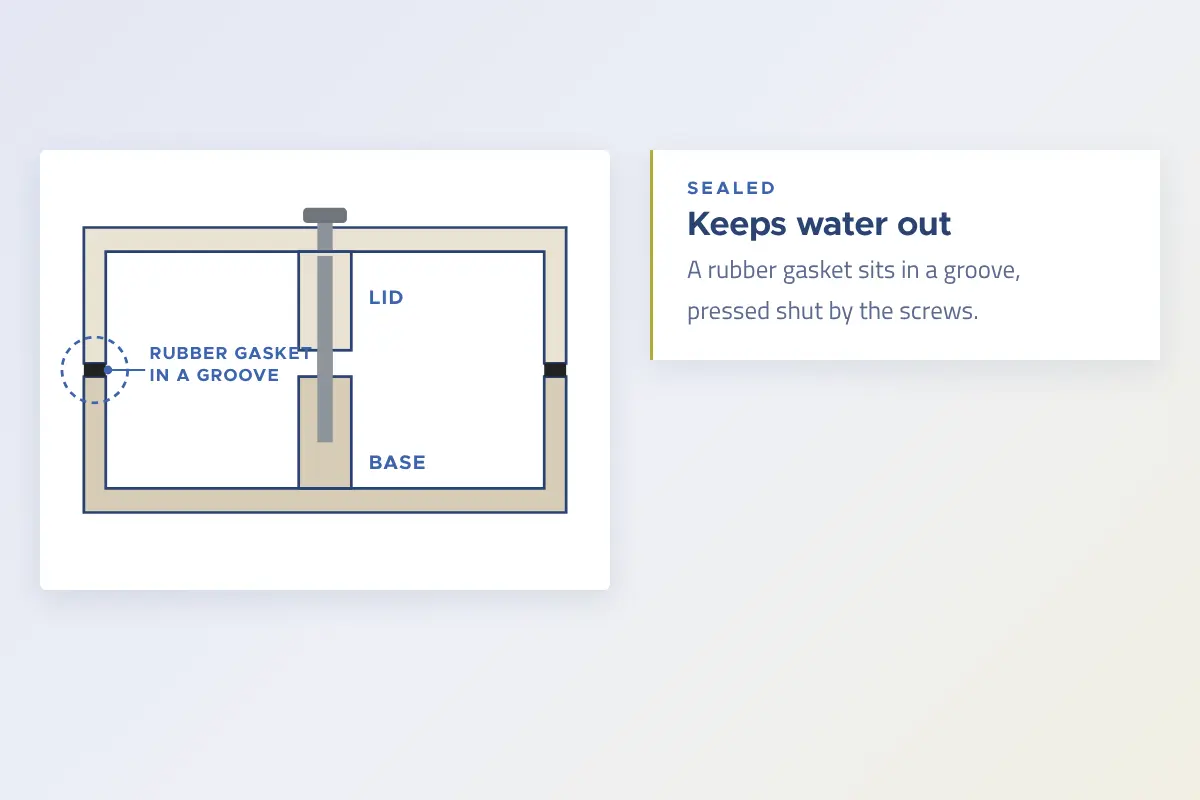
How the parts snap, hinge or screw together is set before the mold is cut.
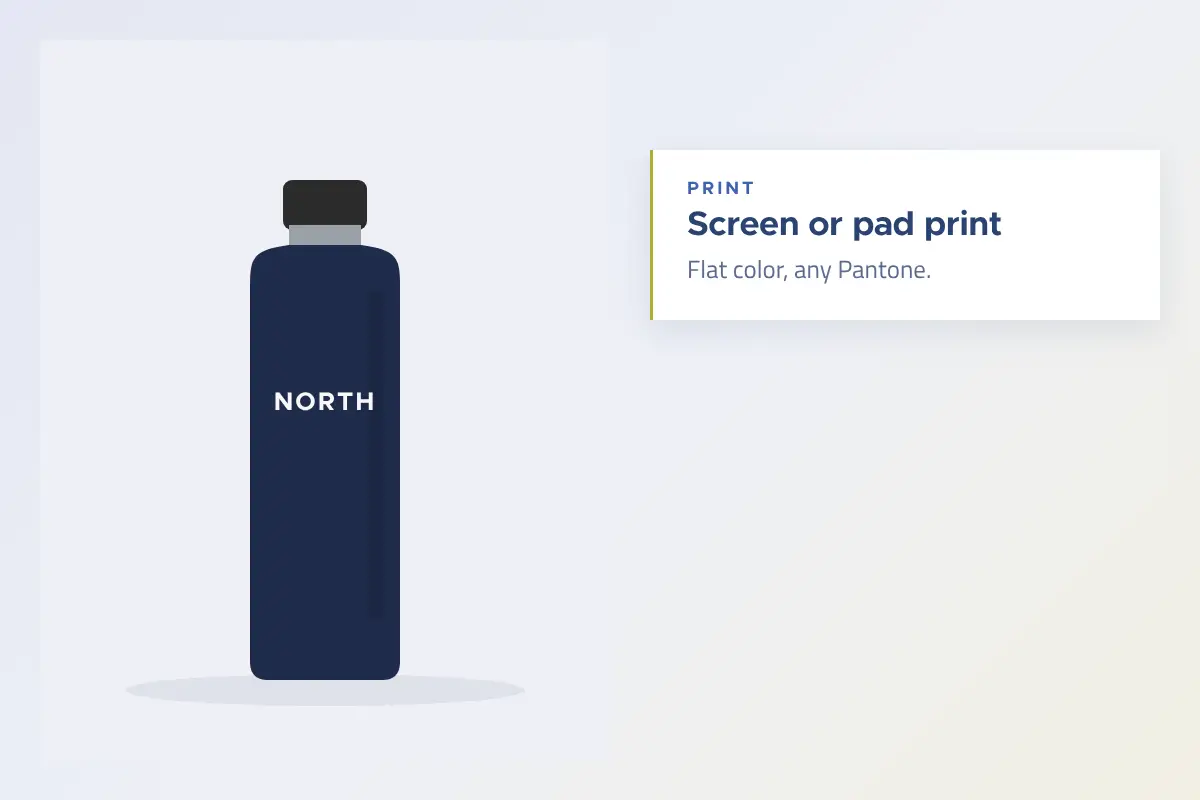
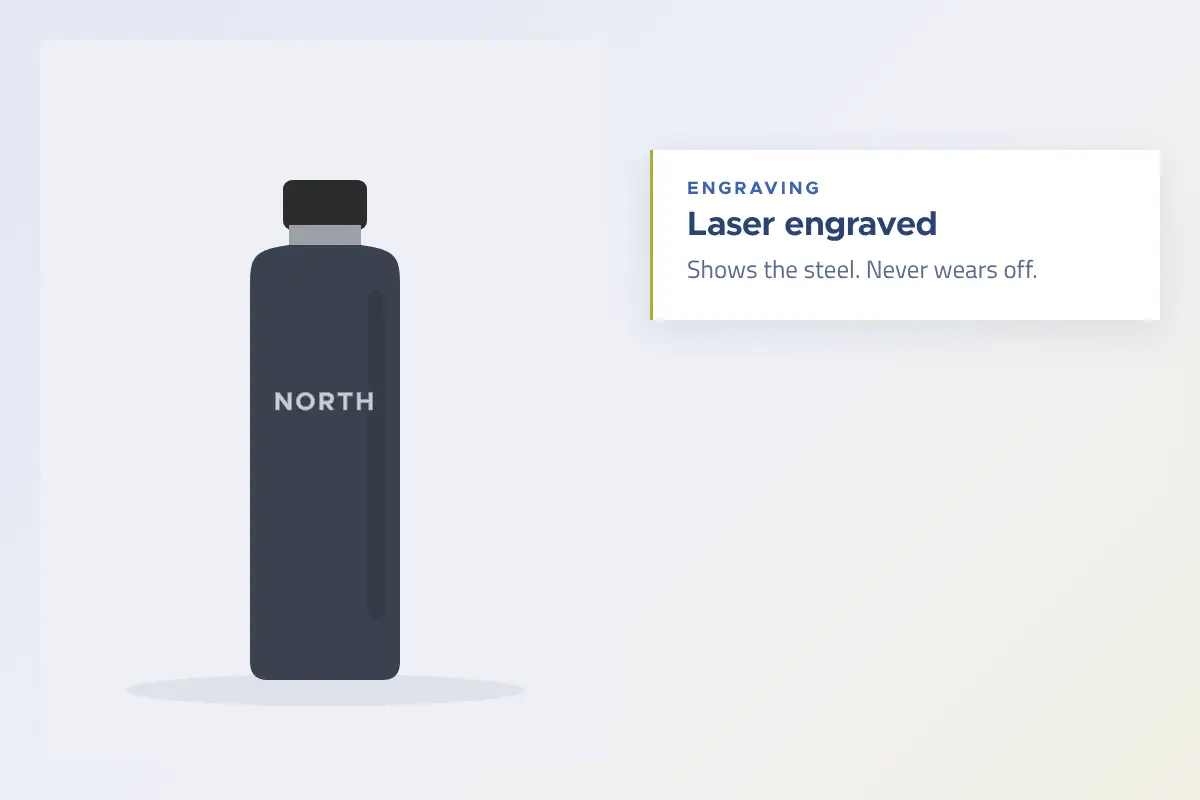
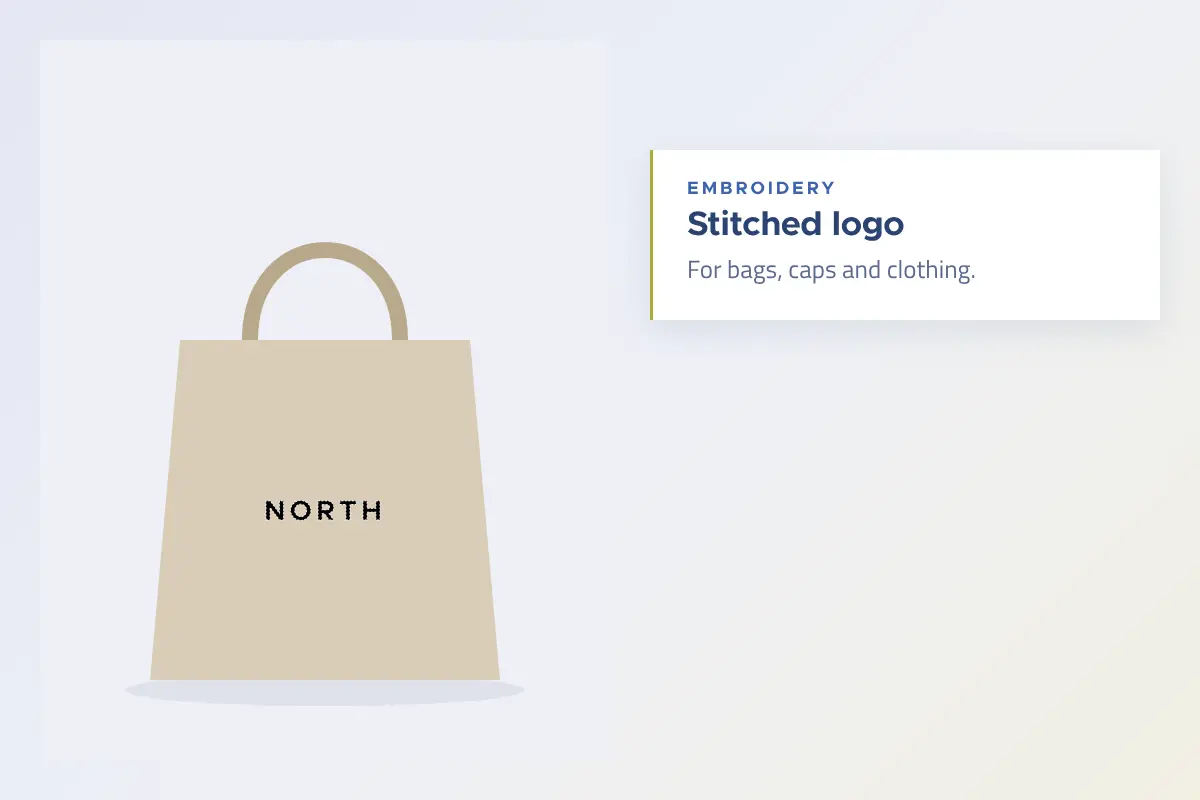
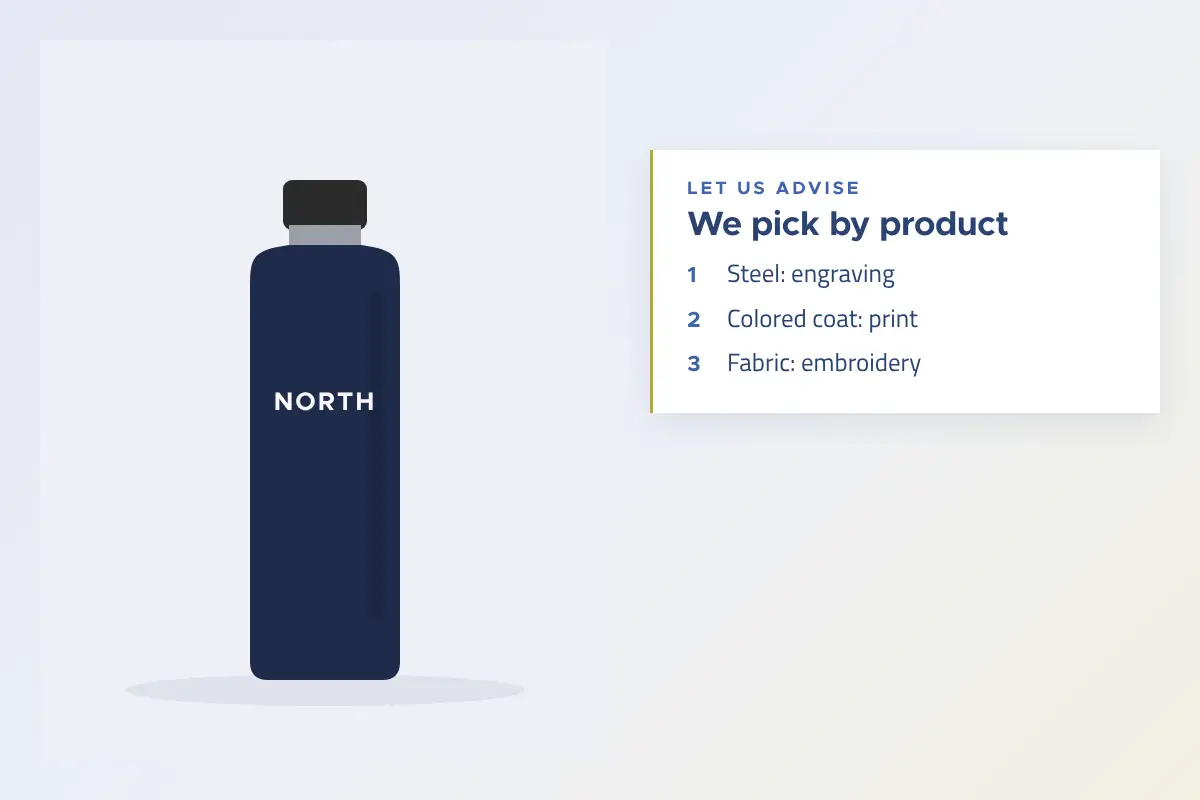
How your logo goes on is set before the branded sample.
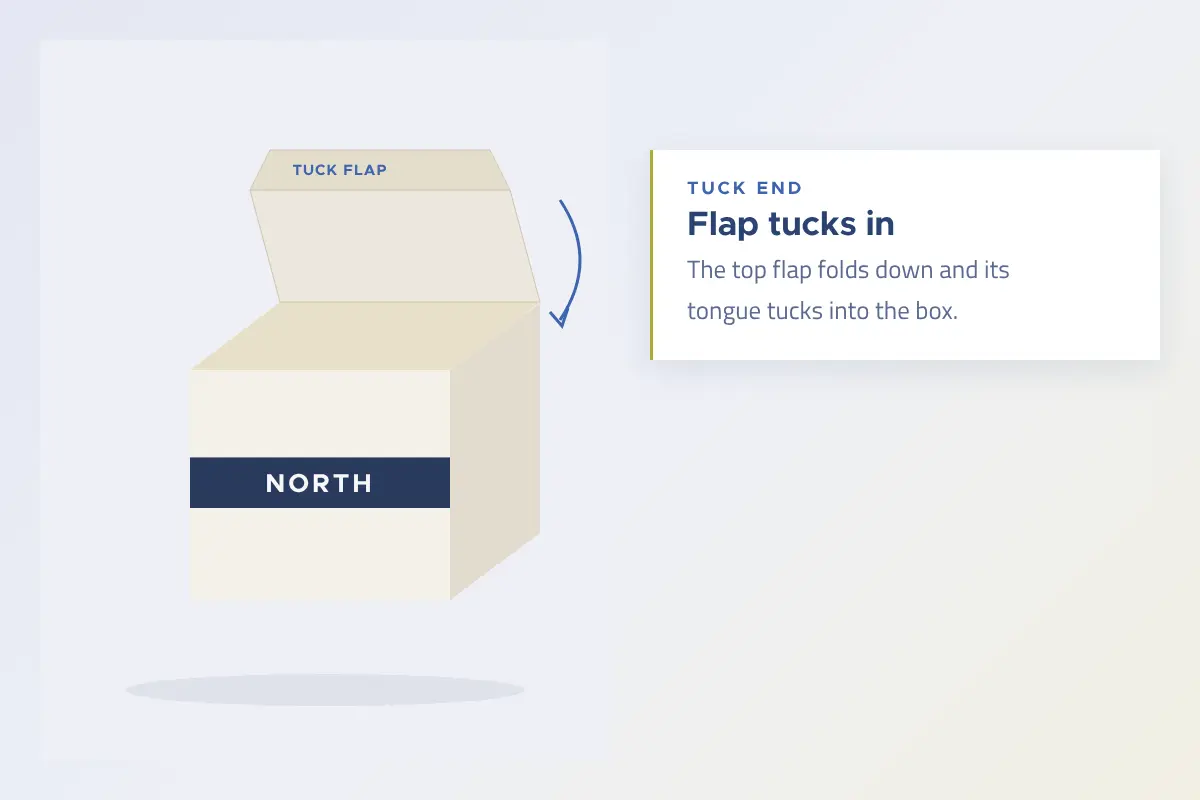
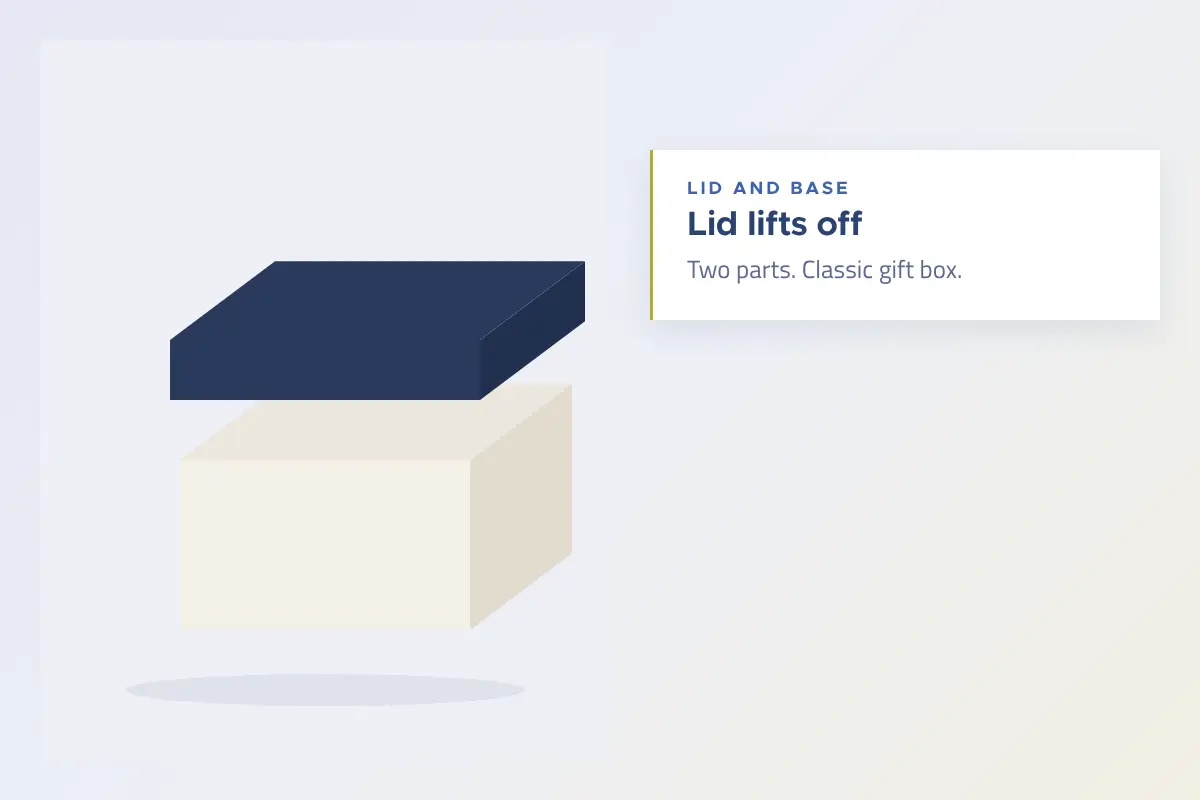
How the box folds, locks and holds the insert is set before artwork goes on.
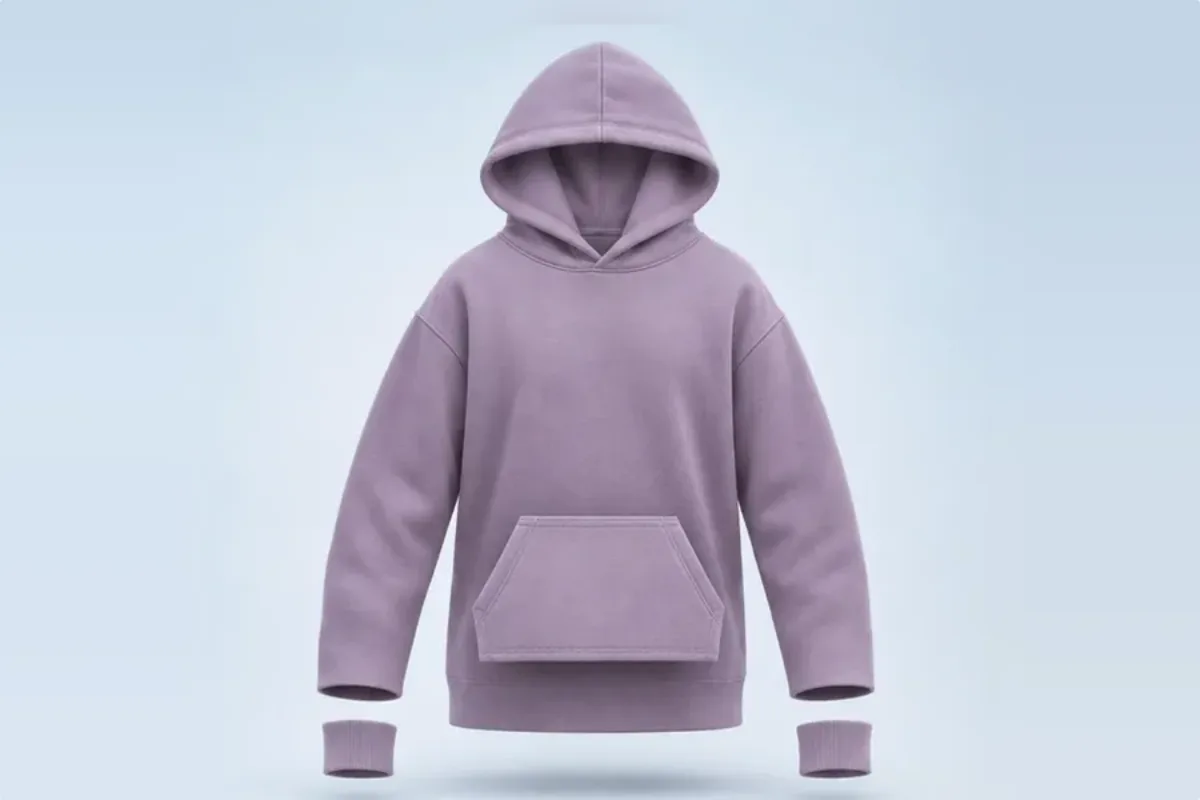
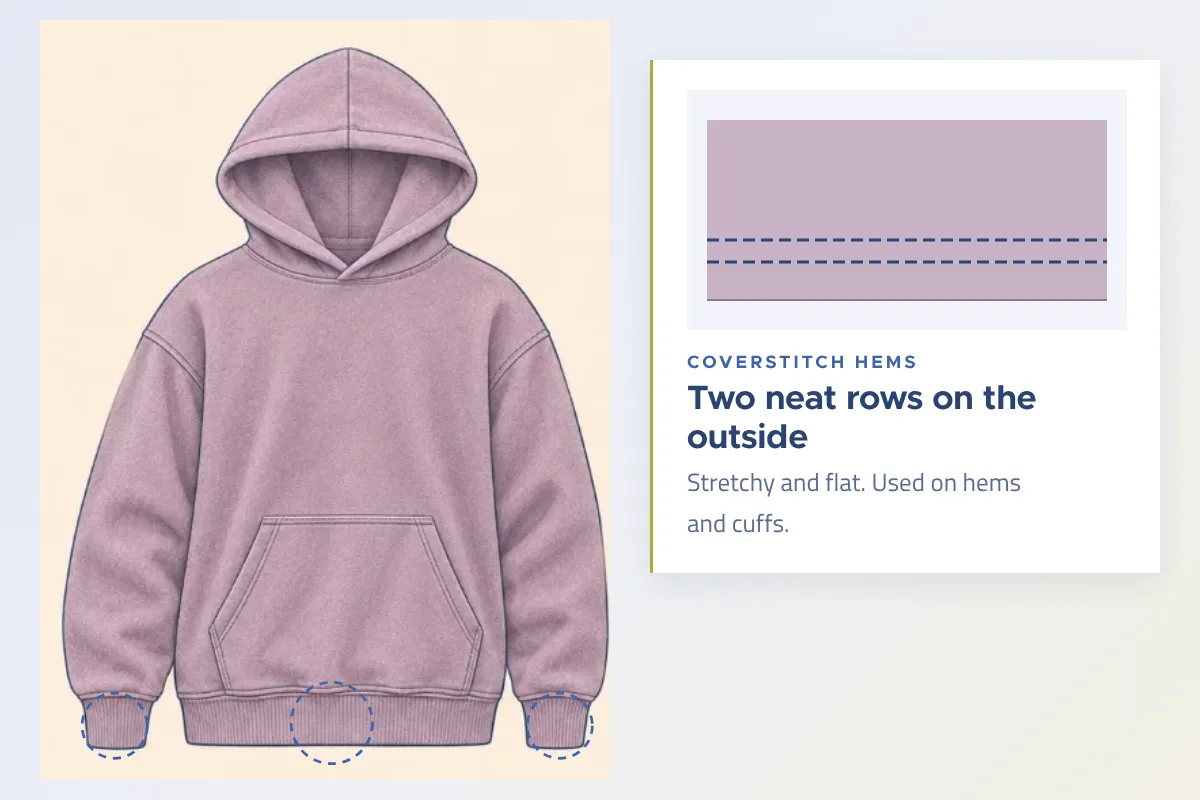
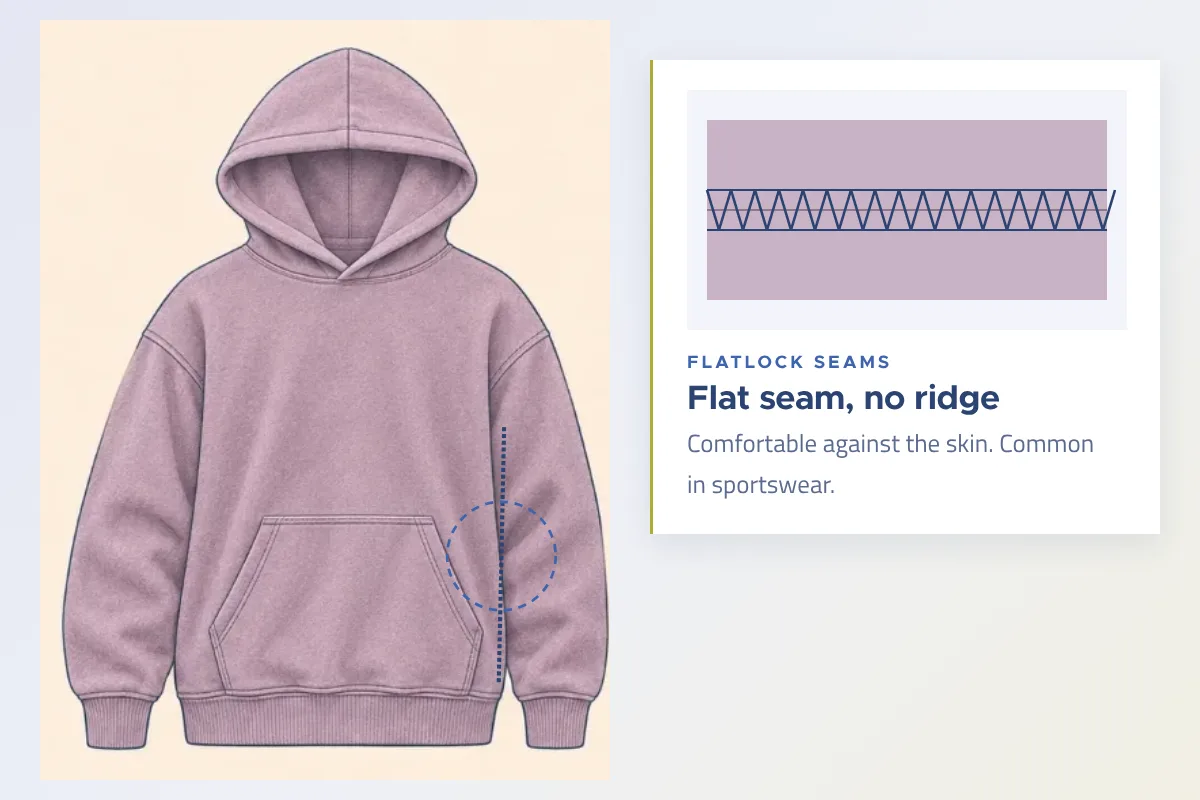
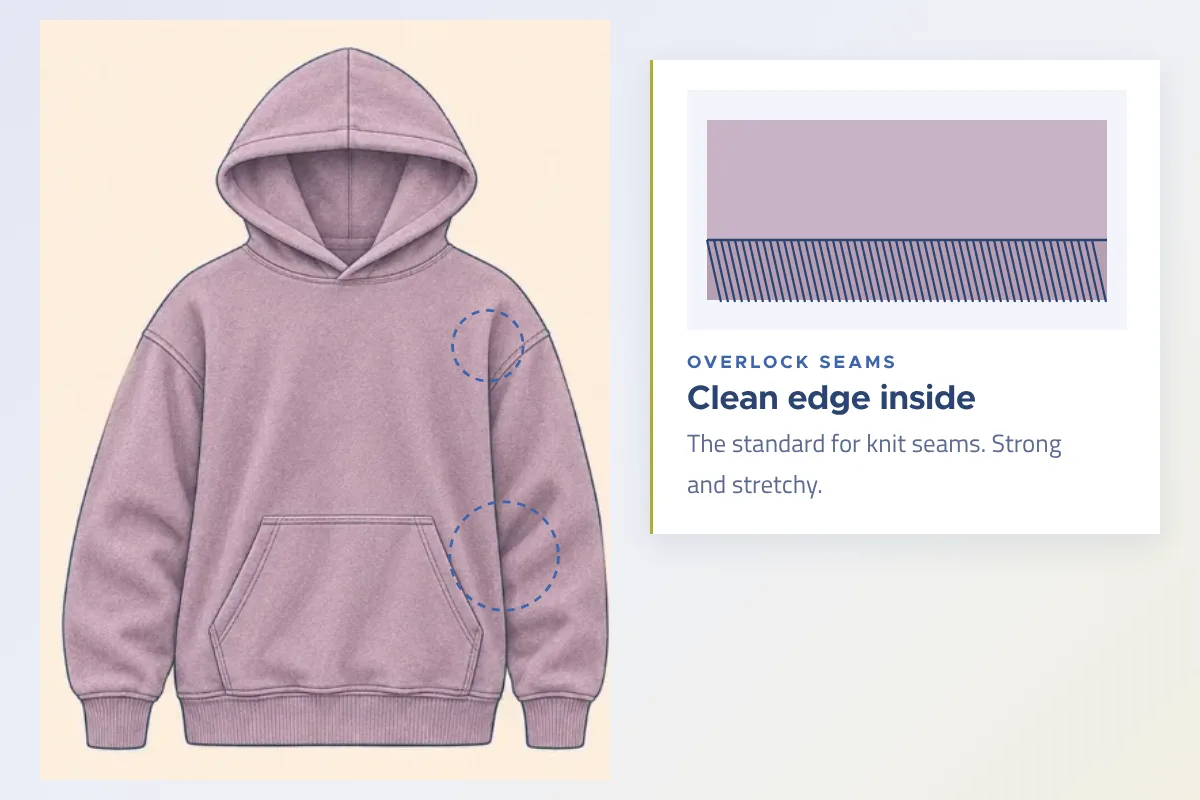
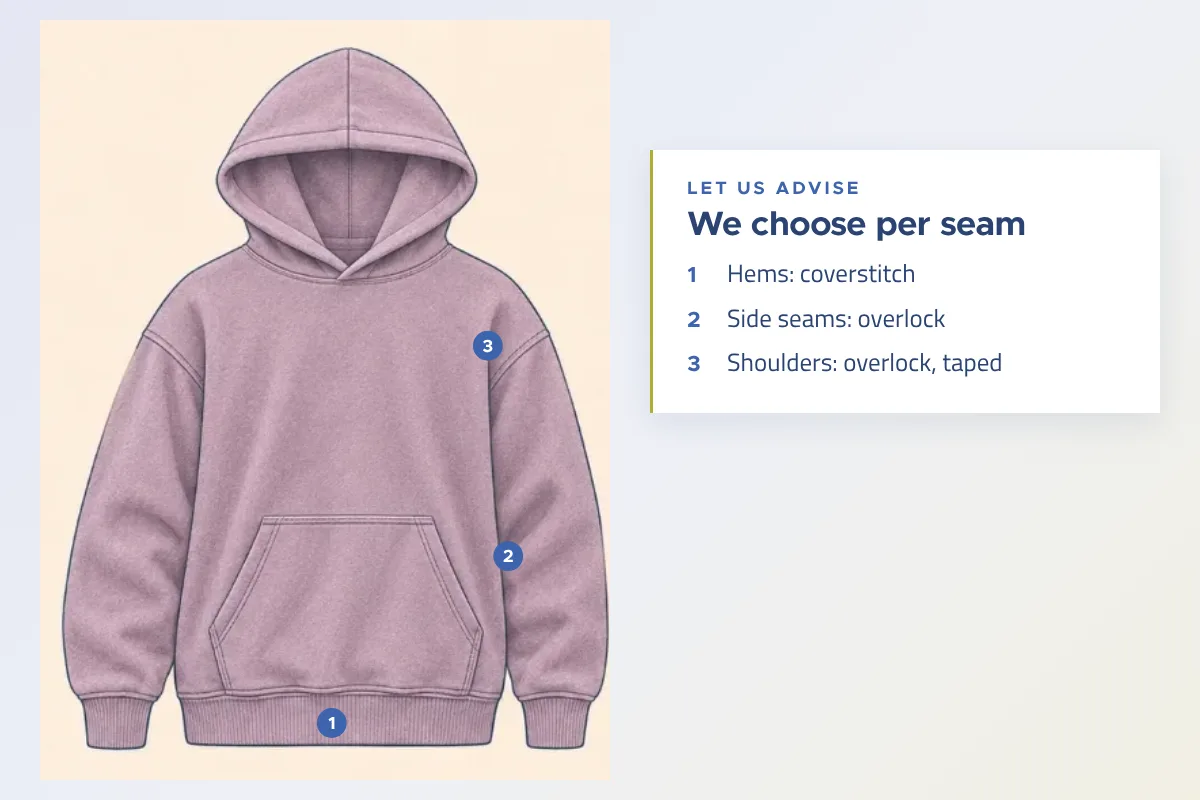
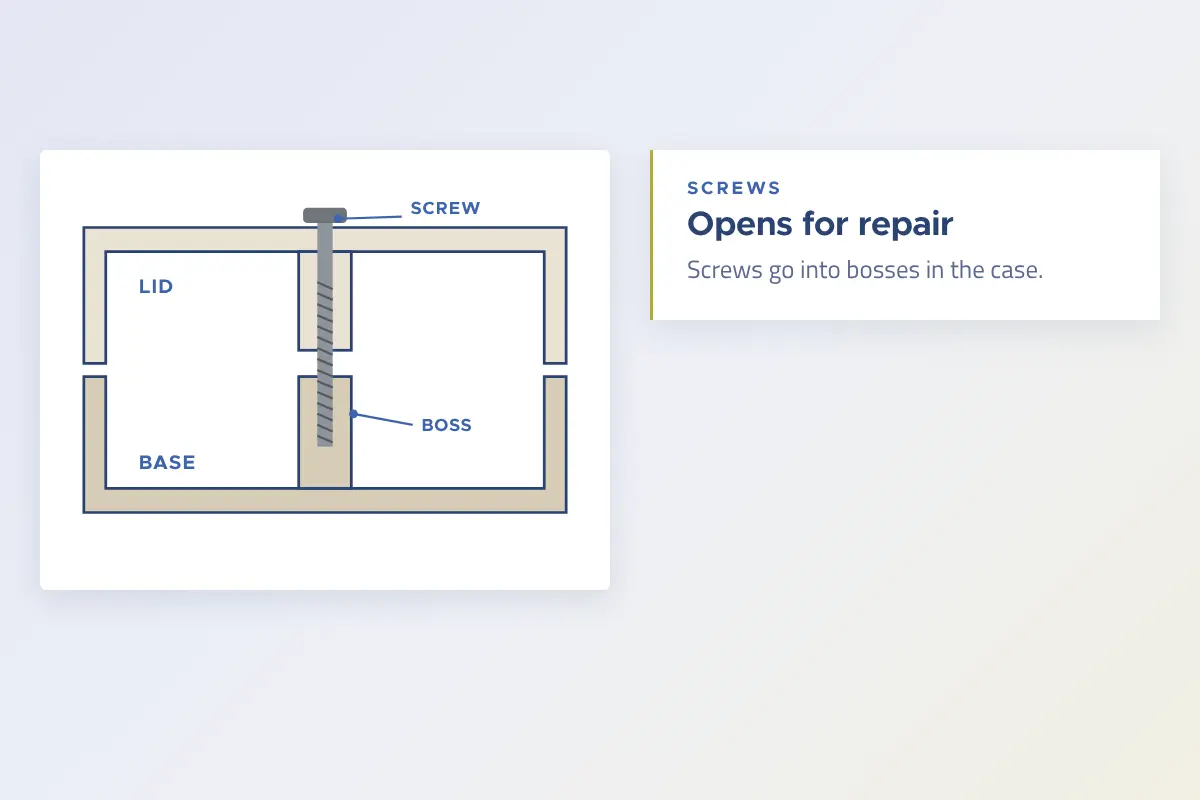
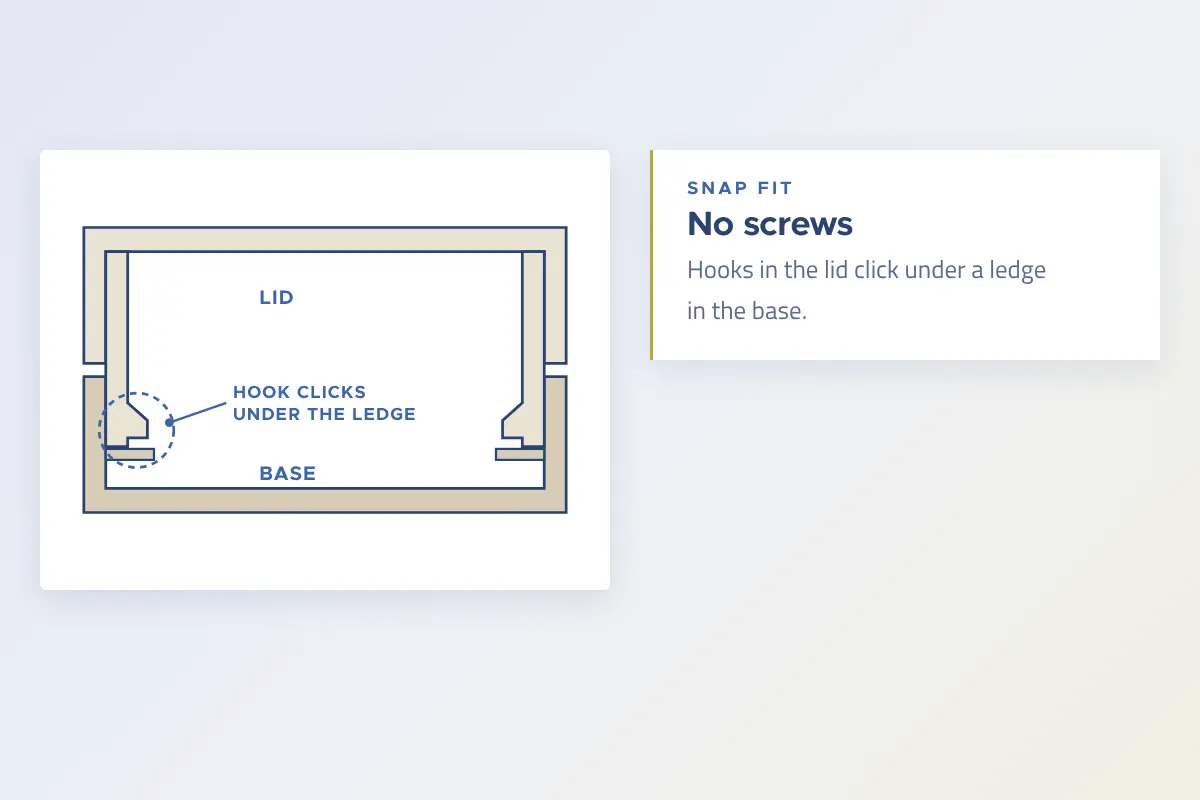
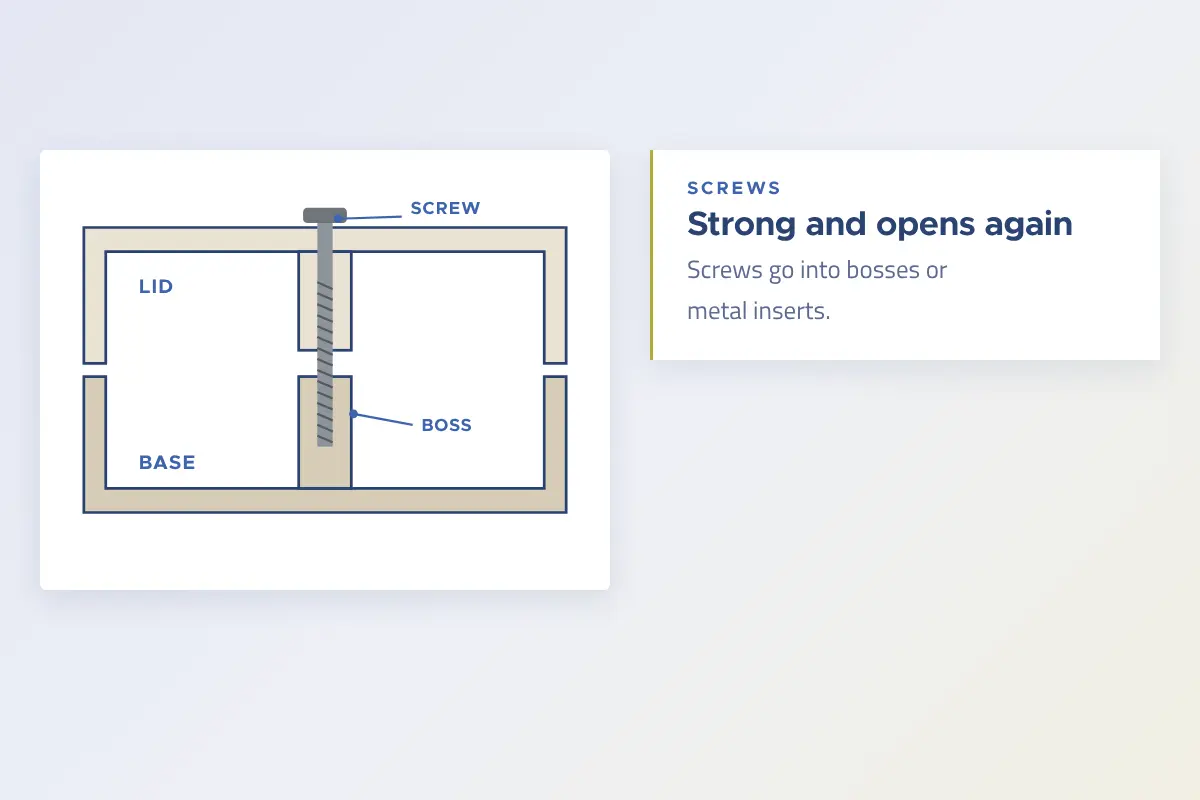
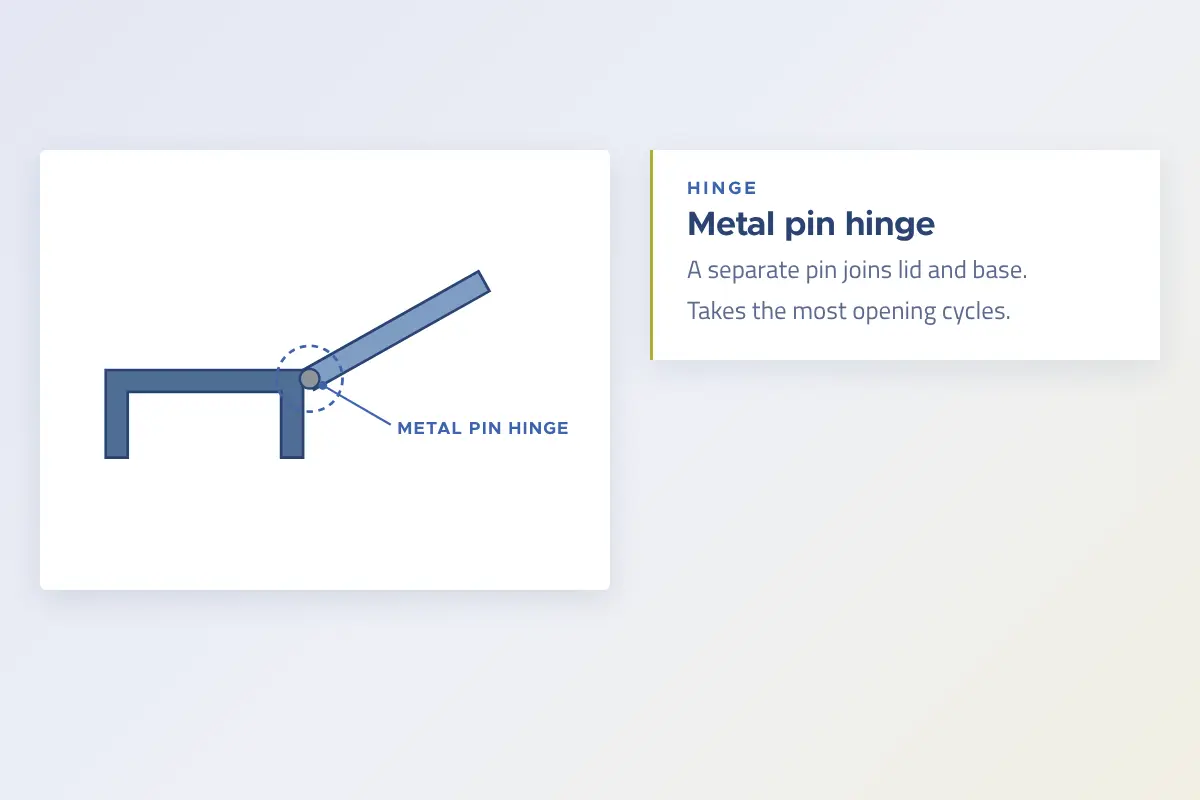
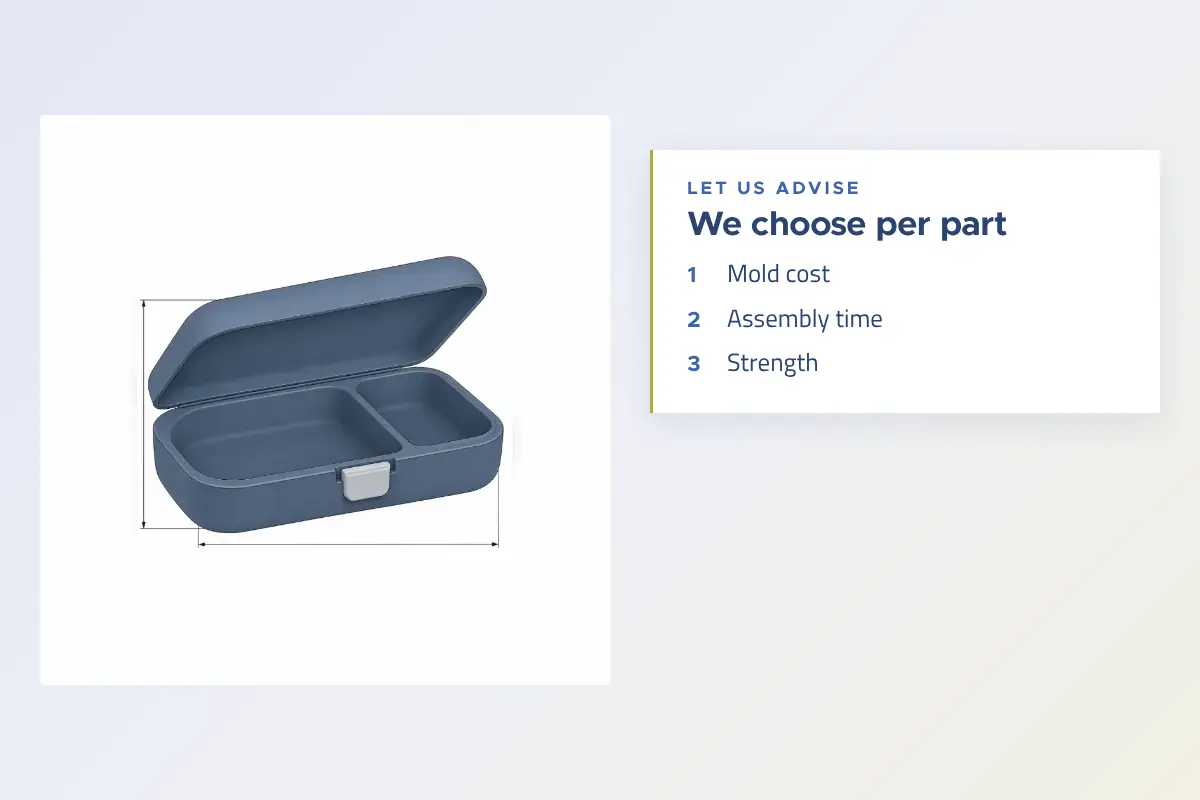
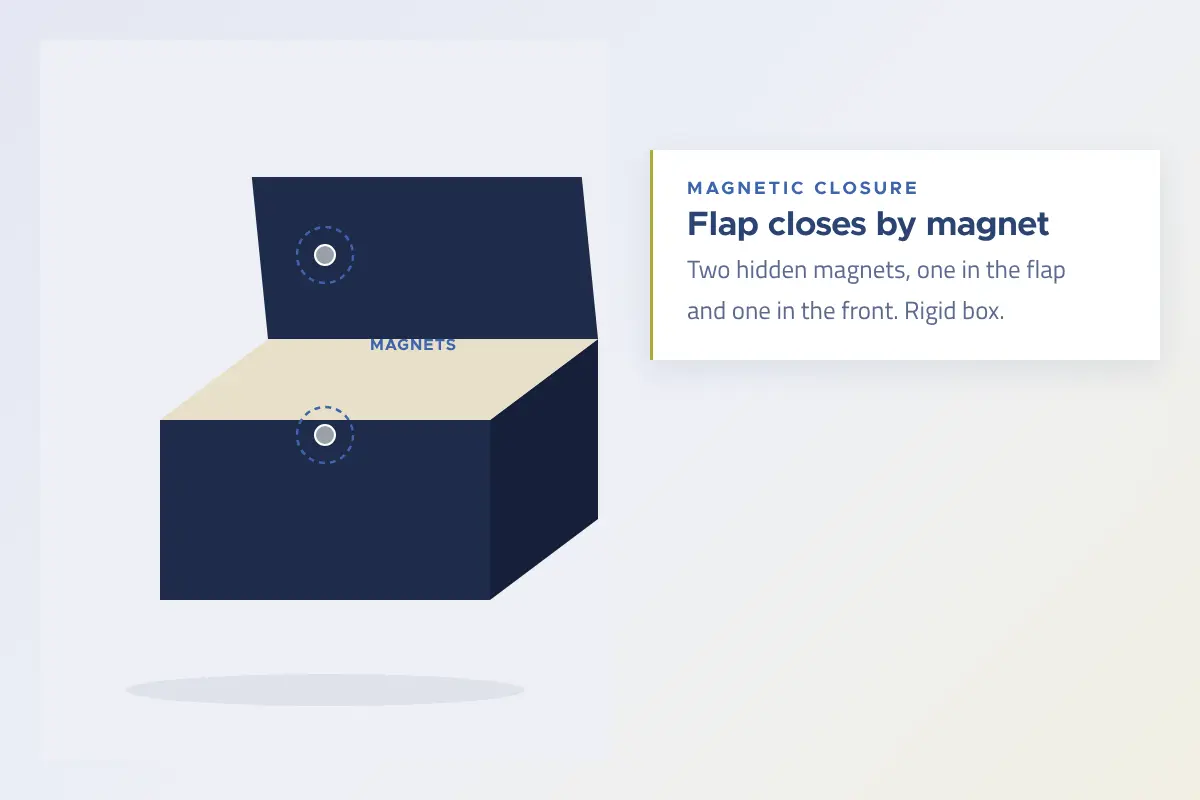
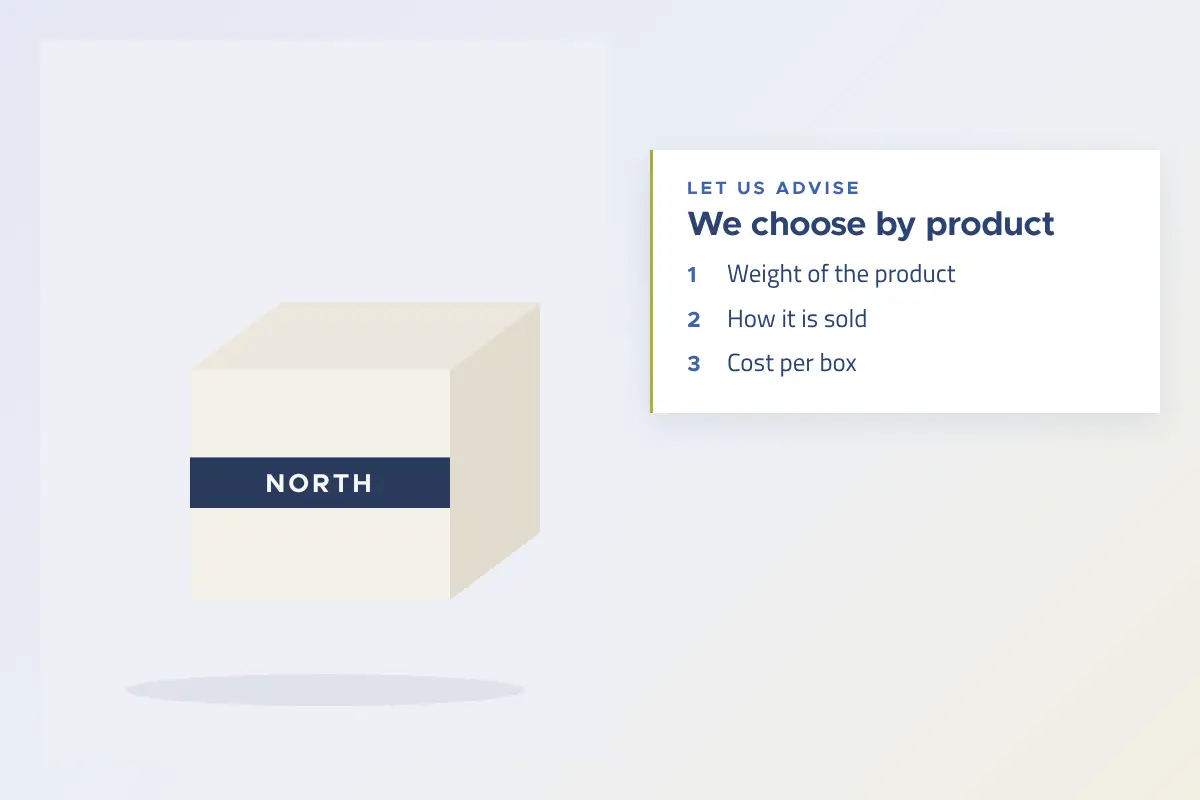
How should it be finished?
Pick one
How should the case close?
Pick one
How do the parts join?
Pick one
How should the logo go on?
Pick one
How should it close?
Pick one
Saved in your portalAssembly
Next: Your design pack ↓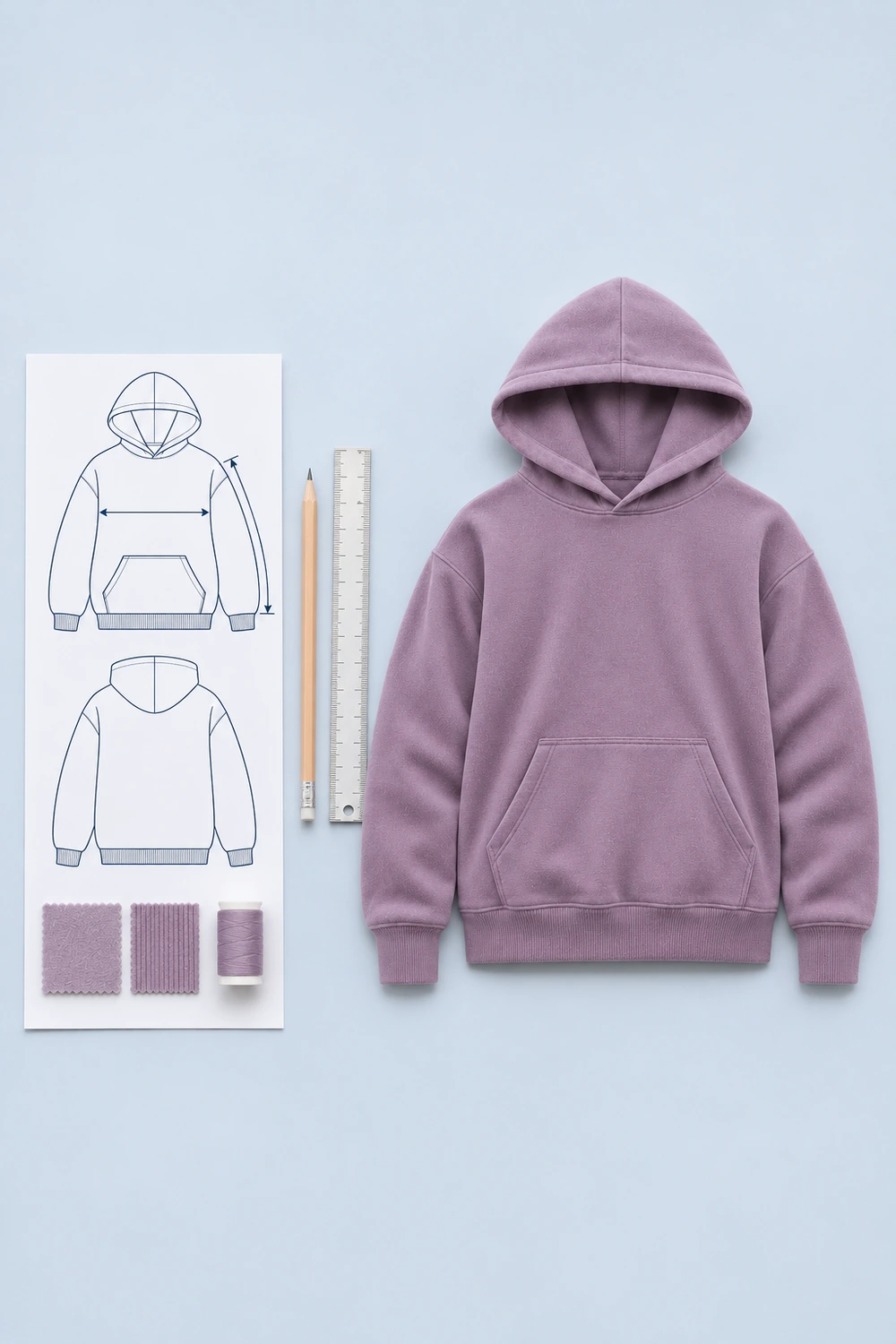
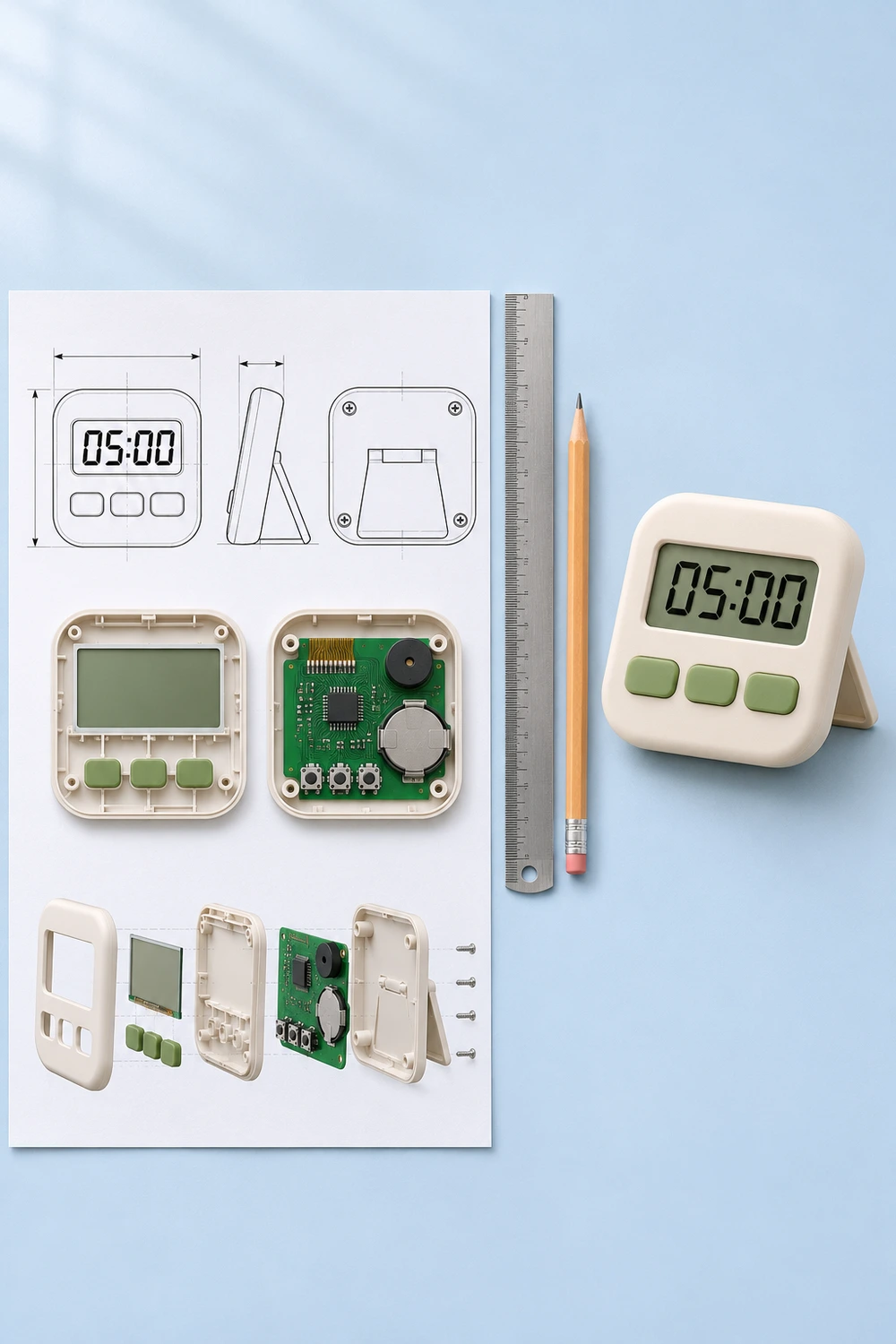
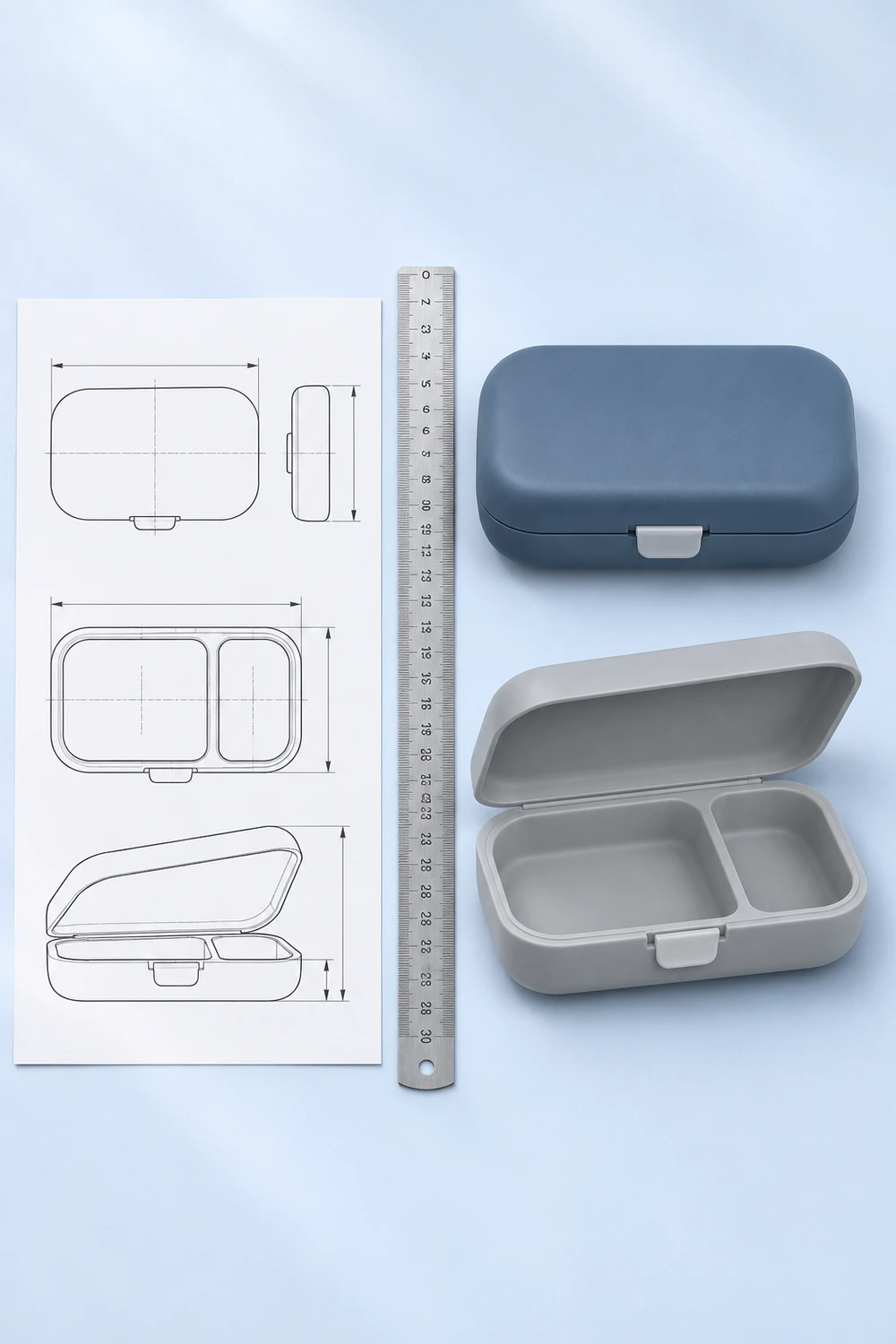
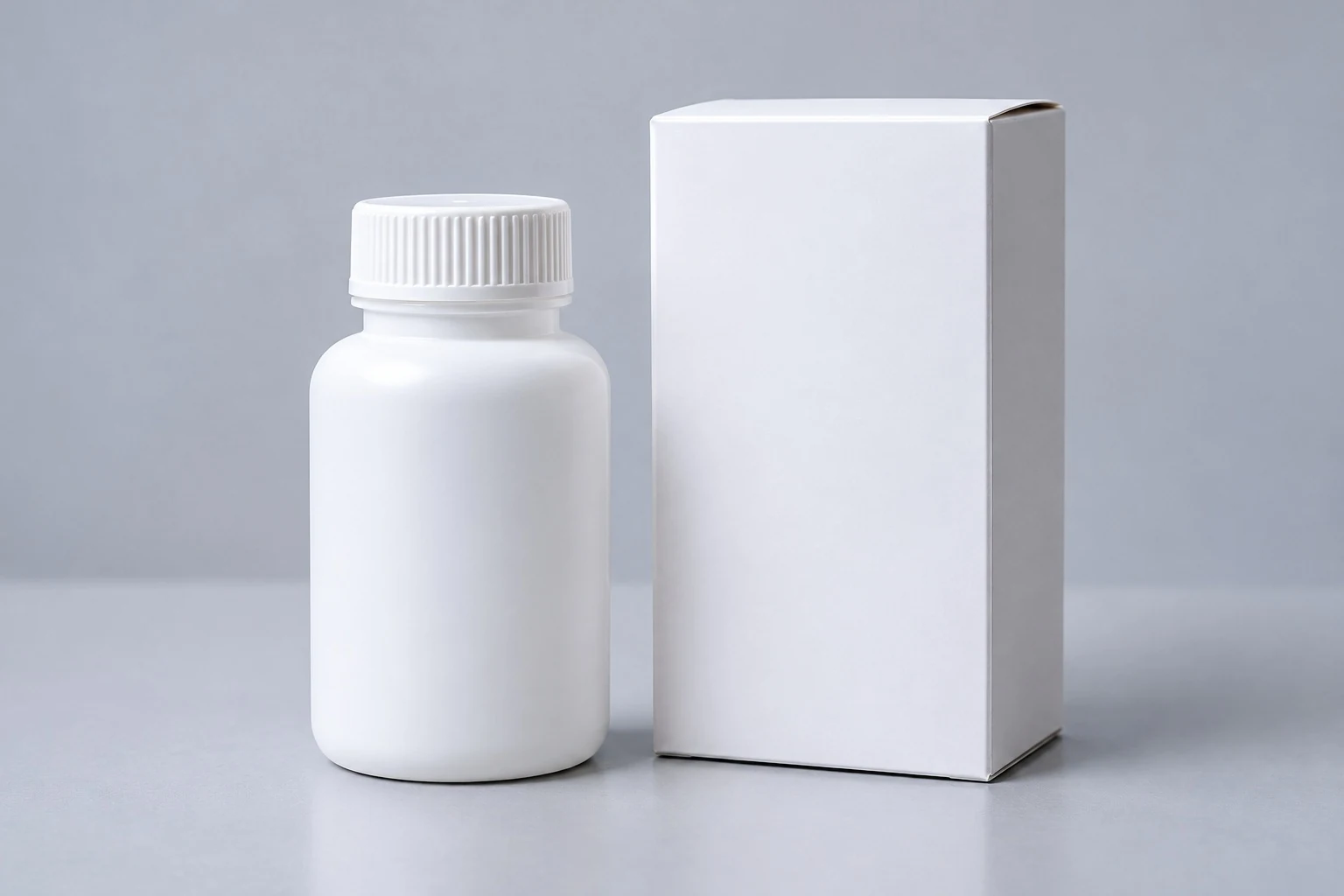
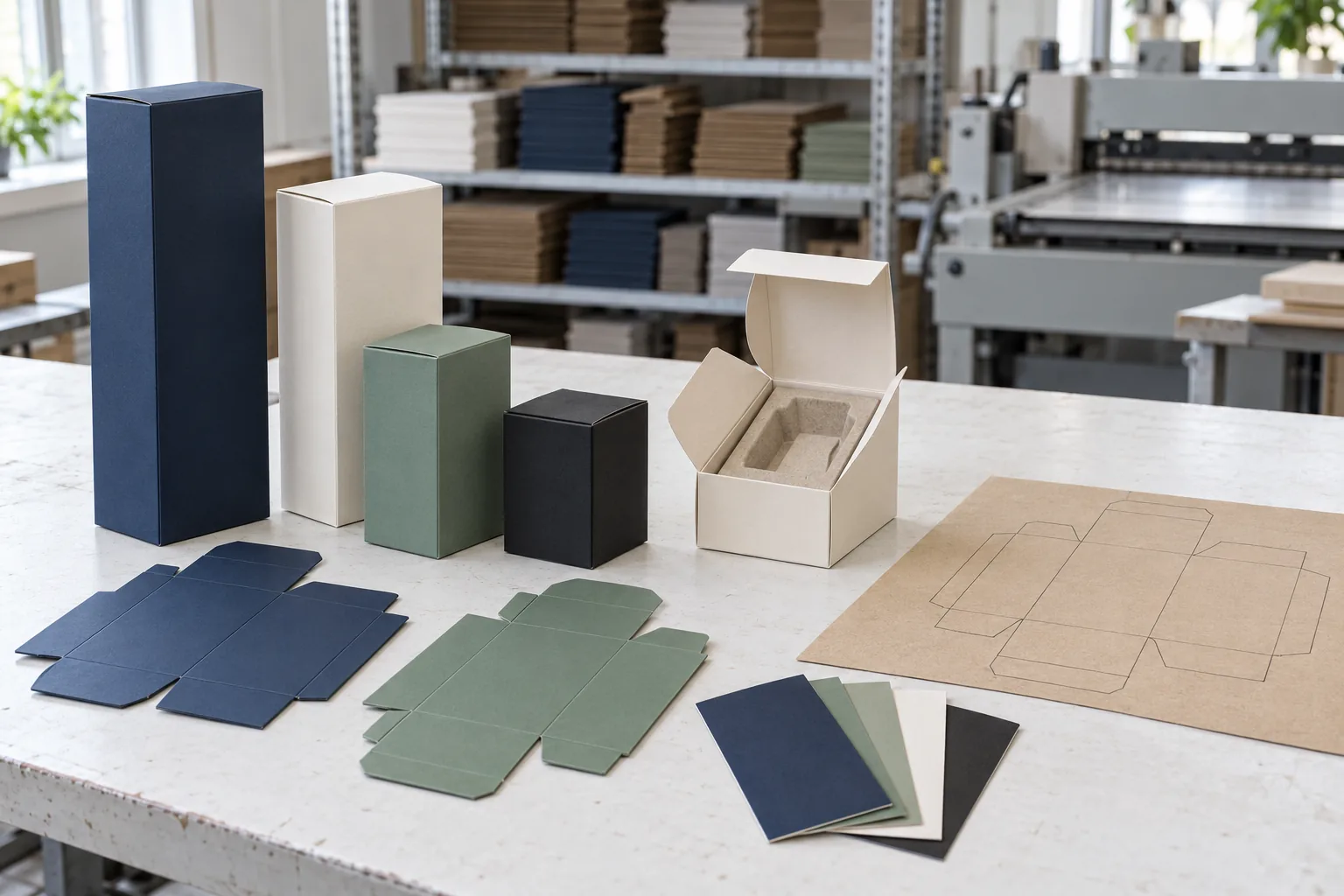
Your product design pack, ready for your account manager
Free consultation
Talk through your product with our team. We will tell you what it takes to get it made, what it should cost and where the risks are. No obligation.
Book a free consult