PCB files for manufacturing tell the factory how to quote, fabricate and assemble your circuit board. Missing or outdated files lead to questions, extra costs or boards that do not match the design. Send one complete package from one approved revision.
This guide lists the PCB files for manufacturing that bare-board suppliers and assembly houses use. It explains what each file does and what to check before release. The exact set depends on the board, the work you order and the factory’s preferred format.
Two Jobs, Two Sets of PCB Files for Manufacturing
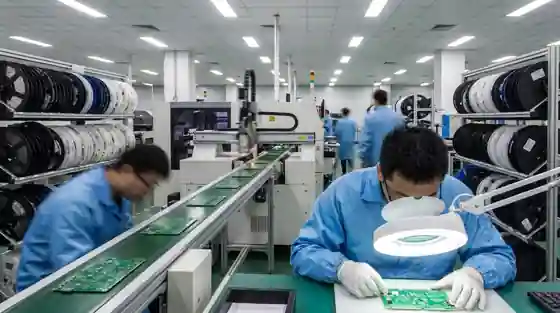
A finished circuit board goes through two stages. Fabrication makes the bare board. Assembly adds the components. One supplier may do both, or each stage may go to a specialist.
The fabricator needs the layers, dimensions and manufacturing specification. The assembler also needs component and placement data. Your PCB files for manufacturing should cover the work you order at each stage.
Files for Bare Board Fabrication
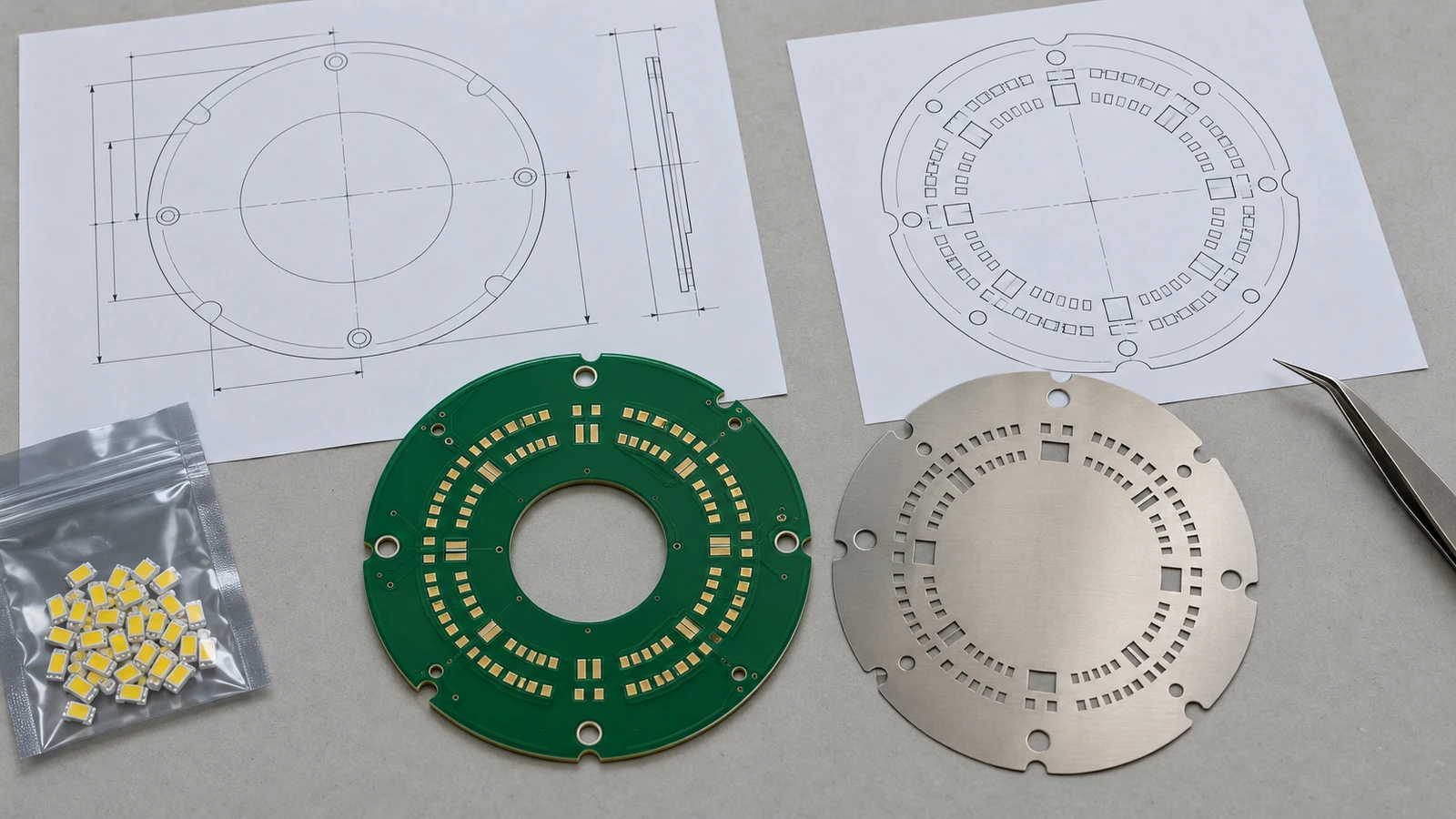
- Gerber files. The copper layers, solder mask, any silkscreen and the board outline. Ucamco maintains the Gerber format. Use a supported version such as RS-274X or Gerber X2. Solder-paste files are for stencil production, not bare-board fabrication.
- Drill file. Hole positions and sizes, usually in Excellon format. Separate or clearly mark plated and non-plated holes.
- Fabrication drawing. The written specification: board thickness, material, copper weight, surface finish, solder mask color, layer stack-up, impedance, tolerances and the IPC class you need.
- Netlist. An IPC-D-356 netlist lets the fabricator test the bare board against your design, not only its own reading of the Gerbers.
Your design tool may also export ODB++ or IPC-2581 data. These formats combine layer, drill and other data in one structured file. Ask the factory which format it accepts and what else it needs.
Enjoying this guide?
Practical manufacturing guidance for product brands. Factory selection, costs, quality and protecting your designs.
Files for Assembly
- Bill of materials (BOM). Every component with its reference designators, quantity, manufacturer and manufacturer part number. Add approved alternates for parts that may be hard to buy.
- Pick-and-place file. Also called a centroid or XY file. It gives each part’s position, rotation and board side, and it drives the placement machines.
- Assembly drawing. Shows part locations, polarity and orientation, and marks any parts that are not fitted.
- Paste layer. Used to make the solder paste stencil. It is usually part of the Gerber set. Make sure it is there.
- Schematic. Not always needed to build the board. It helps the factory answer polarity questions and debug failures.
Files for Programming and Testing
If the factory loads firmware or tests the board, add those instructions to your PCB files for manufacturing. Supply the approved firmware image, the programming method and the test procedure. State the expected results and the pass limits.
Agree who supplies programming tools, fixtures and any access credentials. Some need to be ready before the first boards are built. Put this work in the quote and schedule from the start.
What a Factory Needs Before It Can Quote
A bare-board quote needs the layer data, drill data, fabrication specification and order quantity. An assembly quote also needs the BOM and placement data. Say what programming, testing or sourcing work you expect the supplier to include.
An incomplete package gets an estimate, not a firm quote. Ask the supplier to list its assumptions and exclusions. Our guide to what manufacturers look for before quoting covers the wider information needed.
Common Mistakes in PCB Files for Manufacturing
- No board outline. The fabricator cannot route the board shape without it.
- BOM and board disagree. Reference designators in the BOM do not match the silkscreen or the pick-and-place file.
- Unmarked do-not-fit parts. The assembler places parts you meant to leave off.
- Missing polarity marks. Diodes, electrolytic capacitors and connectors go on backward.
- Mixed revisions. The Gerbers come from one revision and the BOM from another.
- Vague finish and material notes. The fabricator picks its default, which may not suit your product.
How to Release PCB Files for Manufacturing
- Export everything from one revision. Name the package with the board name and revision number.
- Check the Gerbers in a viewer. Look at every layer before you send it. What you see is what the factory sees.
- Cross-check the BOM. Match each fitted part’s reference designator to the layout and placement file. Mark do-not-fit parts, variants and non-component features.
- Zip it as one package. Send one file, not a chain of emails with attachments.
- Protect the design. Share files under a written agreement. See our guide to NNN agreements in China.
After release, ask the factory to acknowledge the package name and revision. Resolve engineering questions before you approve the build. If the design changes, replace the whole package. Keep approvals and file history together so both sides know the production version.
Where the Files Fit in the Wider Process
The PCB is one part of an electronic product. The enclosure, firmware, packaging and certification all have their own files and approvals. Our electronics manufacturing process guide shows where each one fits. Our article on printed circuit board types explains the board options the fabrication drawing must specify.
Prototype boards are the right time to test your PCB files for manufacturing. Problems found on a prototype cost far less than problems found in mass production.
Release One Complete Manufacturing Package
Complete PCB files for manufacturing give the supplier a clear basis to quote and build your board. Check that the fabrication, assembly and test files match, then release one approved package. Our electronics production package reviews your file set, matches it with suitable fabrication and assembly partners, and manages the build through to shipment.